
File Information
| File | Details |
|---|---|
| Name | MNN Chat |
| Version | v0.7.5 |
| Format | .apk |
| Size | 37MB |
| Mode | Fully Offline (On-Device) |
| License | Open Source (Apache-2.0 license) |
| Category | Local AI Chat App • Multimodal LLM |
| Github Repository | Github/MNN |
Table of contents
Description
Most AI chat apps on Android are just thin wrappers around cloud APIs. You type something. It gets sent to a server. A response comes back.
MNN Chat does the opposite.
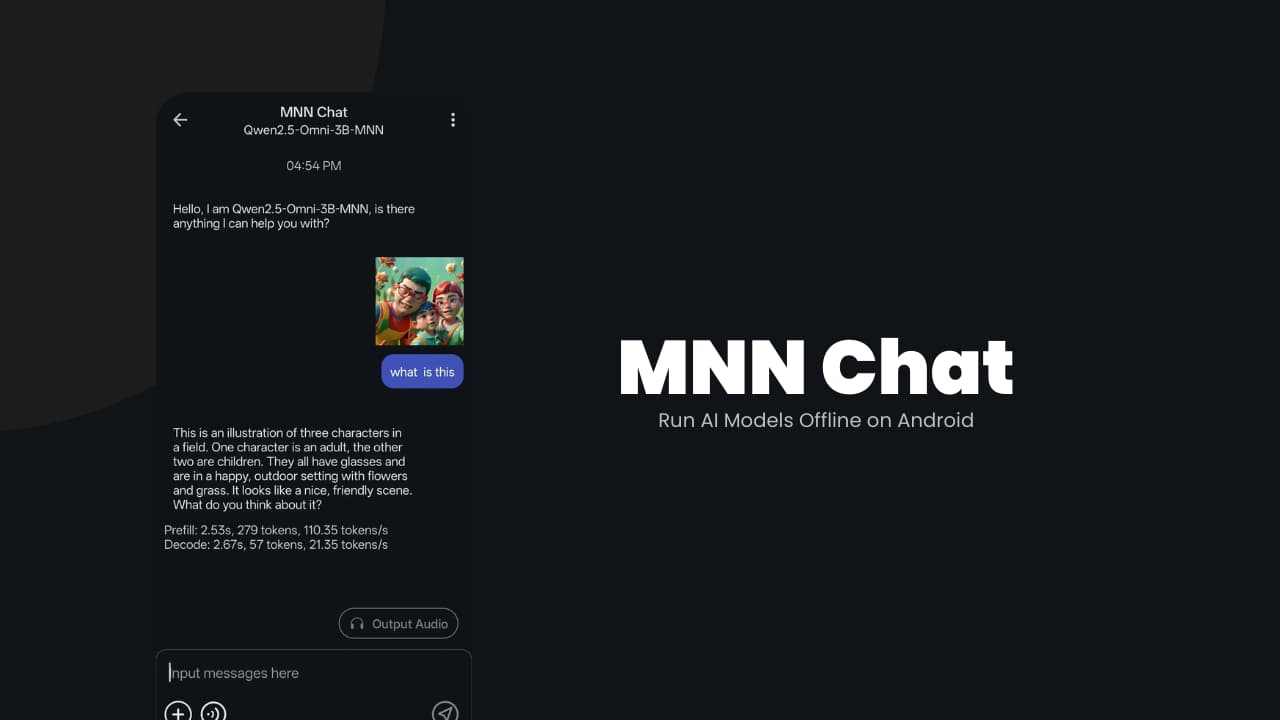
It runs large language models directly on your phone. No account or API key needed. Your prompts never leave your device.
Under the hood, it uses MNN-LLM, optimized specifically for CPU inference on Android. That matters more than people think. Phones don’t have desktop GPUs. Efficient CPU performance is what makes local AI usable instead of painfully slow.
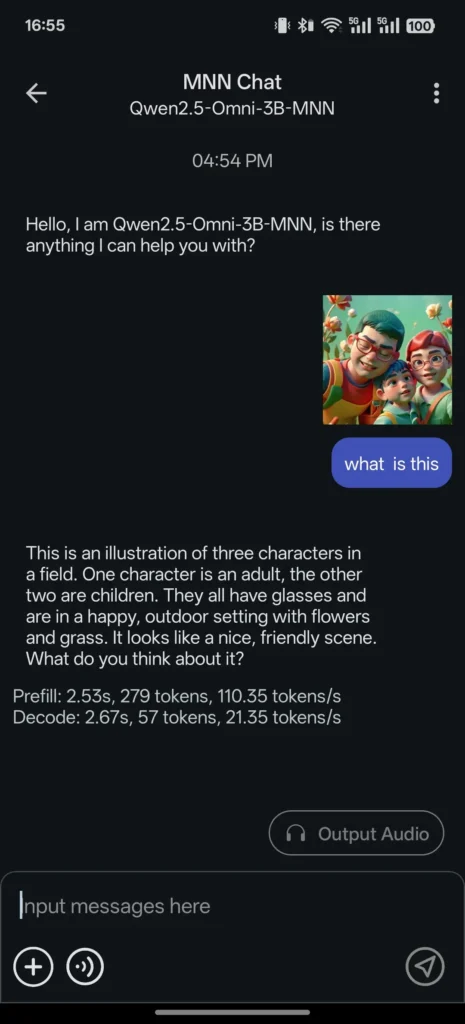
It supports multimodal tasks too. You can run text models, analyze images, transcribe audio, and even generate images using diffusion models. All locally.
If you’ve been curious about offline AI on Android, this is one of the more serious attempts at making it practical.
Use Cases
- Run AI models completely offline without internet access
- Chat with large language models on your Android device
- Analyze images using vision-capable models (image-to-text)
- Convert speech to text using local audio models
- Generate images from text prompts using diffusion models
- Experiment with models like Qwen, Llama, Gemma, Phi, DeepSeek directly on your phone
Screenshots
Features of MNN-Chat
| Feature | What It Does |
|---|---|
| Multimodal Support | Handles text-to-text, image-to-text, audio-to-text, and text-to-image generation (diffusion models). |
| CPU Inference Optimization | Designed for fast CPU performance on Android devices. |
| Broad Model Compatibility | Supports Qwen, Gemma, Llama (TinyLlama, MobileLLM), Baichuan, Yi, DeepSeek, InternLM, Phi, ReaderLM, Smolm and more. |
| Privacy First | Runs completely on-device. No data is uploaded to external servers. |
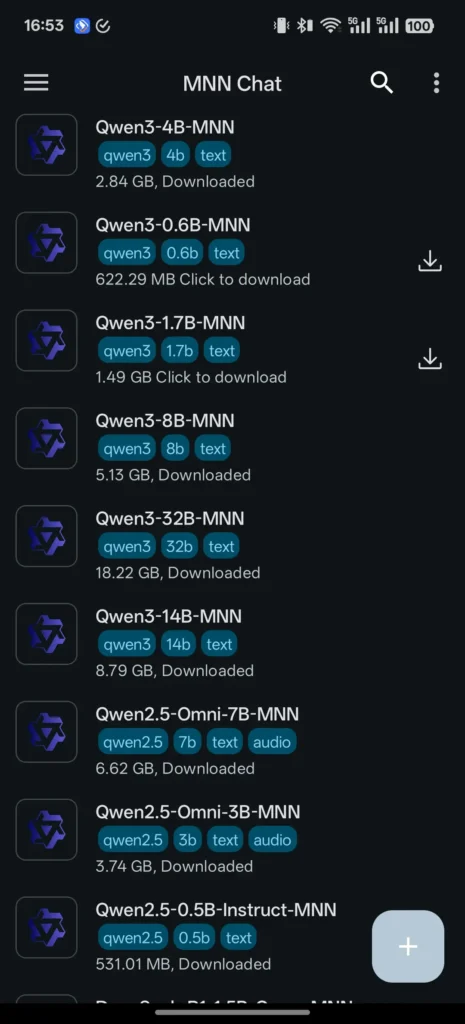
| Model Browser | Browse and download supported models directly inside the app. |
| Chat History | Access previous conversations from the sidebar. |
System Requirements
| Component | Requirement |
|---|---|
| OS | Android (64-bit recommended) |
| RAM | 8GB+ recommended for larger models |
| Storage | Varies depending on model size |
| CPU | Modern flagship or high-performance chip preferred |
How to Install MNN Chat??
- Download the APK file
- Enable “Install from unknown sources” if prompted.
- Tap the APK file.
- Install the application.
- Open the app.
- Browse available models.
- Download a model and start chatting.
Note: If the app fails to download models from Huggingface then switch to ModelScope Section, It will work.
How MNN Chat Works??
- You install the APK.
- You download a compatible model inside the app.
- The model runs directly on your device CPU.
- All prompts and outputs stay local.
If your phone is in airplane mode, it still works.
Download MNN Chat App For Android
Supported Models
MNN Chat works with models from multiple providers, including:
- Qwen
- Gemma
- Llama family (TinyLlama, MobileLLM)
- Baichuan
- Yi
- DeepSeek
- InternLM
- Phi
- ReaderLM
- Smolm
This flexibility matters because different models behave differently. Some are better for reasoning. Some are lighter and faster. You can experiment inside the same app.
Conclusion
MNN Chat is what happens when someone decides AI shouldn’t require a server.
It runs multimodal models directly on Android. It focuses on CPU efficiency. It supports serious open models. And it keeps your data on your device.
It’s not for everyone. If you’re using a budget phone, you may struggle. But if you have a modern flagship and care about privacy or experimentation, it’s one of the more interesting local AI apps available right now.
Offline AI on a phone still feels a little surreal.
But it works.