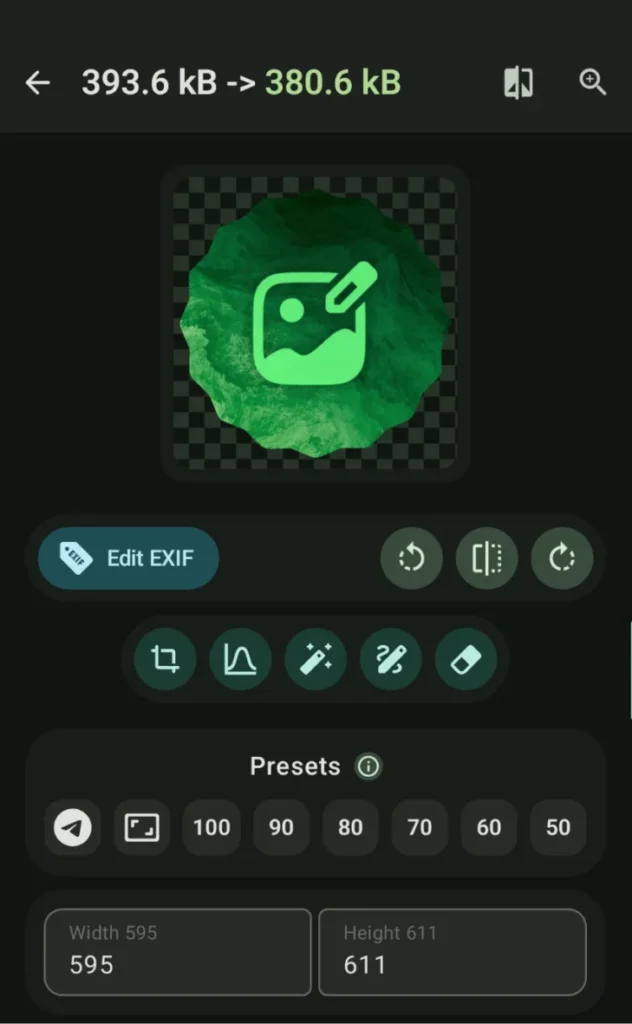
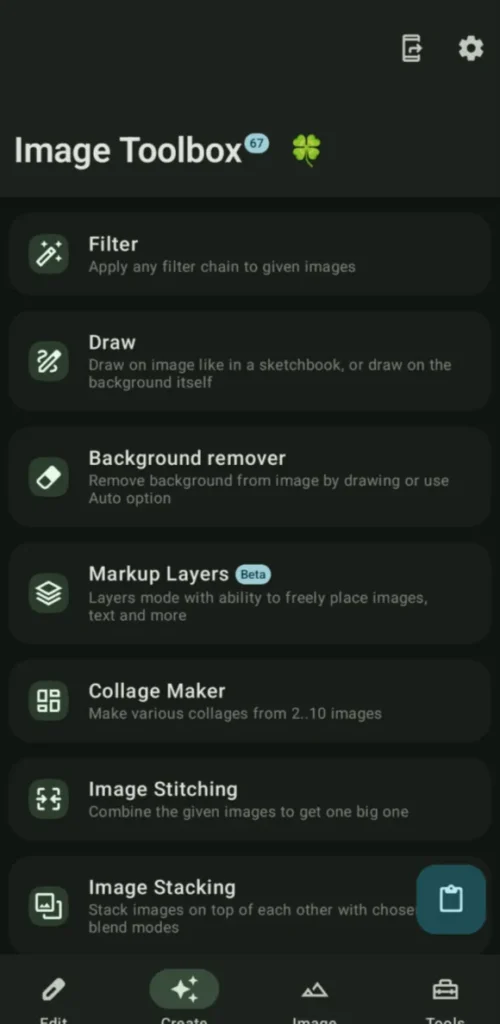
ImageToolbox is a powerful and versatile open-source image editing application designed for users who need full control over image processing directly on their device.
It can handle from simple tasks like cropping and resizing to advanced operations such as AI-based background removal, OCR, metadata editing, and format transcoding, ImageToolbox brings desktop-grade image tools to Android without privacy compromises.
Its clean interface hides an incredibly deep feature set which makes it suitable for photographers, designers, developers, and power users who want precision and flexibility in one app.
Use Cases
Edit and convert images without uploading them online
Perform batch image processing on mobile
Remove backgrounds, watermarks, or noise
Work with advanced image formats (AVIF, JXL, HEIC, WEBP)
Extract text, metadata, or colors from images
Prepare images for documents, PDFs, or sharing
Screenshots
Features of ImageToolBox
Core Image Editing
Feature
Description
Cropping & Rotation
Regular, free, perspective, and shape-based cropping
Resizing
Adaptive resizing with multiple scaling algorithms
ImageToolbox is not just an image editor, it’s a complete image processing suite for Android.
If you want professional-grade tools, deep customization, advanced AI features & full privacy in a single open-source app, ImageToolbox stands out as one of the most powerful image utilities available on mobile today.
Want more stories worth your time?
Add us to your Google favorites. We cover the tech stories, AI developments, and open-source projects that are easy to miss in the noise.
Mobile photo editing apps usually force you to choose between simplicity and control.
RapidRAW tries to give you both. Built as a modern RAW photo editor, RapidRAW brings many of the tools photographers normally expect from desktop software directly to Android. You can edit RAW images non-destructively, apply advanced color grading, work with masks, correct lenses, reduce noise, and export finished photos without altering the original files.
What makes RapidRAW particularly interesting is its focus on performance. The editing engine is GPU-accelerated, allowing adjustments to feel responsive even when working with high-resolution images. At the same time, the interface stays clean and approachable instead of overwhelming users with complicated workflows.
If you're editing photos from a DSLR, mirrorless camera, or a smartphone that captures RAW images, RapidRAW offers a capable mobile editing experience.
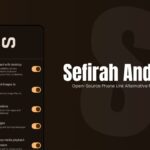
Sefirah is an open-source Android companion app designed to keep your phone and Windows PC connected over your local network. Once paired, you can share clipboard content, transfer files, mirror your phone screen, view notifications on your desktop, control media playback, and even access Android storage directly from Windows Explorer.
The experience feels closer to having both devices working as one system.
Because communication happens directly between your devices, most features continue working without internet access as long as both devices remain connected to the same local network.
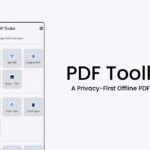
PDF Toolkit is one of those Android apps that feels simple but very useful. You install the APK, open it, and everything runs directly on your device.
The app covers most of the stuff people actually need including merging PDFs, splitting files, compressing documents, converting images to PDF, extracting pages, signing files, adding annotations, and even scanning documents with automatic edge detection.
It does not require internet permission. Most alternatives push everything through cloud APIs or lock basic tools behind subscriptions.
There is also proper OCR support. The Play Store build uses Google ML Kit for smaller downloads, while the open source builds use Tesseract OCR so the entire stack stays fully offline and open source.