
- Advertisement -
File Information
| Field | Details |
|---|---|
| Name | Fossify Calendar |
| Version | v1.9.0 |
| File Format Provided | .apk |
| APK Size | 8.31 MB |
| Platforms | Android |
| License | Open Source (GPL v3.0 License) |
| Official Repository | GitHub Fossify Calendar |
| Official Site | Fossify |
| Category | Calendar • Productivity • Scheduling |
Table of contents
Description
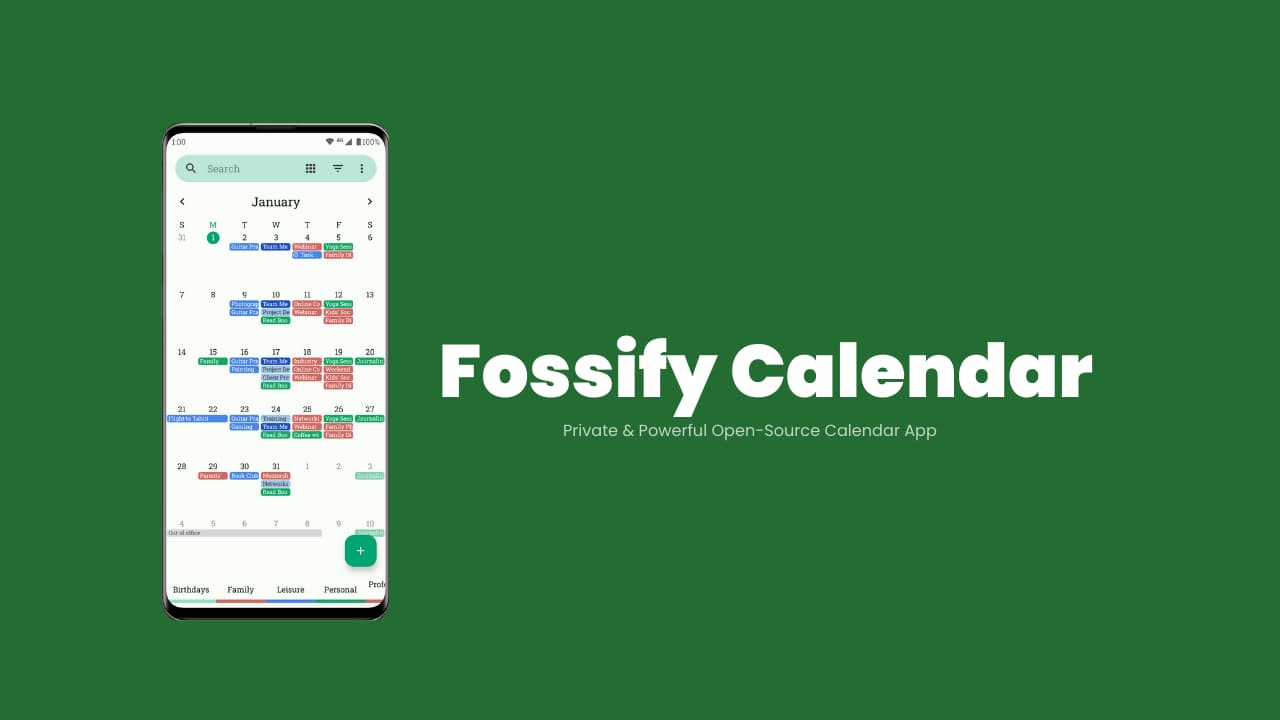
Fossify Calendar is a free & open-source calendar application built for users who value privacy, simplicity, and control over their schedules.
This app keeps everything local and transparent. Your events stay yours, no unnecessary background services.
The app combines a clean Material-style interface with powerful scheduling tools which makes it suitable for professionals, students, families, and anyone who wants a distraction-free planning experience.
Use Cases
- Manage daily schedules without ads or tracking
- Replace cluttered or privacy-invasive calendar apps
- Plan work, personal events, and reminders in one place
- Sync calendars while keeping full user control
- Use a lightweight open-source calendar alternative
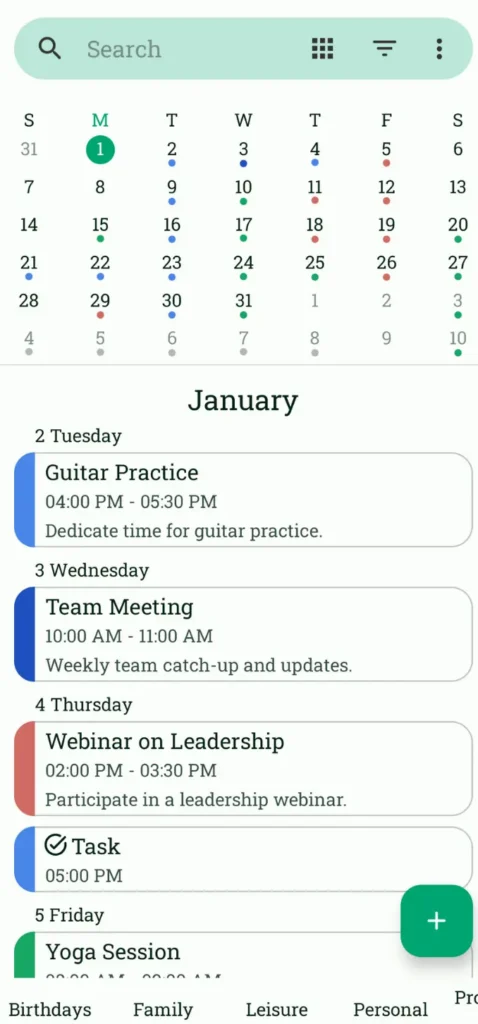
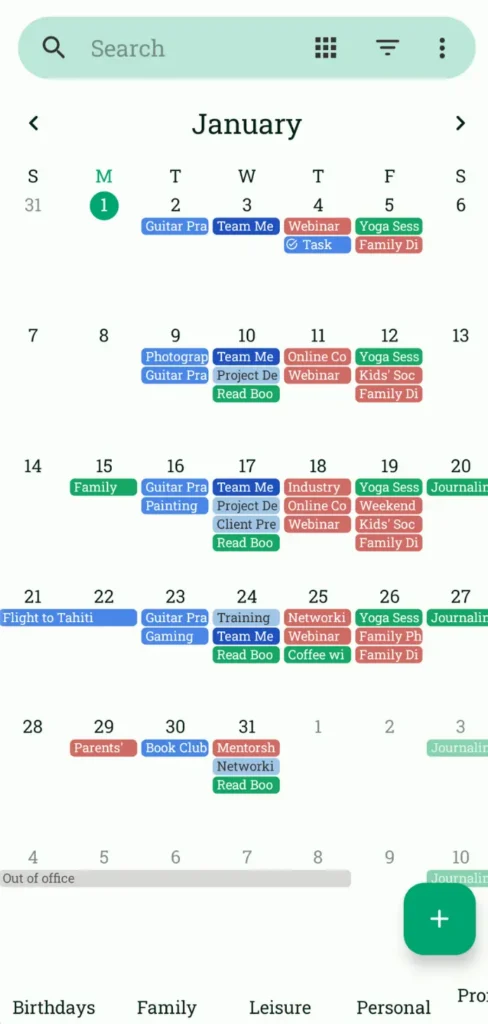
Screenshots
Features of Fossify Calendar
| Feature | Description |
|---|---|
| Offline & Private | Works offline & no extra permissions |
| Flexible Event Creation | Set custom times, durations, reminders, and repeat rules |
| Calendar Sync Support | Works with Google Calendar, Outlook, Nextcloud, Exchange, and more |
| Multiple Views | Daily, weekly, monthly, yearly, and event list views |
| Event Filtering | Quickly filter and find specific events |
| Custom Notifications | Choose sounds, vibration patterns, and looping alerts |
| Widgets & Themes | Home-screen widgets with customizable colors and styles |
| Holiday & Birthday Import | Easily add celebrations and special dates |
| Material Design UI | Clean, modern, and intuitive interface |
| Open Source | Fully transparent development under GPL-3.0 |
System Requirements
| Requirement | Details |
|---|---|
| Operating System | Android 6.0 or newer |
| RAM | 1 GB minimum |
| Storage Space | ~9 MB |
| Internet | Optional (only for syncing) |
How to Install Fossify Calendar??
Android (.apk)
- Download the Fossify Calendar APK
- Enable Install from Unknown Sources (if required)
- Open the APK file and install
- Launch the app and start planning
Download Fossify Calendar App For Android
Conclusion
Fossify Calendar proves that a modern calendar doesn’t need bloated features to be powerful.
If you’re looking for a lightweight, privacy-respecting, and customizable calendar app, Fossify Calendar is one of the best open-source options available on Android today.