
File Information
| File | Details |
|---|---|
| Name | SuperImage: AI Image Upscaling for Android |
| Version | v1.3.4 |
| File Format Provided | .apk |
| Size | 145MB |
| Platform | Android |
| Android Requirement | Android 7.0 or newer |
| License | Open Source (GNU GPL v3.0) |
| Official Repository | GitHub SuperImage |
| Category | Image Processing • AI Upscaling |
Table of contents
Description
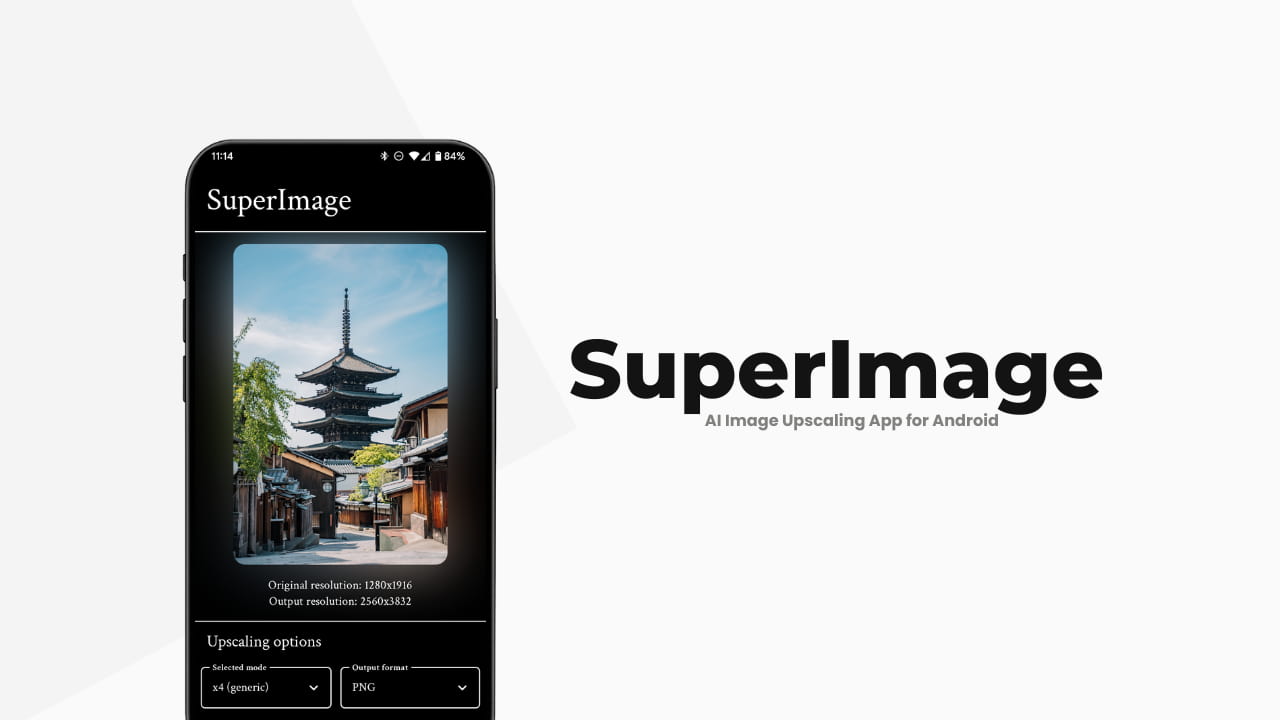
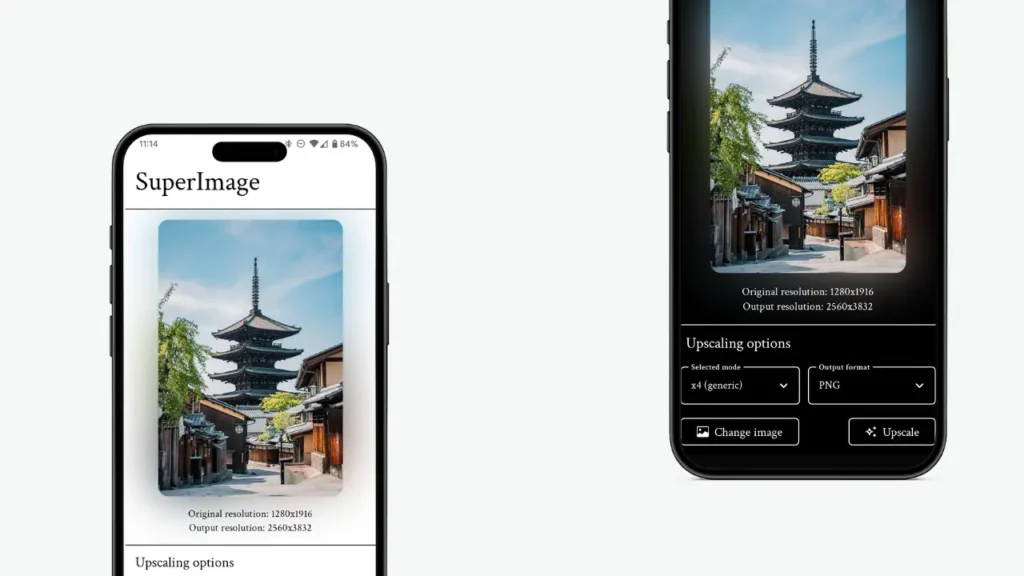
SuperImage is an open-source Android app that uses AI-powered upscaling to enhance low-resolution images directly on your device. It’s built using the MNN deep learning framework & Real-ESRGAN, a well-known neural network model for image super-resolution.
It processes images locally on your phone, using the device GPU. Images are split into tiles, upscaled individually, and then merged into a final high-resolution output, keeping your photos private and offline.
If you’re looking to sharpen images, restore details, or upscale drawings and photos without relying on online services, SuperImage is a powerful and privacy-friendly option.
Use Cases
- Upscaling low-resolution photos
- Enhancing scanned images or old pictures
- Improving illustrations, drawings, and anime-style images
- Preparing images for high-resolution displays
- Offline AI image enhancement on Android
Screenshots
Features of SuperImage
| Feature | Description |
|---|---|
| AI Image Upscaling | Uses Real-ESRGAN neural networks to increase image resolution |
| On-Device Processing | All processing happens locally, no cloud uploads |
| GPU Acceleration | Uses Vulkan or OpenCL for faster performance |
| Privacy-Friendly | No accounts & no server dependency |
| Open Source | Fully transparent and community-driven |
Recommended For You: PocketPal AI: Offline AI Assistant for Android
System Requirements
| Requirement | Details |
|---|---|
| Android Version | Android 7.0 or newer |
| GPU Support | Vulkan or OpenCL required |
| RAM | 4 GB or more recommended |
| Storage | Depends on output image size |
How to Install SuperImage??
- Download the SuperImage APK
- Open the file on your Android device
- Allow installation from unknown sources if prompted
- Install and launch SuperImage
- Start Upscaling your images
Download SuperImage – AI Image Upscaling App for Android
Conclusion
SuperImage proves that serious AI image upscaling doesn’t have to live in the cloud. By running entirely on-device, it offers privacy, control, and impressive results especially for power users with capable Android hardware.
If you want a free, open-source, and offline AI image upscaler on Android, SuperImage is absolutely worth trying.