



File Information
| File | Details |
|---|---|
| Name | ShareX |
| Version | 18.0.0 (Latest Stable) |
| License | Free & Open Source (GPLv3) |
| File Types | .exe setup, portable .zip |
| Platform | Windows 10/11 (64-bit) |
| Size | ~100 MB installer (self-contained) |
| Developer | ShareX Team |
| Official Site | getsharex.com |
| Microsoft Store | Available |
| Source Code | GitHub (ShareX/ShareX) |
Table of contents
Description
ShareX is a powerhouse for creators, trainers, developers, gamers & support teams who need fast, clean, watermark-free screen capture. It records your desktop in HD, grabs pixel-perfect screenshots, annotates in seconds, auto-uploads to your favorite destinations, & automates repetitive work with custom workflows. No trials, no time limits, no ads, just a professional toolkit that has been refined for years.
ShareX gives you the full stack: region/window/display capture, scrolling capture, GIF recording, system mic & app audio, hotkeys for everything, post-capture actions, direct uploads to services like Imgur/Drive/Dropbox via built-in or custom uploaders, plus a robust editor for blur, arrows, callouts & step-by-step markup. You can wire up complete workflows — capture → annotate → optimize → upload → copy link — in one keystroke.
Features of ShareX
| Capability | What You Get |
|---|---|
| Screen Recording | Full screen, window, region & monitor capture with high-quality output. |
| GIF Capture | Record lightweight GIFs for tutorials, bug reports & quick demos. |
| Screenshot Modes | Window/region/freehand, scrolling capture, delayed capture, multi-monitor. |
| Annotations & Effects | Blur/redact, arrows, boxes, text, highlights, step numbers, image effects. |
| Destinations & Upload | One-click uploads to many services, custom uploaders, auto-copy links. |
| Workflows & Automation | Post-capture actions, file naming, hotkeys, after-upload triggers. |
| Portable Option | Run from a ZIP without installing; great for locked-down PCs. |
| Actively Maintained | Frequent updates, long history, trusted by teams & power users. |
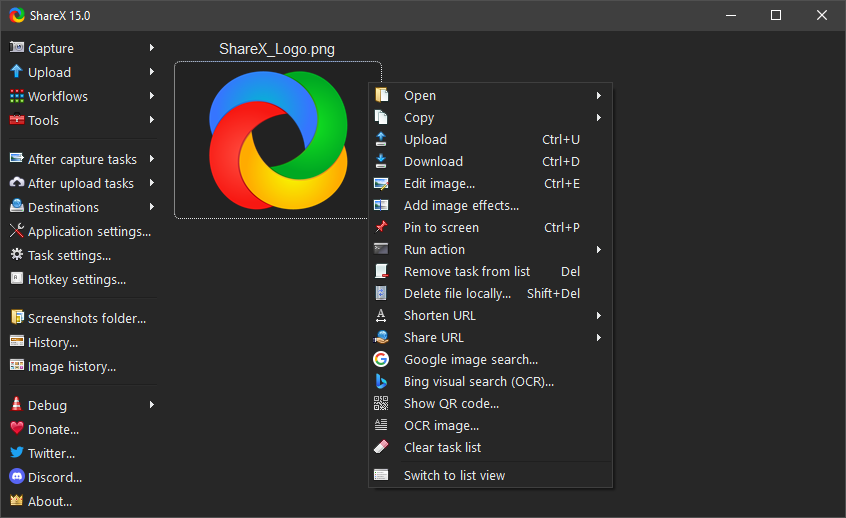
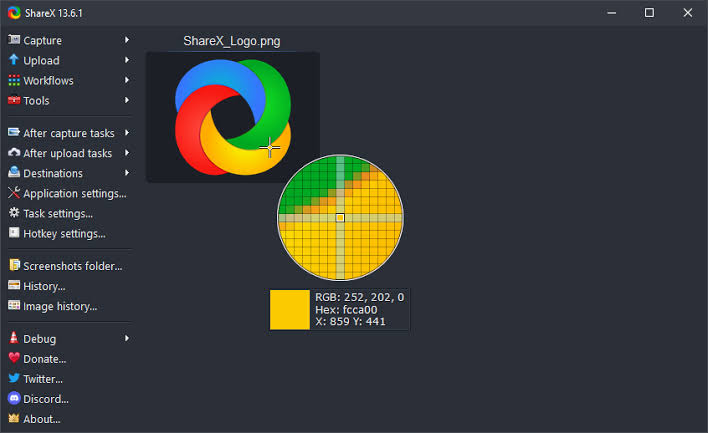
Screenshots
System Requirements
| Requirement | Minimum Specification |
|---|---|
| Operating System | Windows 7, 8, 10, 11 (64-bit recommended) |
| Processor | Intel/AMD Dual-Core CPU or better |
| RAM | 2 GB (4 GB recommended) |
| Storage | 200 MB free disk space |
| Graphics | Integrated or Dedicated GPU |
| Internet | Required for uploads & updates |
ShareX is officially a Windows app. For macOS/Linux, consider native alternatives like OBS Studio
How to Install ShareX (Windows)
Before you begin, scroll down to the Download section, pick the installer or portable ZIP, & download the file.
- Double-click the downloaded ShareX-setup.exe.
- Choose your language & accept the license.
- Pick the install folder or use the default.
- Finish setup, launch ShareX
Download ShareX Open Source Screenshot and Screen recorder tool
Support ShareX Development
ShareX is completely free & open source, built by passionate developers who dedicate their time to improving it. If you find this tool helpful and want to support its future development, consider making a small donation. Every contribution helps keep ShareX free for everyone.




