
File Info
| Name | Frappe Books |
| Version | v0.36.0 (Stable) |
| Type | Accounting software |
| Developer | Frappe |
| Size | 100MB (may vary by OS) |
| License | AGPL-3.0-only |
| Platforms | Windows • macOS • Linux |
| Point of Sale | Yes |
| Inventory | Yes |
| Github Repository | frappe / books |
Table of Contents
Description
Accounting software can get complicated quickly, especially when you just want to keep track of invoices, payments, expenses and the money coming in and going out.
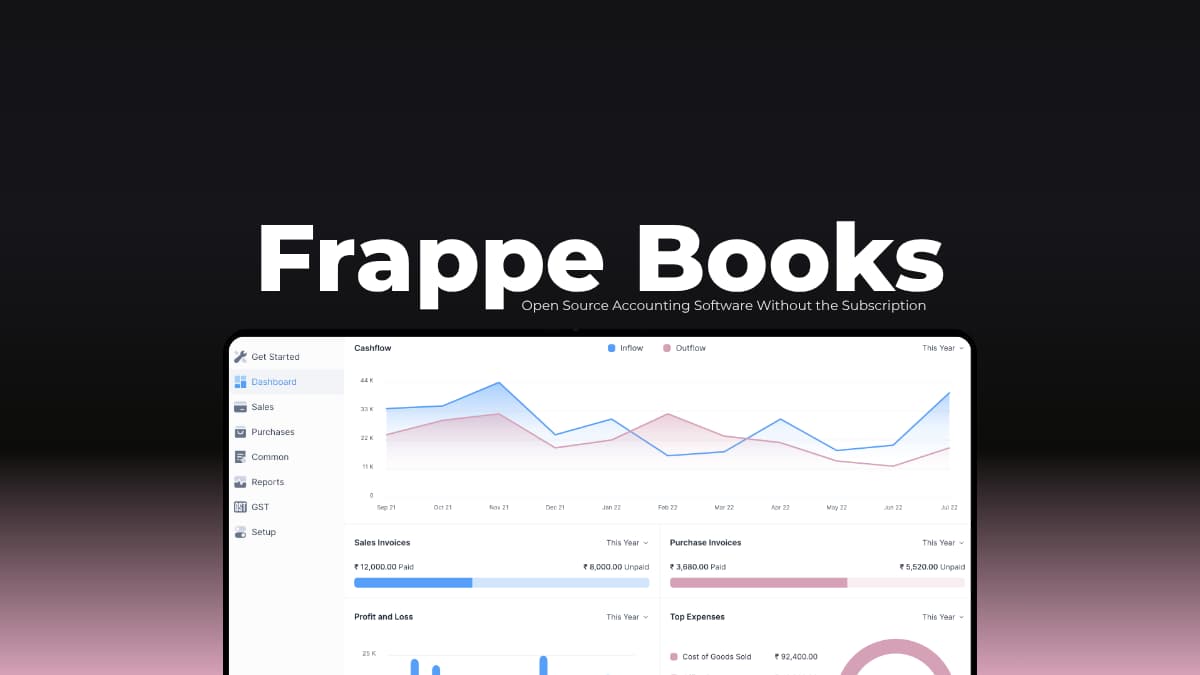
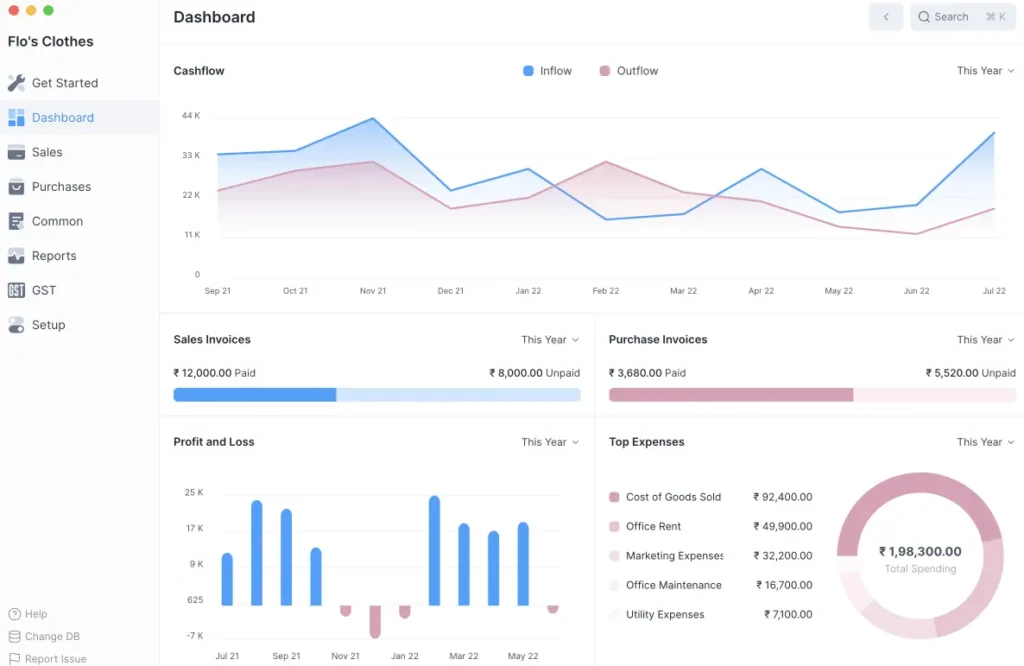
Frappe Books approach is simple. It is an open source accounting application that runs on Windows, macOS, and Linux, with tools for invoicing, payments, double-entry accounting, inventory, point of sale, and financial reports.
The desktop version also works offline and keeps your accounting data locally which makes it useful if you don’t want your day-to-day bookkeeping tied to a cloud subscription.
Use Cases
- Create invoices, record payments, and keep sales transactions organized.
- Manage everyday bookkeeping with double-entry accounting and financial reports.
- Keep track of stock, purchases, sales, batches and serial numbers.
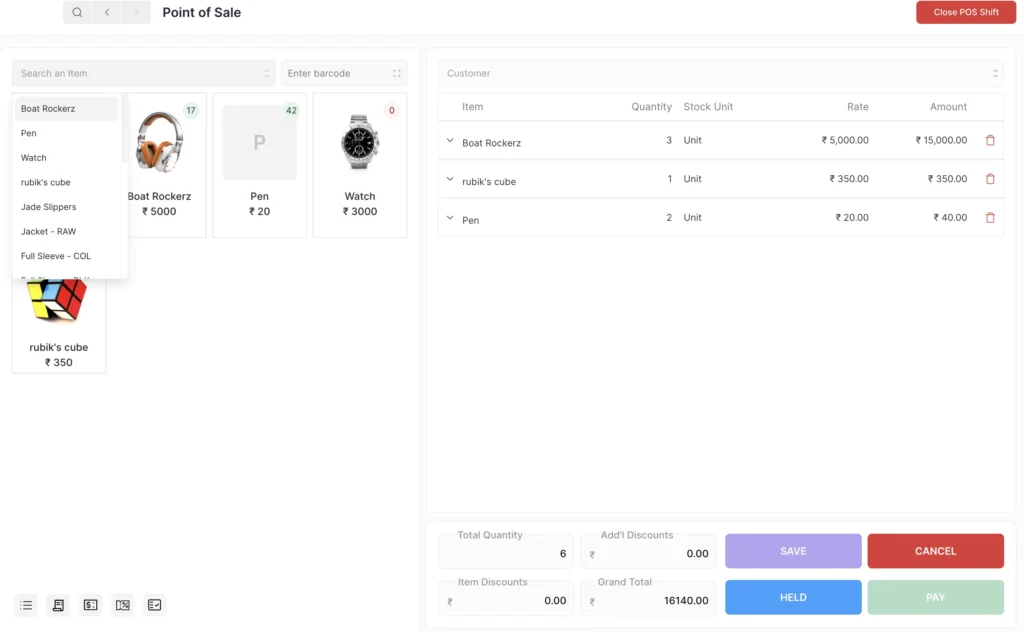
- Use the built-in Point of Sale system for counter sales, barcode scanning and receipts.
- Keep working with your financial data locally without depending on an internet connection.
Screenshots
Features of Frappe Books
| Feature | What it does |
|---|---|
| Double-Entry Accounting | Records transactions using double-entry bookkeeping and keeps your accounts organized. |
| Invoicing | Create professional invoices, manage billing, and keep track of payments. |
| Quotes & Sales | Create quotes, turn them into invoices, and manage sales transactions. |
| Purchases | Manage bills, supplier payments and purchase-related transactions. |
| Inventory Management | Track stock movements, batches, serial numbers, shipments, receipts, and inventory balances. |
| Point of Sale | Handle counter sales, barcode scanning, payments, receipts and POS shifts. |
| Financial Reports | View the General Ledger, Profit and Loss, Balance Sheet, and Trial Balance. |
| Offline Support | Continue using the desktop application without an internet connection. |
| Local Data Storage | The desktop version stores financial data in a local SQLite database on your computer. |
| Regional Features | Includes regional accounting features such as India GST reports, along with support for multiple languages. |
System Requirements
| Requirement | Details |
|---|---|
| Operating Systems | Windows, macOS, Linux |
| Processor | 64-bit processor recommended |
| Storage | Enough free space for the application and accounting data |
| Internet | Not required for basic offline use |
| Database | SQLite |
| Installation | Desktop application |
Installation Process
- Download the latest Frappe Books release for your operating system from the GitHub releases page.
- For Windows, download the .exe installer, double click it, and follow the on-screen instructions to install Frappe Books.
- On macOS, download the .dmg file and double click it to open. Drag the Frappe Books app into your Applications folder, then open it from there. If macOS asks you to confirm that you want to open the app, approve the prompt.
- On Linux, download the .AppImage file. Before opening it, right-click the file, open Properties -> Permissions, and enable Allow executing file as a program or the equivalent option on your distribution. You can then double click the file to launch Frappe Books.
- Once Frappe Books is open, create your company and start adding your accounts, invoices, payments, inventory or other financial information.
You May Like: Not Everything Needs AI: Powerful Alternatives to the Apps Everyone Uses
Download Frappe Books
A Full Accounting App Without the Subscription
Frappe Books covers a lot of what a small business might need, from invoices and payments to inventory, POS and financial reports. The fact that the desktop version can work offline makes it even more practical for people who want their accounting data available on their own system.
One thing worth knowing before downloading it is that the original Electron/Vue repository has been archived as development moved to the newer Frappe Framework version. The desktop releases are still available from the original repository, while the newer project continues the development of Frappe Books in a different form.
If you’re looking for a free, open source accounting app that you can actually install and use on multiple OS, Frappe Books is an useful option to have around.