
File Info
| Detail | Information |
|---|---|
| Name | OpenMausBot |
| Version | v0.1.134 |
| Developer | Milind Soni and contributors |
| Size | 200MB (may vary by OS) |
| License | Apache License 2.0 (excluding enterprise/, which has a separate license) |
| Platform | Windows, macOS, Ubuntu Linux |
| Category | AI Tools, Developer Tools |
| GitHub Repository | milind-soni/OpenMausBot |
Table of Contents
Description
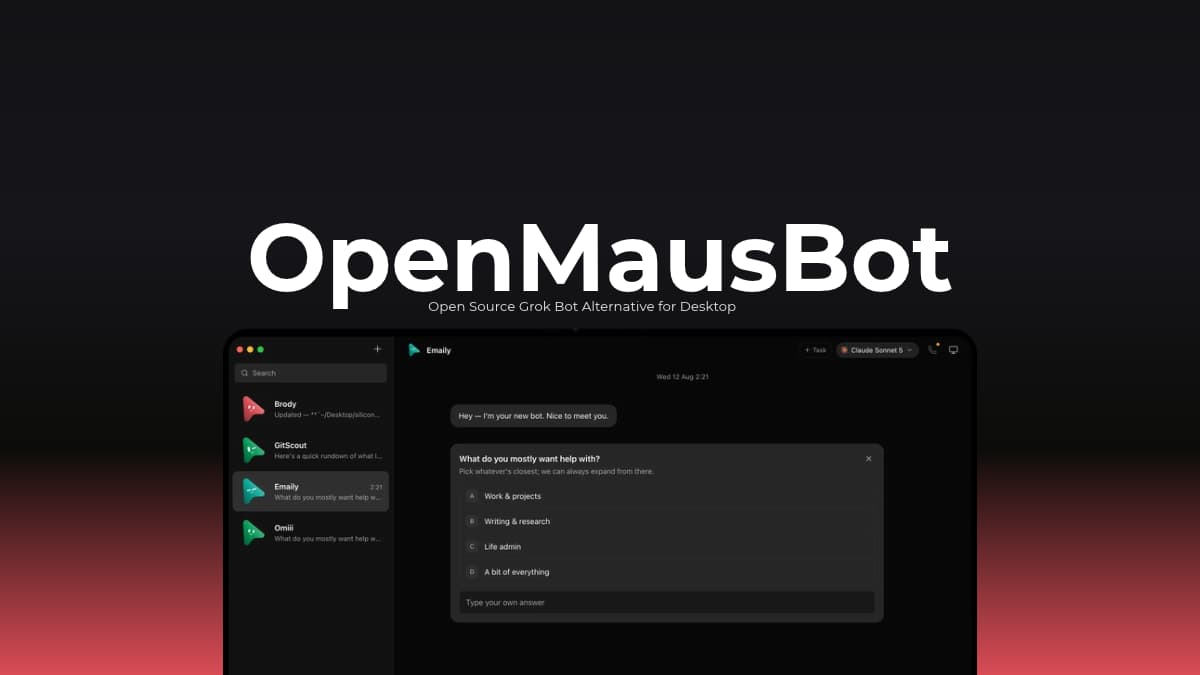
Remember Grok Bot, where you could create different AI characters and chat with them? OpenMausBot takes a similar idea and turns it into something you can actually run and build on your desktop.
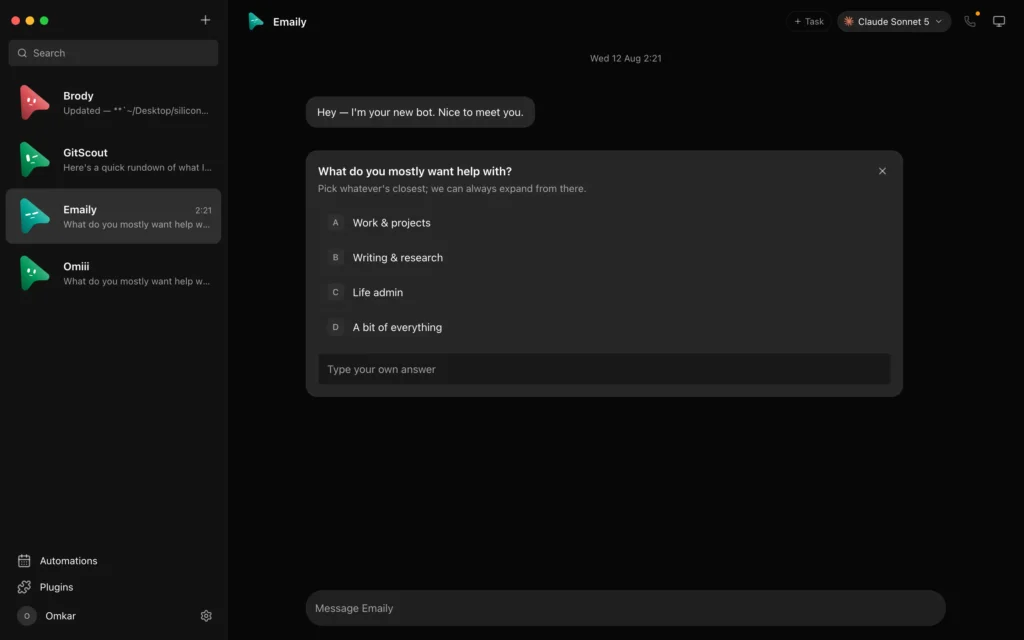
It’s an independent, open-source project inspired by Grok Bot, with no affiliation with xAI. Instead of keeping AI bots limited to conversations, OpenMausBot lets you create a team of agents, each with its own personality, model, and workspace.
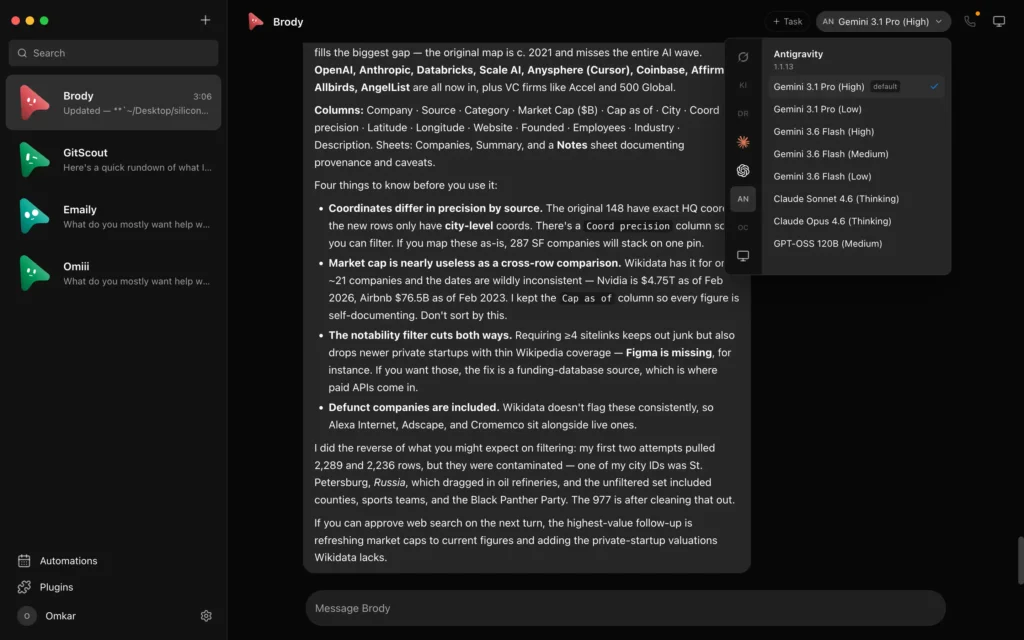
For example, you could have one bot handle coding tasks, another research a topic, and a third work through your emails or GitHub issues. They can run commands, edit files, use a computer environment, and connect to services such as Gmail, Slack, GitHub, and Notion. You can even give them separate channels for different projects, so their conversations and instructions don’t get mixed together.
There’s also a layer of control built in. When a bot wants to run a command or change a file, it can send you an approval request right inside the chat. You decide whether it goes ahead.
Under the hood, OpenMausBot works with agent tools such as Claude, Codex, and Grok through their existing CLI installations. It also supports cloud and local computer environments, scheduled tasks, reusable agent teams, and MCP connections for tools like Claude Desktop and Cursor. Some integrations require separate services or paid accounts.
The desktop app is available for Windows, macOS, and Ubuntu Linux, with Ubuntu support currently in beta.
Some of Its Use Cases
- Keep separate agents for coding, debugging, research, and other tasks instead of switching between unrelated chat sessions.
- Set up scheduled routines or webhooks that trigger agents to perform recurring tasks.
- Let agents interact with supported services such as GitHub, Gmail, Slack, and Notion through connected-app integrations.
- Create reusable teams with specific instructions, roles, channels, and playbooks, then share them with other users.
- Use the command-line interface and MCP server to manage agents and automate workflows from external tools.
Screenshots
You May Like: LLM Wiki: An AI Knowledge Base That Builds Itself
Features of OpenMausBot
| Feature | Description |
|---|---|
| Multiple AI Agents | Create separate bots with their own personalities, instructions, models, and conversations. |
| Multiple Model Providers | Connect Claude, Codex, and Grok through their local CLI tools. Custom engines and compatible providers can also be configured. |
| Individual Computer Environments | Give agents access to a cloud Linux desktop, an isolated local VM, or your own computer where supported. |
| Action Approval | Review shell commands, file edits, and other requests through inline Allow and Deny cards before agents proceed. |
| Connected Applications | Connect services such as Gmail, Slack, GitHub, Notion, and Linear through Composio Sessions. |
| Channels and Workspaces | Organize bots, conversations, instructions, working folders, and team members into separate contexts. |
| Team Templates | Import complete agent teams from Markdown files, including bot instructions, channels, playbooks, and suggested routines. |
| Department Sharing | Export and share groups of bots, skills, instructions, and routines without including conversation history, credentials, or computer access. |
| Automated Tasks | Set up scheduled routines, webhooks, and connected-app events to trigger agents when something happens. |
| Voice Responses | Have agents read replies aloud using supported services such as ElevenLabs, Fish Audio, Grok, built-in Mac voices, or a local Chatterbox server. |
| MCP Server | Connect OpenMausBot to external clients such as Claude Desktop and Cursor through its Model Context Protocol server. |
| Command-Line Interface | Manage teams, run agent tasks, and export results from scripts or CI workflows. |
| Local-First Storage | Keep the local harness, transcripts, credentials, and events on your machine instead of relying on a central OpenMausBot cloud service. |
System Requirements
OpenMausBot provides desktop builds for macOS, Windows, and Ubuntu Linux. Requirements vary depending on the installation method and features you want to use.
| Requirement | Details |
|---|---|
| macOS | Apple Silicon and Intel Macs |
| Windows | 64-bit Windows (x64) |
| Linux | Ubuntu 24.04 x64 (beta; GNOME is the supported desktop) |
| Agent Providers | At least one supported agent CLI, such as Claude, Codex, or Grok, installed and authenticated |
| Internet Connection | Required for connecting to hosted AI providers and optional online integrations |
| Additional Services | Composio, Boat, and hosted voice providers require their own credentials when used |
Linux limitations
Ubuntu support is still in beta. Some features vary between Xorg and Wayland sessions. Local computer control is available on Ubuntu Xorg only after explicit opt-in; it remains disabled on Wayland. Native on-device dictation is currently supported on macOS.
Windows installation note
The Windows installer is not currently code-signed. Windows SmartScreen may display an unknown publisher warning when you run it.
Installation
- Download the installer for your operating system:
- Open the installer and follow the on screen instructions to install OpenMausBot.
- Launch the application. The desktop version includes its own local agent server, so you don’t need to install or configure a separate server.
- Complete the initial setup and connect at least one supported agent CLI, such as Claude, Codex, or Grok, using your existing login.
- Create your first bot, choose its model and personality, and start a conversation.
Download OpenMausBot
For More Versions, Visit Their Official Github Releases Page
A Different Way to Work With AI Agents
OpenMausBot brings multiple AI agents into a single workspace and gives each one its own conversations, model and working environment. Its combination of local agent integrations, computer access, approval controls, connected applications and reusable teams makes it an interesting option for developers and users experimenting with more autonomous AI workflows.
The project is still evolving, and some capabilities are platform-dependent or rely on paid third-party services. Ubuntu support is in beta, and users should review the available permissions and integrations before giving agents access to their computers or connected accounts. If you want to experiment with a team of AI agents, It is a really useful software worth exploring.