


File Information
| File | Details |
|---|---|
| Name | Maestro |
| Version | v0.2.4 |
| Formats | .exe • .dmg • .AppImage |
| Platforms | Windows • macOS • Linux |
| Size | 56MB (msi) • 117MB (dmg) • 133MB (AppImage) |
| License | Open Source (MIT License) |
| Category | Developer Tool • AI Orchestration |
| Github Repository | Github/maestro |
| Built With | Tauri • Rust • React • TypeScript |
Table of contents
Description
Maestro solves a problem most developers accept: AI coding assistants only work one task at a time.
You ask Claude to build Feature A. You wait.
Then you ask it to fix a bug. You wait again.
Context switching piles up, and progress stays stubbornly serial.
Maestro takes a different approach. It lets you run 1 to 6 AI coding sessions in parallel, each inside its own isolated git worktree, with its own terminal, branch, and shell environment. No stepping on each other’s changes. No guessing which agent touched what.
It’s built for people who already live in the terminal and want AI to work alongside them.
Use Cases
- Work on multiple features at the same time without context switching
- Run bug fixes, refactors, and experiments in parallel branches
- Compare outputs from different AI coding tools side by side
- Keep AI-generated changes isolated and easy to review
- Use AI assistants without sacrificing git hygiene
- Treat AI agents like junior devs with their own sandboxes
Screenshots
Features of Maestro
| Feature | Description |
|---|---|
| Parallel AI Sessions | Run up to 6 AI coding terminals at once |
| Git Worktree Isolation | Each session gets its own branch and worktree |
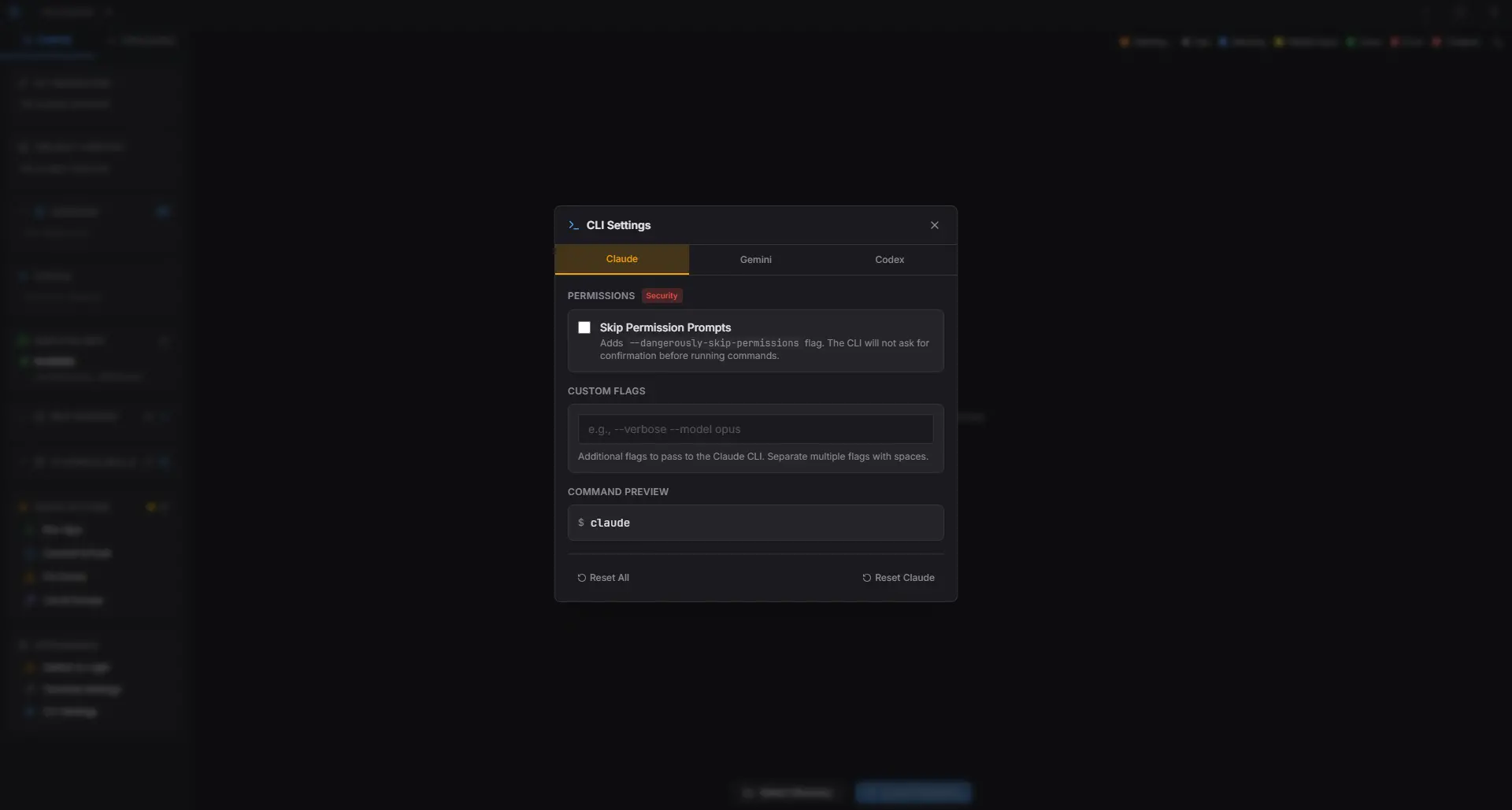
| Multi-AI Support | Claude Code, Gemini CLI, OpenAI Codex, or plain terminal |
| Session Grid UI | Adaptive layout with live status indicators |
| Visual Git Graph | See branches, commits, and session ownership |
| Quick Actions | Run app, commit & push, or trigger custom prompts |
| Plugin System | Extend Maestro with skills, commands, and MCP servers |
| Native Performance | Lightweight desktop app built with Tauri and Rust |
System Requirements
| Requirement | Details |
|---|---|
| Operating System | Windows • macOS • Linux |
| RAM | 8 GB recommended (AI CLIs can be heavy) |
| Disk Space | ~300 MB + workspace size |
| Git | Git Required |
| Internet | Required for AI CLI authentication |
How to Install Maestro??
Maestro is distributed as a native desktop app.
Windows (.exe)
- Download the Maestro
.msiinstaller - Double-click the file
- Complete the setup wizard
- Launch Maestro from the Start Menu
macOS (.dmg)
- Download the Maestro
.dmg - Open the DMG
- Drag Maestro.app into Applications
- Launch the app
If macOS blocks it:
- Go to System Settings → Privacy & Security
- Click Open Anyway
Linux (.AppImage)
- Download the Maestro
.AppImage - Right-click -> Properties
- Enable Allow executing file as program
- Double-click to launch
No terminal commands needed.
How to Use Maestro??
Maestro is designed so you don’t have to think too much before it becomes useful. The basic flow stays the same every time.
- Open Maestro
Launch the app like any normal desktop application. - Choose your project
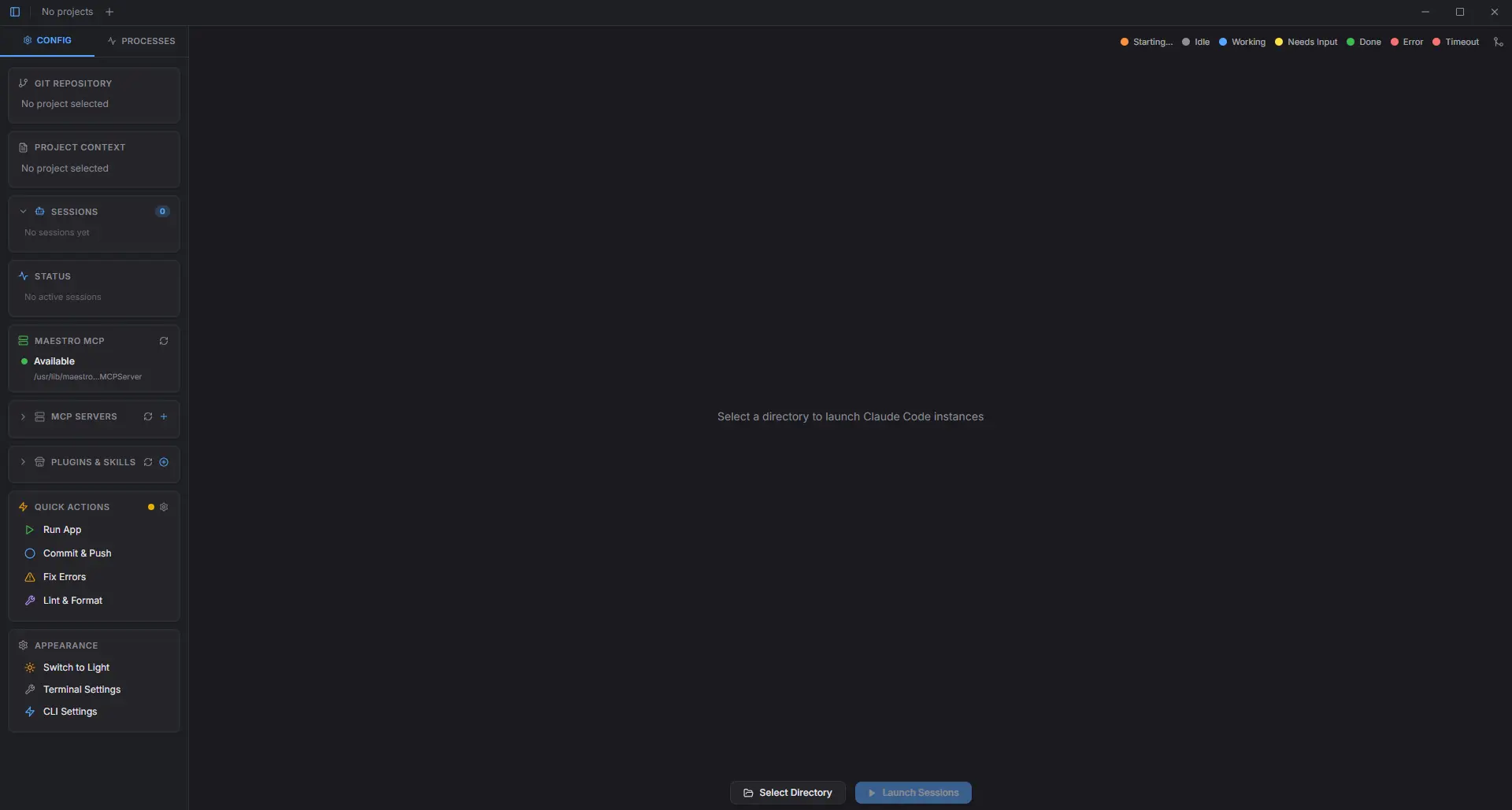
Pick the folder you want to work on. A git repository works best, since Maestro relies on branches and worktrees. - Set up your sessions
In the sidebar, decide how many AI sessions you want to run. Anywhere from one to six. - Pick what each session does
For every session, choose the AI tool (Claude Code, Gemini CLI, Codex, or just a plain terminal) and assign a branch. - Launch everything
Click Launch. Maestro spins up all sessions at once, each opening in its own isolated workspace.
At this point, every terminal is live and ready. You can start giving tasks immediately.
Download Maestro to Run Multiple AI Coding Agents in Parallel
Conclusion
Maestro doesn’t try to replace your editor or your terminal.
It just removes the bottleneck that comes from treating AI like a single-threaded process.
Running multiple AI agents in parallel sounds chaotic.
In practice, the git worktree isolation makes it feel controlled, even boring, in a good way.
If you already use AI coding tools daily and wish they’d stop slowing each other down, Maestro is worth your time.




