


File Information
| File | Details |
|---|---|
| Name | BentoPDF |
| Version | v2.1.0 |
| Format | .zip (static build for self-hosting) |
| Size | 130MB |
| Platforms | Web (Browser-based) |
| License | Open Source (AGPL-3.0 License) |
| Github Repository | Github/BentoPDF |
| Official Site | BentoPDF |
| Category | PDF Toolkit • Privacy Tools |
Table of contents
Description
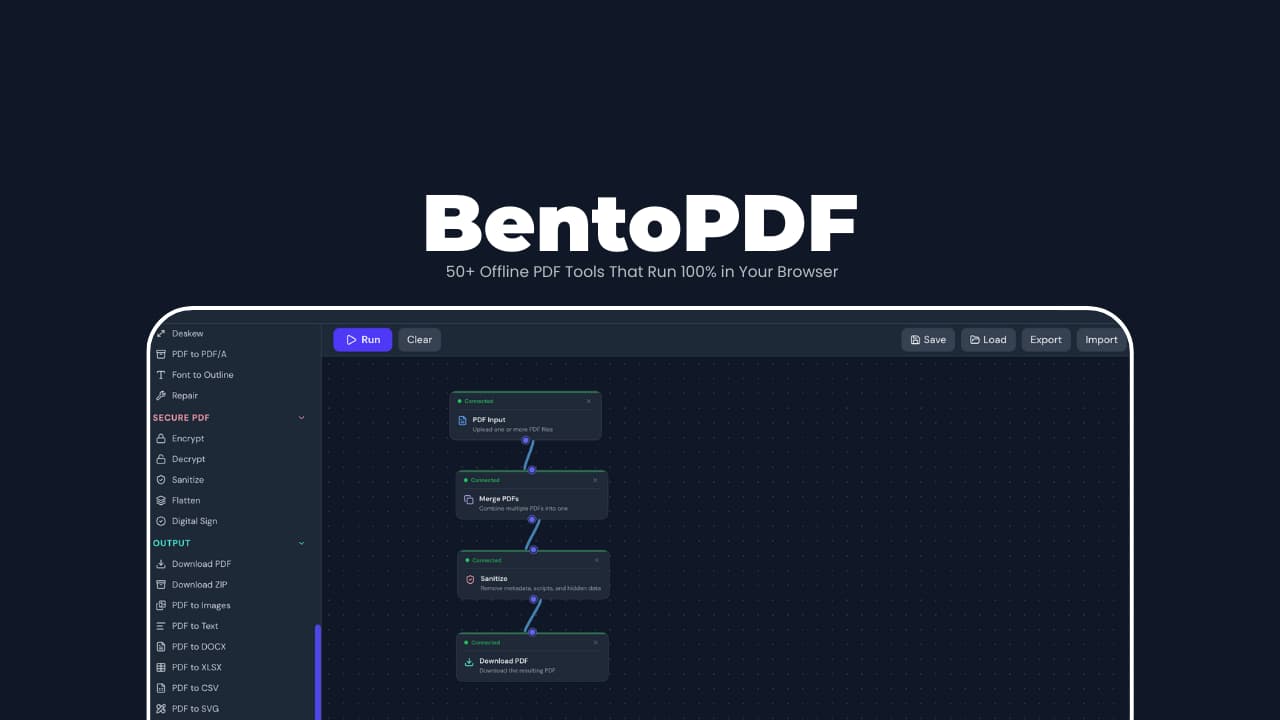
BentoPDF is a privacy-first, fully client-side PDF toolkit where everything happens inside your browser using WebAssembly. No uploads. No tracking. No server-side processing. You can even run it offline.
You download a .zip, host it anywhere (or open it locally), and you get access to 50+ professional PDF tools including editing, converting, signing, redacting, optimizing without trusting a third-party server.
Screenshots
Features of BentoPDF
| Area | What’s Included |
|---|---|
| Architecture | 100% client-side, WASM-powered, offline & air-gapped ready, self-hostable (static, Docker, local) |
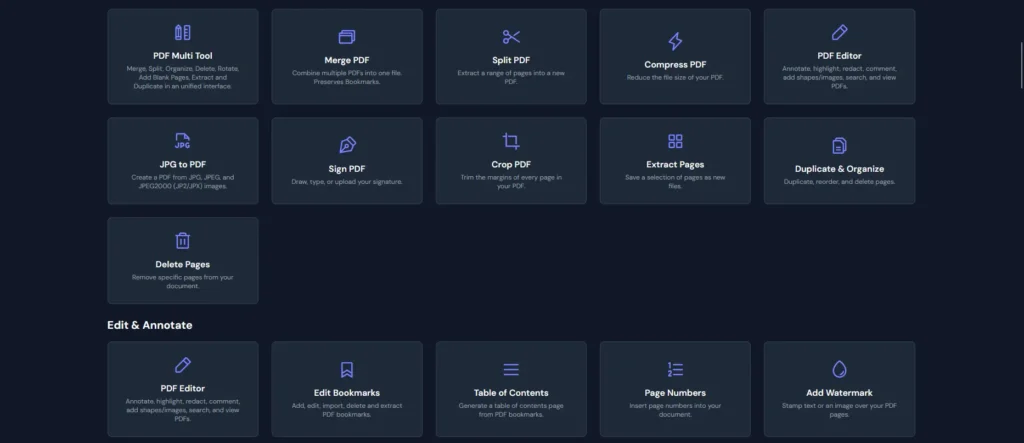
| PDF Organization | Merge, split, reorder, duplicate, rotate, crop pages, booklet mode, attachment handling |
| PDF Editing | Annotations, highlights, comments, redaction, fillable forms, watermarks, headers & footers, deskew scans |
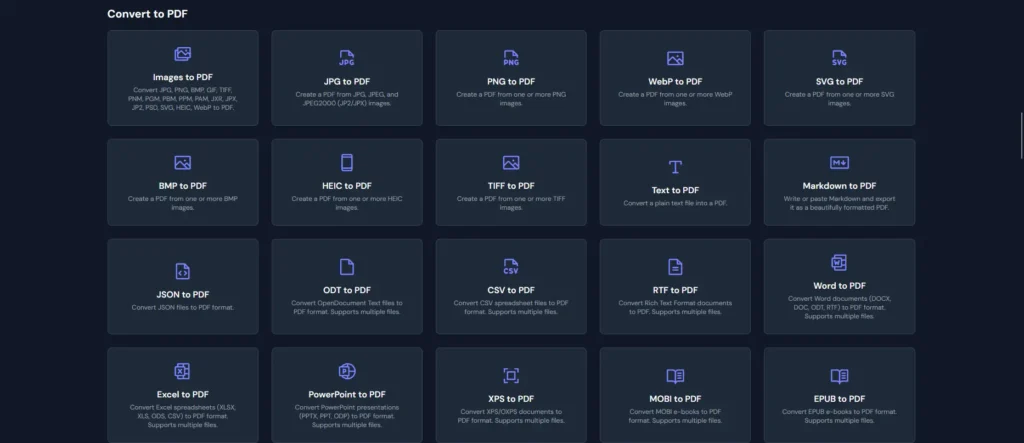
| Convert → PDF | Images (JPG, PNG, WebP, HEIC, SVG, TIFF), documents (Word, Excel, PowerPoint, ODT), text/data (MD, CSV, JSON, XML), e-books & design formats |
| Convert ← PDF | Export to images, text, CSV, Excel, JSON, searchable PDFs (OCR), accurate table extraction |
| Security & Privacy | Encryption/decryption, X.509 digital signatures, signature validation, metadata removal, PDF sanitization |
| Optimization | Smart compression for reduced file size without quality loss |
System Requirements
| Requirement | Details |
|---|---|
| Internet | Optional (offline supported) |
| Disk Space | Minimal (static files) |
| Server | Optional (for self-hosting) |
Recommended For You: Converseen – Free Batch Image Converter & Processor Tool
How to Install BentoPDF??
Self-Hosting (Recommended)
- Download the
.zipfile - Extract the ZIP
- Serve the folder using any static server
npx http-server -c-1
Open:http://localhost:8080
For Other Installation methods visit Official Github Repository of BentoPDF
Download BentoPDF: Privacy-First, Client-Side PDF Toolkit
Conclusion
BentoPDF doesn’t try to be flashy.
It tries to be trustworthy.
If you’ve ever hesitated before uploading a sensitive PDF to a random website, this tool is for you. It gives you enterprise-grade PDF features with a local-first, privacy-respecting architecture that most tools simply don’t bother with.
For developers, teams, and privacy-conscious users, BentoPDF is one of the rare tools that actually walks the talk.
If PDFs are part of your workflow and privacy matters, BentoPDF deserves a spot in your toolkit.




