


File Info
| Property | Value |
|---|---|
| Software | Meetily |
| Version | v0.4.0 |
| License | MIT License (Open Source) |
| Developer | Zackriya Solutions |
| Category | Productivity / AI Meeting Assistant |
| Platform | Windows, macOS, Linux |
| File Format | EXE , DMG |
| Github Repository | Zackriya-Solutions/meetily |
Table of Contents
Description
Meetily is a free and open-source AI meeting assistant that records, transcribes, and summarizes meetings completely on your own device. Its not like other cloud-based meeting assistants, It keeps your conversations private by processing everything locally while supporting multiple AI providers for intelligent meeting summaries.
Use Cases
- Record and transcribe online meetings privately.
- Generate AI-powered meeting summaries without cloud services.
- Capture interviews, lectures, webinars, and presentations.
- Maintain GDPR and compliance-friendly meeting records.
- Self-host meeting transcription for organizations and teams.
- Convert existing audio recordings into searchable transcripts.
Screenshots
Features of Meetily
| Feature | Description |
|---|---|
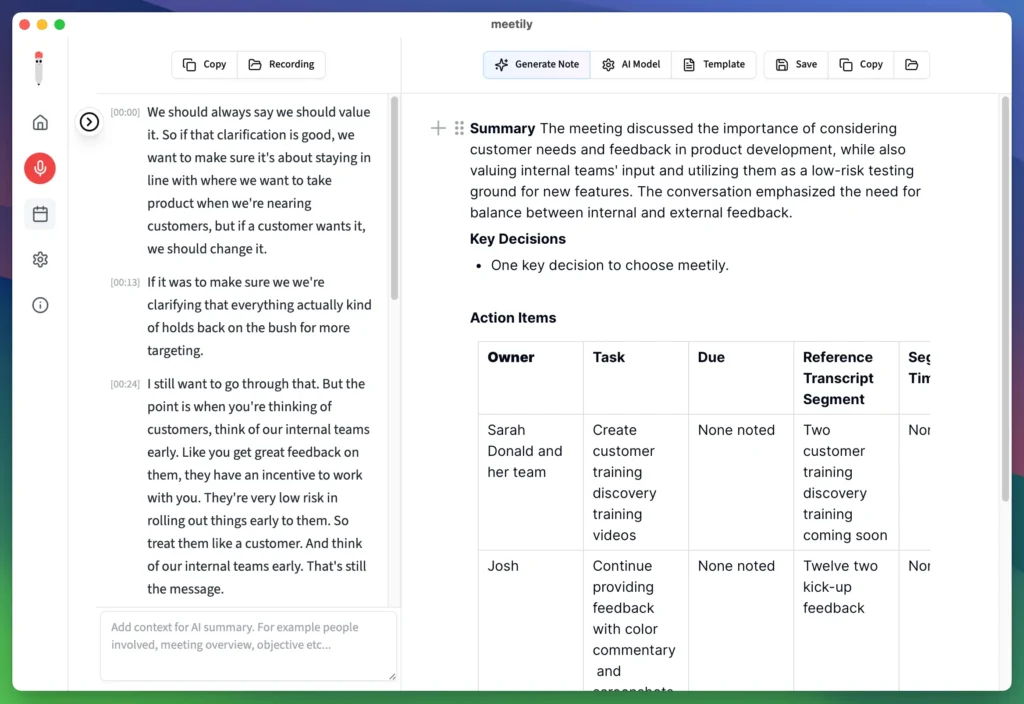
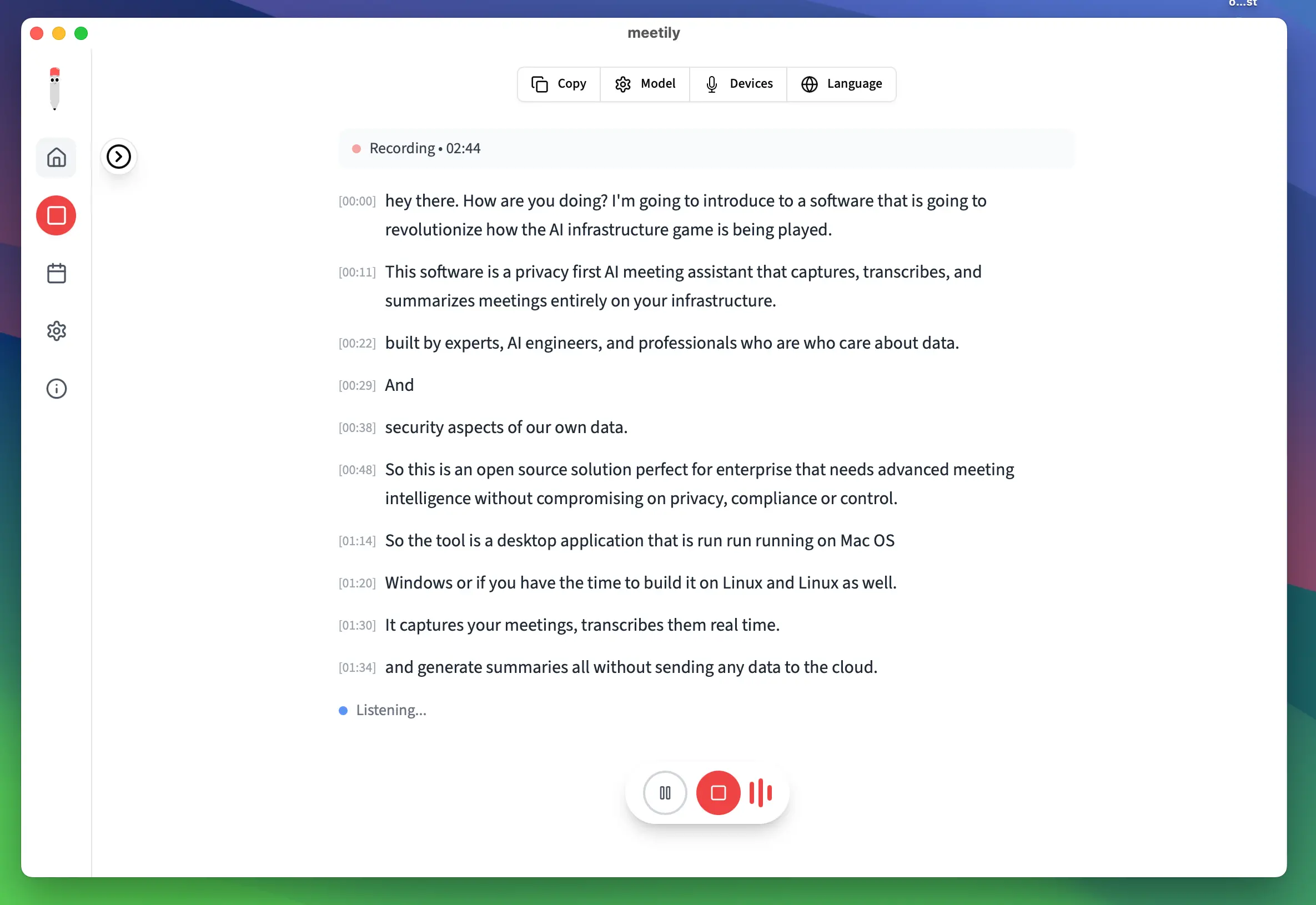
| Local-First Processing | Records, transcribes, and stores meetings entirely on your device. |
| Real-Time Transcription | Generate live meeting transcripts as conversations happen. |
| AI Meeting Summaries | Automatically create meeting summaries using AI. |
| Multiple AI Providers | Supports Ollama, Claude, Groq, OpenRouter, and OpenAI-compatible endpoints. |
| Offline Support | Continue transcribing meetings without an internet connection when using local AI models. |
| Audio Import | Import existing recordings and generate transcripts or re-transcribe with different models. |
| Privacy Focused | No meeting recordings or transcripts are uploaded to cloud servers. |
| Professional Audio Capture | Record microphone and system audio simultaneously with intelligent audio mixing. |
| GPU Acceleration | Hardware acceleration support for Apple Silicon, NVIDIA CUDA, AMD, and Intel Vulkan. |
| Cross-Platform | Available for Windows, macOS, and Linux. |
| Open Source | Completely free Community Edition released under the MIT License. |
You May Like: Top 25 Offline AI Tools to Automate Tasks and Boost Productivity
System Requirements
| Component | Requirement |
|---|---|
| Operating System | Windows 10/11 (64-bit), macOS (Apple Silicon), Linux (build from source) |
| Processor | Modern 64-bit processor |
| RAM | 8 GB minimum (16 GB recommended) |
| GPU | Optional hardware acceleration (CUDA, Metal, Vulkan) |
| Storage | Around 2–6 GB depending on downloaded transcription models |
| Internet | Only required for cloud AI providers or downloading models |
Installation
Windows
- Download Meetily Windows Setup.
- Run the installer and complete the installation.
- Launch Meetily from the Start Menu.
- Select your preferred transcription model and begin recording meetings.
macOS
- Download the Meetily macOS (dmg).
- Open the downloaded DMG file.
- Drag Meetily into the Applications folder.
- Open the app and grant the required permissions.
- Configure your preferred transcription model and start using Meetily.
Linux
Meetily is currently distributed as source code for Linux. You can know more here
You May Like: 5 Open-Source AI Tools You Probably Haven’t Tried Yet
Download Meetily
Why Choose Meetily?
Most AI meeting assistants upload recordings to remote servers before generating transcripts or summaries. Meetily takes a different approach by keeping recordings, transcripts, and AI processing under your control. Whether you use completely local models through Ollama or connect your preferred cloud AI provider, you decide where your meeting data is processed.
Its combination of local transcription, AI-powered summaries, cross-platform support, and privacy-first design makes it an excellent alternative for professionals, businesses, researchers, educators, and anyone who wants complete ownership of their meeting data.




