

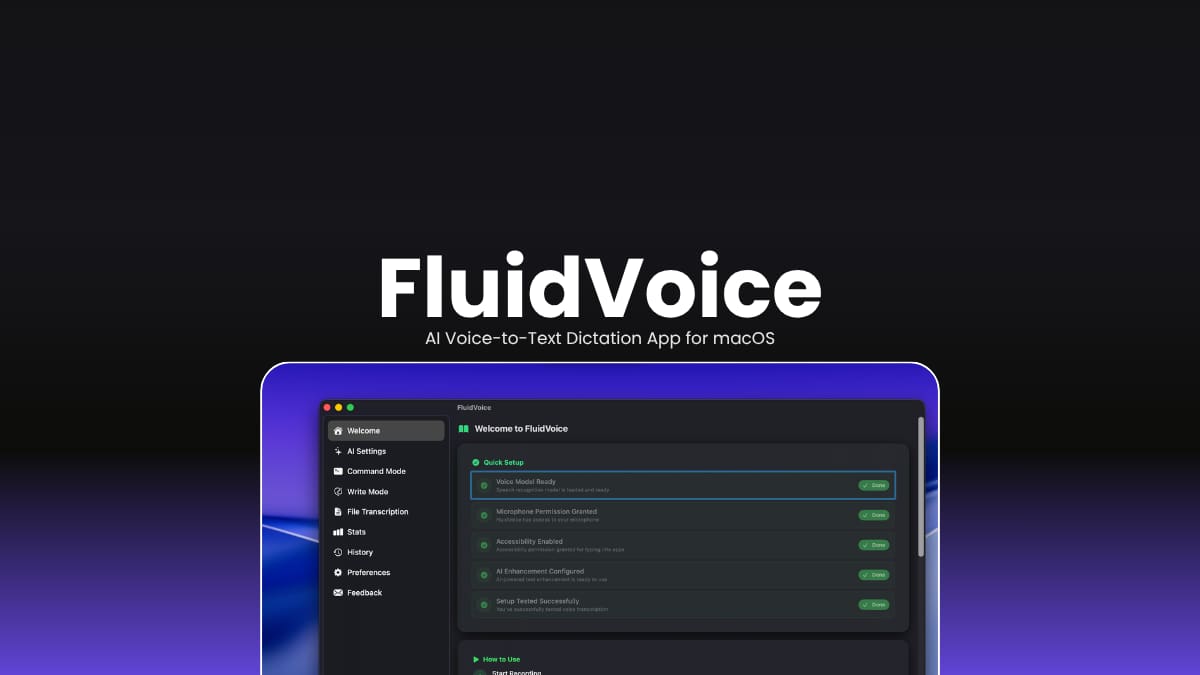

File Info
| File | Details |
|---|---|
| Name | FluidVoice |
| Version | v1.6.0 |
| Developer | ALTIC |
| License | GNU GPL v3 |
| File Size | Varies by release |
| File Format | DMG |
| Platform | macOS |
| Category | Productivity, Voice & Speech Recognition |
| Github Repository | altic-dev/FluidVoice |
Table of Contents
Description
If you spend hours writing emails, documents, code, or notes, typing everything can quickly become exhausting. FluidVoice makes dictation feel much more natural by turning your voice into text with fast, accurate speech recognition and optional on-device AI enhancements.
Its built with a local-first approach. Most speech models run directly on your Mac, and its optional Fluid Intelligence engine improves formatting, punctuation, and capitalization without sending your voice recordings to external servers.
If you’re writing articles, coding, replying to messages, or simply prefer speaking over typing, FluidVoice offers a fast and privacy-friendly dictation experience for macOS.
Use Cases
- Dictate emails, documents, and notes much faster than typing.
- Write code comments, documentation, or blog posts using your voice.
- Control Mac actions with voice commands and shortcuts.
- Improve transcripts locally without relying on cloud AI services.
- Create a privacy-focused speech-to-text workflow that works offline.
Screenshots
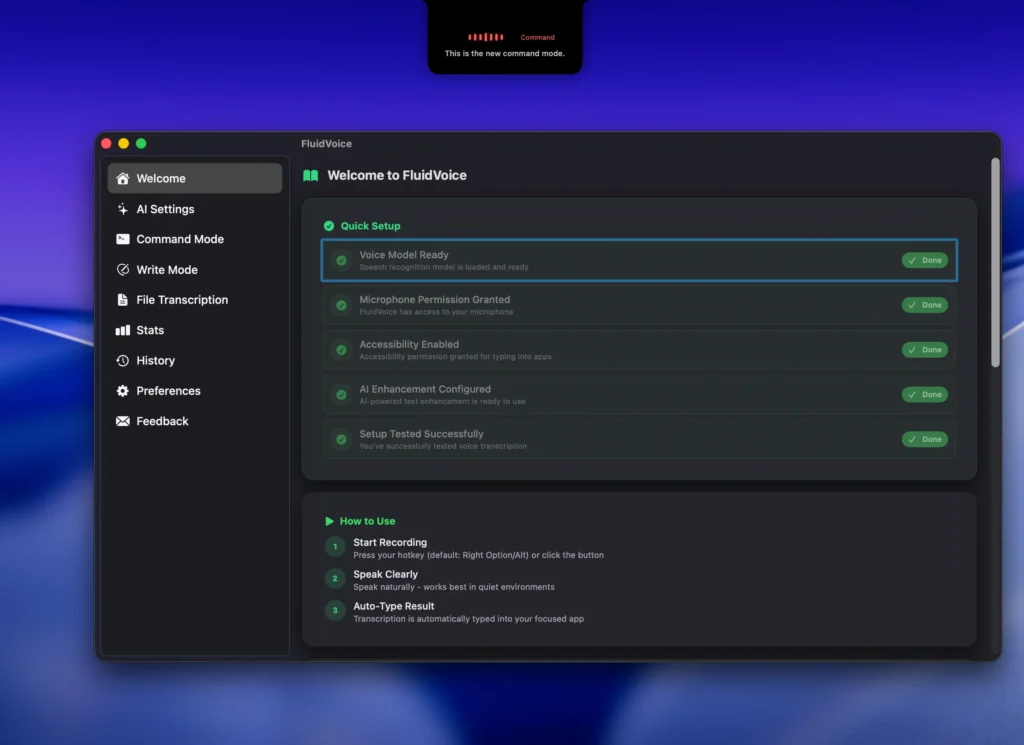
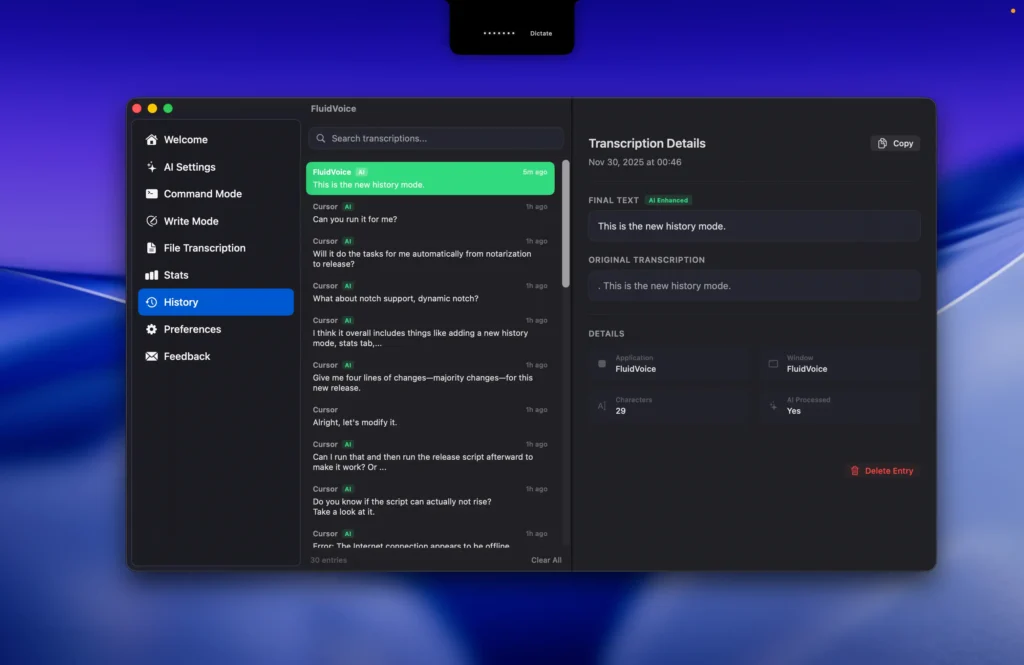
Features of FluidVoice
| Feature | Description |
|---|---|
| Voice-to-Text Dictation | Convert speech into text with fast and accurate AI speech recognition. |
| Fluid Intelligence | Optional on-device AI for smarter formatting, capitalization, and punctuation. |
| Command Mode | Control your Mac with voice commands to launch apps, run shortcuts, and automate tasks. |
| Write Mode | Dictate or rewrite text directly inside virtually any application. |
| Live Preview | View real-time transcription in a floating overlay while speaking. |
| Multiple Speech Models | Choose from Apple Speech, Whisper, Nemotron, Parakeet, and Cohere models. |
| Global Hotkey | Start dictation instantly from anywhere using a customizable shortcut. |
| Audio History | Optionally save local recordings and export them as ZIP archives. |
| AI Enhancement | Enhance transcripts using local AI or optional cloud providers like OpenAI and Groq. |
| Menu Bar Integration | Access controls and settings directly from the macOS menu bar. |
| Local-First Privacy | Voice recordings stay on your Mac unless you choose a cloud provider. |
| Automatic Updates | Receive seamless app updates with an optional beta channel. |
Related: Handy: Offline Open-Source Speech-to-Text AI App For Windows, macOS & Linux
System Requirements
| Component | Requirement |
|---|---|
| Operating System | macOS 15.0 Sequoia or later |
| Processor | Apple Silicon recommended (Intel supported with Whisper models) |
| RAM | 8 GB minimum (16 GB recommended for larger AI models) |
| Storage | Around 1 GB for speech models, up to 3.5 GB for optional Fluid Intelligence |
| Permissions | Microphone and Accessibility permissions required |
Installation
- Download the DMG file.
- Open the DMG and drag FluidVoice into the Applications folder.
- Launch the app and grant Microphone and Accessibility permissions.
- Choose your preferred speech recognition model during setup.
Related: Voicebox – Offline AI Voice Cloning & TTS Studio (Open Source)
Supported Speech Models
| Model | Best For | Language Support |
| Apple Speech | Native macOS dictation | System languages |
| Whisper | Broad compatibility | Up to 99 languages |
| Nemotron Speech 3.5 | Fast multilingual dictation | ~40 languages |
| Parakeet Flash | Ultra-low latency | English |
| Parakeet TDT v3 | Fast multilingual dictation | 25 languages |
| Parakeet TDT v2 | Fast English dictation | English |
| Cohere Transcribe | High accuracy | 14 languages |
Download FluidVoice
Why FluidVoice?
FluidVoice is one of the few open-source dictation apps that combines fast speech recognition with optional local AI enhancements while keeping your voice data on your own device. If you want a privacy-focused alternative to cloud-based dictation tools, it’s an excellent choice for writing, coding, note-taking, and everyday productivity.




