

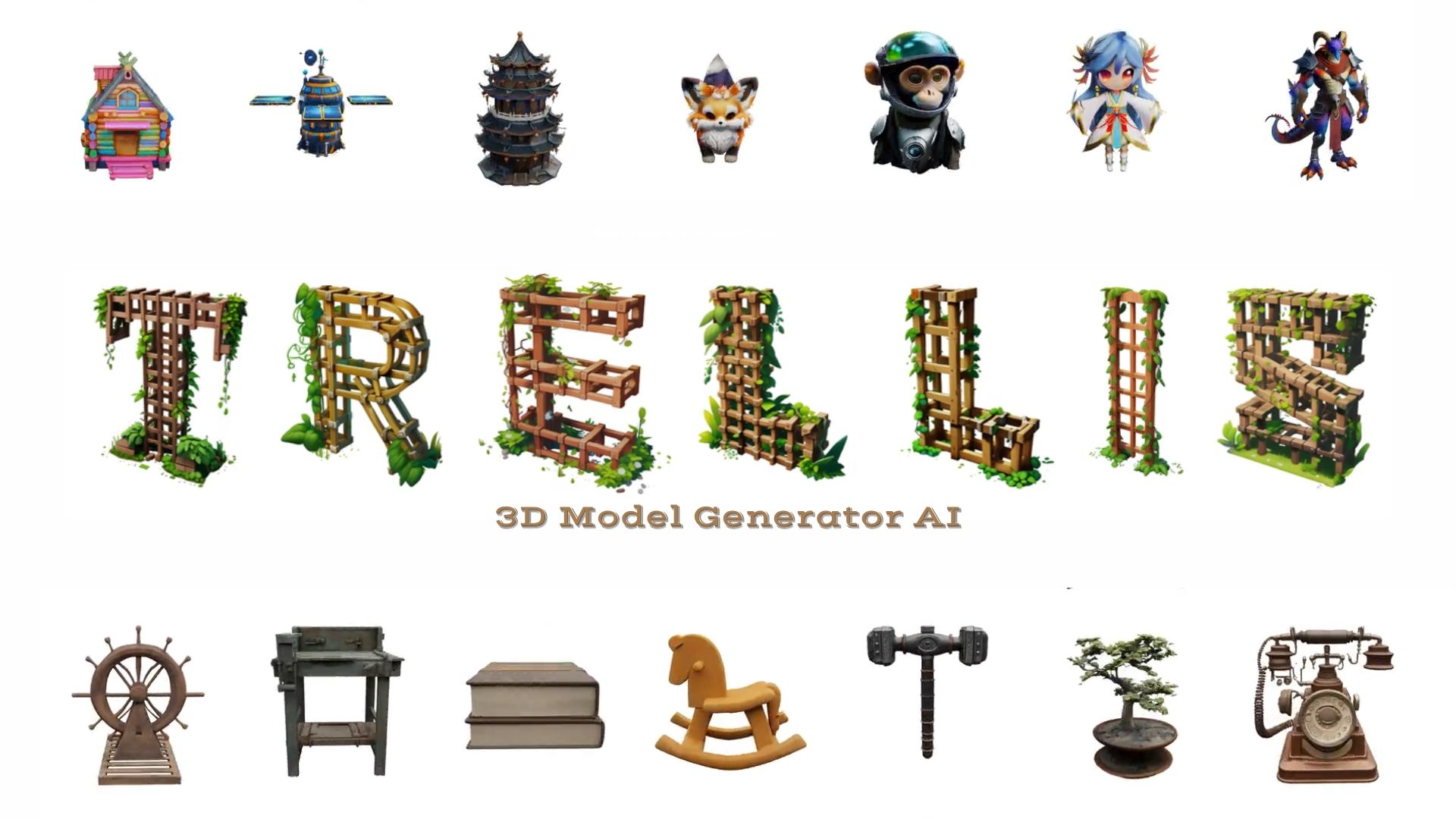

File Info
| Feature | Details |
|---|---|
| Name | Trellis3D AI |
| Version | v40 |
| License | MIT (Open Source) |
| Platform | Windows (Portable Installer – No Admin Required) |
| Installer Type | .zip with .bat launch scripts |
| File Size | 312MB (may vary after model downloads at first launch) |
| Input Types | Text Prompts (.txt), Images (.jpg, .png) |
| Output Formats | Mesh (.obj, .glb), 3D Gaussians, Radiance Fields |
| Official Website | Trellis3D |
| GitHub Repository | Trellis3D Repository |
Table of contents
Description
Trelis3D is the next-gen solution for AI-powered 3D asset generation from just a text prompt or image. It’s not just fast, it’s beautifully accurate, flexible, & doesn’t require complicated setups. With just one click, Trelis3D transforms simple ideas into rich, textured 3D models—perfect for games, 3D printing, product visualization, AR/VR, or creative art.
What makes Trelis3D stand out is its innovative SLAT (Structured LATent) representation, which enables it to decode outputs into meshes, 3D Gaussians, or radiance fields, a level of flexibility unseen in other free tools. By combining dense multiview visual features with a sparse 3D grid, Trelis3D accurately reconstructs both geometry & texture, delivering stunning high-resolution 3D assets.
Trained on a massive dataset of over 500K objects & powered by rectified flow transformers with billions of parameters, Trelis3D consistently outperforms other tools in quality & control. You can even choose between full-precision or FP16 (half-precision) modes depending on your GPU VRAM.
The best part? It’s a portable installer. No manual installs, no Python environment hassles, no CUDA toolkits or admin privileges needed. Just unzip, run a .bat file, and you’re modeling in minutes.
Features of Trellis3D AI
Trellis3D is a full featured AI powered 3D generation toolkit designed for creators who want powerful results without the technical setup. Whether you’re a game developer, digital artist, or 3D enthusiast, Trellis3D gives you text-to-3D and image-to-3D capabilities in a single, portable Windows package.
Text to 3D Model: Just Describe Your Imagination
Simply describe what you want—like a medieval castle or a sci-fi drone—and Trellis3D generates a high-quality 3D model from scratch. It uses SLAT (Structured Latent) representations to capture both structure & texture, delivering assets that look great and are ready to use.
This AI is Perfect for:
- Prototyping game assets
- Rapid concept visualization
- 3D mockups without traditional modeling
Image to 3D: Sketch to Structure
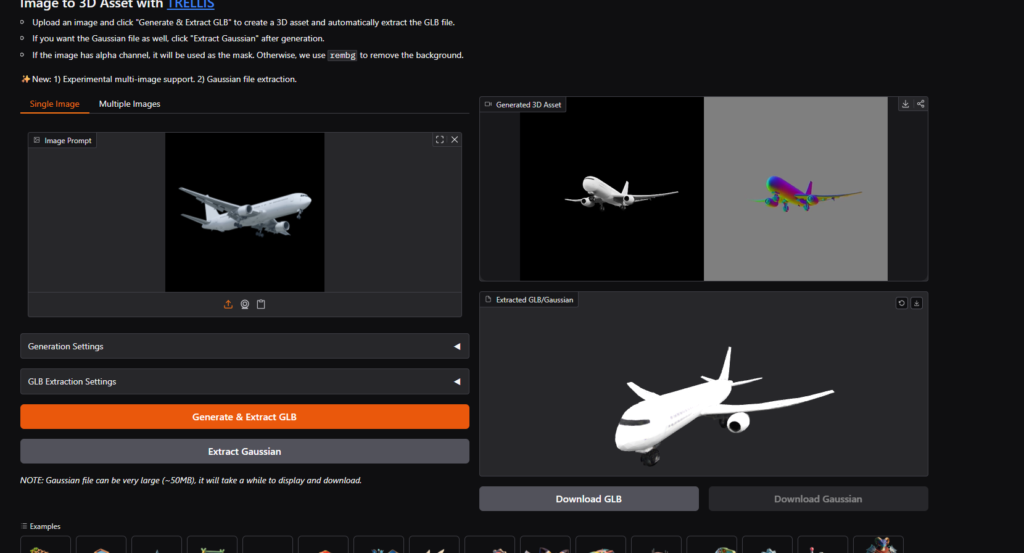
Upload any sketch or concept image and Trellis3D automatically transforms it into a full-depth 3D object. The model understands shapes, contours & textures using its vision foundation and multi-view processing.
Multiple Output Formats, Ready for Blender, Unity & Unreal
Trellis3D supports industry-standard formats including:
- .obj / .glb for mesh-based workflows
- 3D Gaussian Splatting for neural rendering
- Radiance Fields for photorealistic lighting & simulation
FP16 & Full Precision
Choose your mode based on your GPU:
- FP16 Mode for faster results with less VRAM (8GB minimum)
- Full Precision for maximum quality on 12GB+ GPUs
You get complete control over speed & quality depending on your hardware.
Trained on 500K+ Diverse 3D Assets
Trellis3D was trained on a large dataset of over 500,000 detailed 3D models across categories like:
- Architecture & Props
- Sci-fi Assets
- Characters & Creatures
- Vehicles & Tools
What you can Expect from the model:
- Clean topology
- Realistic textures
- High-resolution geometry
Fast Inference Optimized for NVIDIA GPUs
Runs smoothly on modern NVIDIA cards (GTX 980 or newer). Automatically detects your hardware & adjusts performance settings to get the best output without tweaking configs.
Works Offline No Internet Required After First Setup
After downloading the required models on first run, Trellis3D works completely offline. Ideal for:
- Secure work environments
- Offline game development
- Laptop use without constant internet
Fully Editable Outputs & Designed for Real Projects
Exported models can be imported into:
- Blender
- Unity
- Unreal Engine
Use them in production pipelines for:
- Game levels
- VFX shots
- Animated scenes
You can re-texture, rig, animate or further refine the geometry as needed.
Screenshots
System Requirements
| Component | Minimum Requirements |
|---|---|
| OS | Windows 10/11 (64-bit) |
| RAM | 16GB recommended |
| GPU | Nvidia GTX 980 / GTX 1080 or newer |
| Disk | 5GB free space (2.5GB download + model files) |
| CUDA Toolkit | Not required unless using GTX 1000 series (then need CUDA 12.8 + VC++) |
| Admin Rights | Not required |
| Python / Visual Studio | Not needed bundled with its own environment |
Recommended For You: Run TRELLIS 2 Locally Generate High-Quality 3D Models from Images
How to Install Trellis3D AI in Windows OS??
A simple installer for Trelis3D that works on Windows.
No Python install, no admin rights, no Powershell, no Visual Studio required.
- Scroll down to download section & download the installer
.zipfile. - Extract it to a folder (right-click → Extract All).
- Double-click one of the following
.batfiles:
For browser-based usage:
run-gradio-fp16.bat→ Half-precision mode (recommended for GPUs with 8GB VRAM).run-gradio.bat→ Full-precision mode via browser.
For API server:
run-fp16.bat→ Half-precision (faster, less memory, slightly lower quality).run.bat→ Full-precision (use if your GPU has 12GB–16GB+ VRAM).
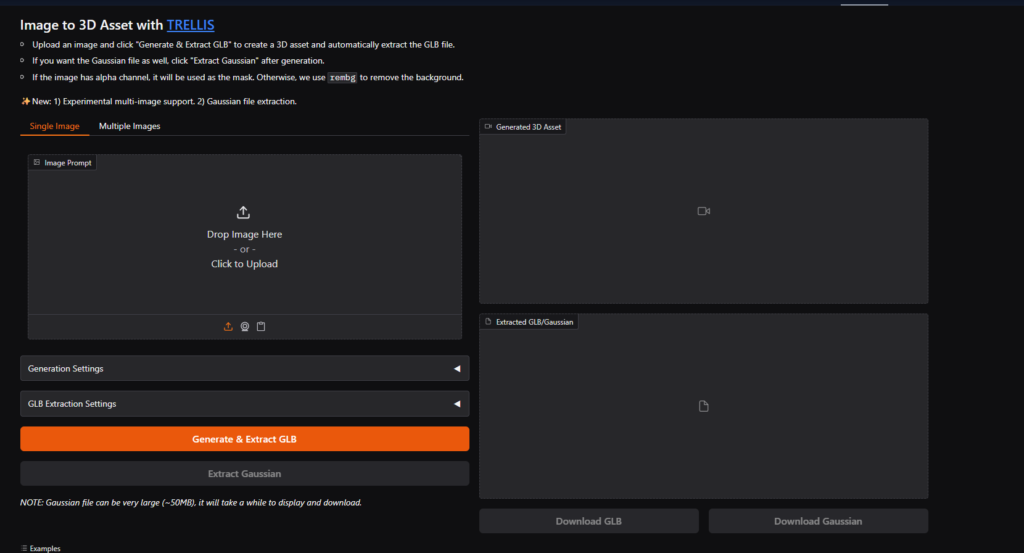
- First launch may download models automatically. After it completes all downloads, you’ll see a localhost URL on your command prompt like 127.xx:7860 , Ctrl + click on it to run WebUI locally on your system.
- Optional: Check
INSTRUCTIONS - HOW TO USE.txtfor parameters, editing options, & custom generation tweaks.
To Update:
- Run
update.batto get the latest version of the codebase. (Use with caution: some users report install conflicts.)
Note: You may see a Triton warning during launch, this is normal & can be safely ignored.
No need to manually install CUDA unless using older GTX 1000-series cards.





