

File Information
| Attribute | Details |
|---|---|
| Name | OpenCut |
| Version | Latest (from GitHub repository) |
| License | Open Source (MIT License) |
| Platform | Web, Windows, macOS, Linux, Mobile |
| Format | Zip (.zip) |
Table of contents
Description
OpenCut is a powerful free and open-source video editor designed for users who want privacy, control, and ease of use. Unlike other editors that lock basic features behind paywalls, OpenCut gives you complete access to timeline-based editing, multi-track support, and real-time previews without subscriptions or watermarks. Whether you are a casual creator, hobbyist, or professional, OpenCut allows you to edit your videos directly on your device, keeping your content private and secure.
Built with modern web technologies like Next.js, React, and TypeScript, OpenCut provides a smooth and responsive experience across desktop, web, and mobile platforms. It comes with an integrated analytics system powered by Databuddy that is 100% anonymized and non-invasive. The editor is simple enough for beginners yet powerful enough for advanced users who want precise control over their projects.
By offering OpenCut as a downloadable zip of the full source code, we allow you to run it locally without relying on cloud services, Docker, or complex setups. You can explore, customize, and even contribute to the project while enjoying a fully functional video editing experience that respects your privacy.
Features of OpenCut App
| Feature | Description |
|---|---|
| Timeline-Based Editing | Arrange clips, transitions, & effects intuitively |
| Multi-Track Support | Edit multiple video & audio tracks simultaneously |
| Real-Time Preview | See changes instantly as you edit |
| No Watermarks | Export your videos without any branding or subscriptions |
| Simple & Intuitive UI | Easy for beginners without sacrificing power |
| Privacy-Focused | All videos stay on your device |
| Open Source | Fully open, you can view or modify the source code |
More features to come soon
Screenshots
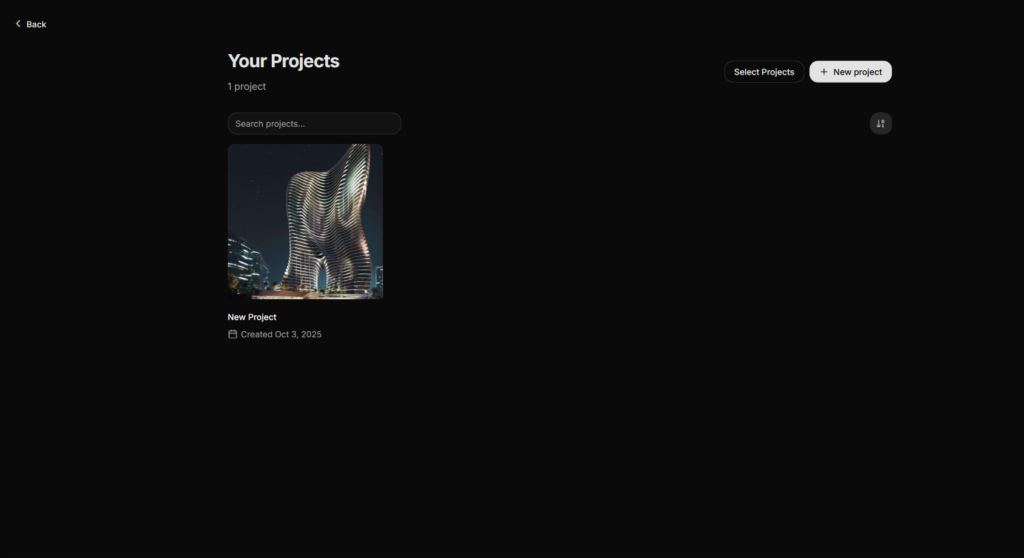
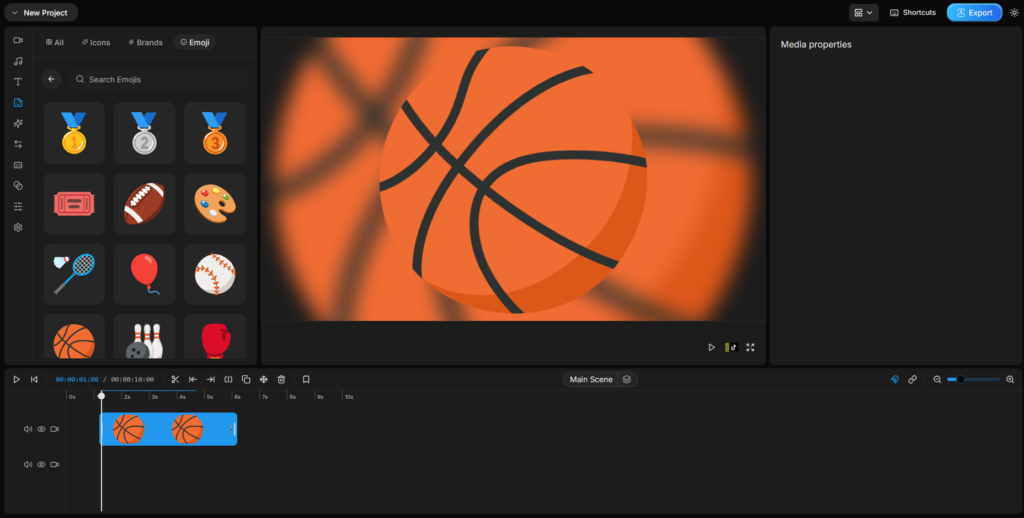
System Requirements
| Platform | Minimum Requirements | Recommended |
|---|---|---|
| Windows | Windows 10, 4 GB RAM, 2 GHz CPU | Windows 11, 8 GB RAM, Quad-core CPU |
| macOS | macOS 10.15+, 4 GB RAM | macOS 13+, 8 GB RAM |
| Linux | Ubuntu 20.04+, 4 GB RAM | Any modern Linux distro, 8 GB RAM |
How to Install Opencut app??
For Windows, macOS, & Linux
- Extract the downloaded
OpenCut.zipto a preferred folder on your system. - Navigate to the
apps/webfolder inside the extracted directory. - Copy the environment template file
.env.exampleto.env.localusing the following command depending on your OS:- Unix/Linux/macOS:
cp .env.example .env.local - Windows CMD:
copy .env.example .env.local - Windows PowerShell:
Copy-Item .env.example .env.local
- Unix/Linux/macOS:
- Install dependencies using Bun or Node.js package manager:
bun installornpm install. - Start the development server:
bun devornpm run dev. - Open your browser and navigate to
http://localhost:3000to start using OpenCut locally.
This method ensures you run OpenCut fully offline, giving you privacy & control over your video projects.
Download OpenCut: An Open Source Alternative to Capcut
Explore More Editing Software
If you’d like full control and feature rich apps that are open source, you should check out the biggest open source library of Softwares, apps, AI tools and more on Firethering, Enjoy!