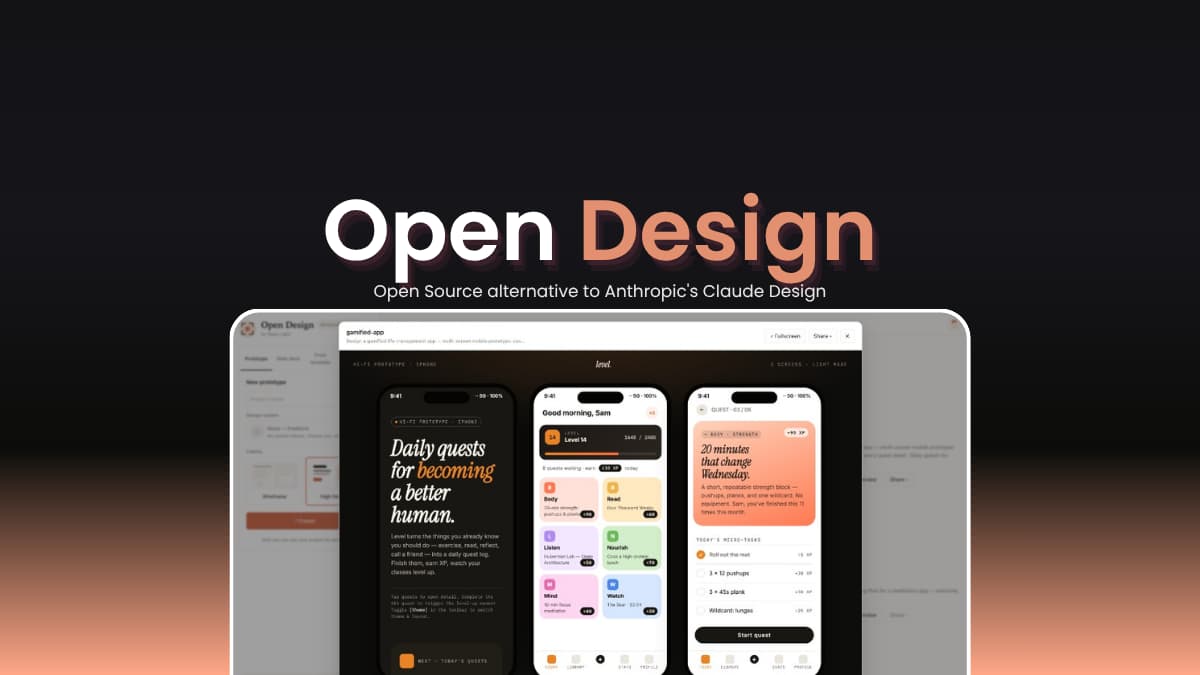

File Info
| File | Details |
|---|---|
| Name | Open Design |
| Version | v0.19.2 |
| Type | AI Design Engine / Prototyping Tool |
| Size | 300MB (Windows) • 300MB (macOS) |
| Developer | Nexu (Open Source Contributors) |
| License | Apache 2.0 License (Open Source) |
| Platforms | macOS • Windows • Web (Vercel Deploy) |
| Formats | .exe • .dmg |
| Primary Use | UI/UX design, prototypes, pitch decks, design systems, AI-assisted design |
| Github Repository | nexu-io/open-design |
Table of Contents
Description
Open Design is basically a local, open source version of Claude Design. You run it on your own machine, deploy it if you want, and plug in your own API keys wherever needed. If you’ve got coding agents installed already, it just finds them. Claude Code, Codex, Cursor, Gemini CLI or others.
And those agents are the whole engine. The system leans on them, along with a bunch of reusable skills and design systems you can combine however you like.
If you have no CLI tools. You’re not stuck. There’s a fallback so you can still use it without setting up half your terminal first.
Use Cases
- Create full website or app UI prototypes
- Generate pitch decks and presentations
- Design dashboards and SaaS landing pages
- Build mobile app UI flows
- Create marketing assets (posters, social media, emails)
- Generate design systems and brand styles
- Continue editing designs exported from other AI tools
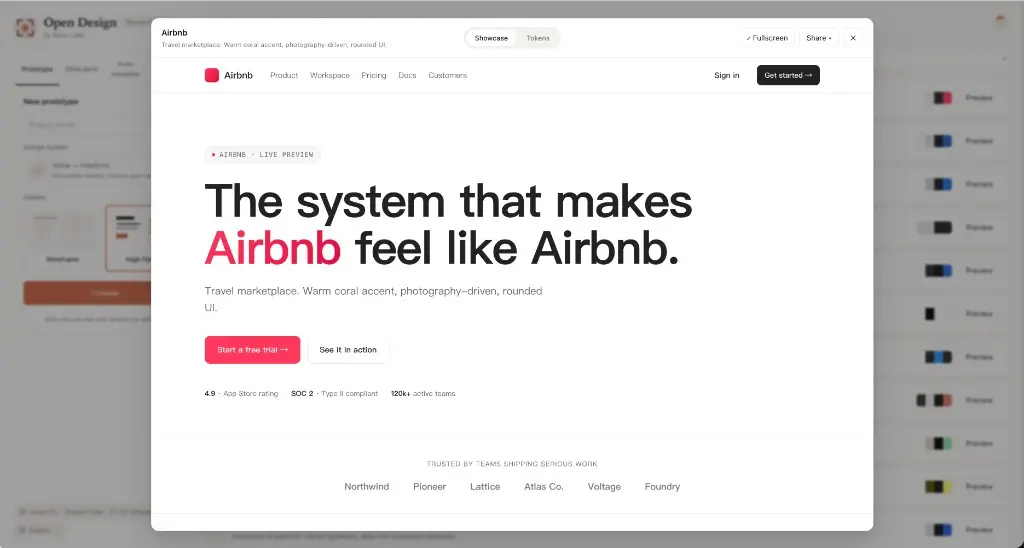
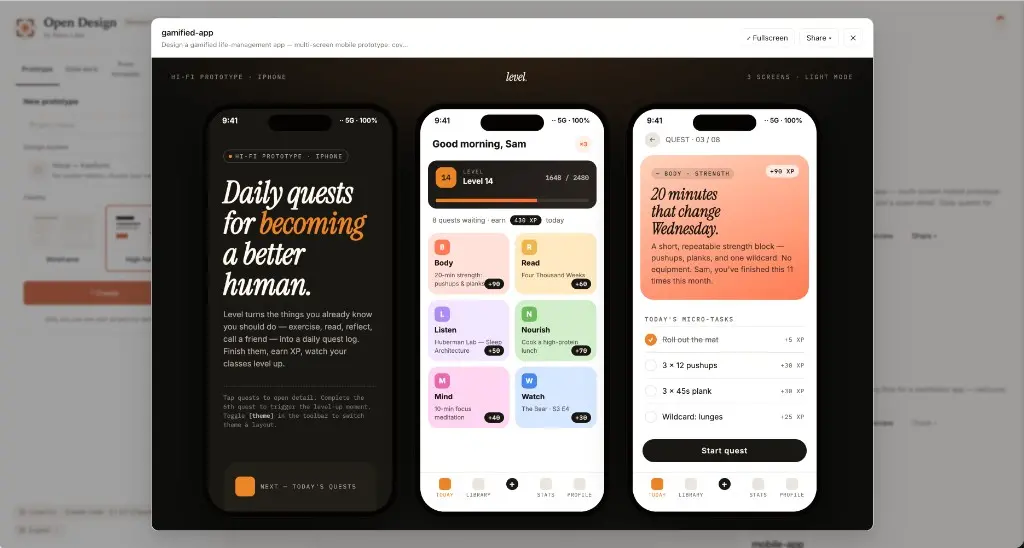
Screenshots
Features of Open Design
| Feature | Description |
|---|---|
| Local-First Execution | Runs on your machine using your own tools |
| Multi-Agent Support | Works with 10+ coding agents (Codex, Claude, Gemini, etc.) |
| Design Systems | 70+ built-in brand-grade design systems |
| Skill-Based Workflow | 30+ design “skills” for different use cases |
| Interactive Input | Asks structured questions before generating designs |
| Live Preview | Real-time sandboxed preview of generated output |
| File Exports | Export as HTML, PDF, PPTX, ZIP, Markdown |
| Media Generation | Create images, videos, and animations |
| BYOK Support | Use any OpenAI-compatible API |
| Persistent Workspace | Saves projects locally with full history |
Related: Open CoDesign: Open Source AI Design Tool to Turn Prompts into UI, Prototypes & Slides
System Requirements
| Component | Requirement |
|---|---|
| Operating System | macOS / Windows |
| Node.js | v24+ |
| Package Manager | pnpm |
| RAM | 8 GB recommended |
| Internet | Required for AI APIs (optional for some setups) |
How to Install Open Design?
Windows
- Download the .exe
- Run it and click through the installer
- Open the app
- Choose Your Provider and Start Designing
macOS
- Download the .dmg
- Open it and drag the app into Applications
- Launch the app
- Select your preferred provider to get started.
Download Open Design: Claude Design Alternative
You May Like: Emdash: Open-Source Agentic IDE to Run Multiple AI Coding Agents in Parallel
Claude Design But Open Source
This is what it turns into if you remove the closed parts. You run it yourself. You decide which models to use. If you already have tools set up, it just works with them easily.
It’s not perfect. Some parts will feel unfinished, and you’ll probably hit a few rough edges. That’s expected. But you’re not stuck guessing what’s happening behind the scenes. If something bothers you, you can actually change it.