back to top
HomeSoftwareOmniRoute: Connect All AI Models & Providers Through One API

OmniRoute: Connect All AI Models & Providers Through One API

- Advertisement -

File Info

PropertyValue
SoftwareOmniRoute
Versionv3.8.42
LicenseMIT License (Open Source)
DeveloperOmniRoute Contributors
File NameOmniRoute Setup (.exe / .dmg / .AppImage)
CategoryAI Gateway
PlatformWindows, macOS, Linux
Github Repositorydiegosouzapw/OmniRoute

Description

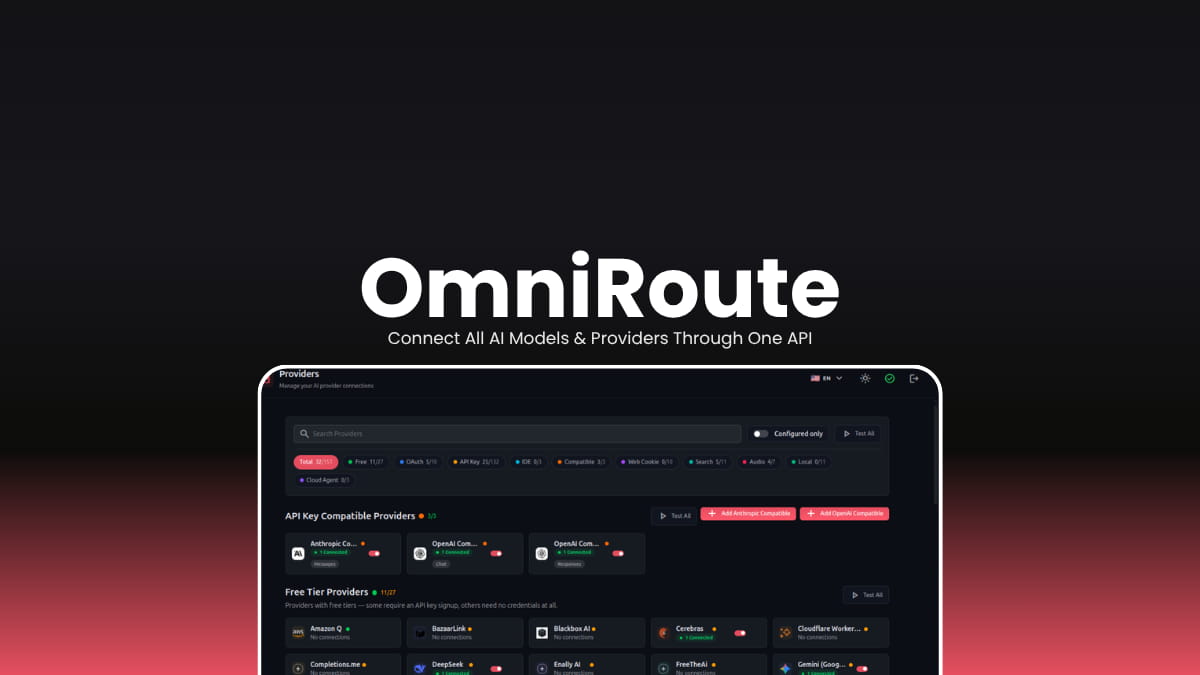
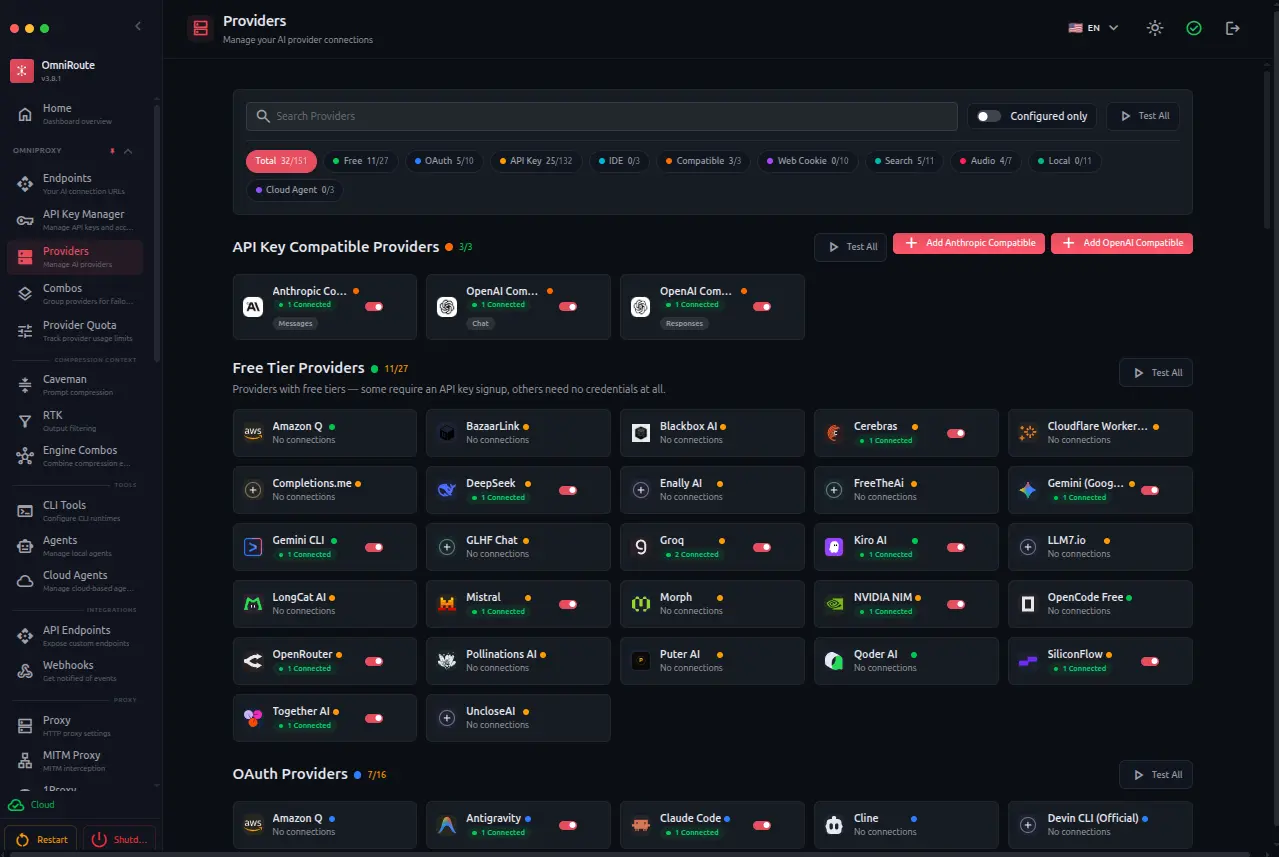
OmniRoute makes it easy to connect your favorite AI tools to hundreds of AI providers through a single endpoint. With automatic provider switching, smart routing, token optimization, and support for popular coding assistants, it helps you build AI applications without worrying about rate limits or changing APIs.

Use Cases

  • Route AI requests across multiple providers without changing your application.
  • Prevent interruptions by automatically switching providers when limits are reached.
  • Connect coding assistants like Cursor, Claude Code, Codex, and Cline through a single endpoint.
  • Reduce AI costs using smart routing and token compression.
  • Access both cloud AI services and local models from one interface.

Screenshots

Features of OmniRoute

FeatureDescription
236 AI ProvidersAccess hundreds of AI providers from one gateway.
Automatic FailoverInstantly switches to another provider if one becomes unavailable or hits rate limits.
One API EndpointWorks with OpenAI-compatible tools using a single endpoint.
Token CompressionReduces prompt and tool tokens to lower costs and context usage.
Free Tier RoutingUses available free AI providers before paid ones whenever possible.
AI Coding Tool SupportCompatible with Claude Code, Cursor, Codex, Cline, Continue, GitHub Copilot, Roo Code, Gemini CLI, and more.
Smart RoutingChoose from multiple routing strategies including fastest, cheapest, auto, offline, and context-aware routing.
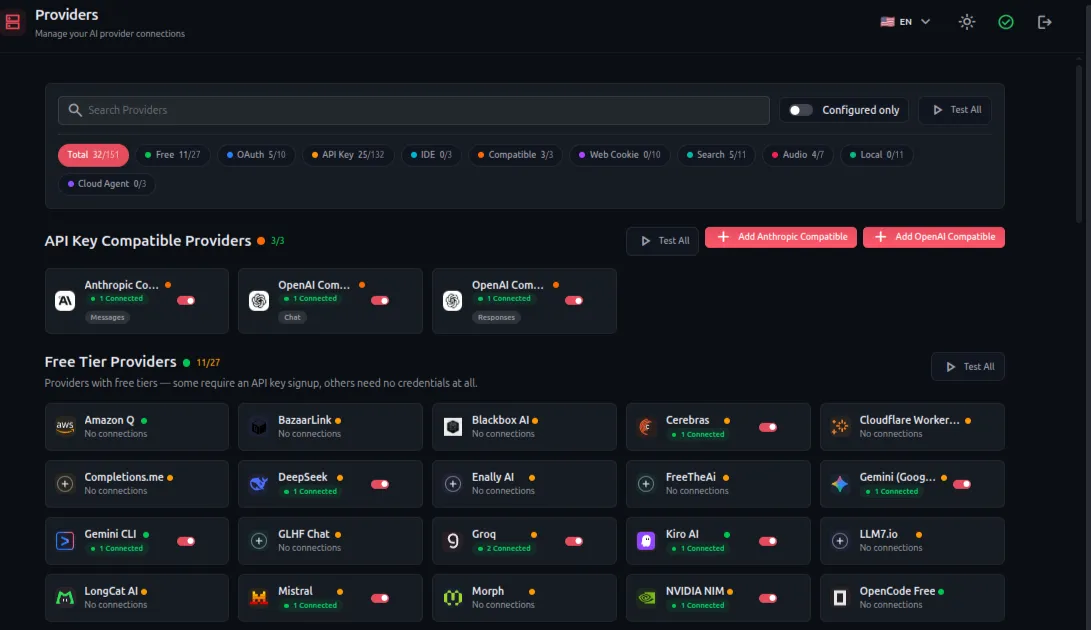
Built-in DashboardManage providers, monitor usage, analytics, and routing from a local web dashboard.
Local-FirstRuns locally and stores API keys securely on your own machine.
Cross-PlatformAvailable for Windows, macOS, Linux, Docker, ARM devices, and Termux.
You May Like: Goose: Open Source Local AI Coding Agent for Developers

Supported AI Services

CategorySupport
AI Providers236+ providers
Free Providers90+
Local ModelsOllama, LM Studio, vLLM
Coding AssistantsClaude Code, Cursor, Codex, Cline, GitHub Copilot, Continue, Roo Code, Gemini CLI, OpenCode and more
AI ProtocolsMCP, A2A
Media APIsImage, Audio, Video, Search, Embeddings, Reranking

System Requirements

ComponentRequirement
Operating SystemWindows 10/11, macOS, or Linux
Processor64-bit CPU
RAM4 GB minimum (8 GB recommended)
StorageAround 500 MB free space
InternetRequired for cloud AI providers (optional for local models like Ollama)

Installation

  1. Download the installer for your operating system.
  2. Install OmniRoute on your computer.
  3. Launch the application.
  4. Open the local dashboard in your browser.
  5. Connect your preferred AI providers or local models.
  6. Point your AI tools to OmniRoute’s local API endpoint.
  7. Start using multiple AI providers through one unified gateway.

Download OmniRoute

Why Choose OmniRoute?

Instead of configuring every AI provider separately, OmniRoute provides one local gateway that intelligently routes requests, handles provider failures automatically, supports hundreds of AI services, and works with most popular AI development tools out of the box. It’s especially useful for developers who regularly switch between different AI models or want uninterrupted AI workflows.

Don’t miss any Tech Story

Subscribe To Firethering NewsLetter

You Can Unsubscribe Anytime! Read more in our privacy policy

LEAVE A REPLY

Please enter your comment!
Please enter your name here

YOU MAY ALSO LIKE
FluidVoice MacOS AI Dictation App

FluidVoice: AI Voice-to-Text Dictation App for macOS

0
If you spend hours writing emails, documents, code, or notes, typing everything can quickly become exhausting. FluidVoice makes dictation feel much more natural by turning your voice into text with fast, accurate speech recognition and optional on-device AI enhancements. Its built with a local-first approach. Most speech models run directly on your Mac, and its optional Fluid Intelligence engine improves formatting, punctuation, and capitalization without sending your voice recordings to external servers. If you're writing articles, coding, replying to messages, or simply prefer speaking over typing, FluidVoice offers a fast and privacy-friendly dictation experience for macOS.
World Monitor Open-Source Global Intelligence Dashboard with AI News & Live Maps

World Monitor: Global Intelligence Dashboard with AI News & Live Maps

0
If you regularly follow world news, financial markets, technology, or geopolitical developments, World Monitor offers a much more organized way to stay informed. Its combination of AI-powered summaries, interactive maps, market data, and optional local AI support makes it a powerful desktop dashboard for researchers, analysts, journalists, and everyday users who want a broader view of what's happening around the world.
Palmier Pro AI video editor and generator app

Palmier Pro: AI-Powered Video Editor for macOS

0
AI video generators have become incredibly capable, but the workflow is still fragmented. You generate a clip in one tool, download it, import it into an editor, make changes, then repeat the entire process whenever you need a revision. Palmier Pro aims to eliminate that loop. Instead of treating AI as a separate website, it brings generation directly into the editing timeline. You can create AI videos, images, and audio alongside your own footage without constantly switching between different applicationsm, this way AI becomes another creative tool. Beyond generation, Palmier Pro is also a fully featured video editor built natively with Swift for Apple Silicon Macs. It supports multi-track editing, timeline controls, professional exports, and even lets AI agents like Claude, Cursor, and Codex interact with your projects through MCP.