


File Information
| File | Details |
|---|---|
| Name | Notesnook |
| Version | v3.3.8 |
| Platforms | Windows • macOS • Linux |
| Size | 179MB (exe) • 119MB (dmg) • 116MB (AppImage) |
| License | GPL-3.0 License (Open Source ) |
| Category | End-to-End Encrypted Note-Taking App |
| Github Repository | Github/Notesnook |
| Official Site | notesnook |
Table of contents
Description
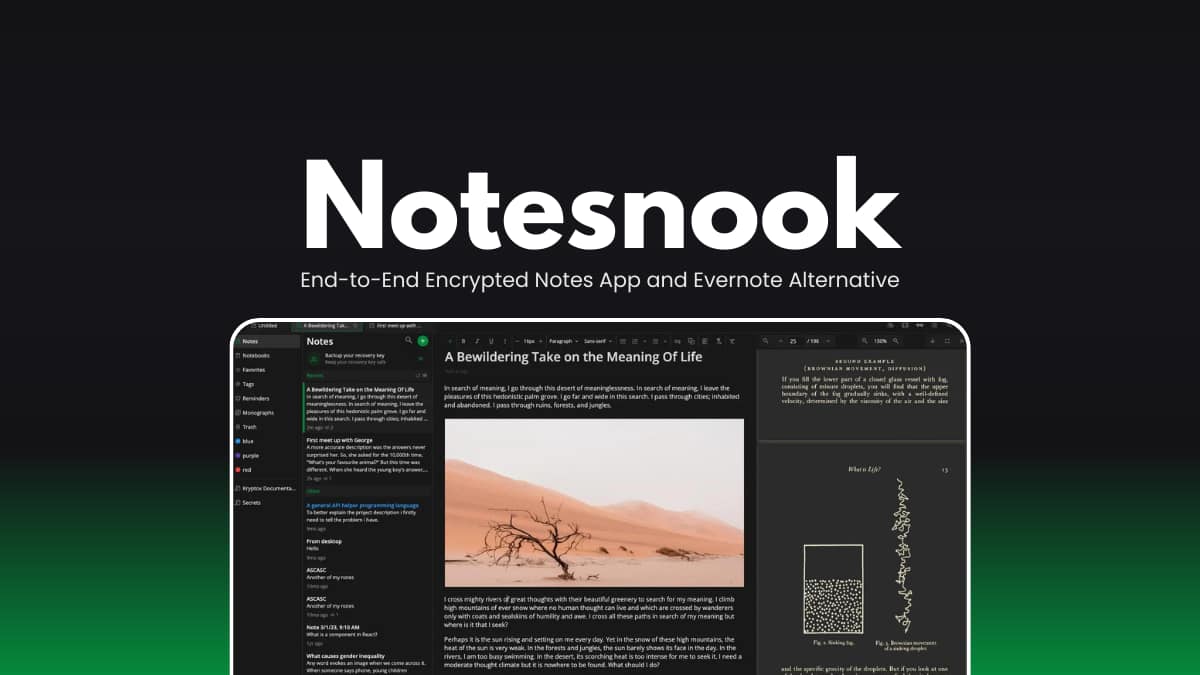
Notesnook is a privacy-focused, open-source note-taking app for someone who want complete control over their data.
It encrypts everything before it leaves your device. This ensures your notes remain private in the cloud, during syncing, and even at rest.
It works across desktop, mobile, and web, giving you secure access to your notes anywhere. Designed as a strong privacy alternative to Evernote, Notesnook combines powerful editing tools with zero-knowledge encryption and full transparency.
Use Cases
- Secure personal journaling and daily thoughts
- Storing passwords, recovery keys, and sensitive information
- Managing private work notes and confidential documents
- Research organization with linked notes
- Creating encrypted task lists and reminders
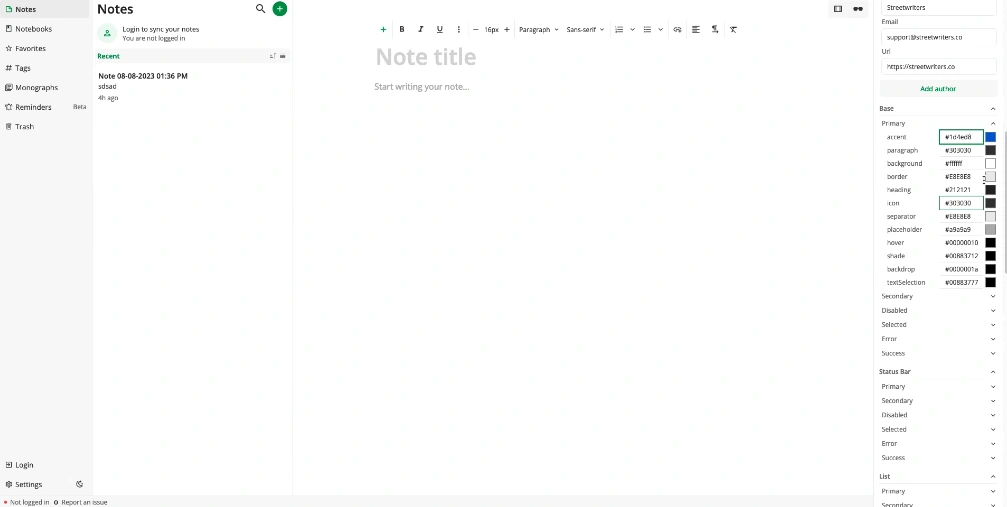
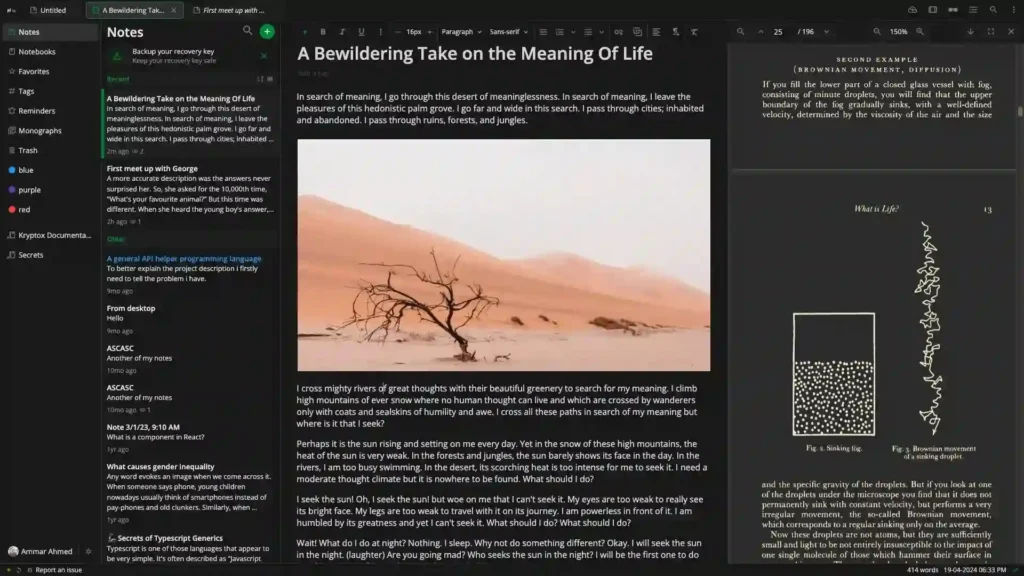
Screenshots
Features of Notesnook
| Feature | What it Does |
|---|---|
| End-to-End Encryption | Encrypts notes before they leave your device using strong modern encryption. |
| Cross-Platform Sync | Access notes on Windows, macOS, Linux, Android, iOS, and Web. |
| App Lock | Automatically locks your notes database for extra protection. |
| Web Clipper | Save webpages privately without tracking. |
| Bidirectional Linking | Link notes together for connected knowledge management. |
| Rich Editor | Supports tables, tasks, lists, outlines, code blocks, math formulas, images, files, and Markdown. |
| Notes Vault | Password-protect sensitive notes. |
| Reminders & Tasks | Create secure to-do lists and reminders. |
| Open Source | Fully transparent codebase with optional self-hosting support. |
System Requirements
| Component | Minimum Requirement |
|---|---|
| Operating System | Windows 10/11 (64-bit), macOS, Linux (64-bit) |
| RAM | 4 GB recommended |
| Disk Space | 500 MB+ |
| Internet | Required for syncing across devices |
How to Install Notesnook Notes taking app
For Windows
- Download the
.exesetup file. - Double-click the downloaded file.
- Follow the installation wizard instructions.
- Once installed, open Notesnook from the Start Menu.
For macOS
- Download the macOS
.dmgfile. - Open the downloaded file.
- Drag the Notesnook app into the Applications folder.
- Open Applications and launch Notesnook.
For Linux
- Download the
.AppImagefile for Linux. - Right-click the downloaded file and enable “Allow Executing as Program” if required.
- Double-click the AppImage file to launch Notesnook.
Recommended For You: Trilium Notes: Open Source Knowledge Base & Note Taking App for Windows, macOS & Linux
Download Notesnook Notes taking app
Why Choose Notesnook?
If you’ve ever felt uneasy storing personal thoughts in a big-name notes app, Notesnook will probably make immediate sense to you. It keeps your notes encrypted before they leave your device.
It works on Windows, macOS, Linux, Android, iOS, and the web, so you’ve multiple platforms to access your notes. You can write something on your laptop in the morning and check it on your phone later.
It’s a practical choice for people who want a private workspace that just works.




