


File Information
| Property | Details |
|---|---|
| Name | Notepad++ |
| Version | 8.6.5 (Stable) |
| File Size | 4.3 MB |
| Platform | Windows (32-bit & 64-bit) |
| License | GNU General Public License (Open Source) |
| Official Repository | GitHub |
| Official Site | Notepad Plus Plus |
Table of contents
Description
Notepad++ is the ultimate free source code editor and Notepad replacement for Windows users. Loved by developers worldwide, it supports multiple programming languages and provides a lightweight, fast, and efficient environment for coding. Released under the GNU General Public License, Notepad++ is not only free to use but also open-source, allowing developers to contribute and improve the software continually.
Built on the Scintilla editing component, Notepad++ is written in C++ using the Win32 API and STL, which ensures faster execution, lower memory consumption, and a smaller program size compared to other editors. Its optimized routines make coding more efficient, while its low CPU usage contributes to greener computing by reducing power consumption and lowering carbon dioxide emissions.
Whether you are a beginner writing HTML or an advanced developer working on C++, Python, or JavaScript, Notepad++ provides a feature-rich environment to make coding easier, faster, and more productive. Its user-friendly interface, along with advanced tools, makes it a popular choice for millions of developers.
Features of Notepad++
| Feature | Description |
|---|---|
| Syntax Highlighting | Supports dozens of programming languages with custom themes |
| Multi-Document | Edit multiple files in tabbed interface |
| Auto-Completion | Intelligent word & function completion for faster coding |
| Search & Replace | Powerful search with regex & multi-file support |
| Macro Support | Record & playback macros for repetitive tasks |
| Plugin Manager | Easy installation & management of plugins |
| Customizable UI | Themes, fonts, and colors fully customizable |
| Low Resource Usage | Fast execution with minimal CPU & memory usage |
| Portable Version | Run Notepad++ without installation |
| Open Source | GNU GPL license, community-driven development |
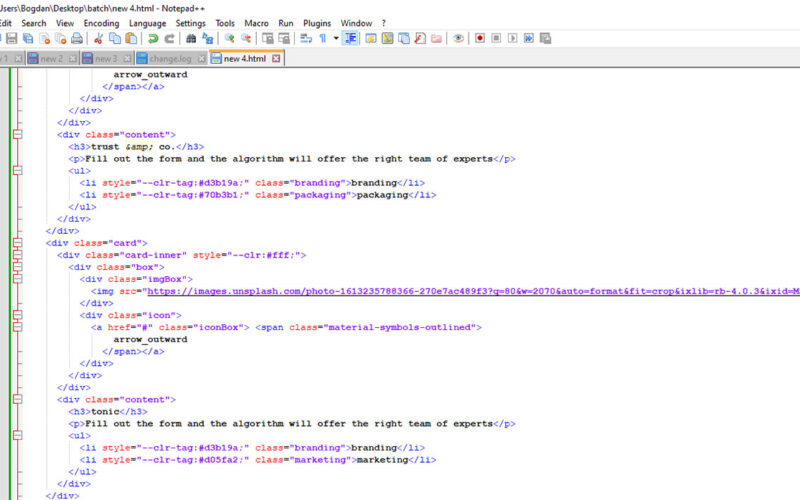
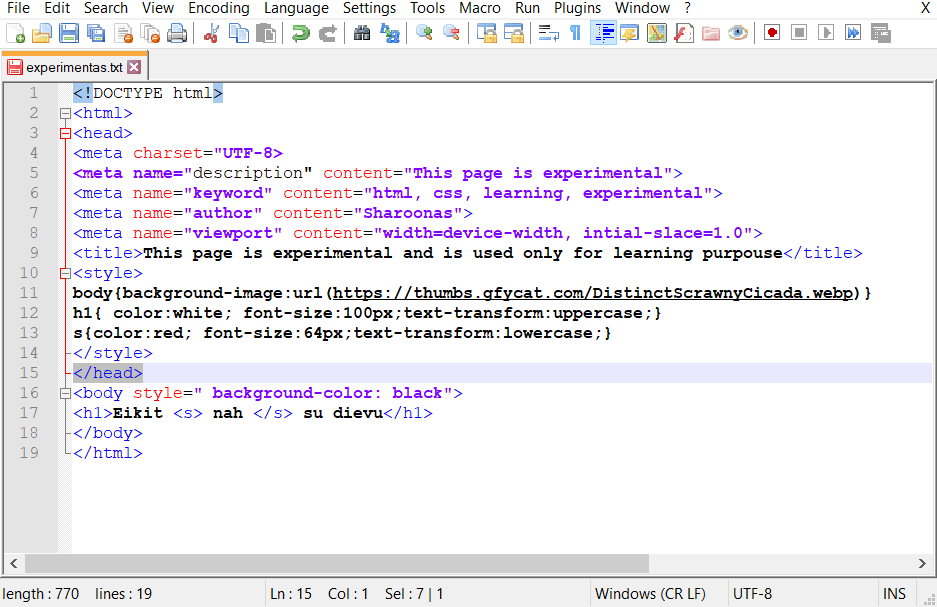
Screenshots
System Requirements
System Requirements
| Property | Details |
|---|---|
| OS | Windows 7 or later (32-bit & 64-bit) |
| Processor | Intel/AMD x86 compatible CPU |
| RAM | 512 MB minimum, 2 GB recommended |
| Storage | 20 MB |
How to Install Notepad++??
- Download the latest Notepad++ installer from the Download Page.
- Run the installer by double-clicking the
.exefile. - Choose the installation language and click Next.
- Accept the license agreement and click Next.
- Select the installation location (default is recommended) and click Next.
- Choose additional tasks like desktop shortcut, context menu, or update notifications and click Next.
- Click Install and wait for the process to complete.
- Once installed, click Finish to launch Notepad++.
Download Notepad++ for Windows: Free & Powerful Source Code Editor
Conclusion
Notepad++ is the go-to editor for coders who want a fast, efficient, and open-source solution for all their coding needs. Whether you are writing HTML, CSS, Python, or C++, Notepad++ provides a rich set of tools, plugins, and customization options. Its low resource usage, portable option, and eco-friendly design make it the ultimate free coding tool for Windows users.
For developers looking for a free, lightweight, and feature-packed source code editor, Notepad++ is the number one choice. Download it today and experience why millions trust Notepad++ for their coding projects.




