


File Information
| Property | Details |
|---|---|
| Name | Mozilla Firefox |
| Version | Latest stable release |
| File Size | Windows .exe: ~85 MB, macOS .dmg: ~90 MB, Linux .deb: ~75 MB, Linux .tar.xz: ~80 MB |
| Platform | Windows, macOS, Linux |
| License | MPL 2.0 (Open Source) |
| Official Repository | Mozilla |
Table of contents
Description
Mozilla Firefox is a powerful, open-source web browser that puts user privacy, speed, and customization first. Loved by millions worldwide, Firefox offers a seamless browsing experience with cutting-edge web standards, robust security features, and a highly customizable interface. Whether you are surfing, streaming, or working online, Firefox ensures fast page loads, smooth performance, and privacy-focused browsing.
Firefox is committed to open-source development and user privacy, blocking trackers and third-party cookies by default. With an extensive library of add-ons and extensions, you can tailor Firefox to fit your workflow perfectly. From tab management to advanced developer tools, Firefox is ideal for both casual users and tech enthusiasts.
It is designed for speed, security, and privacy. With features like Enhanced Tracking Protection, Picture-in-Picture, and multi-account containers, it allows users to browse freely without sacrificing safety. Firefox supports modern web technologies including HTML5, CSS3, and JavaScript, making it compatible with virtually every website.
Key highlights of Firefox include:
- Privacy First: Blocks trackers, cryptominers, and fingerprinting automatically.
- Fast & Efficient: Lightweight engine with improved memory usage and faster load times.
- Customizable UI: Themes, toolbar adjustments, and extension support.
- Cross-Platform Sync: Sync bookmarks, passwords, history, and tabs across devices.
- Developer Friendly: Built-in developer tools, web console, network inspector, and debugging features.
- Secure: Regular updates and sandboxing technology protect users from vulnerabilities.
Firefox is ideal for everyday browsing, research, online work, streaming, and developers testing new web standards.
Features of Mozilla Firefox
| Feature | Description |
|---|---|
| Enhanced Tracking Protection | Blocks trackers, ads, and cryptominers |
| Picture-in-Picture | Watch videos while browsing other tabs |
| Multi-Account Containers | Separate your work, personal, and shopping sessions |
| Private Browsing | No history or cookies saved in private mode |
| Cross-Device Sync | Access bookmarks, passwords, and tabs on all devices |
| Extensions & Add-ons | Thousands of extensions to enhance functionality |
| Web Developer Tools | Built-in console, debugger, and performance analyzer |
| Tab Management | Pin tabs, group tabs, and restore closed tabs |
| Themes | Customize the look and feel of the browser |
| Open Source | Community-driven development for transparency |
Screenshots
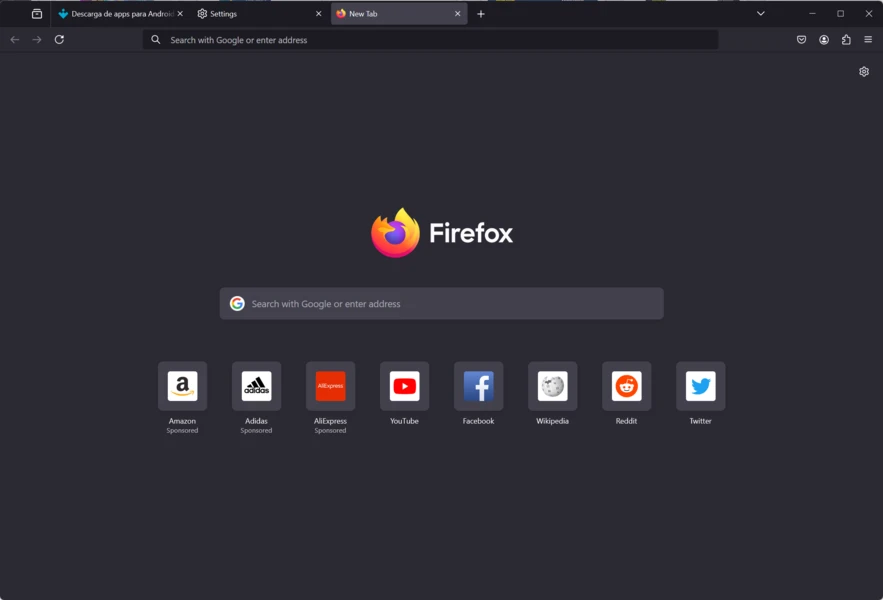
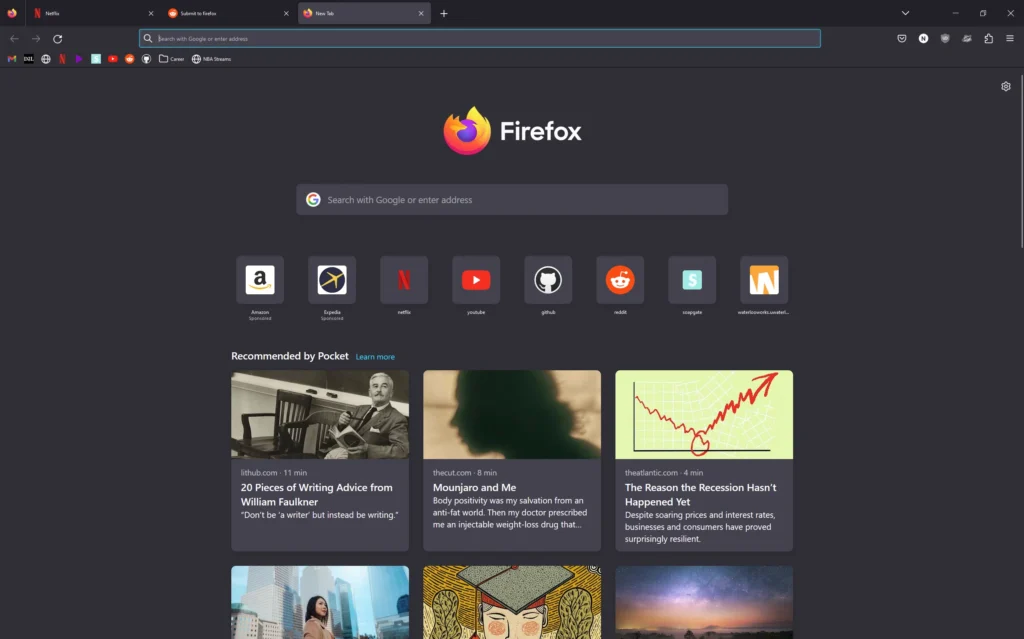
System Requirements
| Platform | Minimum Requirements |
|---|---|
| Windows | Windows 10 or newer, 64-bit |
| macOS | macOS 10.12 or newer, Intel & Apple Silicon supported |
| Linux | Most modern distros, glibc 2.17+ |
| RAM | 2 GB minimum, 4 GB recommended |
| Storage | 200 MB free for installation |
How to Install Firefox??
Before Installation, download the firefox relevant version according to your Operating System from the download section
Windows (.exe):
- Download the
.exeinstaller. - Run the installer and follow on-screen instructions.
- Launch Firefox and start browsing.
macOS (.dmg):
- Download the
.dmgfile for Intel or Apple Silicon. - Open the
.dmgand drag Firefox to the Applications folder. - Launch from Applications.
Linux (.deb):
- Download the
.debpackage. - Install using terminal:
sudo dpkg -i firefox.deb - Launch Firefox from your applications menu.
Linux (.tar.xz):
- Download the
.tar.xzarchive. - Extract the archive:
tar -xf firefox.tar.xz - Run Firefox:
./firefox/firefox
Download Mozilla Firefox: Fast, Secure & Free Web Browser
Conclusion
Mozilla Firefox is the best free and open-source browser for users who care about privacy, speed, and freedom on the web. With robust security, cross-platform sync, and an ever-growing library of extensions, Firefox is the go-to choice for millions looking for a fast, safe, and reliable browsing experience on Windows, macOS, and Linux.




