


File Info
| File | Details |
|---|---|
| Name | Miri |
| Version | v0.0.3 |
| Type | macOS Tiling Window Manager |
| Developer | maria-rcks (Open Source Contributors) |
| Size | 560KB |
| License | MIT License (Open Source) |
| Platform | macOS |
| Architecture | Apple Silicon |
| GitHub Repository | maria-rcks/miri |
Table of Contents
Description
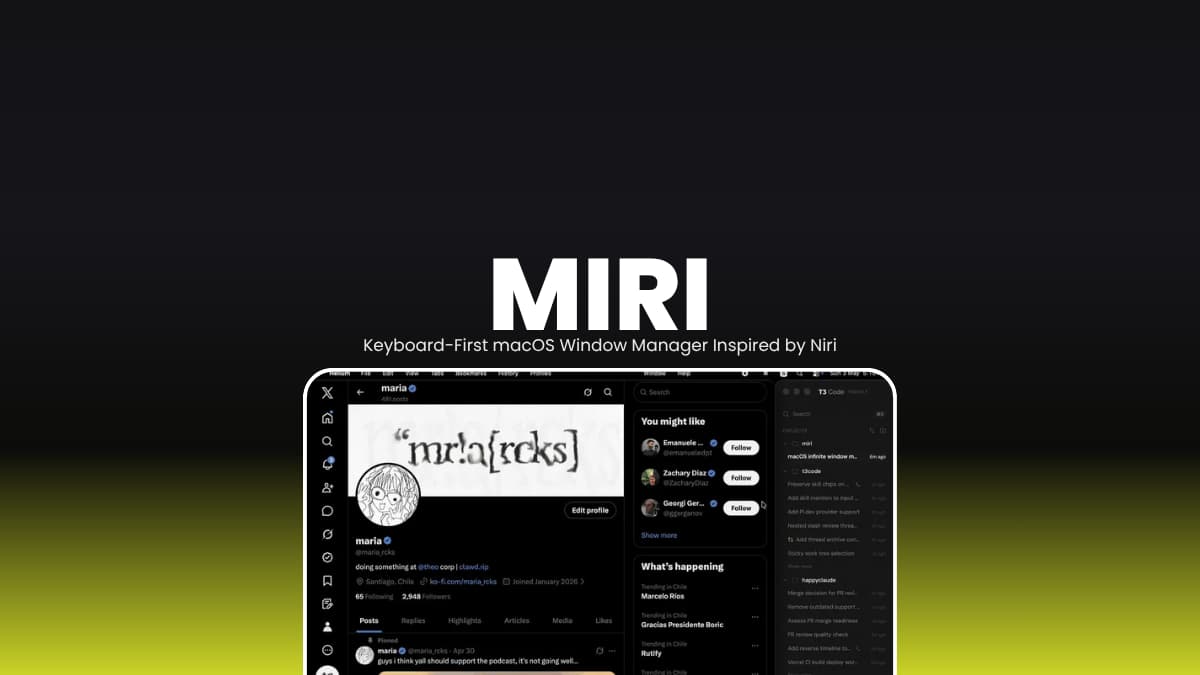
Miri is a keyboard first tiling window manager for macOS inspired by Niri on Linux.
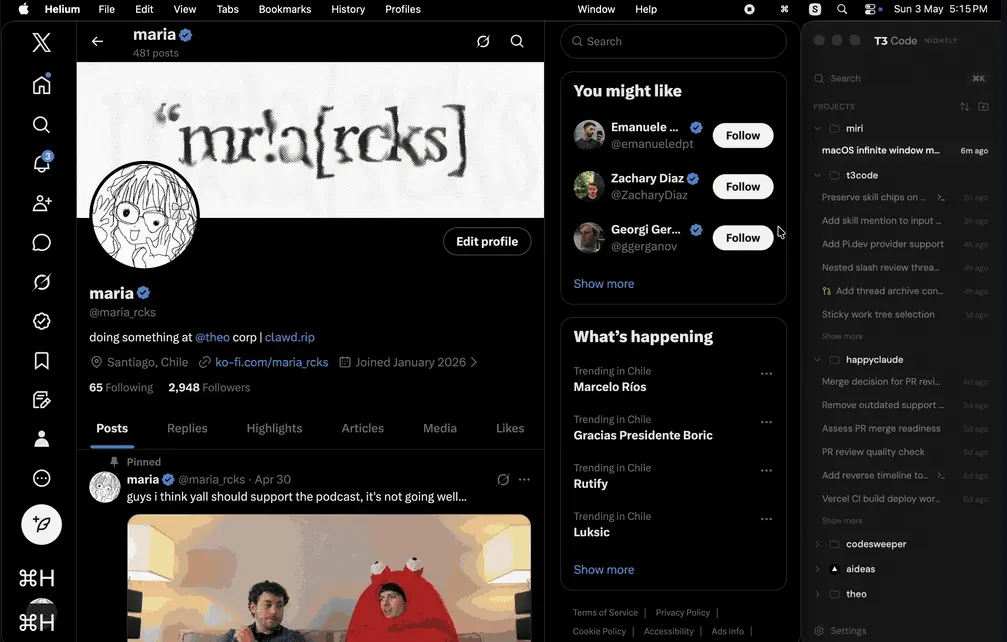
Instead of stacking windows everywhere, Miri organizes apps into smooth horizontal workspaces and columns that are easier to navigate with shortcuts or trackpad gestures. It works directly with normal macOS windows using Accessibility APIs, so apps like Chrome, VS Code, Finder, and Terminal continue behaving like regular Mac apps.
You get a cleaner workspace, faster navigation, persistent layouts, and less time dragging windows around manually. It is especially good for developers, multitaskers, and people who constantly jump between apps all day.
Use cases
- Turn macOS into a keyboard driven tiling workspace
- Manage multiple coding, browser, and terminal windows cleanly
- Navigate workspaces with shortcuts or trackpad gestures
- Keep project layouts persistent across restarts
- Create Linux-style window management on macOS
- Improve multitasking on ultrawide or large displays
Screenshots
Features of Miri
| Feature | Description |
|---|---|
| Scrollable Tiling Layout | Navigate horizontally through columns and workspaces |
| Keyboard-First Workflow | Fast navigation using Vim-like shortcuts |
| Trackpad Navigation | Three-finger momentum-based workspace movement |
| Dynamic Workspaces | Create and move between multiple workspaces quickly |
| Hot Reload Config | Reload settings instantly without restarting |
| Workspace Persistence | Restores layouts and focused windows after restart |
| Native macOS Windows | Uses Accessibility APIs instead of replacing the compositor |
| Floating & Ignore Rules | Set app-specific window behaviors |
| Menu Bar Controls | Quick access to layouts, settings, and recovery tools |
| Smooth Animations | Configurable animation curves and timing |
| Crash Recovery | Restores tiled windows after unexpected exits |
| Lightweight Setup | No complex desktop environment required |
Keyboard Shortcuts
The defaults feel heavily inspired by Vim and Niri, so Linux tiling WM users will adapt quickly.
| Shortcut | Action |
|---|---|
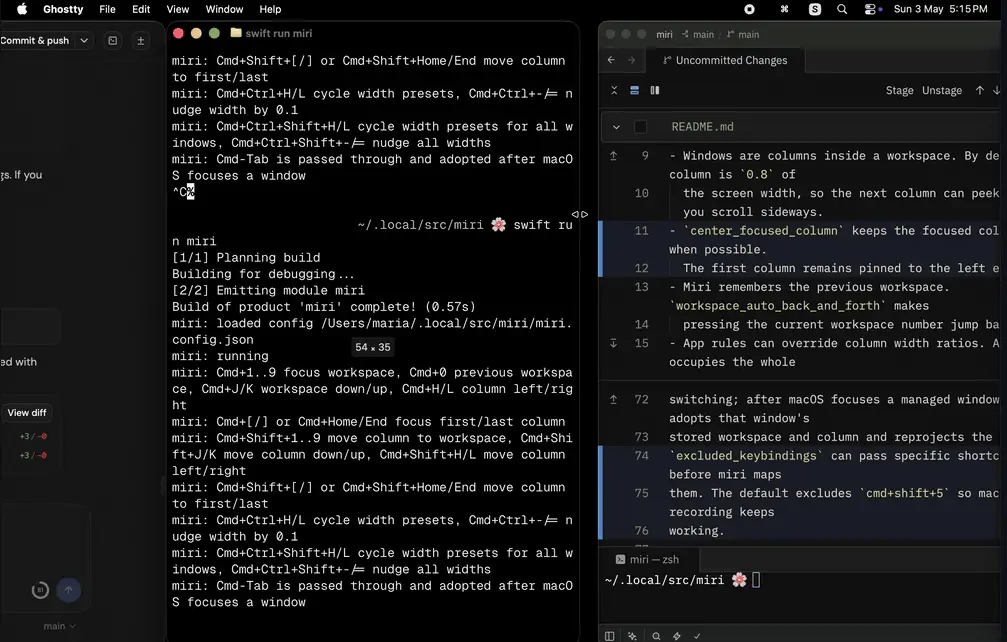
| Cmd + H / Cmd + L | Move between columns |
| Cmd + J / Cmd + K | Switch workspaces |
| Cmd + Shift + H / L | Move columns left or right |
| Cmd + 1-9 | Jump to workspace |
| Cmd + Ctrl + H / L | Resize active column |
| Three-finger swipe | Navigate workspaces and columns |
System Requirements
| Component | Requirement |
|---|---|
| Operating System | macOS 13+ |
| Processor | Apple Silicon (ARM64) |
| RAM | 4 GB minimum |
| Permissions | Accessibility access required |
| Input Monitoring | May be required for gesture support |
Related: FineTune: Per-App Volume Control for macOS
How to Install Miri??
macOS (Apple Silicon)
- Download the app
- Open the dmg file
- Drag Miri.app into the Applications folder
- Launch Miri from Applications
- Grant Accessibility permissions when macOS asks
- If needed, also allow Input Monitoring permissions for shortcuts and gestures
Download Miri Window Manager
Configuration
Miri supports JSON-based configuration with live reload support. You can customize keybindings, animations, workspace behavior, window rules, trackpad sensitivity, floating apps and focus behavior.
The config reloads automatically when you save changes, so you do not need to restart the app every time.
A calmer way to use macOS
Miri makes macOS feel more organized without changing how your apps work. If you like keyboard driven workflows, cleaner multitasking, and Linux style tiling layouts, this is one of the nicest open source options available for Mac.




