
File Information
| File | Details |
|---|---|
| Name | FineTune |
| Version | v1.1.0 |
| File Format Provided | .dmg |
| Size | 4.13MB |
| Platform | macOS |
| License | GPL v3 (Open Source) |
| Official Repository | GitHub FineTune |
| Category | Audio Mixer • Volume Control |
| App Type | Menu Bar Utility |
Table of contents
Description
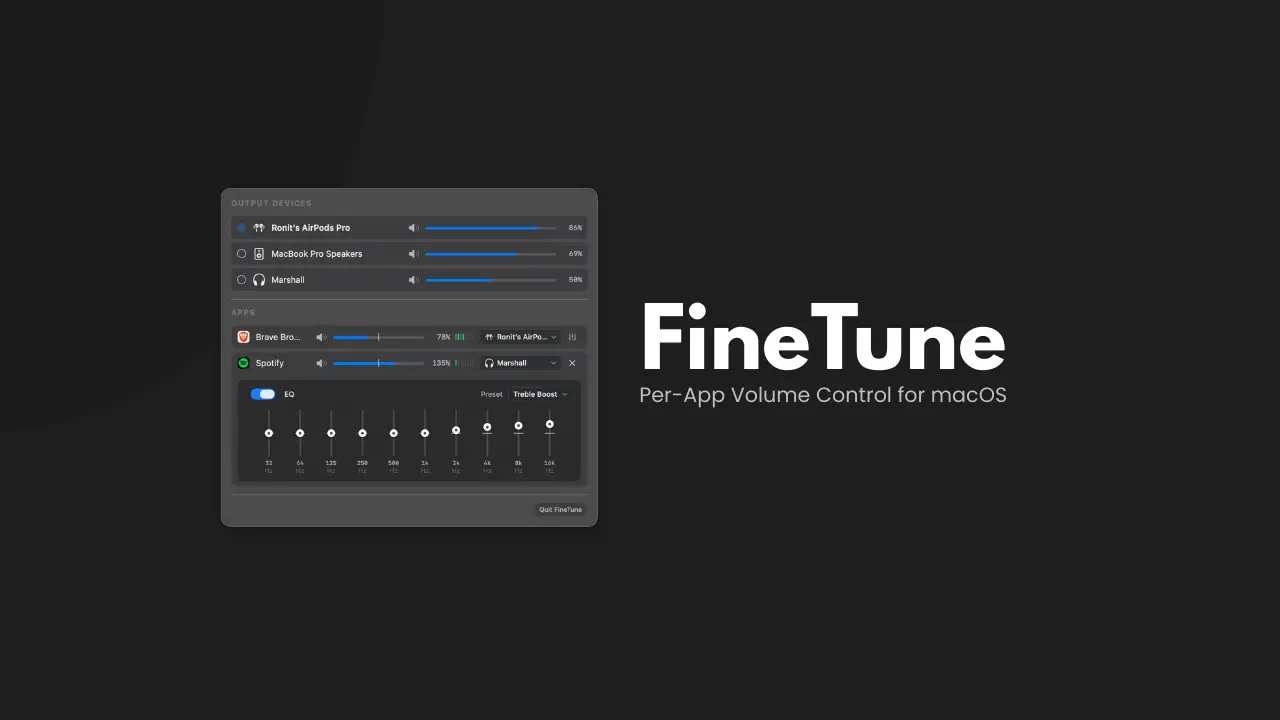
FineTune is a free and open-source macOS audio mixer that finally brings per-application volume control to Mac, something macOS still doesn’t offer natively.
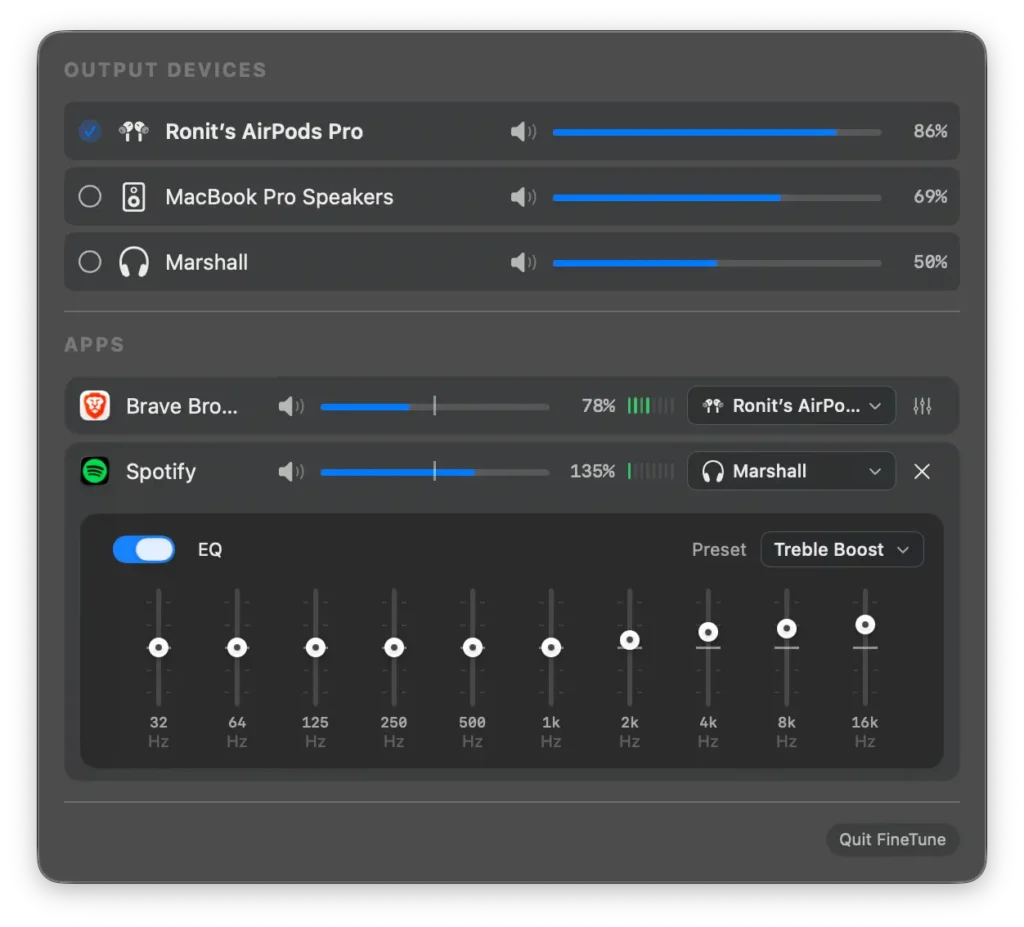
You can control the volume of each running app independently, route apps to different output devices, apply a built-in 10-band equalizer, and boost quiet apps, all directly from your menu bar.
It’s lightweight, privacy-friendly & designed to feel like a feature macOS should have shipped with.
Use Cases
- Lower notification sounds without muting music
- Route calls to headphones while music plays on speakers
- Boost quiet apps without affecting system volume
- Apply quick EQ presets without extra audio plugins
- Manage audio instantly from the menu bar
Screenshots
Features of FineTune
Per-App & Device Control
| Feature | Description |
|---|---|
| Per-App Volume Sliders | Control volume individually for each running app |
| App Mute | Instantly mute specific applications |
| Per-Device Volume | Adjust volume independently for each output device |
| Audio Routing | Send apps to different output devices or follow system audio |
| System Sound Routing | Route alerts, notifications, and Siri separately |
| Quick Device Switching | Instantly switch outputs with smart reconnection |
Audio Enhancements
| Feature | Description |
|---|---|
| 10-Band Equalizer | Fine control with 20 presets across 5 categories |
| Volume Boost | Amplify quiet apps up to 400% |
| Exact Volume Input | Click percentage to type precise values |
| Real-Time VU Meters | Visual audio level feedback |
System Requirements
| Requirement | Details |
|---|---|
| Operating System | macOS 14.0 (Sonoma) or newer |
| Processor | Apple Silicon or Intel |
| RAM | 4 GB recommended |
| Disk Space | ~50 MB |
| Permissions | Audio Capture (requested on first launch) |
How to Install FineTune??
- Download the FineTune
.dmgfile - Open the
.dmg - Drag FineTune.app into the Applications folder
- Open Applications -> FineTune
- The FineTune icon will appear in the menu bar
On first launch, macOS will ask for Audio Capture permission, allow it to enable per-app volume control.
Privacy & How It Works
FineTune uses macOS Core Audio process taps to intercept and adjust audio streams before they reach your output devices.
- Audio is processed locally
- No data leaves your system
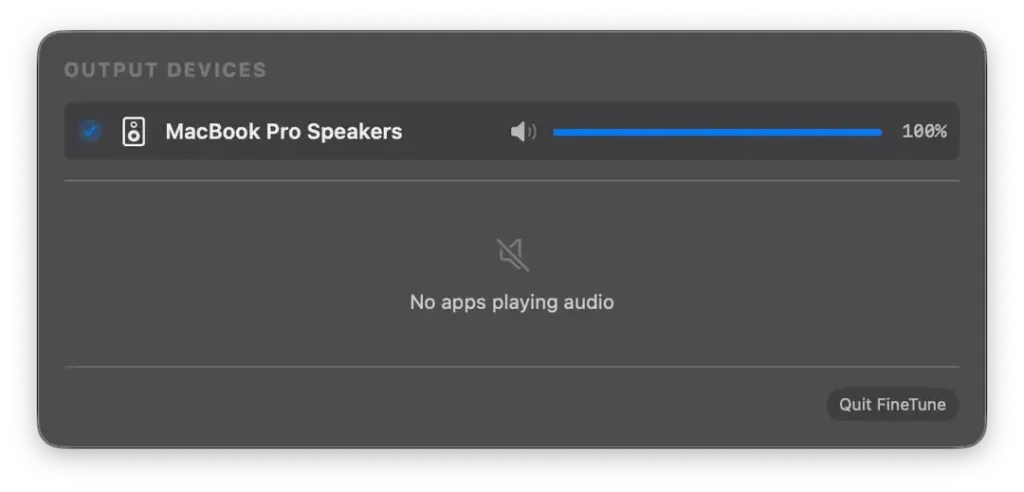
- Only apps actively producing sound appear in the list
- Runs as a lightweight background utility
Recommended For You: Nora Music Player: Open-Source Desktop Music Player for Windows, macOS & Linux
Download FineTune: Per-App Volume Control for macOS
Conclusion
FineTune delivers the macOS volume mixer that is not available natively.
If you want:
- True per-app volume control
- Smart audio routing
- Built-in EQ
- A clean menu bar experience
FineTune is the simplest and most powerful solution available on macOS.