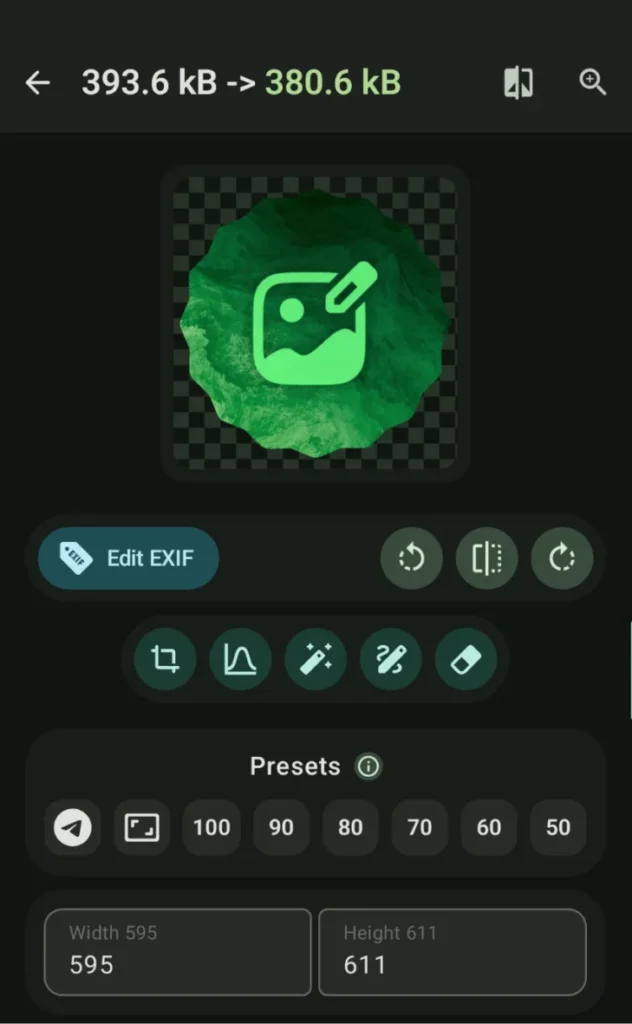
ImageToolbox is a powerful and versatile open-source image editing application designed for users who need full control over image processing directly on their device.
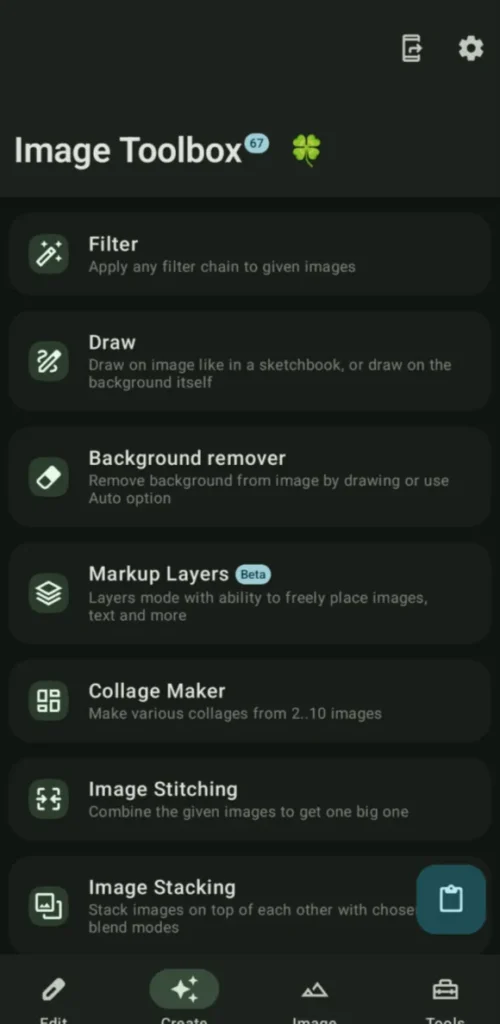
It can handle from simple tasks like cropping and resizing to advanced operations such as AI-based background removal, OCR, metadata editing, and format transcoding, ImageToolbox brings desktop-grade image tools to Android without privacy compromises.
Its clean interface hides an incredibly deep feature set which makes it suitable for photographers, designers, developers, and power users who want precision and flexibility in one app.
Use Cases
Edit and convert images without uploading them online
Perform batch image processing on mobile
Remove backgrounds, watermarks, or noise
Work with advanced image formats (AVIF, JXL, HEIC, WEBP)
Extract text, metadata, or colors from images
Prepare images for documents, PDFs, or sharing
Screenshots
Features of ImageToolBox
Core Image Editing
Feature
Description
Cropping & Rotation
Regular, free, perspective, and shape-based cropping
Resizing
Adaptive resizing with multiple scaling algorithms
ImageToolbox is not just an image editor, it’s a complete image processing suite for Android.
If you want professional-grade tools, deep customization, advanced AI features & full privacy in a single open-source app, ImageToolbox stands out as one of the most powerful image utilities available on mobile today.
Most utility apps usually sit in your app drawer like a normal app. Toolkit Tiles takes a different approach.
It adds practical tools directly to Android’s Quick Settings panel, the same place where you toggle Wi-Fi, Bluetooth, and Flashlight. That means no extra apps to open.
It provides with a quick measurement, A coin flip, A system toggle & more. The app is designed to be lightweight and focused.
Most AI chat apps on Android are just thin wrappers around cloud APIs. You type something. It gets sent to a server. A response comes back.
MNN Chat does the opposite.
It runs large language models directly on your phone. No account or API key needed. Your prompts never leave your device.
Under the hood, it uses MNN-LLM, optimized specifically for CPU inference on Android. That matters more than people think. Phones don’t have desktop GPUs. Efficient CPU performance is what makes local AI usable instead of painfully slow.
It supports multimodal tasks too. You can run text models, analyze images, transcribe audio, and even generate images using diffusion models. All locally.
Fossify Calendar is a free & open-source calendar application built for users who value privacy, simplicity, and control over their schedules.
This app keeps everything local and transparent. Your events stay yours, no unnecessary background services.
The app combines a clean Material-style interface with powerful scheduling tools which makes it suitable for professionals, students, families, and anyone who wants a distraction-free planning experience.