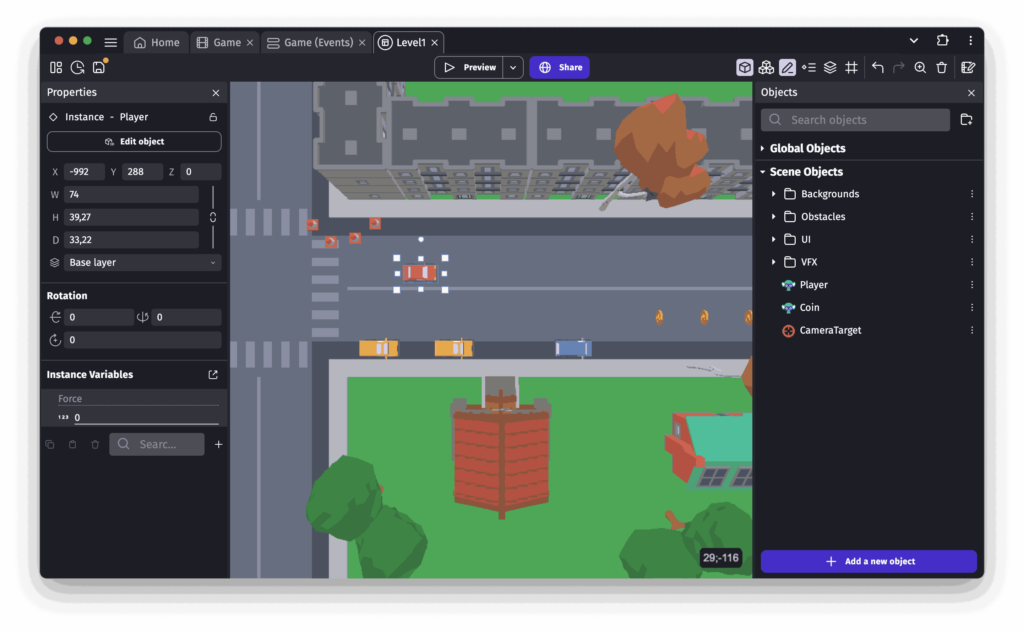
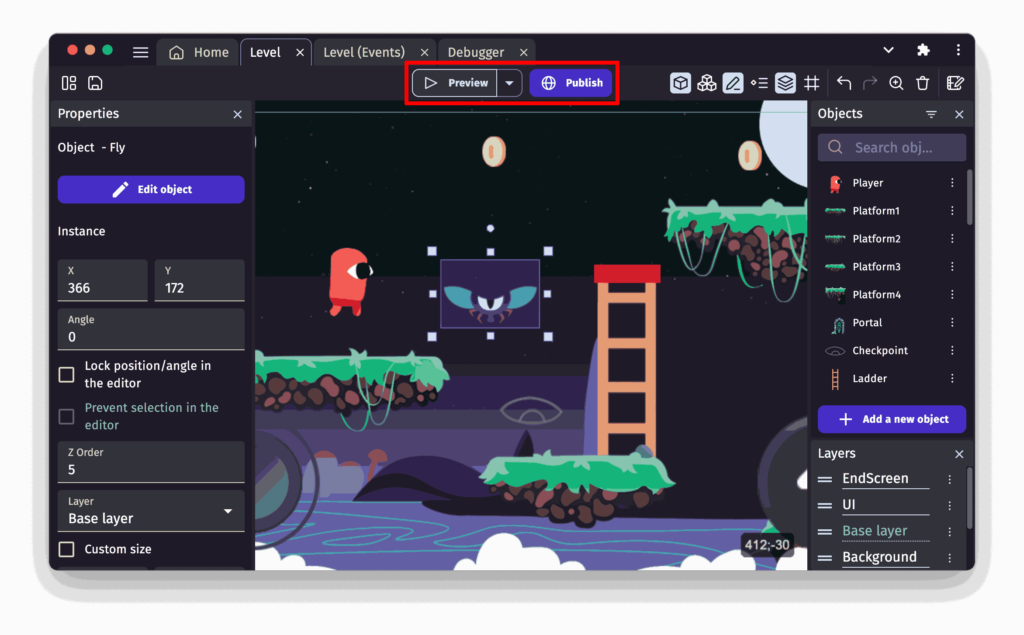
GDevelop is a complete, feature-rich, open-source game engine offering a visual programming system that eliminates the need for code. Create stunning games using pre-built behaviors, intuitive events, asset store resources, real-time previews, and seamless exporting tools.
Build once → Export to Web, Windows, macOS, Linux, Android, iOS. No limits. No paywall. No coding required.
GDevelop stands out as one of the most powerful and accessible open-source game engines available today. Whether you’re a complete beginner or an experienced creator, its no-code event system, built-in behaviors, cross-platform export options, and active community make it an exceptional choice for building 2D, 3D, and multiplayer games without complexity.
Osaurus is a macOS-native AI harness designed around an idea "Your AI should belong to you."
Instead of locking users into a single AI provider or cloud platform, Osaurus acts as a local control layer that sits between your AI models, tools, memory, and workflows. You can switch between local models running directly on Apple Silicon or connect cloud providers like OpenAI and Anthropic whenever you need extra power.
OpenHuman is trying to make personal AI assistants feel less like developer tools and more like something you can actually live with every day. You install it, connect apps like Gmail, Notion, GitHub, Slack, or Calendar, and it starts building a private memory system from your data on your own machine. It feels closer to installing a desktop app and getting started in a few minutes.
It also comes with a lot built in already including voice support, web search, coding tools, local AI through Ollama, and a memory system that stores everything as Markdown inside an Obsidian compatible vault. The agent keeps syncing connected apps every 20 minutes, so it slowly builds context around your work.
The project is still in early beta, so there are rough edges, but the direction is interesting. Especially if you've been looking for an AI assistant that feels personal.
oMLX is one of the cleanest ways to run local AI models on a Mac. You install the app, download models, and manage everything from a native macOS menu bar app and web dashboard.
It can keep frequently used context in memory, move older cache data to SSD automatically, run multiple models together, and work with tools like Claude Code, OpenCode, Codex, and OpenClaw. The admin dashboard is surprisingly useful too. You can download models, benchmark them, manage memory usage, and even run vision or OCR models from the same interface.
If you already own an Apple Silicon Mac, this feels much closer to a proper local AI workspace than most open source inference tools right now.
oMLX keeps model context cached across RAM and SSD storage, so repeated prompts and long coding sessions feel faster over time.