


File Info
| File | Details |
|---|---|
| Name | DockDoor |
| Version | v1.34.1 |
| Type | macOS Window Manager & Switcher |
| Developer | DockDoor |
| License | GNU GPL v3 (Open Source) |
| Platforms | macOS (Ventura 13.0 and later) |
| Size | 20MB |
| File Formats | .dmg |
| Github Repository | Github/DockDoor |
| Official Site | DockDoor |
Table of Contents
Description
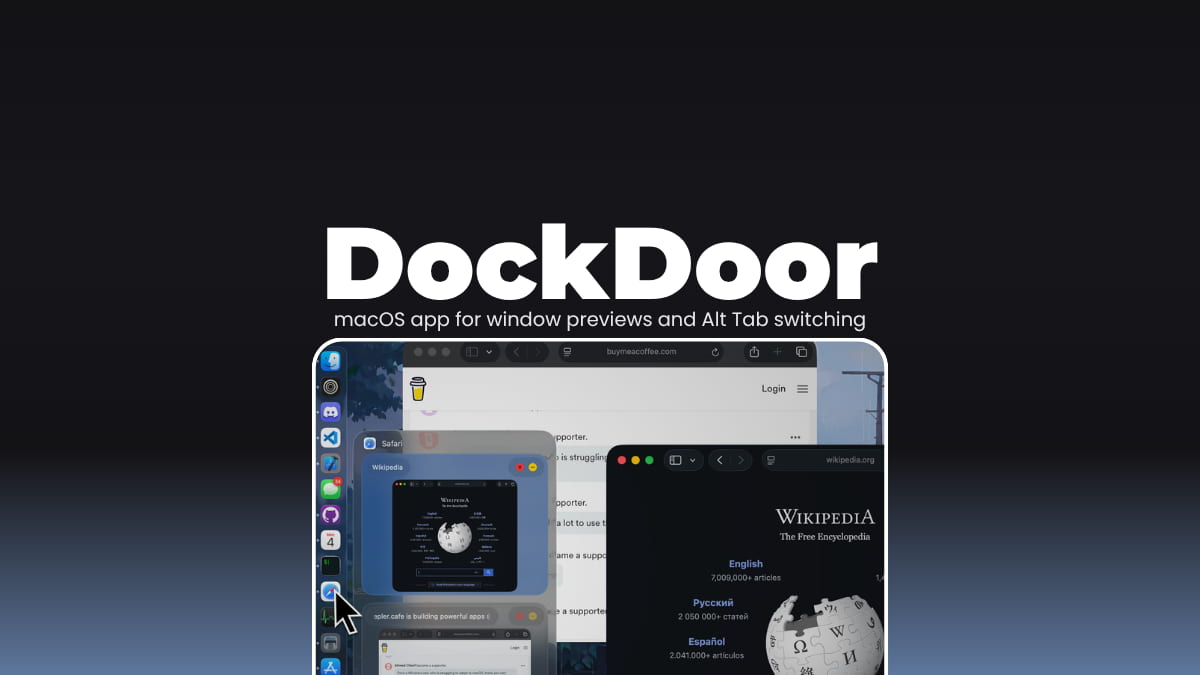
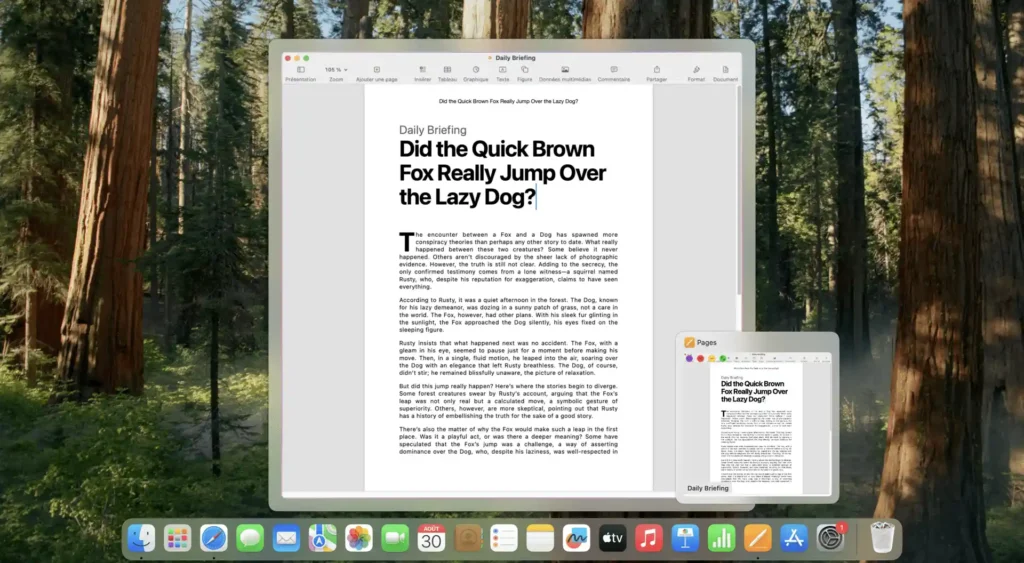
macOS looks clean until you have five Safari windows open and no clue which one actually has the tab you need. DockDoor fixes that in the simplest way possible. Hover over an app in the dock, and it shows you every open window right there. You just click the one you want. That’s it.
It also adds a proper Alt+Tab experience. Not the macOS version that switches apps, but actual window switching with previews, the way Windows users are used to. Once you try it, going back feels weird.
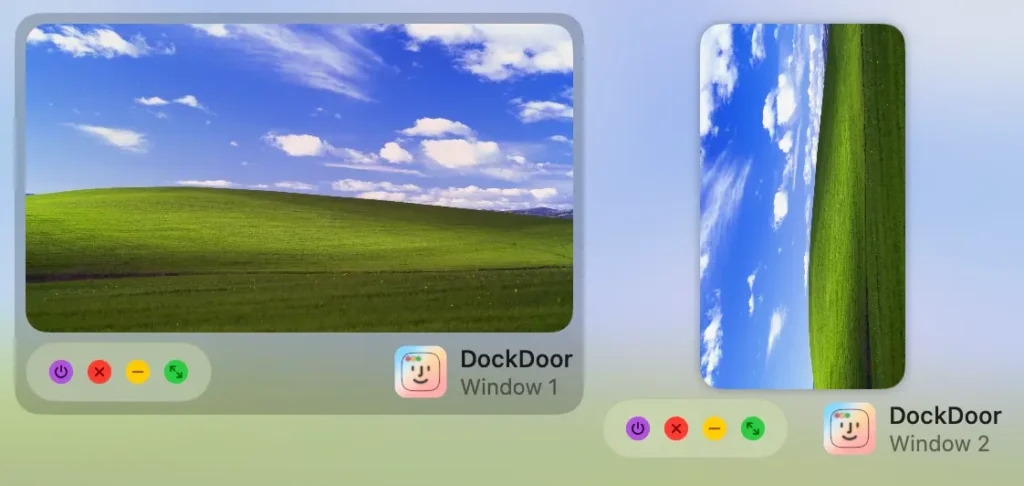
You can close, minimize, or switch windows directly from the preview. You can even stay on your keyboard the whole time if that’s your thing.
And then there’s the privacy side. Everything runs locally. No analytics or background syncing. It’s one of those tools that just does its job and stays quiet.
Use Cases
- Quickly find and switch between multiple windows of the same app
- Use proper Alt+Tab window switching instead of macOS app switching
- Manage windows (close, minimize, focus) without leaving your current app
- Preview open windows directly from the dock
- Control everything using keyboard shortcuts instead of the mouse
Screenshots
Features of DockDoor
| Feature | Description |
|---|---|
| Dock Previews | Hover over any dock icon to see all open windows with live previews |
| Alt+Tab Switching | Switch between individual windows with Option + Tab |
| Cmd+Tab Enhancements | Improves native macOS switching with better previews |
| Window Controls | Close, minimize, or focus windows directly from previews |
| Keyboard Navigation | Full control using Tab, arrow keys, and shortcuts |
| Custom Layouts | Change how previews and switchers look and behave |
| Trackpad Gestures | Swipe to minimize or maximize windows |
| Compact List View | Switch to list mode when too many windows are open |
| Media & Calendar Widgets | View music controls or calendar events from the dock |
| Quick Quit | Instantly quit apps with keyboard shortcuts from the dock |
| Privacy First | No tracking, no cloud, everything stays local |
| Open Source | Fully transparent and community-driven |
You May Like: Quotio: macOS Command Center for AI Coding Assistants
System Requirements
| Component | Requirement |
|---|---|
| Operating System | macOS 13 Ventura or later |
| Processor | Apple Silicon (M1/M2/M3) or Intel |
| RAM | 4 GB minimum |
How to Install DockDoor on macOS?
- Download the DockDoor
.dmgfile - Open the file to mount it
- Drag DockDoor into your Applications folder
- Launch it from Applications
Download DockDoor app for window previews on macOS
A Better Way to Manage Windows on macOS
DockDoor feels like something macOS should already have. The dock finally gives you context and switching between windows stops being annoying. It’s lightweight and just fixes a gap that’s been there for years.
If you keep a lot of windows open, you’ll probably notice the difference on day one. If you don’t, you might still end up using it once you get used to previews.




