

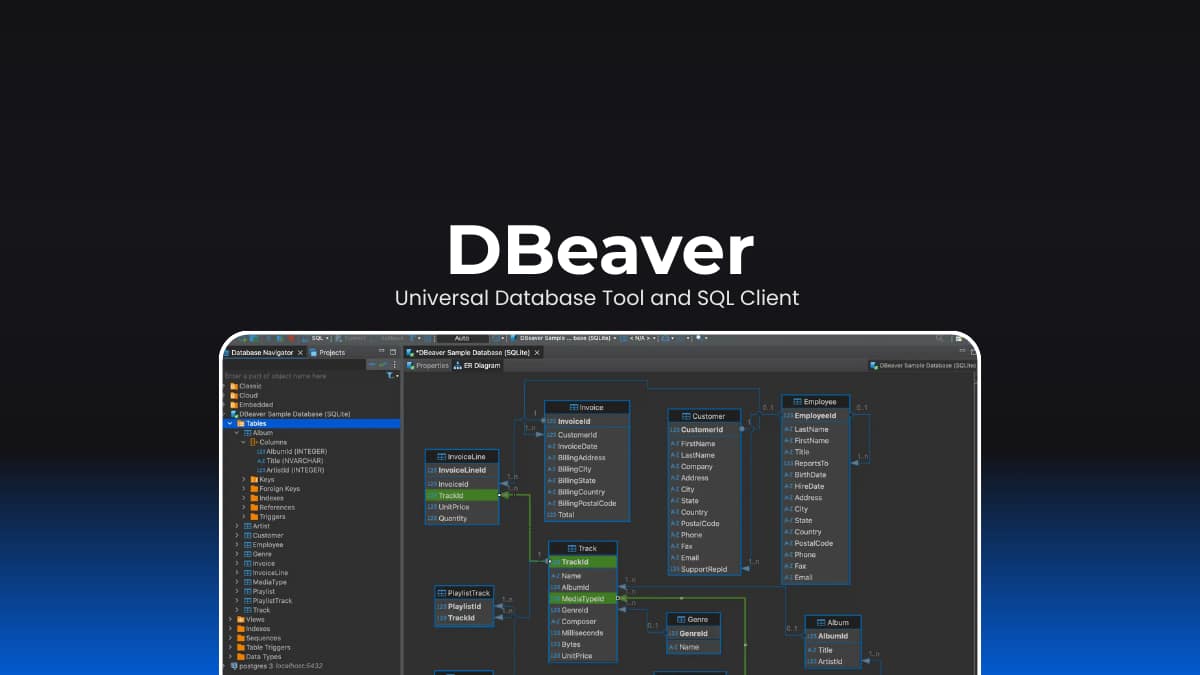

File Information
| File | Details |
|---|---|
| Name | DBeaver |
| Version | v26.0.0 |
| Type | Database Management Tool |
| Developer | DBeaver Team |
| License | Apache-2.0 license (Open Source)(Community Edition) |
| Size | 105MB (exe) • 116MB (dmg) • 119 (deb) |
| Platforms | Windows • macOS • Linux |
| Github Repository | Github/dbeaver |
| Official Site | dbeaver |
Table of contents
Description
DBeaver is a powerful, open-source database management tool designed for developers, database administrators, analysts, and SQL programmers.
It provides a unified interface to work with almost any database, whether it’s SQL or NoSQL, local or cloud-based. With support for 100+ database drivers out of the box and compatibility with any database using JDBC or ODBC, DBeaver is one of the most versatile database tools available today.
From writing complex SQL queries to visualizing database structures with ER diagrams, DBeaver brings everything into a single, intuitive desktop application
Use Cases
- Manage multiple databases from one interface
- Write and execute SQL queries efficiently
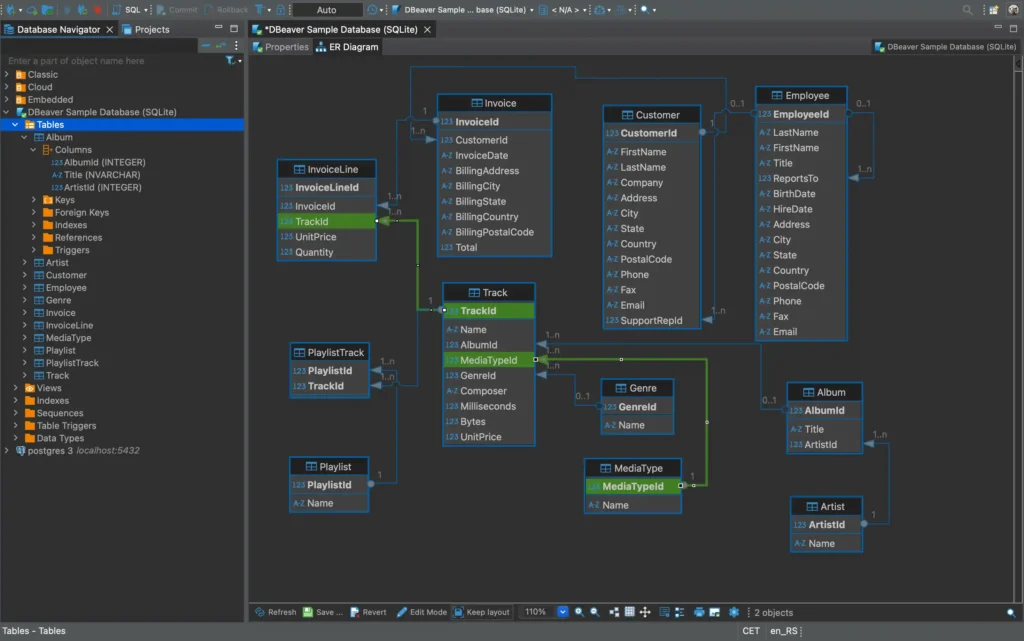
- Visualize schemas using ER diagrams
- Import/export or migrate database data
- Analyze and monitor databases with dashboards
- Use AI-powered SQL completion and generation
Screenshots
Features of DBeaver
| Feature | Description |
|---|---|
| Multi-Database Support | Works with MySQL, PostgreSQL, Oracle, SQL Server, SQLite, and 100+ more |
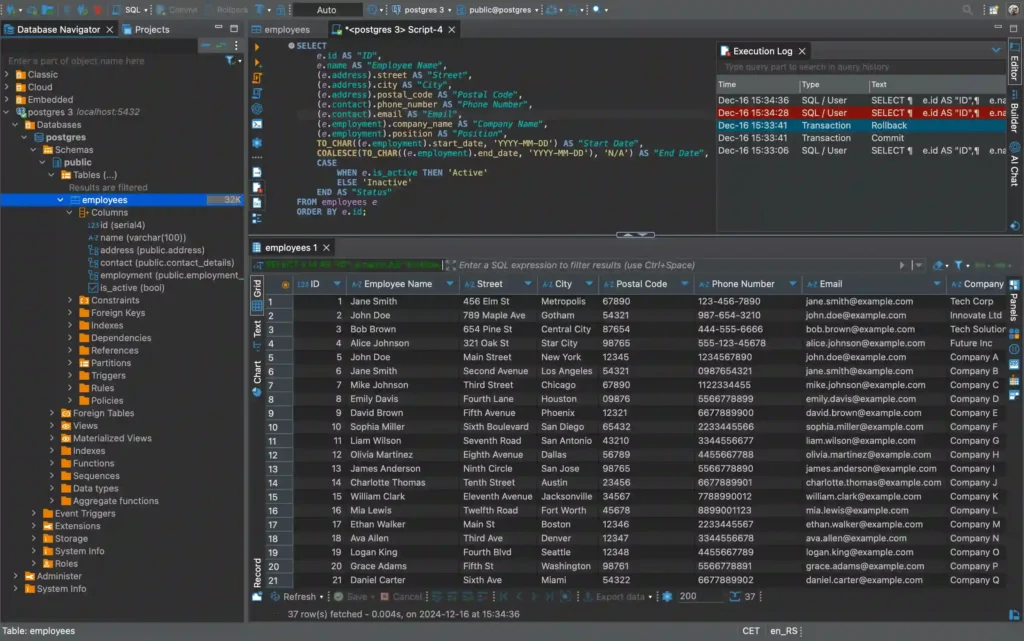
| SQL Editor | Advanced SQL editor with syntax highlighting and execution plans |
| Data Editor | View, edit, and manage database records easily |
| ER Diagrams | Visualize database schemas and relationships |
| AI Integration | Smart SQL completion and code generation using AI tools |
| Data Migration | Import, export, and migrate data across databases |
| SSH & Proxy Support | Secure database access via SSH tunneling |
| Custom Drivers | Add and manage custom JDBC/ODBC drivers |
| Dashboards | Monitor database performance and stats |
| Spatial Data Viewer | Handle geospatial data visually |
System Requirements
| Component | Requirement |
|---|---|
| Operating System | Windows, macOS, Linux |
| Processor | 64-bit CPU |
| RAM | 4 GB minimum (8 GB recommended) |
| Storage | ~500 MB |
| Java | OpenJDK 21 (included in installer) |
| Internet | Required for downloads, updates, and cloud DB connections |
Supported Databases
DBeaver supports many databases, including:
- MySQL, PostgreSQL, MariaDB
- Oracle, SQL Server, DB2
- SQLite, Firebird, H2
- MongoDB, Cassandra (Pro)
- Snowflake, BigQuery, Redshift
- Elasticsearch, Apache Hive, Spark
and many more via JDBC/ODBC drivers.
Recommended For You: Goose: Open Source Local AI Coding Agent for Developers
How to Install DBeaver?
Windows (.exe)
- Download the DBeaver
.exeinstaller. - Double-click the installer file.
- Follow the setup wizard.
- Launch DBeaver from the Start Menu or Desktop.
- Start connecting to your databases.
macOS (.dmg)
Download the DBeaver .dmg file.
- Open the file to mount it.
- Drag DBeaver into the Applications folder.
- Launch it from Applications.
Linux (.deb)
- Download the DBeaver
.debpackage. - Double-click to open it in your Software Manager.
- Click Install.
- Launch DBeaver from your applications menu.
Download DBeaver: Database Tool and SQL Client
Architecture & Technologies
DBeaver is built using a robust and scalable architecture:
| Component | Role |
|---|---|
| Java | Core application logic |
| Eclipse RCP | Desktop UI framework |
| OSGi | Plugin and dependency management |
| JDBC | Database connectivity |
| JSQLParser & ANTLR | SQL parsing and grammar |
| Open Source Libraries | SSHJ, Apache POI, JFreeChart, etc. |
This modular approach allows DBeaver to support both desktop (DBeaver) and web-based (CloudBeaver) environments.
A Smarter Way to Work with Databases
DBeaver simplifies database management by bringing powerful tools into one clean interface.
Whether you’re writing SQL, managing multiple databases, or visualizing data structures, it provides everything you need without locking you into a specific database ecosystem.
For developers and analysts who work with data daily, DBeaver offers a flexible, reliable, and open-source solution that scales with your workflow.




