

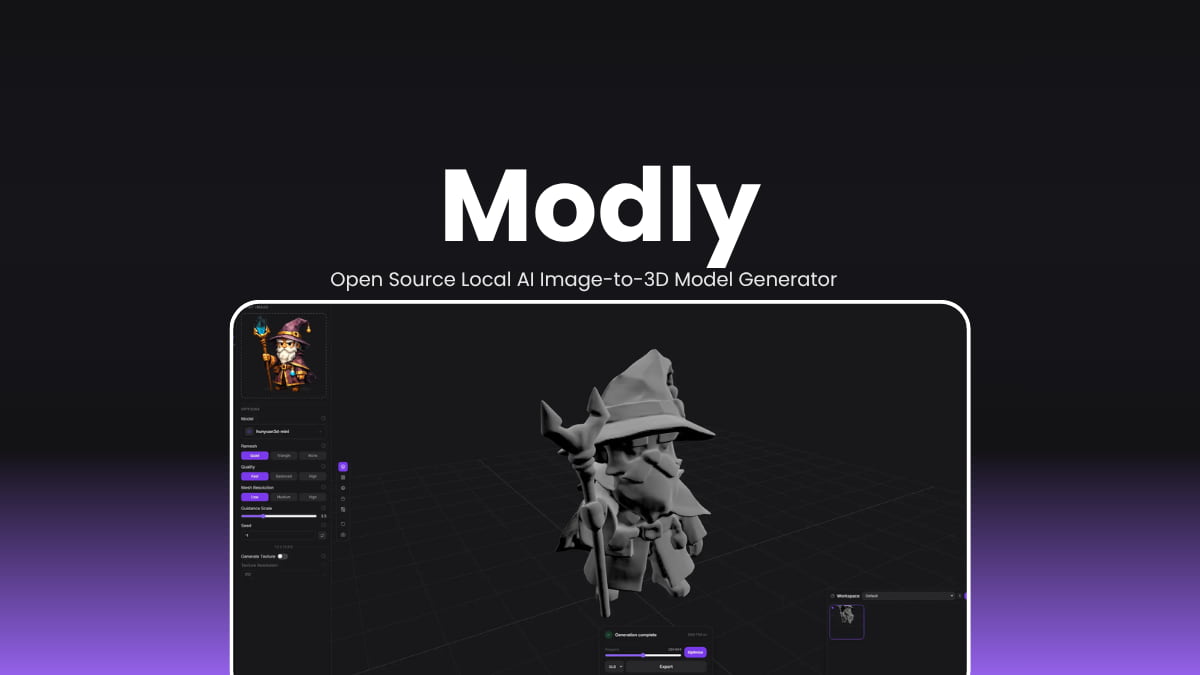

File Info
| File | Details |
|---|---|
| Name | Modly |
| Version | v0.2.0 |
| Type | Local AI Image-to-3D Mesh Generator |
| Developer | Lightning Pixel |
| License | MIT License (Open Source) |
| Platforms | Windows • Linux |
| Size | 141 MB (exe) • 152 MB (AppImage) |
| Formats | .exe • .AppImage |
| Github Repository | Github/Modly |
| Official Site | modly3D |
Table of contents
Description
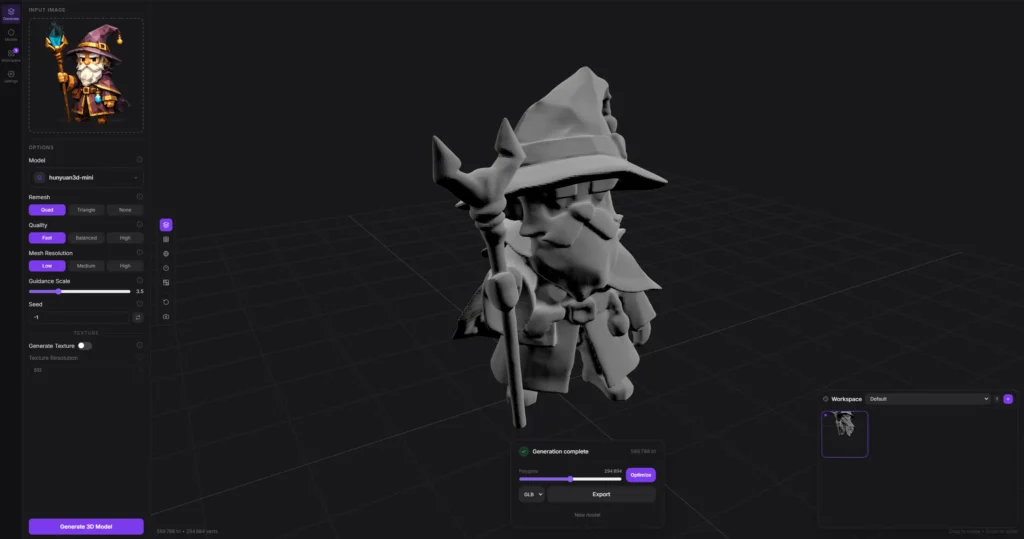
You’ve got a photo and you want a 3D model. Normally that means paying per generation on some cloud service that uploads your image to a server you’ll never see. Modly skips all of that.
It’s a desktop app that converts any photo into a fully usable 3D mesh, right on your own GPU. No files leaving your machine. Drop an image in, the AI handles background removal automatically, reconstructs the geometry, and hands you a model ready to open in Blender, Unity, Unreal, or whatever you’re working in.
What makes it interesting isn’t just that it works, it’s that it’s completely open. Swap the AI model, modify the pipeline, install extensions from GitHub, dig into every layer. You’ll need a capable NVIDIA GPU and results depend on your photo. But for indie developers, 3D artists wanting a quick base mesh, or anyone curious what local AI can actually do, it’s worth having on your machine.
Screenshots
Features of Modly
| Feature | Description |
|---|---|
| Local GPU Inference | All AI processing runs on your NVIDIA GPU |
| Image-to-3D Generation | Converts any photo into a detailed 3D mesh using open-source AI models |
| Auto Background Removal | AI automatically removes the background from input images before generation |
| Built-in 3D Viewer | Preview your generated mesh directly inside the app before exporting |
| Multiple Export Formats | Export as GLB, OBJ, STL, or PLY for use in any 3D tool or game engine |
| Extension System | Install external AI model extensions from GitHub to swap or upgrade the pipeline |
| Collections & Workspace | Organize all your generated models into collections for easy access |
| Fully Offline | No uploads, no accounts, no internet required after setup |
| Open Source | Full access to model weights, pipeline code, and generation parameters |
| Zero Cost | Unlimited generations with no credits, subscriptions, or hidden fees |
System Requirements
| Component | Requirement |
|---|---|
| Operating System | Windows 10+ • Linux (modern distros) |
| GPU | NVIDIA GPU (required for local inference) |
| RAM | 8 GB minimum • 16 GB recommended |
| Storage | Around 500 MB for the app + additional space for AI model extensions |
| Internet | Required only for downloading model extensions |
How to Install Modly
Windows (.exe)
- Download the
.exeinstaller. - Double-click the installer file.
- Follow the on-screen setup instructions.
- Launch Modly from the Start Menu or Desktop shortcut.
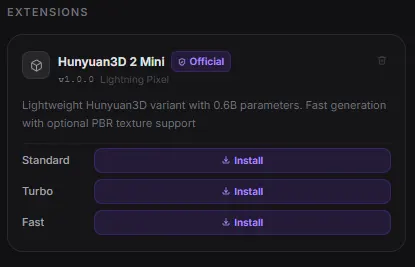
- Go to the Models page, click Install from GitHub, and install your preferred AI model extension.
Linux (.AppImage)
- Download the
.AppImagefile. - Right-click and make it executable.
- Double-click to launch the app.
- Go to the Models page, click Install from GitHub, and install your preferred AI model extension.
Installing a Model Extension
- Go to the Models page inside the app.
- Click Install from GitHub and enter the HTTPS URL of the extension repository
https://github.com/lightningpixel/modly-hunyuan3d-mini-extension - Once installed, download the model or one of its available variants.
- You’re ready to start generating.
Recommended: Dyad: Local Open Source AI WebApp Builder
Download Modly AI Image-to-3D Model Generator
From Any Photo to a Ready-to-Use 3D Model On Your Own Machine
Modly puts professional-grade image-to-3D generation in the hands of anyone with a capable GPU, completely free and completely private. Where cloud services charge per generation and upload your images to remote servers, It gives you unlimited runs, full model access, and total data ownership. For game developers, 3D artists, designers, and researchers who want a fast, local, and open alternative to paid 3D generation tools, Modly delivers exactly that.




