
File Information
| File | Details |
|---|---|
| Name | OpenPencil |
| Version | v0.4.2 |
| Platforms | Windows • macOS • Linux • Web |
| Size | 5MB (.exe) • 7MB (.dmg) • 8MB (.deb) • 80MB (.AppImage) |
| License | MIT License (Open Source) |
| Category | AI-Native Design Editor |
| Github Repository | Github/Open-Pencil |
| Official Site | openpencil |
Table of contents
Description
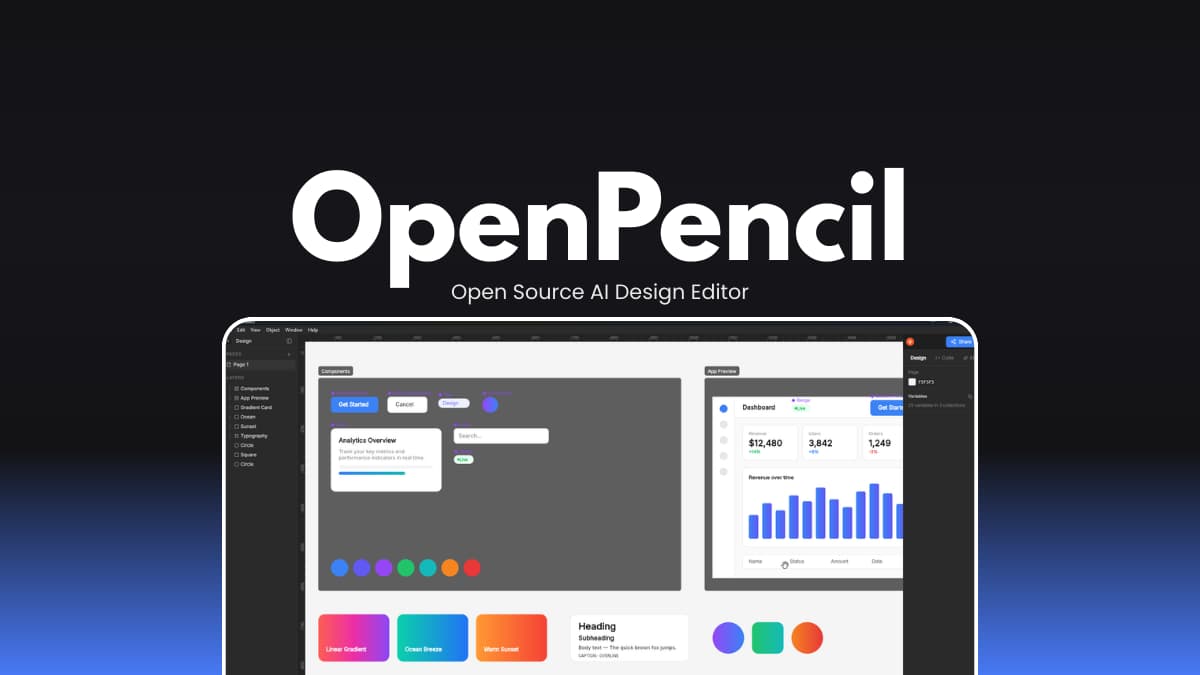
OpenPencil is an open-source, AI-native design editor built as a practical alternative to Figma. It opens and exports real .fig files, supports copy-paste between apps, and runs fully on your machine.
It’s built with AI as a first-class feature, not an afterthought. You can describe a layout in chat and have it generated directly in your design file. No plugins or vendor lock-in.
It’s also fully local. No account required. Your design files stay on your system unless you choose to share them.
OpenPencil is still evolving, so it’s better suited for experimentation and forward-looking workflows than critical production work. But if you care about ownership, automation, and long-term control over your design stack, it’s worth paying attention.
Use Cases
- Opening and editing
.figfiles without relying entirely on Figma - AI-assisted layout generation and component building
- Automating design tasks through CLI or MCP tools
- Real-time peer-to-peer collaboration without a central server
- Running design linting, exports, or visual regression in CI pipelines
Screenshots
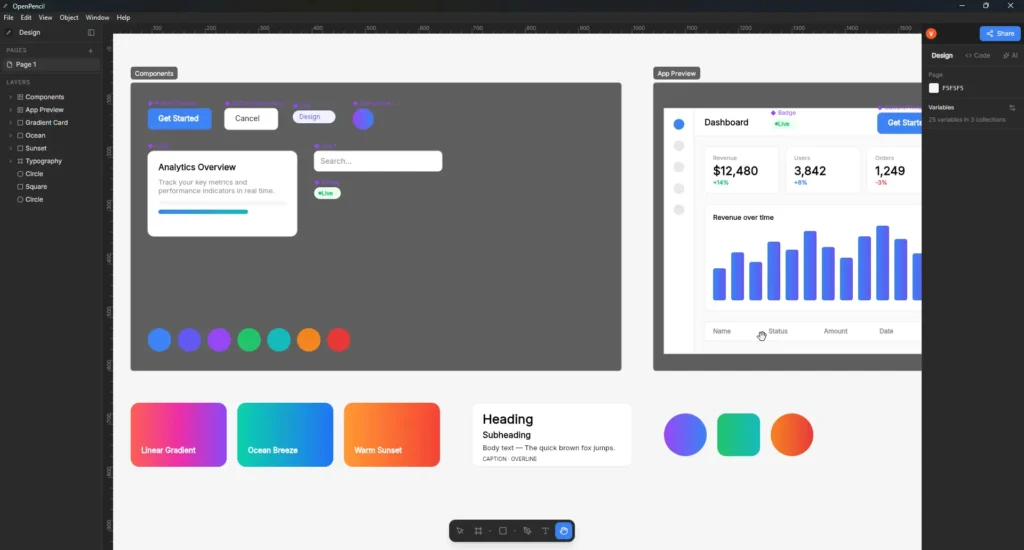
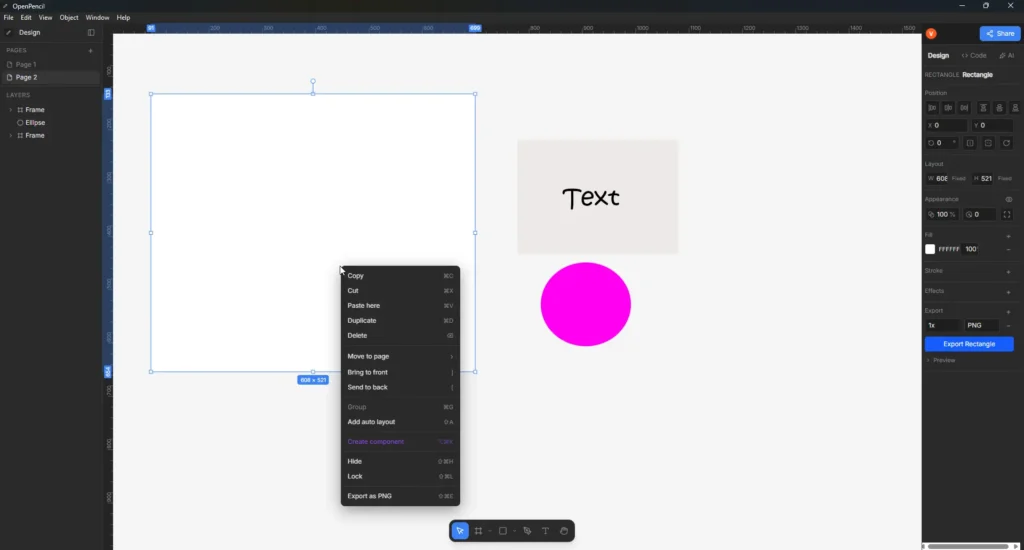
Features of OpenPencil
| Feature | What it Does |
|---|---|
Native .fig support | Import and export Figma files directly. |
| Copy & paste compatibility | Move design nodes between Figma and OpenPencil. |
| AI chat built-in | Describe UI elements and generate them with connected AI providers. |
| Local-first workflow | Runs fully offline with no account required. |
| Real-time collaboration | Peer-to-peer editing via WebRTC with live cursors and presence. |
| Headless CLI | Inspect, search, and export .fig files without opening the GUI. |
| MCP server support | Connect AI coding tools to read/write design files programmatically. |
| Lightweight desktop app | lite size using Tauri v2. |
| Cross-platform | Available for Windows, macOS, Linux, and browser. |
System Requirements
| Component | Minimum Requirement |
|---|---|
| Operating System | Windows 10/11 (64-bit), macOS, Linux (64-bit) |
| RAM | 4 GB recommended |
| Disk Space | 200 MB+ |
| Internet | Not required for local use (required for AI APIs if enabled) |
How to Install OpenPencil?
Windows
- Download the Windows (.exe) installer.
- Double-click the downloaded file.
- Follow the installation wizard steps.
- Once installed, open OpenPencil from the Start Menu.
macOS
- Download the macOS (.dmg) file.
- Open the downloaded
.dmgfile. - Drag OpenPencil into the Applications folder.
- Open it from Applications.
- If macOS shows a security warning, go to System Settings → Privacy & Security → Open Anyway.
Linux (AppImage)
- Download the Linux (.AppImage) file.
- Right-click the file and open Properties.
- Enable Allow executing file as program.
- Double-click the AppImage to launch.
Linux (deb)
- Download the .deb file
- Double-click the downloaded
.debfile. - It will open in your system’s Software Install application.
- Click Install.
- Wait for the installation to finish.
- Open OpenPencil from your Applications Menu.
Related: Penpot Desktop: Free Canva Alternative for Windows, macOS & Linux
Download OpenPencil: AI Design Editor
Why consider OpenPencil?
Design tools shape how teams work. When the editor is closed-source, you’re building on something you don’t fully control. OpenPencil is fully open source.
Your .fig files are readable. Scriptable. Automatable. You can inspect them through a CLI, manipulate them through an MCP server, or collaborate peer-to-peer without routing everything through a company’s servers.
You may still require Closed source tools for many other use cases but having an open source alternative is convenient.