

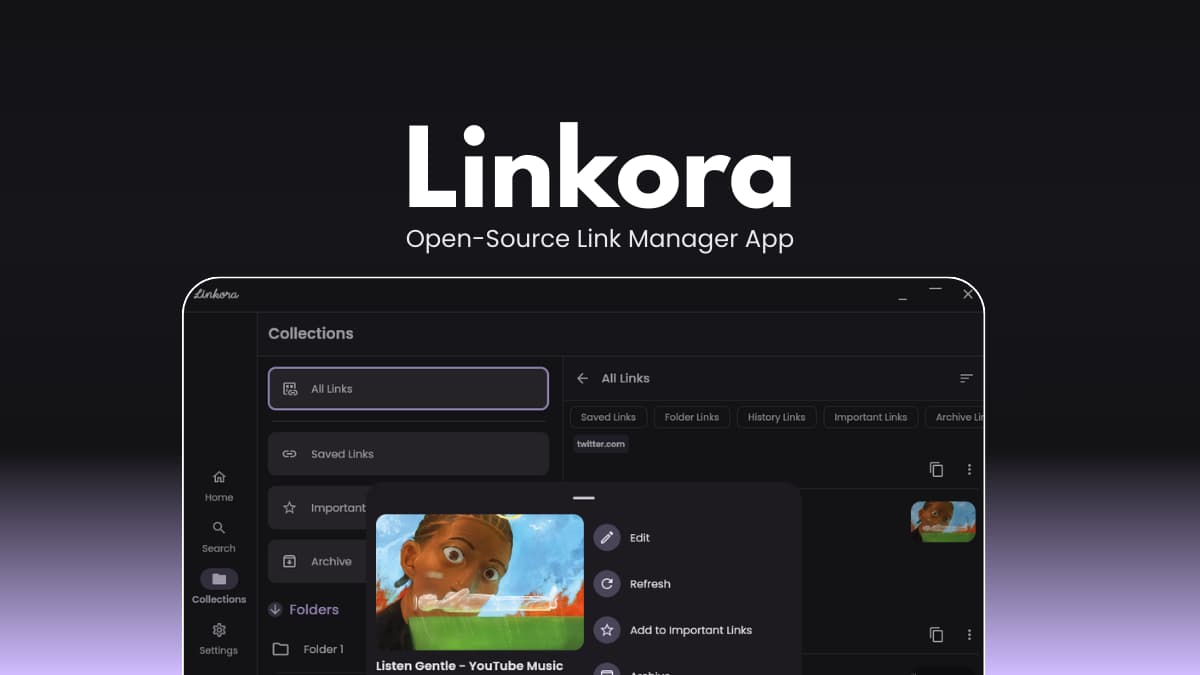

File Information
| File | Details |
|---|---|
| Name | Linkora Desktop |
| Version | v0.16.0 |
| Desktop Formats | .exe (Windows), .AppImage (Linux) , .deb (Linux) |
| Size | 112MB (exe) • 90MB (AppImage) • 102MB (deb) |
| License | MIT License (Open Source) |
| Platform | Windows , Linux, Android |
| GitHub Repository | Github/Linkora |
Table of contents
Description
Linkora Desktop is built for users who want full control over their bookmarks without relying on proprietary cloud services. All links are stored locally using SQLite, ensuring fast performance and privacy by default.
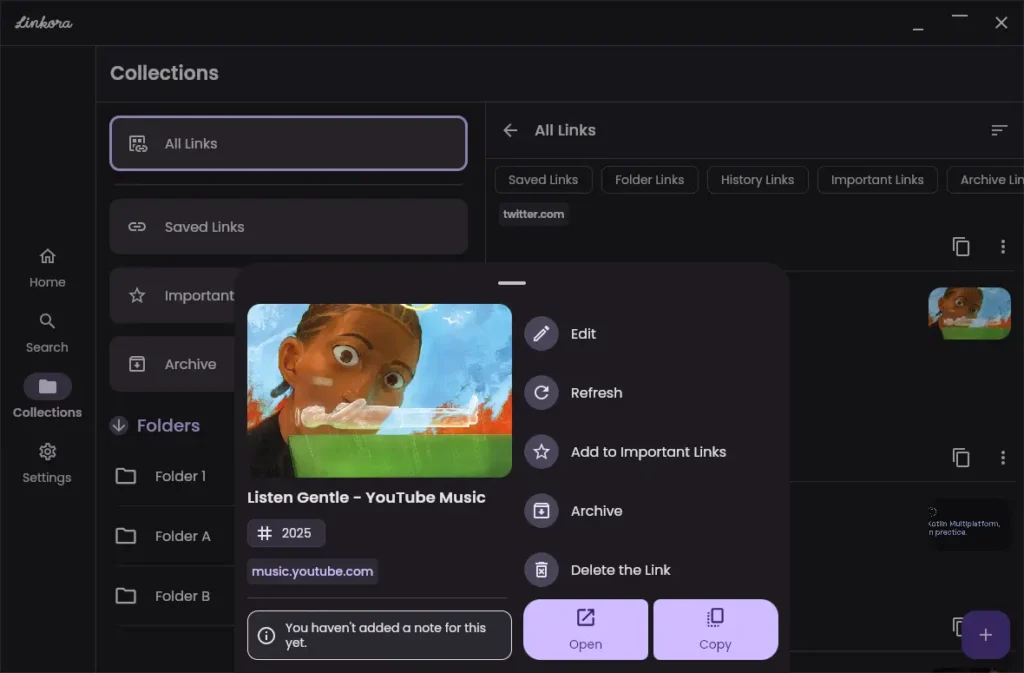
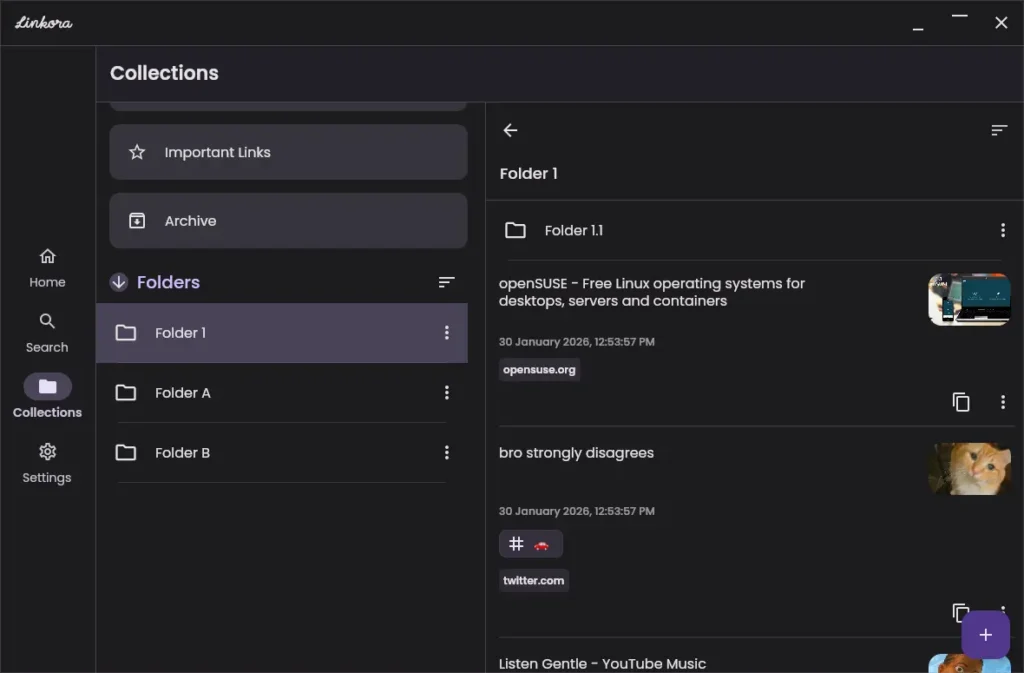
You can create unlimited folders and subfolders, organize links with tags, and switch between multiple layout views for better visual management. If you need cross-device access, Linkora offers an optional self-hosted sync server, meaning you control where your data lives.
With browser extension support and Android integration, Linkora makes saving and organizing links effortless across platforms.
Screenshots
Features of Linkora
| Feature | What it does |
|---|---|
| Unlimited folders & subfolders | Build deep hierarchical structures for structured link organization. |
| Tag support | Add tags for flexible multi-category organization and filtering. |
| Multiple view layouts | Grid, List, and Staggered layouts with AMOLED theme support. |
| Highlight & Archive | Mark important links or archive old ones for cleaner organization. |
| Auto metadata recognition | Automatically fetch page titles and preview images from web pages. |
| Fast search & sorting | Quickly locate links using built-in search and sorting tools. |
| Import & Export | Export data in JSON and HTML formats with auto-backup support. |
| Optional self-hosted sync | Sync between Android and desktop using your own server. |
| Browser extension support | Save links directly from your browser via the sync server. |
| Localization support | Multi-language support with remotely updateable translation strings. |
System Requirements
| OS | Minimum Requirements |
|---|---|
| Windows | Windows 10+ (64-bit) |
| Linux | Modern 64-bit distribution |
| RAM | 4GB+ recommended |
| Disk | 200MB+ free space |
How to Install Linkora Desktop??
Windows (.exe)
- Download the
.exeinstaller. - Double-click to run.
- Follow the installation wizard.
- Launch Linkora from the Start Menu.
Linux (.AppImage)
- Download the
.AppImagefile. - Right-click → Properties → Enable “Allow executing file as program.”
- Double-click to launch.
Linux (.deb) (Debian / Ubuntu)
- Download the
.debpackage file. - Double-click the file to open it in your system’s Software Installer.
- Click Install
- Once installed, open Linkora from the Applications menu.
Optional Sync Setup
- Set up the self-hosted sync server (instructions available in the repository).
- Connect desktop and Android clients.
- Start syncing links securely between devices.
Sync is optional — Linkora works fully offline without it.
Recommended For You: Joplin: Open Source Note-Taking App for Windows, macOS & Linux
Download Linkora Desktop: Open-Source Link Manager App
Conclusion
Linkora gives you a powerful, open-source way to organize and manage bookmarks with full control over your data. If you use it fully offline or enable optional self-hosted sync, it offers flexibility, privacy, and structured link management across devices.




