

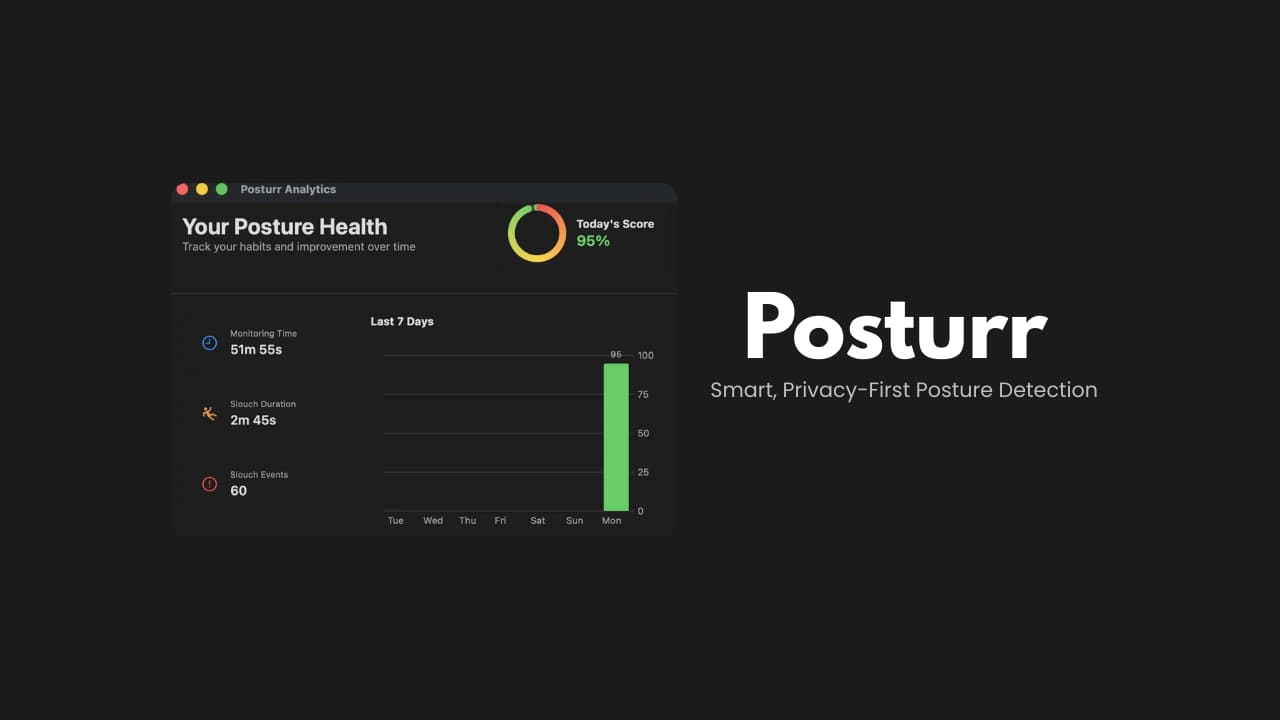

File Information
| File | Details |
|---|---|
| Name | Posturr |
| Version | v1.4.7 |
| File Format Provided | .dmg |
| Size | 1.73MB |
| Platform | macOS |
| License | Open Source (MIT License) |
| Category | Health • Productivity • Menu Bar Utility |
| Technology | Apple Vision Framework |
| Privacy | 100% Local Processing |
| Official Repository | GitHub Posturr |
Table of contents
Description
Posturr is a lightweight macOS application that helps you maintain good posture while working at your computer.
Using your Mac’s camera & Apple’s Vision framework, Posturr continuously monitors your posture in real time. When it detects slouching, it gently blurs your screen as a visual reminder to sit upright. As soon as you correct your posture, the blur disappears instantly.
There are no accounts, no cloud services, and no tracking. Everything runs locally on your device which makes it both private & efficient.
Use Cases
- Maintain healthy posture during long coding or work sessions
- Reduce neck and back strain while working at a desk
- Get subtle reminders without intrusive notifications
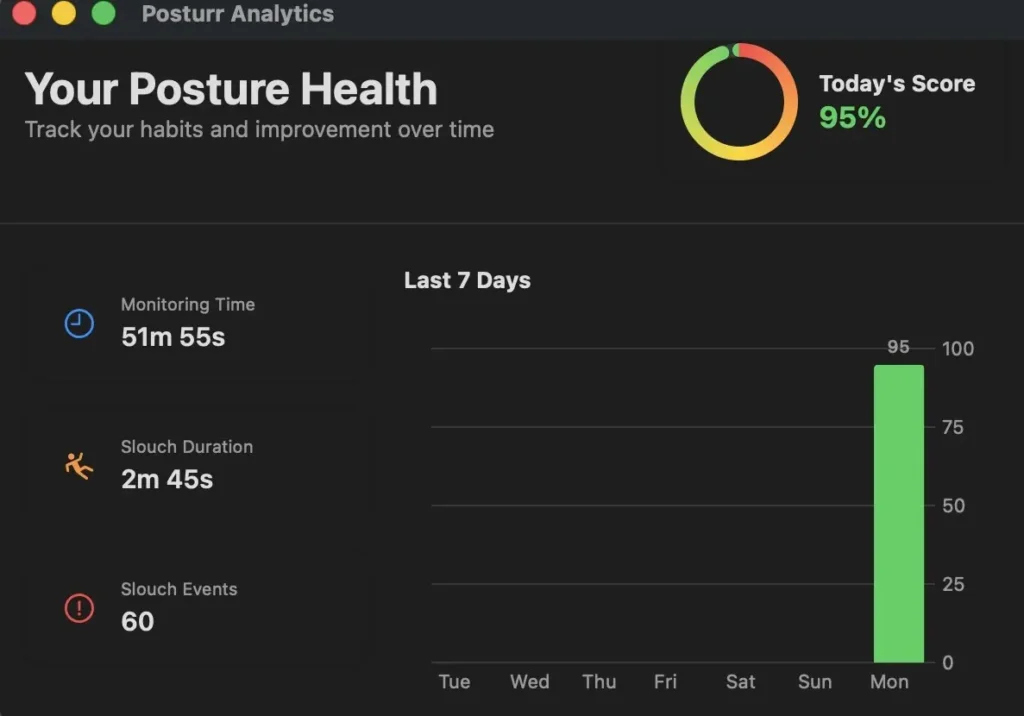
- Improve posture habits over time with visual feedback
- Use on multi-monitor workstations without extra setup
Screenshots
Features of Posturr
| Feature | Description |
|---|---|
| Real-Time Posture Detection | Uses Apple’s Vision framework to track body and face landmarks |
| Progressive Screen Blur | Screen blur increases gradually as posture worsens |
| Instant Recovery | Blur clears immediately when good posture is restored |
| Menu Bar Controls | Access status, settings, and calibration from the menu bar |
| Multi-Display Support | Works across all connected monitors |
| Privacy-First Design | Camera data is processed locally and never stored |
| Lightweight Background App | Minimal CPU and memory usage |
| Optional Dock Visibility | Can appear in Dock and Cmd+Tab if desired |
| No Account Required | No signup, no cloud sync, no tracking |
System Requirements
| Requirement | Details |
|---|---|
| Operating System | macOS 13.0 (Ventura) or later |
| Disk Space | ~10 MB |
| Displays | Single or multiple monitors |
| Permissions | Camera access required |
How to Install Posturr??
- Download the latest Posturr
.dmgfile - Open the DMG
- Drag Posturr.app into the Applications folder
- Launch Posturr normally
Camera Permission
Posturr needs camera access to detect posture.
On first launch, macOS will ask for permission:
- Click Allow
If permission was denied earlier:
- Open System Settings
- Go to Privacy & Security → Camera
- Enable Posturr
How to Use Posturr??
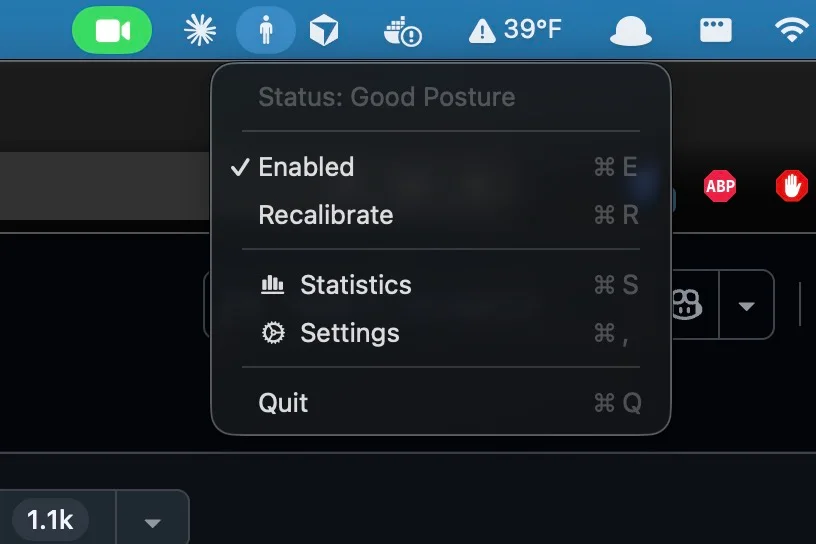
Once launched, Posturr runs quietly in your menu bar.
Menu Bar Options
- Status – Shows posture state (Good Posture, Slouching, Monitoring)
- Enable / Disable – Turn Posture monitoring on or off
- Recalibrate – Sit upright and reset your baseline posture
- Settings – Customize sensitivity and behavior
- Quit – Exit the app
Recommended For You: FineTune: Per-App Volume Control for macOS
Download Posturr Privacy-First Posture Detection App For macOS
Conclusion
Posturr is a simple yet powerful posture reminder for macOS users who spend long hours at their desks.
With real-time posture detection, subtle visual feedback, and a privacy-first design, it helps you build healthier habits without disrupting your workflow.
If you want a quiet, effective way to sit better while you work, Posturr is an excellent addition to your macOS setup.




