


File Information
| File | Details |
|---|---|
| Name | Krita |
| Version | 5.2.2 (Latest Stable) |
| License | Free & Open Source (GPL) |
| Platform | Windows, macOS, Linux |
| Developer | Krita Foundation |
| File Size | ~150 MB |
| Last Updated | July 2025 |
| Category | Digital Painting, Art Tools |
Table of contents
Description
Krita is a powerful, free & open-source painting program made by artists, for artists. It is especially popular among illustrators, concept artists, comic creators & matte painters. Whether you’re working on character designs, game backgrounds or intricate digital illustrations, Krita provides a robust and professional suite of tools to meet your creative needs.
Built with an intuitive interface & rich brush engines, Krita offers features typically found only in expensive proprietary software. Unlike many free tools, Krita doesn’t compromise on performance or quality it’s a full-featured solution that rivals industry standards like Adobe Photoshop, Corel Painter & Clip Studio Paint.
With continued development by the Krita Foundation & a vibrant community, the application has steadily grown into a must-have software for digital artists. The recent versions have brought in advanced AI-powered features like Generative Fill, making complex tasks like object removal & background generation seamless.
Whether you’re a beginner exploring digital art or a professional looking for an alternative to paid tools, Krita delivers exceptional value without the price tag.
Key Features of Krita
Brush Engine Variety
Krita offers over 100 professionally crafted brush presets, along with 9 unique brush engines such as Pixel, Color Smudge, Shape, and Particle. Each brush engine is customizable, allowing artists to fine-tune their tools to match their specific workflow.
Generative Fill (AI-Powered)
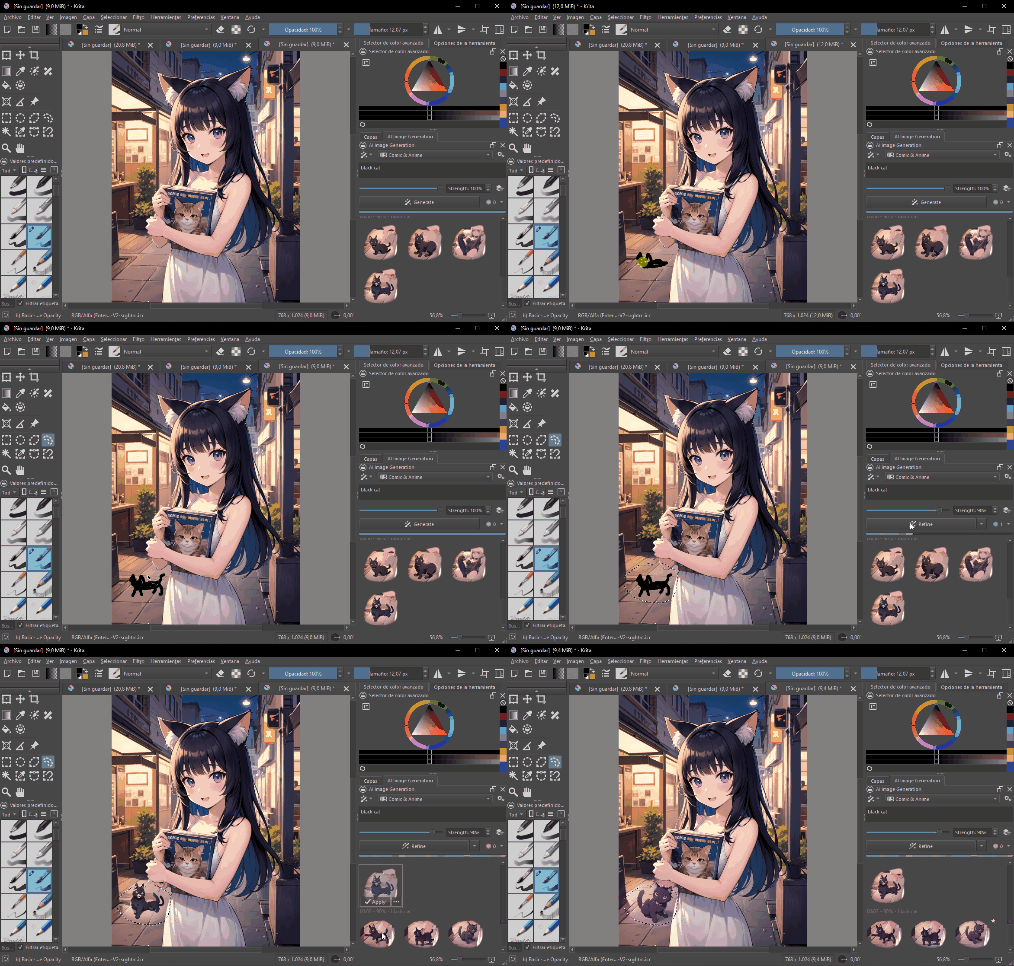
A notable addition in recent versions of Krita is the AI Generative Fill feature. This cutting-edge tool allows users to remove unwanted objects or fill missing areas of an image by intelligently analyzing the surrounding context. Whether you’re touching up artwork, extending a background, or fixing a photo, the AI adapts seamlessly to lighting, color, and texture.
What makes it truly remarkable is that Krita integrates Stable Diffusion, one of the most advanced open-source AI image generation models available today. By leveraging the power of Stable Diffusion locally, artists get high-quality, context-aware results without relying on cloud processing or external services. This ensures both performance & privacy.
The AI Generative Fill tool is perfect for:
- Removing distractions from your artwork
- Reconstructing missing areas
- Experimenting with creative scene edits
- Enhancing photo manipulation workflows
This feature represents a massive leap for open-source creative tools and shows Krita’s commitment to combining traditional digital painting with modern AI-powered capabilities.
Note: You need to install a plugin to get started with Generative Fill in Krita.
Click here to download & install the Krita AI Generative Fill plugin with all required AI models and installation guide to start using Generative fill in Krita.
Animation Support
Krita is not just for static illustrations. It includes a built-in timeline and onion skinning for creating 2D hand-drawn animations. You can animate frame by frame, preview your animation in real-time, and export to popular formats.
Vector Tools & Text
Krita supports vector layers and SVG editing, making it suitable for comic panels, design mockups & layouts. The text tool is versatile enough to be used for titles, labels, & annotations.
Color Management & HDR
With full support for CMYK, HDR painting, ICC color profiles, and LUTs, Krita is suitable for professional workflows that demand accurate color handling.
Extensive Plugin Support
Krita supports Python scripting and offers a range of user-contributed plugins, expanding its functionality for automation & custom needs.
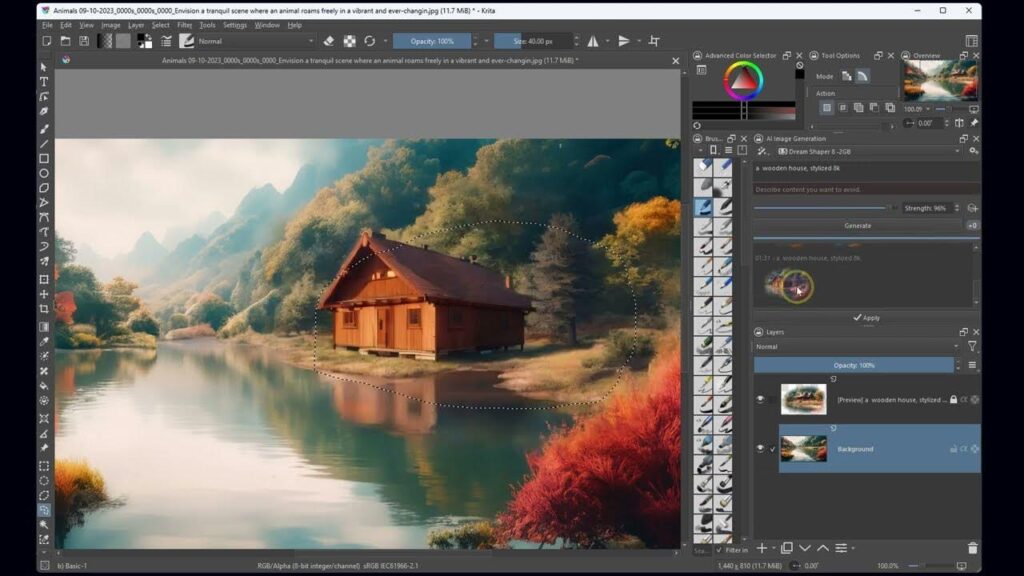
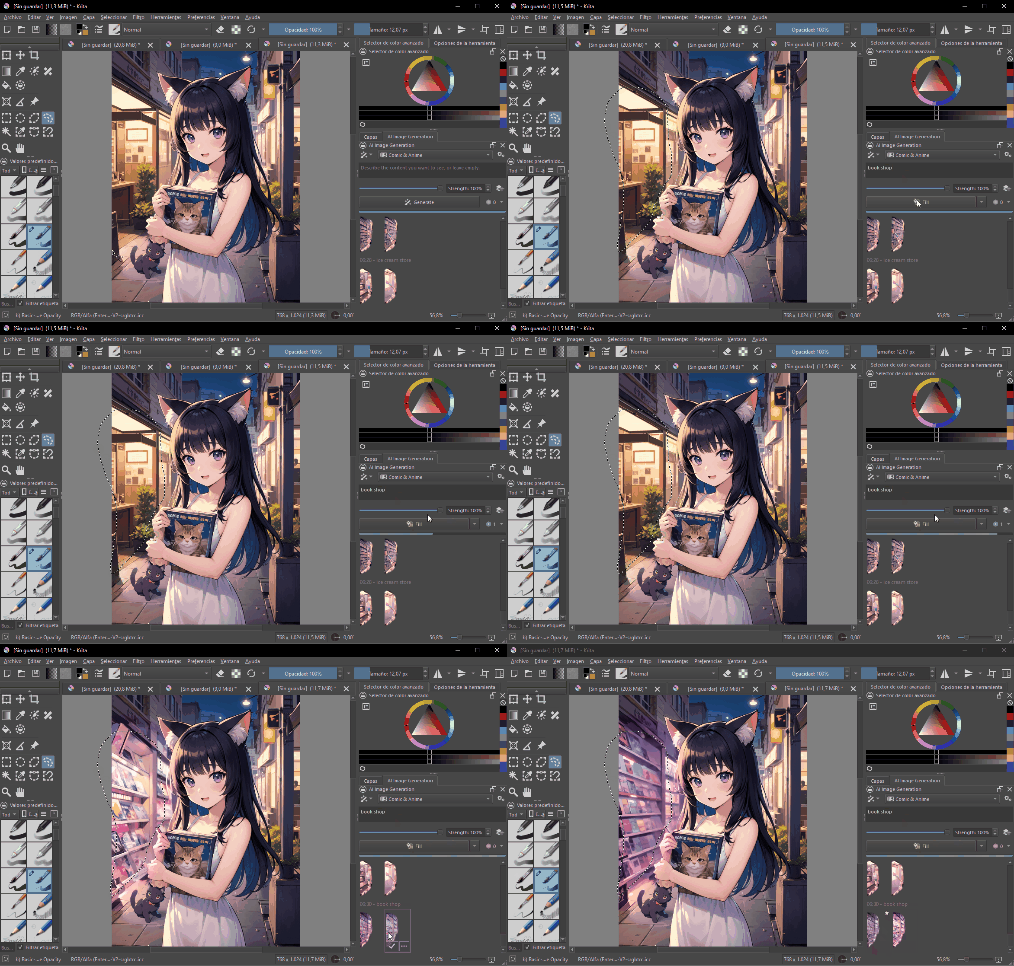
Screenshots
System Requirements
Below are the minimum system requirements to run this software in your system:
| Component | Requirement |
|---|---|
| OS | Windows 8.1 / macOS 10.13 / Linux |
| CPU | Dual-core processor |
| RAM | 4 GB (8 GB recommended) |
| Storage | At least 500 MB free space |
| GPU | Graphics card with OpenGL 3.0+ |
| Display | 1280×1024 resolution minimum |
Installation on Windows
- Download the
.exeinstaller. - Double-click the file and follow the on-screen installation wizard.
- Once installed, launch Krita from the Start menu.
Installation on macOS
- Download the
.dmgfile. - Open the file and drag Krita into the Applications folder.
- Open Krita from Launchpad or Spotlight.
Installation on Linux
- Download the
.AppImagefile from the Download Links section below. - Open your file manager, right-click the file, go to Properties > Permissions, and check “Allow executing file as program.”
- Double-click the AppImage to launch Krita.




