


File Info
| File | Details |
|---|---|
| Name | Godot Engine |
| Version | 4.5.1 (Latest Stable – 2025) |
| File Type | ZIP |
| File Size | 70 MB (May Vary By OS) |
| License | MIT (Free & Open Source) |
| Developer | Godot Engine Community |
| Platforms | Windows, Linux, macOS |
Table of contents
Description
Godot Engine is a modern, lightweight, open-source game engine that empowers developers to build both 2D & 3D games without licensing restrictions. Its clean node-based architecture, intuitive scene system, and built-in scripting language (GDScript) make it extremely beginner-friendly, while also being powerful enough for professional projects.
Unlike proprietary engines that come with hidden costs, Godot is released under the MIT license, allowing you full control over your project—no royalties, no subscriptions, and no login required. It supports major platforms including Windows, Linux, macOS, Android, iOS & the Web. You can start your project on one OS and export to multiple platforms without hassle.
Godot supports multiple programming languages including GDScript (its own Python-like language), C#, C++, and even Rust. It also includes a powerful animation system, visual scripting for non-programmers, built-in physics engines, tilemaps, navigation systems, and a flexible UI framework.
Whether you’re making a pixel-art platformer or a fully-rendered 3D RPG, Godot provides a fast, smooth workflow from prototype to production. Its open development model and thriving community ensure that bugs are fixed fast, features are added regularly, and you’re never locked into a closed ecosystem.
If you’re looking for a serious, free alternative to Unity or Unreal Engine, Godot is currently the most promising and reliable choice for game development in 2025.
Features of Godot Game Engine
- Full 2D & 3D game engine
- Cross-platform export (Desktop, Mobile, Web)
- Visual scripting & GDScript (easy to learn)
- C#, C++ & Rust language support
- Live scene editing & instant playtesting
- Animation tools, particle systems, tilemaps
- Navigation meshes & AI pathfinding
- VR & AR support
- Extensible through plugins & C++ modules
- Lightweight – no installation required
Develop Games for Windows, macOS, Android & More
With Godot, you build once & export everywhere. From a single codebase, you can deploy your game to:
- Windows
- macOS
- Linux
- Android
- iOS
- Web (HTML5)
- UWP & more
Cross-platform support is built-in, and there’s no need for extra plugins or fees. This makes Godot an ideal choice for indie developers who want to reach users across desktop, mobile & web with minimal hassle.
Screenshots
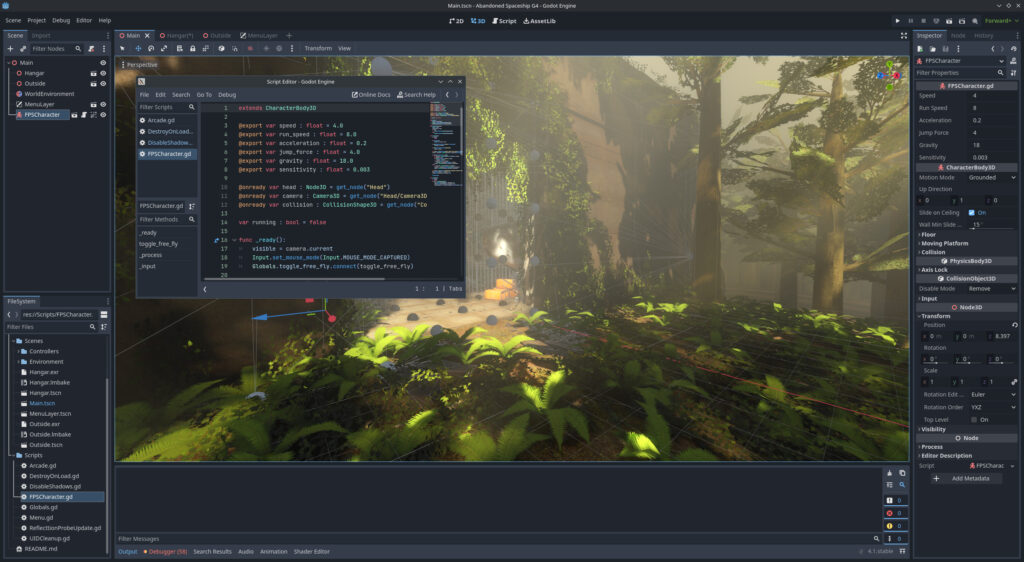
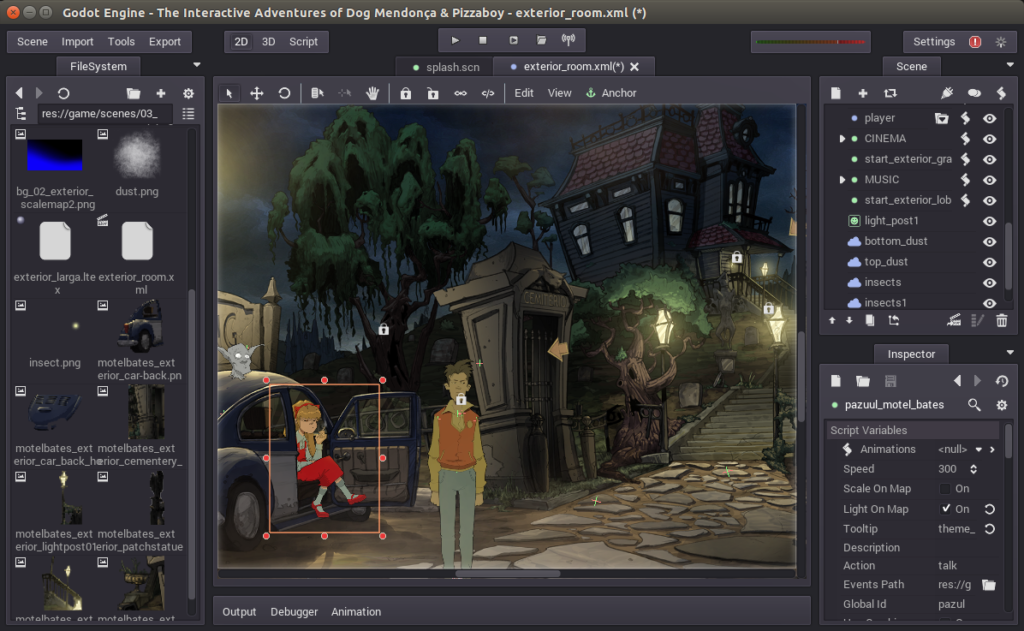
System Requirements
| Component | Minimum | Recommended |
|---|---|---|
| OS | Windows 7+, macOS 10.13+, Linux | Windows 10+, macOS 12+, Latest Linux |
| RAM | 4 GB | 8 GB or more |
| CPU | Dual-core processor | Quad-core or higher |
| GPU | OpenOpenGL 3.3 / OpenGL ES 3.0 compatible hardware | Vulkan 1.0 compatible hardware for best 3D |
| Disk Space | 200 MB for editor + assets | 1 GB+ for larger projects |
| .NET Version | Check here | Check here |
How to Install??
- Download the ZIP file for your OS (Windows/Linux/macOS)
- Extract it using any ZIP tool (e.g., WinRAR, 7-Zip)
- Open the extracted folder
- Run Godot App , its self-contained and does not require any installation
- Enjoy Developing Games!
Download Godot Game Engine Complete Kit: Free, Open Source
For more specific .Net download , please visit the official download page of Godot Engine
Conclusion
If you’re a Game Developer or someone who is starting out and wanna develop a powerful game for multiple platforms then you should try Godot Game Engine, its not only open source but very powerful and continuously upgrading.




