


File Information
| File | Details |
|---|---|
| Name | Zettlr – Open Source Markdown Writing Software |
| Version | v4.0.0 |
| File Size | Windows: 133MB (.exe) • macOS: 178MB (.dmg) • Linux: 172MB (.AppImage) |
| Platforms | Windows • macOS • Linux |
| License | Open Source (GNU GPL v3 License) |
| Official Repository | GitHub zettlr |
| Official Site | zettlr |
Description
Zettlr is a free, open-source Markdown editor built for serious writing. It’s designed for people who write a lot notes, research papers, documentation, blogs, or long-form content & want a clean, focused environment without distractions.
It shines when working with structured documents. It supports Markdown out of the box, handles large writing projects smoothly, and makes it easy to manage multiple files, folders, and ideas in one place.
One of Zettlr’s biggest strengths is how well it fits into academic and research workflows. Built-in citation support, Pandoc-powered exports, and compatibility with tools like Zotero make it a reliable choice for students, researchers, and technical writers.
Best of all, Zettlr is privacy-first. Your files stay local.
Use Cases
- Writing research papers, theses, and academic documents
- Long-form blogging and documentation
- Managing Markdown notes and knowledge bases
- Zettelkasten-style note systems
- Distraction-free writing sessions
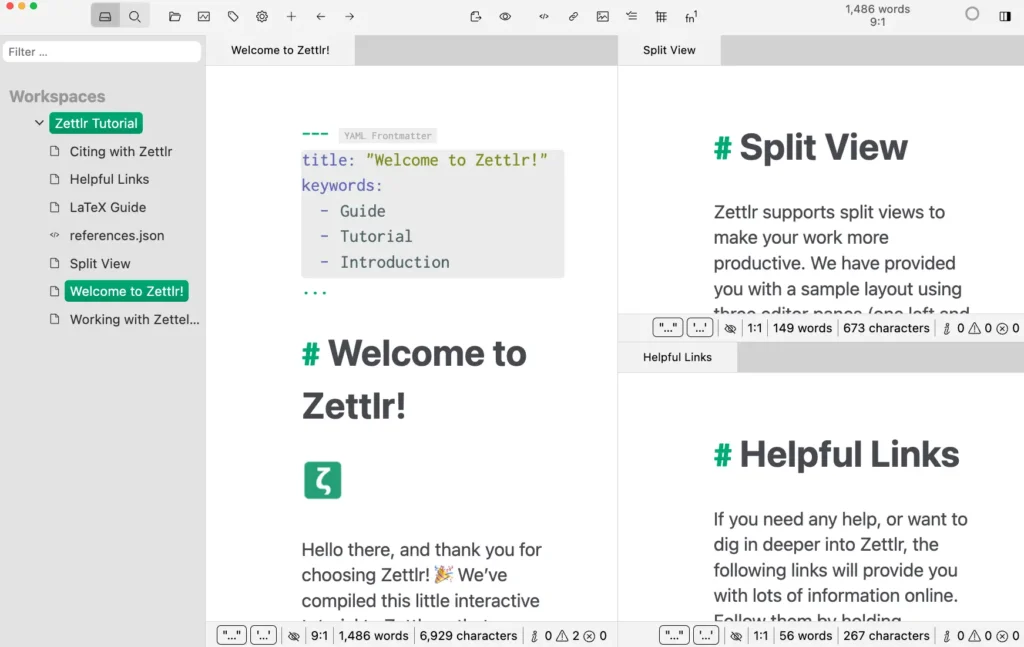
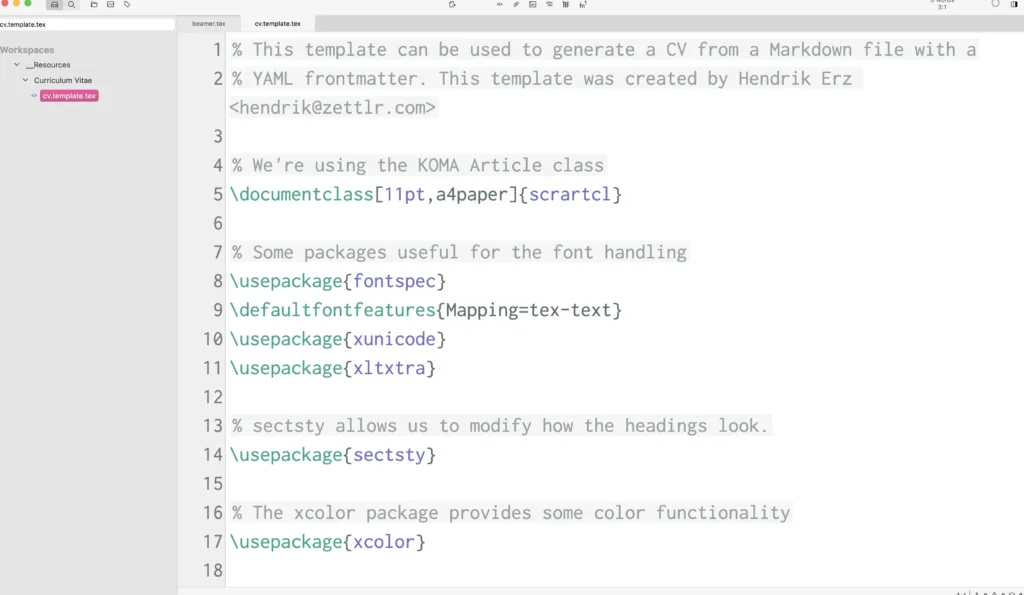
Screenshots
Features of Zettlr
| Feature | Description |
|---|---|
| Native Markdown Support | Write clean, structured Markdown with syntax highlighting and live preview |
| Citation Management | Built-in citation support compatible with Zotero and BibTeX |
| Powerful Export Options | Export to PDF, Word, HTML, LaTeX, and more using Pandoc |
| Project-Based Writing | Manage folders, files, and large writing projects easily |
| Privacy-First Design | No cloud dependency |
| Cross-Platform | Works reliably on Windows, macOS, and Linux |
| Customizable Interface | Themes, dark mode, and custom styling options |
System Requirements
| Platform | Minimum Specification |
|---|---|
| Windows | Windows 10 or newer, 64-bit processor, 4 GB RAM, ~200 MB free disk space |
| macOS | macOS 10.13 or newer, Intel or Apple Silicon, 4 GB RAM |
| Linux | Modern 64-bit Linux distribution, 4 GB RAM |
How to Install Zettlr??
Before installation, scroll down to the Download Section and choose the correct installer for your platform.
Windows (.exe)
- Download the Windows
.exeinstaller - Double-click to run the setup
- Follow the installation steps
- Launch Zettlr from the Start Menu
macOS (.dmg)
- Download the macOS
.dmgfile - Open it and drag Zettlr into the Applications folder
- Launch from Applications
- If blocked by Gatekeeper, right-click -> Open
Linux (.AppImage)
- Download the
.AppImagefile from the Download section - Locate the file in your Downloads folder
- Right-click the AppImage -> Properties
- Go to the Permissions tab
- Enable “Allow executing file as program”
- Close the Properties window
- Double-click the AppImage to launch the app
Download Zettlr: Markdown Editor for Writers, Notes & Research
Support Zettlr Project
Zettlr is released under the GNU GPL v3 license and is actively developed by a global open-source community. Contributions, translations, and feedback help keep the project evolving and reliable.
If you find Zettlr useful, consider supporting the project by donating on their official site.
Conclusion
If your work involves writing, organizing ideas, or producing structured documents, Zettlr offers a calm, powerful environment that scales from simple notes to serious publications. It’s one of those tools that quietly earns a permanent place on your system.




