

You unlock your phone to reply to a message. A few swipes later, you’re still there scrolling, watching, switching apps without really knowing why.
Most of us don’t intend to spend hours on our phones. It just happens. The apps are fast, colorful, and always ready to pull us in during moments of boredom, stress, or habit.
But quitting your phone altogether isn’t realistic, right? Modern apps are designed to be sticky & trying to resist them head-on rarely works.
What does work is changing how the phone behaves.
In this list, I’ve picked five apps that help you slow down, pause, and take back control without blocking everything or making you feel restricted. Some are open-source, some aren’t, but all of them are genuinely effective and built around healthier use.
1. ScreenZen
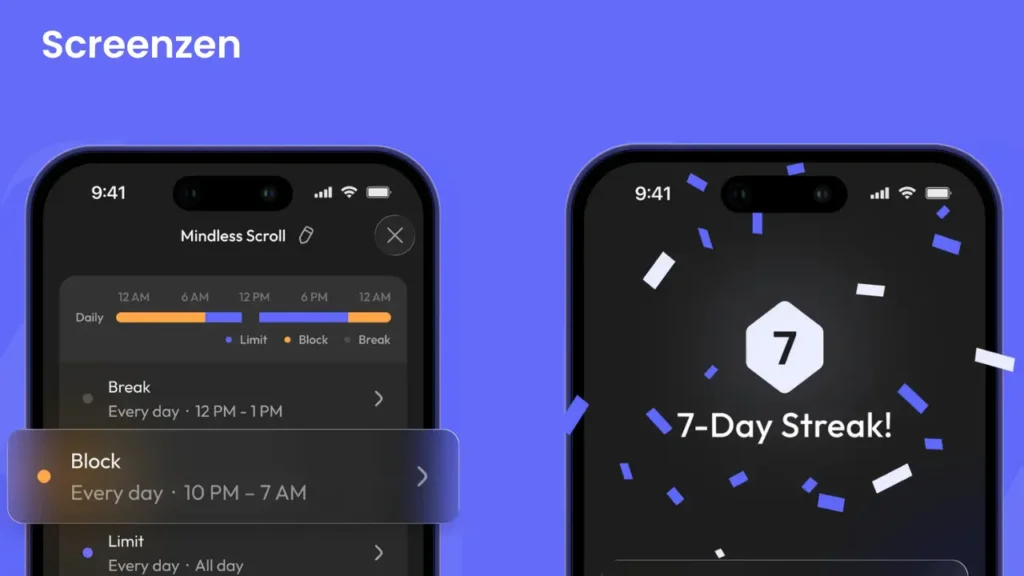
When you’re about to open a distracting app, Screenzen introduces a tiny speed bump like a quick countdown or a simple puzzle. It’s like having a buddy who taps you on the shoulder and asks, “Are you sure about this?”
Those brief pauses add up, slowly transforming mindless scrolling into conscious choices. It’s not about willpower, but about building awareness, one gentle interruption at a time.
It can help you reduce your screen time a lot.
Platforms: Android, iOS, macOS & Windows
2. Reef
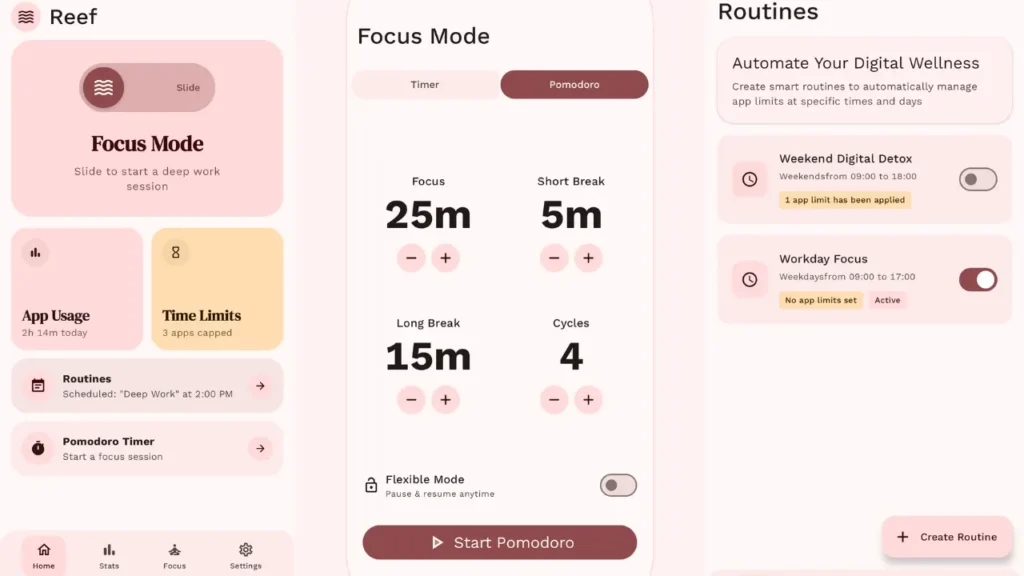
Reef is an open source Android app that quietly helps you reclaim focus and build healthier phone habits.
With Reef, you can block distracting apps during work or study sessions, track your screen time with detailed charts, and even use the Pomodoro technique, It’s a smart way to tackle work by breaking it into chunks of 25 minutes, with refreshing breaks in between.
You can use this technique to make focus sessions more effective. You can set daily limits, create routines for different times of the day, and let the app automatically handle “Do Not Disturb” mode for you.
It comes with a clean interface. It’s perfect if you want to slow down without feeling restricted.
Platforms: Android
3. OneSec
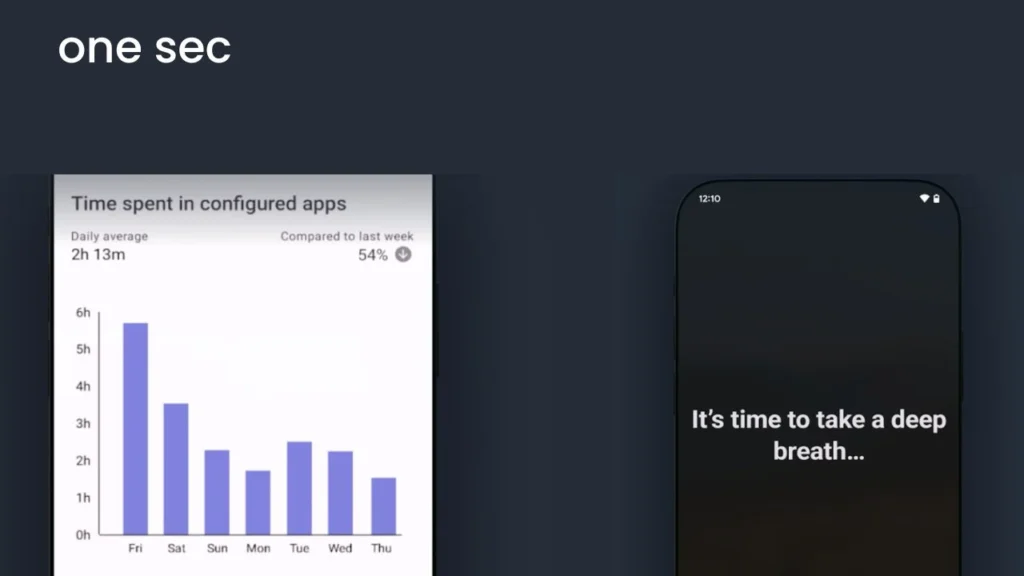
OneSec simply asks you to take a deep breath when you reach for that distracting social media app, this tool introduces a 10-second pause, just long enough for your brain to wake up from autopilot.
It’s brilliantly simple. That single moment of breathing creates just enough space to ask yourself, “Wait, do I really want to do this?” Most of the time, you’ll realize you’re tapping out of pure muscle memory, not genuine intention.
This one is really effective if you have a habit of opening an app without actually wanting to use it.
Platforms: Android, iOS
Also Read: How I Find Original, Human Made Content in an AI-Heavy Web
4. Mindful
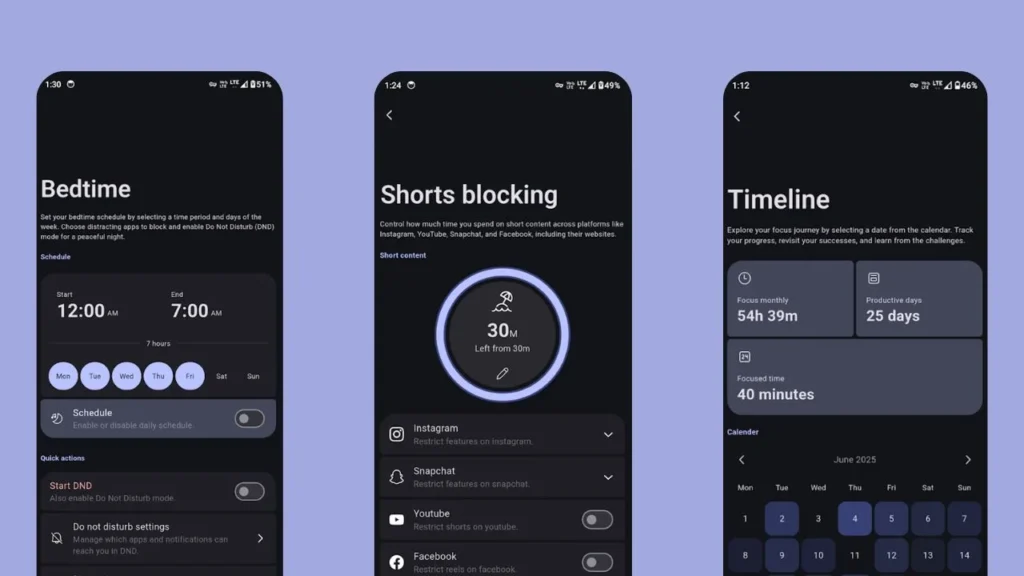
Mindful is about intentional use. Its Focus Mode lets you pause distracting apps, enable Do Not Disturb, and stay locked into what actually matters. You can track your sessions over time.
You can set strict usage limits for short-form content, Once limits are reached, Invincible Mode can step in, preventing you from changing timers or bypassing rules. This can help you with using your phone with some rules.
With Smart Bedtime Mode, Mindful helps you wind down by pausing distracting apps and enabling DND automatically, so nights stay calm and mornings start clean. For deeper control, you can even block internet access for selected apps
Its an open source & completely free to use app that reshapes your phone into something calmer, quieter, and easier to live with.
Platforms: Android
5. Regain
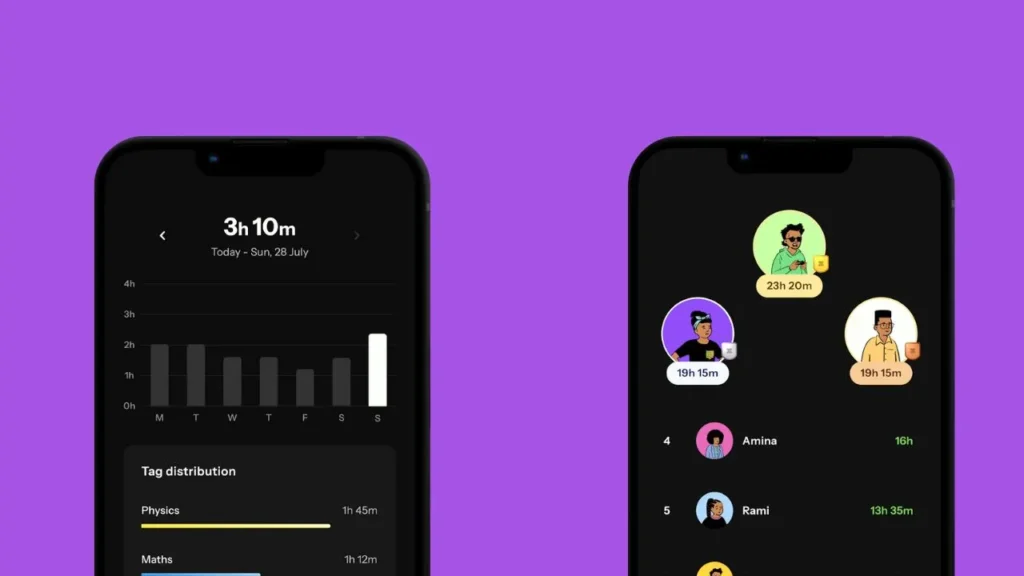
Regain app is like a smart coach that helps you take back control, You can limit those endless social media feeds, create focus windows, and understand your digital habits.
You can join live focus sessions with others. It’s like having accountability buddies who are trying to stay productive right alongside you.
Regain also includes a distraction free study timer with calming music, detailed usage reports & many features that will help you to stay focused.
Platform: Android
Regain App on Google PlayStore
Wrapping Up
These apps are intelligent companions that help you redesign your relationship with technology. The beauty is in the simplicity. You don’t need a complete digital detox. Just one small change can transform how you interact with your device. This isn’t about perfection. It’s about progress. Every tiny pause, every moment of awareness is a win. Your phone can become a tool that supports your goals & Your future self will thank you.