
File Information
| Attribute | Details |
|---|---|
| Name | PixelPlay – Intelligent Music Player |
| Version | 0.3.0 (Stable Release) |
| File Size | ~ 42.7MB (.apk) |
| Platform | Android |
| License | MIT Open Source |
| Github Repository | Github PixelPlay |
| Development | 100% Kotlin |
Table of contents
Description
PixelPlay revolutionizes your mobile music experience with a cutting-edge, AI-powered Android music player that transforms how you interact with your audio library. Designed for music enthusiasts who demand both aesthetic excellence and technological sophistication, PixelPlay delivers an unparalleled listening journey right from your smartphone.
Unlike traditional music players, PixelPlay isn’t just an app, it’s a comprehensive musical companion that understands your listening preferences, adapts to your style, and provides an immersive audio experience.
Screenshots
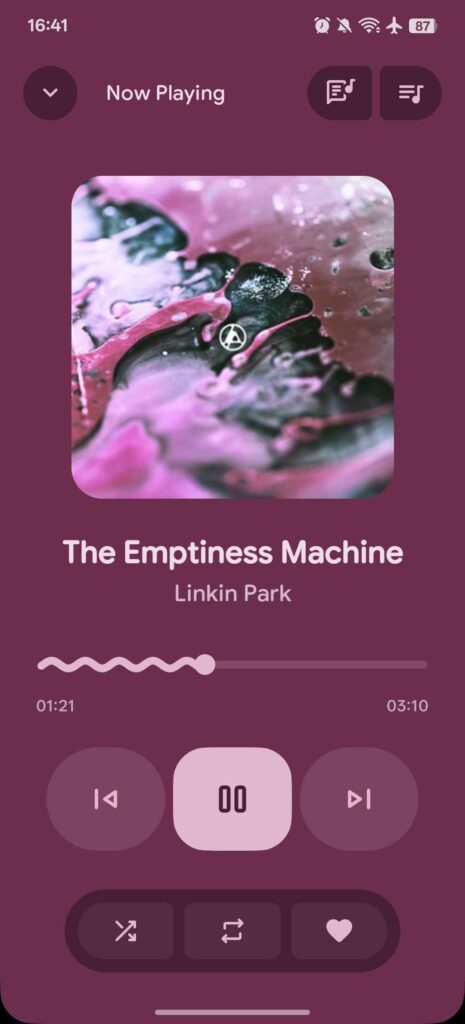
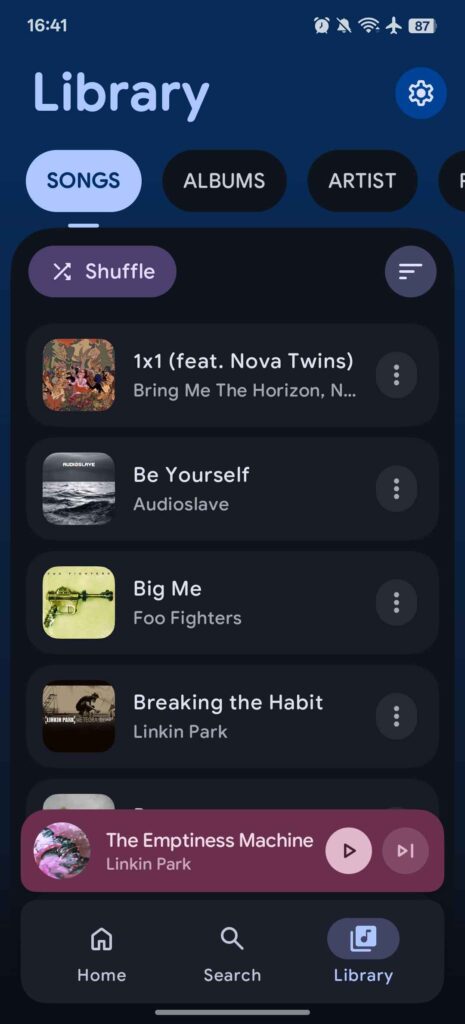
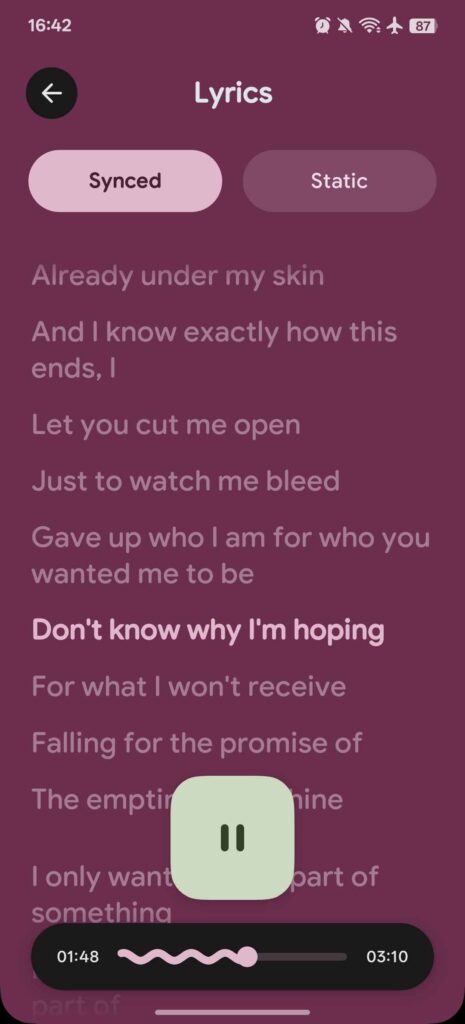
Features of PixelPlay Music Player
| Feature | Description |
|---|---|
| AI-Enhanced Music Discovery | Intelligent recommendation and playlist generation |
| Modern UI Design | Material 3 with Dynamic Color support |
| Comprehensive Library Management | Organize music by songs, albums, artists |
| Advanced Playback | Background listening with Media3 integration |
| Metadata Editing | Built-in tag editor for complete music library control |
| Home Screen Widget | Quick music control from device home screen |
| Theme Flexibility | Dark and light mode with system theme adaptation |
System Requirements
| Specification | Minimum Details |
|---|---|
| Android Version | Android 10 (SDK 29) or newer |
| Storage | Minimum 100 MB free space |
| RAM | 4 GB recommended |
| Processor | Quad-core processor |
Recommended For You: Orbit: Open Source Music Streaming App For Android
How to Install PixelPlay Music Player App??
- Download the
.apkfile - Enable “Unknown Sources” in device settings
- Tap the downloaded .apk
- Follow on-screen installation instructions
- Launch PixelPlay from app drawer
- Enjoy One of The Most Beautiful Music Player For Android!
Download PixelPlay Music Player For Android
Supported Audio Formats
- MP3
- FLAC
- AAC
- WAV
- OGG
- And more!
Privacy and Performance
PixelPlay prioritizes:
- Local-First Approach
- Minimal Battery Consumption
- Zero Unnecessary Permissions
- Complete User Data Control
Community and Support
| Support Channel | Description |
|---|---|
| GitHub | Open-source development |
| Issue Tracker | Community-driven improvements |
| Feature Requests | Direct user feedback integration |
Conclusion
PixelPlay isn’t just another music player, it’s a glimpse into the future of personal audio experiences. By combining intelligent design, cutting-edge technology, and user-centric features, we’ve created more than an app. We’ve crafted a musical companion that adapts, understands, and elevates your listening journey.
If you’re a casual listener or an audiophile, PixelPlay offers something extraordinary, a music player that feels like it was designed just for you.