


File information
| Name | Lively Wallpaper |
|---|---|
| Version | v2.2.1.0 |
| File Size | Windows: ~208MB |
| Platforms | Windows 10 (1903 or above) • Windows 11 |
| License | Open Source (GPL-v3) |
| Official Repository | GitHub – rocksdanister/lively |
| Official Site | rocksdanister |
| Installer Provided | .exe (Windows installer) |
Table of contents
Description
Lively Wallpaper is a powerful, open-source application that transforms your Windows desktop into a stunning, animated experience. With support for videos, GIFs, webpages, and even real-time 3D or Unity games as wallpapers, Lively turns static backgrounds into dynamic art. It’s completely free, open source, and designed natively for Windows 10 and Windows 11 using WinUI 3 and WindowsAppSDK.
Whether you want to showcase looping video wallpapers, interactive web-based animations, or music-reactive visuals, Lively Wallpaper provides endless customization — all while remaining lightweight and efficient.
Features of Lively Wallpaper
| Feature | Description |
|---|---|
| Video & GIF Wallpapers | Use any video, GIF, or animation as your desktop background. |
| Webpage Wallpapers | Set live, interactive webpages as wallpapers — ideal for dashboards or animated scenes. |
| Application/Game Wallpapers | Run Unity or Godot games directly as wallpapers. |
| Multi-Monitor Support | Fully compatible with multi-display setups and screen savers. |
| Automation Support | Control Lively via command-line or integrate with Python, AutoHotKey, etc. |
| Machine Learning Wallpapers | Use ML inference to generate adaptive and dynamic wallpapers. |
| Developer API | Powerful API for creating interactive and audio-reactive wallpapers. |
| Performance Smart Mode | Wallpapers automatically pause during fullscreen apps or battery mode to save resources. |
| Hardware Acceleration | Uses MPV/VLC backend with GPU acceleration for smooth playback. |
| Modern UI | Built using WinUI 3 with Windows 11 Fluent design aesthetics. |
| Free & Open Source | 100% open-source project, no ads, no premium tiers, no tracking. |
Screenshots
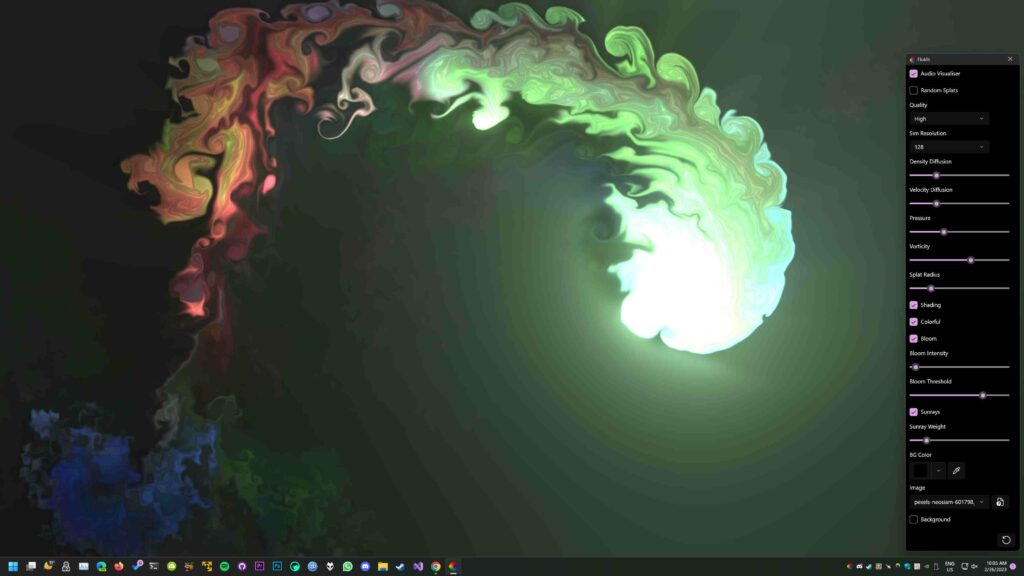
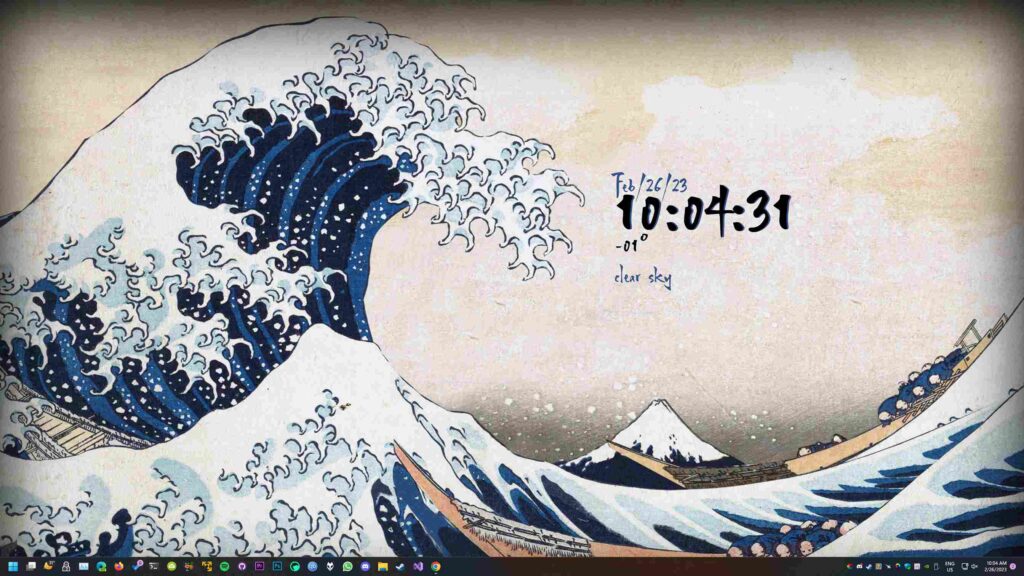
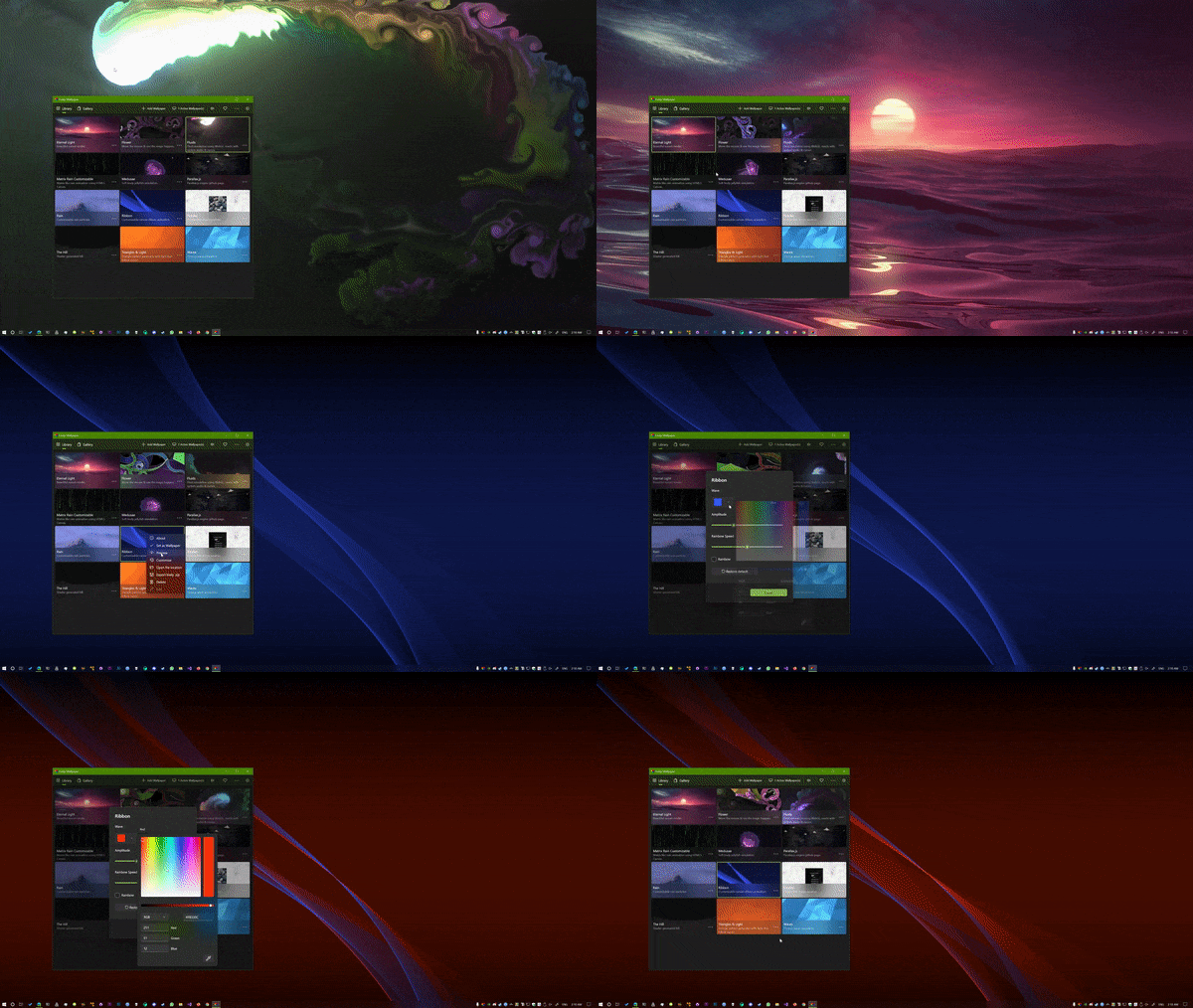
System Requirements
| Operating System | Minimum Requirements |
|---|---|
| Windows 10 (1903+) / Windows 11 | 2 GB RAM, 500 MB free space, DirectX 11 compatible GPU, Internet (for online wallpapers) |
How to Install Lively Wallpaper??
- Download the
.exeinstaller from the download section below - Double-click the file to begin the installation.
- Follow the setup wizard to complete installation.
- Once installed, open Lively Wallpaper and explore your first animated wallpaper!
Download Lively Wallpaper For Windows
Conclusion
If you’ve ever wanted your desktop to feel truly alive, Lively Wallpaper is the ultimate tool. Unlike traditional wallpaper apps, Lively supports everything from videos and websites to interactive shaders and 3D games.
Thanks to hardware acceleration, automation tools, and machine learning capabilities, it’s not just eye candy it’s a technical powerhouse for personalization.
Free, open source, and constantly evolving Lively Wallpaper is the best animated wallpaper app for Windows, blending art and technology to bring your screen to life.




