
File Info
| File | Details |
|---|---|
| Name | Google AI Edge Gallery |
| Version | v1.0.11 |
| Type | On-device Generative AI App |
| Developer | |
| License | Apache License 2.0 (Open Source) |
| Platforms | Android • iOS |
| Size | 23MB (May vary by Model) |
| Format | APK |
| Github Repository | Github/GoogleAIEdgeGallery |
Table of contents
Description
Google AI Edge Gallery lets you run open-source LLMs straight on your phone. No cloud. Once you download the models, you’re offline.
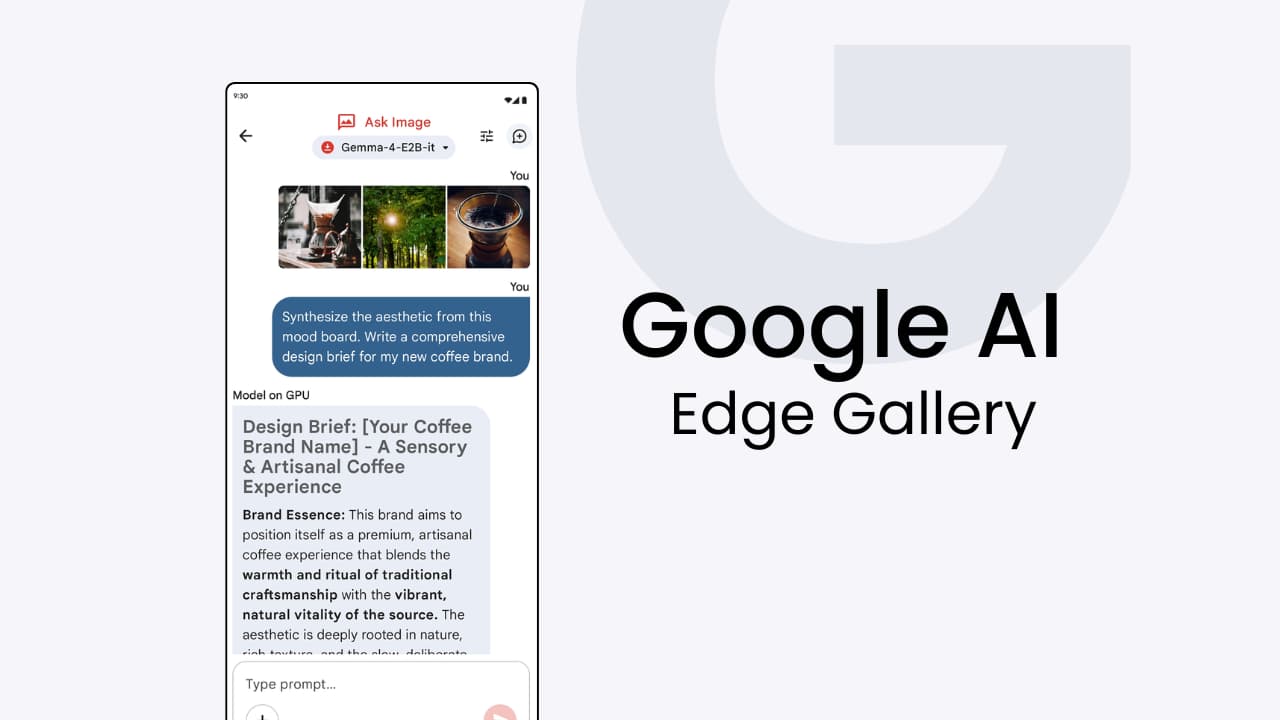
You get chat, image analysis, audio transcription, prompt testing. All on-device. Newer models like Gemma 4 mean better reasoning and multimodal stuff on mobile hardware. It’s more like a sandbox where you can test, run, and compare models directly on your device.
Use cases
- Quick answers without leaving your app, just open chat, ask a question, and get answers instantly offline.
- See how AI thinks step by step, watch Gemma 4 break down its reasoning for complex problems.
- Identify objects from photos, point your camera at anything and get instant descriptions without uploading data.
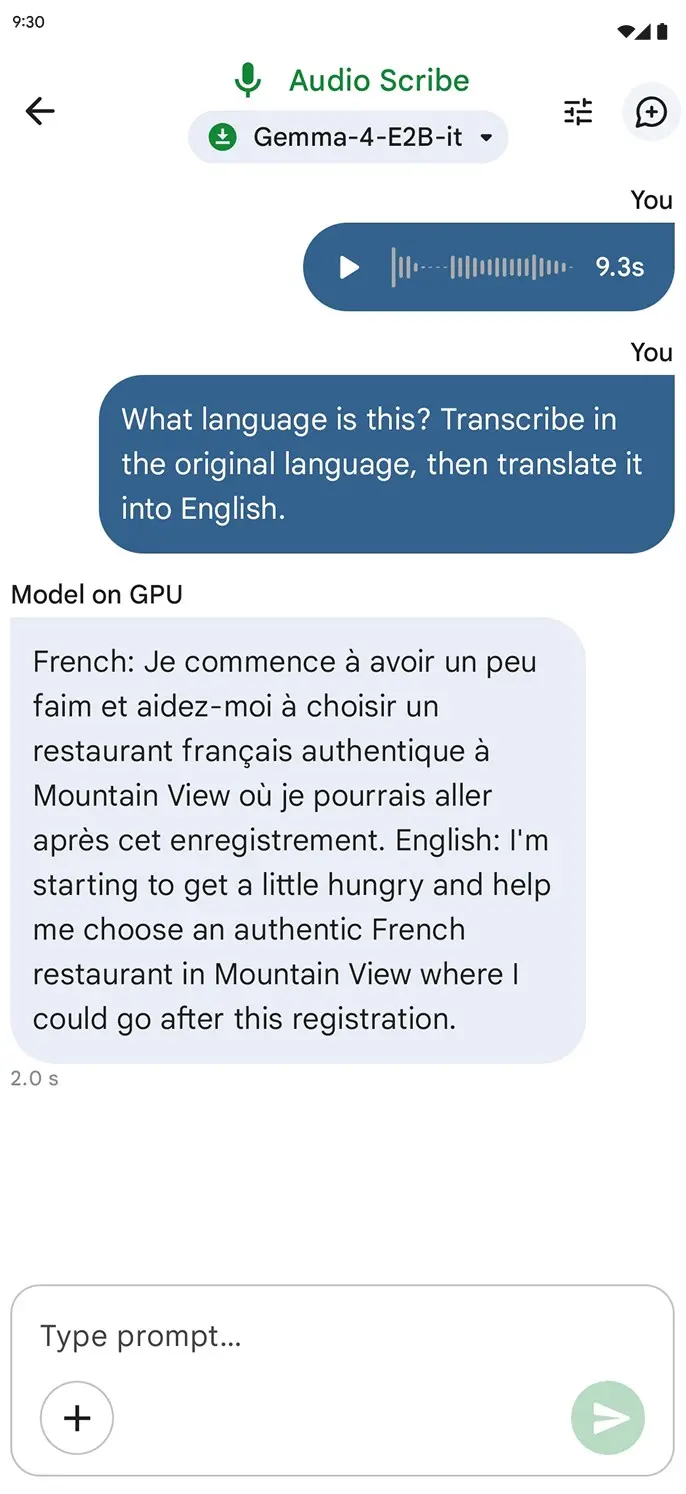
- Transcribe voice notes to text, record audio and get real-time transcription and translation on-device.
- Test and compare prompts, tweak temperature and phrasing in Prompt Lab to find what works best for your needs.
Screenshots
Features of Google AI Edge Gallery
| Feature | Description |
|---|---|
| Agent Skills | Add tools like Wikipedia, maps, and external skills |
| Thinking Mode | View step-by-step reasoning of the model |
| AI Chat | Multi-turn conversations with LLMs |
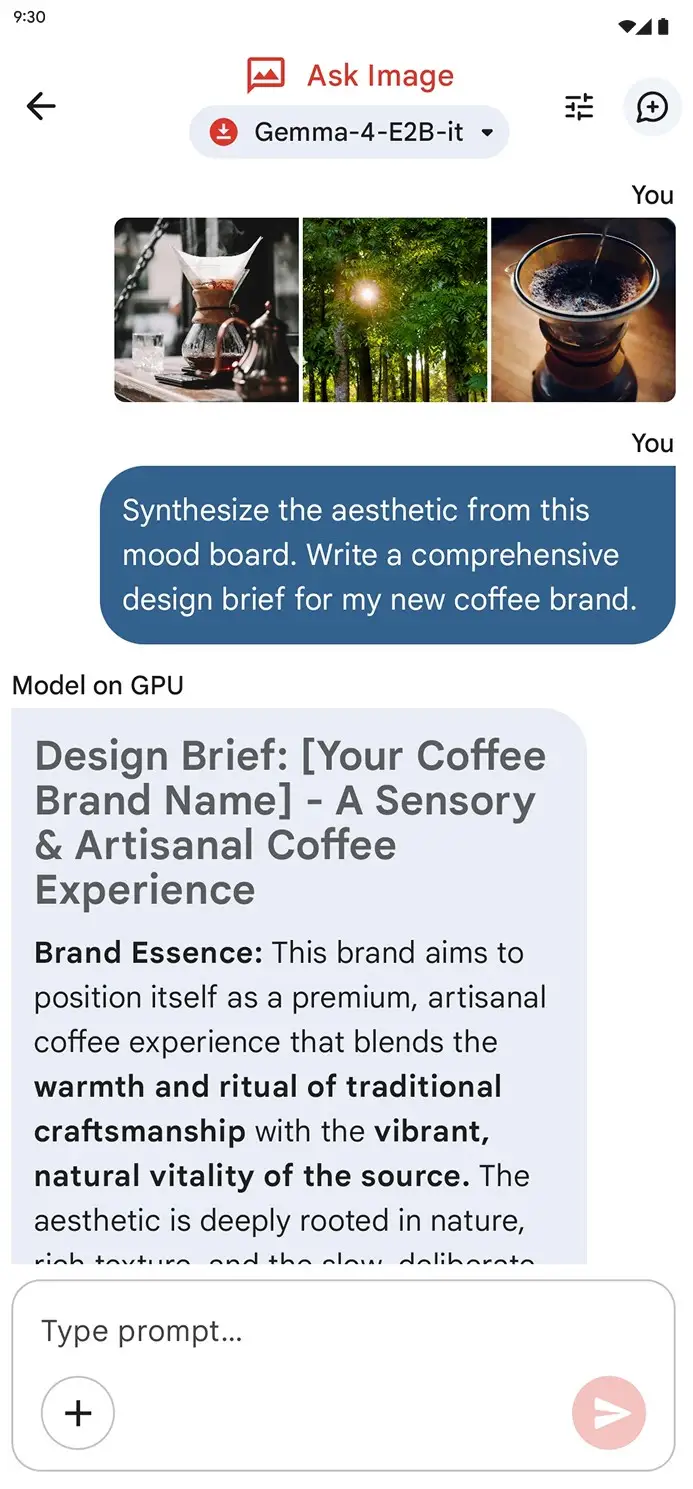
| Ask Image | Analyze images using camera or gallery |
| Audio Scribe | Transcribe and translate voice locally |
| Prompt Lab | Test prompts with parameter control |
| Mobile Actions | Run offline device tasks using AI |
| Model Management | Download, load, and test different models |
| Benchmarking | Compare model performance on your device |
| 100% On-device | No internet needed after setup |
Supports Multiple AI Models
Google AI Edge Gallery isn’t limited to a single model.
You can download and run different open-source models directly on your device, including support for models available through Hugging Face integration.
This makes it easy to test different models, compare performance, and choose what works best for your use case.
Related: MNN Chat: Run AI Models Offline on Android
System Requirements
| Component | Requirement |
|---|---|
| Android | Android 12+ |
| iOS | iOS 17+ |
| Internet | Required only for downloading models |
| Storage | Depends on models |
| Hardware | Better performance on newer devices |
How to Install?
Android
- Download the APK file
- Open the file
- Install and launch the app
- Download The Model of your choice & Enjoy!
iOS
- Open App Store
- Search for Google AI Edge Gallery
- Install and Download the model (Gemma 4 Recommended)
- Now you can chat with AI offline.
Download Google AI Edge Gallery App For Android
On-device AI made simple
Everything runs locally on your phone. You can test models, run prompts, analyze images, and even use AI tools without sending data to any server.
It supports multiple models, lets you compare performance, and gives you full control over how things run. If you want to explore AI without relying on cloud APIs, this is one of the easiest ways to do it.