


File Information
| File | Details |
|---|---|
| Name | ClaudePrism |
| Version | v1.0.9 |
| License | MIT License (Open Source) |
| Platforms | Windows, macOS, Linux |
| Size | 22MB (.exe), 32MB (.dmg), 90MB (.AppImage), 18MB (.deb) |
| Primary Use | Scientific writing, LaTeX editing, AI-assisted research |
| Github Repository | Github/ClaudePrism |
| Official Site | claudeprism |
Table of contents
Description
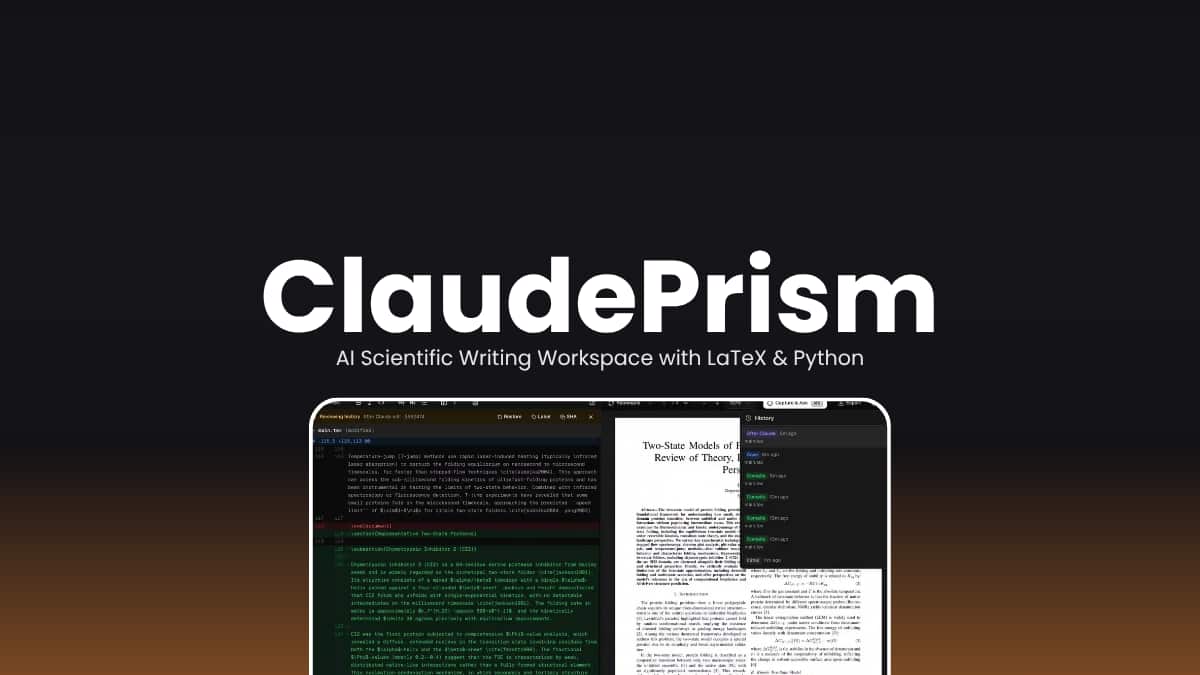
ClaudePrism is an offline-first scientific writing workspace that combines LaTeX, Python, and AI powered assistance into a single desktop application.
It is built for researchers, students, and technical writers, it allows you to write, compile, and analyze documents locally while integrating advanced AI capabilities powered by Claude models.
ClaudePrism keeps your files stored and processed on your own device which gives you full control over your work while still enabling AI features when needed.
Use Cases
- Write research papers, theses, and reports using LaTeX
- Run Python scripts for data analysis and visualization
- Use AI for literature review, writing, and editing
- Manage citations and references in one workspace
- Work fully offline without relying on cloud editors
Screenshots
Features of ClaudePrism
| Feature | Description |
|---|---|
| Offline-First Workspace | All files are stored and compiled locally on your device |
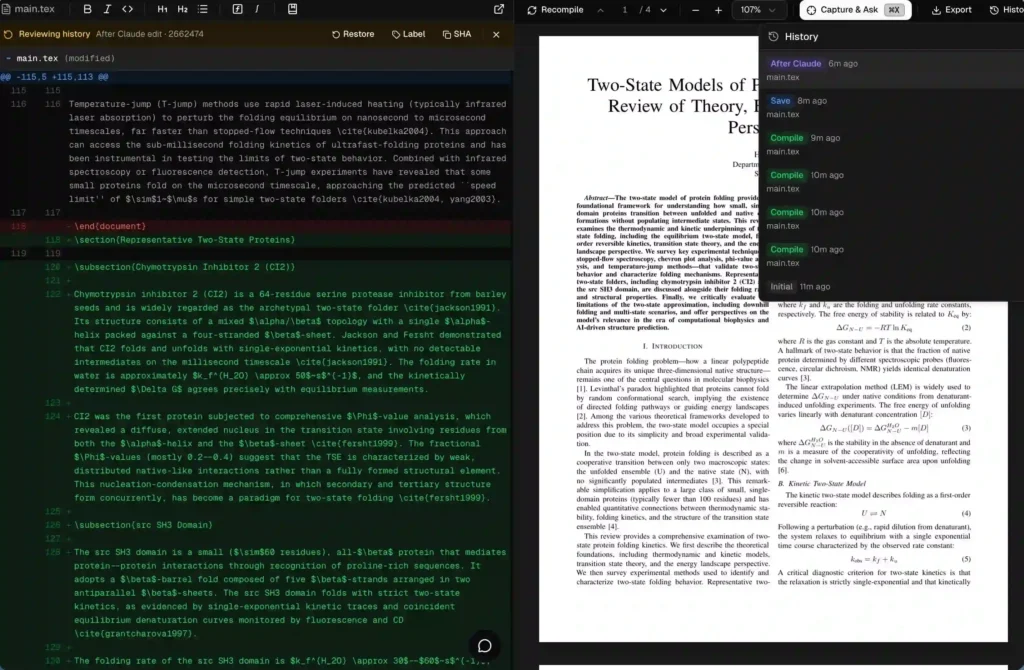
| LaTeX Editor | Built-in LaTeX editor with real-time preview and error checking |
| AI Assistant | Chat with Claude (Sonnet, Opus, Haiku) directly inside the editor |
| Python Integration | Built-in environment for running scripts, plots, and analysis |
| Scientific Skills | 100+ domain-specific skills for research and technical work |
| Live PDF Preview | SyncTeX support to jump between code and PDF instantly |
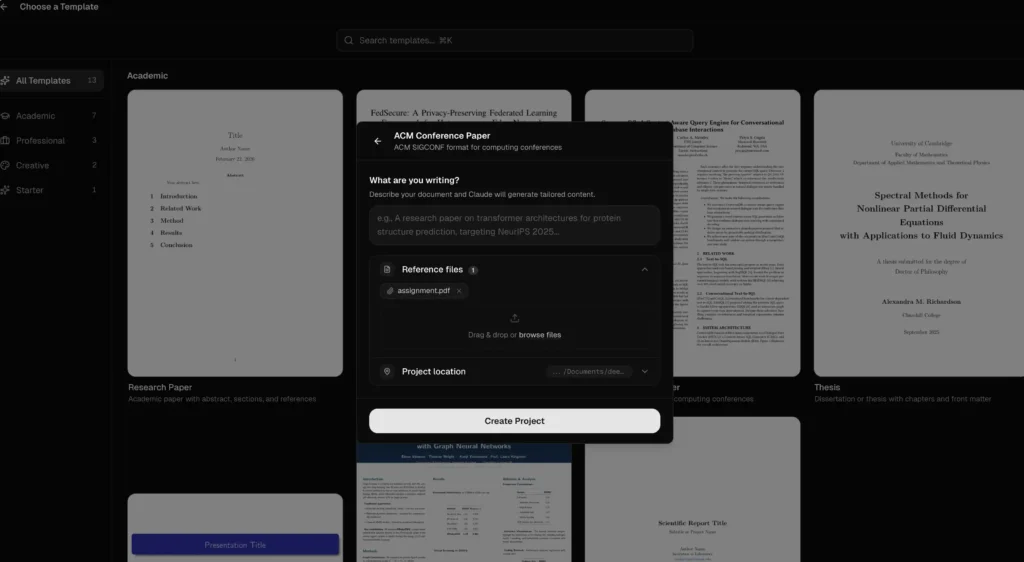
| Project Templates | Ready-to-use templates for papers, theses, and presentations |
| Version History | Git-based local history with diff and restore support |
| Capture & Ask | Select parts of PDFs and ask AI questions instantly |
| Zotero Integration | Manage citations and references easily |
System Requirements
| Component | Requirement |
|---|---|
| Operating System | Windows, macOS, Linux |
| Processor | 64-bit CPU |
| RAM | 8 GB recommended |
| Storage | ~500 MB |
| Internet | Required only for AI features |
| Python | Built-in environment (no manual setup needed) |
Recommended For You: Handy: Open-Source Speech-to-Text AI App For Windows, macOS & Linux
How to Install ClaudePrism?
Windows (.exe)
- Download the ClaudePrism
.exeinstaller. - Double-click the installer file.
- Follow the setup instructions.
- Launch the app from the Start Menu or Desktop.
macOS (.dmg)
- Download the ClaudePrism
.dmgfile (Apple Silicon or Intel). - Open the file to mount it.
- Drag the app into the Applications folder.
- Launch it from Applications.
Linux (.AppImage)
- Download the ClaudePrism
.AppImagefile. - Make it executable from your file manager.
- Double-click to launch the app.
Linux (.deb)
- Download the ClaudePrism
.debpackage. - Open it with your Software Manager.
- Click Install.
- Launch from the applications menu.
Download ClaudePrism: Offline AI Writing Workspace with LaTeX & Python
A Smarter Way to Write Scientific Content
ClaudePrism rethinks scientific writing by combining local-first architecture with AI-powered workflows. It brings everything into one streamlined environment that works both online and offline.
For researchers and developers who value privacy, control & productivity, ClaudePrism offers a modern alternative to traditional cloud-based writing tools.




