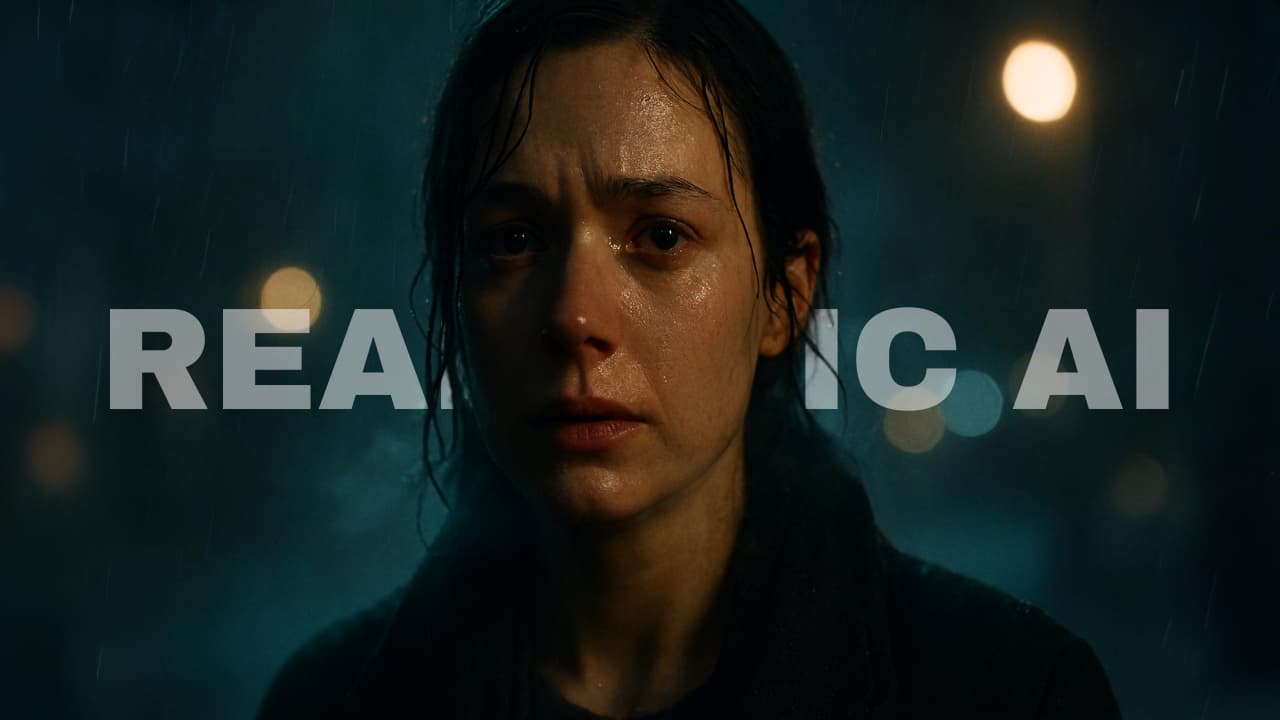

For the past year, realistic AI video has mostly lived behind paywalls. If you wanted cinematic motion, expressive faces, or physics that didn’t fall apart after three seconds, you needed access to a cloud model & usually a monthly subscription to go with it.
But something has quietly changed. In the last few months, a new wave of open-source video models has started running locally on consumer GPUs, the same RTX cards sitting under your desk right now.
Some need 6GB of VRAM. Others push into the 24GB “serious workstation” tier. A few can generate long shots with consistent motion. Another lets you control facial emotion with tagged precision.
They’re not perfect. But they’re closer to “industry-grade” than most people realize. Here are 7 open-source video models that look scarily realistic & actually run on your GPU.
Table of contents
7. Wan 2.2
If you want videos that actually look like films that have good lighting, proper colors & smooth motion. Wan 2.2 is one of the strongest open models right now.
It’s built with a smart “expert” system inside, which basically means it handles rough layout first and then focuses on fine details. The result is Cleaner frames & better motion.
The only thing it lacks is Audio. It does not generate audio with video & if you wanna have Audio generated as well?? No Worries, the next model does exactly that.
What makes Wan 2.2 special:
- Strong cinematic look (lighting, contrast, color control)
- Supports Text-to-Video and Image-to-Video
- 720P at 24 FPS (which already looks professional)
- Better motion compared to older open models
- Even supports speech-to-video and character animation (advanced users)
If you’re serious about quality and don’t want to depend on cloud tools, this is a solid starting point.
Minimum VRAM Required:
- Around 8–12GB (for smaller / optimized setups)
- 24GB recommended for smooth 720P generation
- 80GB for full 14B models without offloading
License: Apache 2.0 (Free for commercial use, with standard open-source conditions)
6. Ovi 1.1
A lot of people love Wan 2.2 for visuals. But the problem is? It doesn’t generate proper, synced audio out of the box. You still have to stitch voices, background sounds, and music separately. And that’s where things break. That’s exactly where Ovi 1.1 comes in.
Built by researchers at Character AI and Yale, Ovi is designed to generate video and audio together, at the same time.
What Makes Ovi Different?
Ovi uses what they call a twin-backbone cross-modal system. In simple words, One backbone focuses on video. One backbone focuses on audio & they talk to each other during generation. So when a character speaks, the mouth movement and voice timing are aligned from the start. When there’s a concert scene, the lighting shifts and crowd noise feel connected. It’s closer to how real scenes are produced.
Ovi 1.1 can generate 10-second videos with 960 × 960 resolution at 24 FPS, it also supports multiple aspect ratios like 9:16, 16:9 & 1:1.
Minimum VRAM Required
This is heavier than Wan.
- Minimum: 32GB GPU For a Smooth Performance
- 24GB possible with FP8 or qint8 + CPU offload
- 80GB for full-speed, no compromises
So yes this is more “workstation tier.” But if you have a 4090 or a 24GB card and don’t want to depend on cloud tools, this becomes very interesting. Ovi is your camera + sound engineer.
License: Apache 2.0
5. Step-Video-T2V
Some models try to do everything. Step-Video-T2V doesn’t. It focuses on generating visually impressive video from text & goes very, very deep on it. Built by Stepfun, this is a 30 billion parameter text-to-video model. For context, most open-source video models sit well below that. The jump in parameter count shows.
The team built a custom Video-VAE that compresses video at 16×16 spatial and 8x temporal ratios. That sounds technical, but what it means practically is that the model can think about a lot more video in the same amount of compute. You get up to 204 frames per generation which is roughly 8+ seconds of smooth, high-fidelity footage But the catch is, There is No audio. But it doesn’t make it any less to other models in this list.
VRAM Requirements
This is where things get heavy. Like, really heavy.
- Full quality runs: 77GB+ VRAM
- Recommended: 4x 80GB GPUs
- Turbo version helps, but you’re still in multi-GPU territory
If you’re running this, make sure you’re either on a cloud instance or you have serious hardware sitting around.
4. MOVA: Industry-Grade Lip Sync & Sound That Actually Match
If Ovi feels like Wan with audio added, MOVA feels like a studio pipeline made open-source. Most open models treat sound like an afterthought. First they generate video, Then they try to attach audio. That’s where timing breaks but MOVA does it differently. It generates video and audio together in one pass so speech, lips, and background sound are aligned from the start.
MOVA uses an asymmetric dual-tower system where one tower handles video, other tower handles audio & they constantly exchange information while generating.
That’s why it performs especially well in Multilingual lip-sync, Multi-person conversations Environment-aware sound effects & Clear speech recognition accuracy. In lip-sync benchmarks, it shows one of the biggest gaps compared to other open models.
Mova supports Text + image to video + audio, Single-person speech, Multi-person interaction and LoRA fine-tuning if you want to train your own style. The full pipeline like weights, inference code, training scripts is open.
VRAM Requirements
MOVA is powerful, but it’s heavy.
- Close to 48GB VRAM for smoother runs
- Can go down to 12GB with aggressive offloading
- 4090 can run it (with trade-offs)
This is not “laptop GPU”. This is real workstation usage.
Also Read: 7 Next-Gen AI Models Powering Video, Audio & World-Scale Creative Generation in 2026
3. Hunyuan 1.5
Most “industry-grade” video models quietly assume you have a server rack. HunyuanVideo-1.5 doesn’t. This 8.3B parameter model is built to run on consumer GPUs while still competing with much larger systems in visual quality and motion stability.
It’s one of the rare models in this list that feels powerful without feeling heavy.It also focuses on efficiency without sacrificing coherence. Its a 8.3B parameter Diffusion Transformer. It has 3D causal VAE compression, Selective & Sliding Tile Attention (SSTA) and a built-in super-resolution pipeline.
That SSTA mechanism reduces redundant spatial-temporal computation. In simple terms: it thinks smarter, not harder especially for longer clips.
The result is Strong motion consistency and fewer broken frames in mid-sequence & recent step-distilled 480p I2V model changed the game. On an RTX 4090 it can perform Up to 75% faster generation.
Hunyuan 1.5 Features:
- Text-to-Video (480p & 720p)
- Image-to-Video with high consistency
- Strong instruction following
- Clean text rendering inside video
- Physics-aware motion
- Camera movement stability
It’s especially good at maintaining structure over longer clips.
VRAM Reality
Minimum GPU memory: around 14GB (with offloading enabled) But with smart configs and tools like Wan2GP, people have pushed it lower on 6–8GB cards. That makes it one of the most realistic “serious” video models for solo developers.
2. SkyReels V2
If most open-source video models stop at 5–10 seconds, SkyReels-V2 does something different. It keeps going.
SkyReels V2 is built around a technique called Diffusion Forcing, which allows it to generate long, continuous videos instead of short looping clips. That means smoother storytelling, better scene flow & fewer hard cuts.
Features of SkyReels-V2
- Infinite-length generation
- 540P and 720P models available
- Text-to-Video and Image-to-Video support
- Video extension + start/end frame control
- Strong instruction following and cinematic shot awareness
It’s designed more like a film engine than a meme generator. On human evaluation tests, SkyReels-V2 Scored 3.14 average in Text-to-Video. It Beat several open-source competitors in instruction adherence & Reached 83.9% total score on VBench, topping other open models, In simple words, It doesn’t just look good. It follows your prompt properly.
Hardware Reality
- For 1.3B model: 14–15GB VRAM (540P)
- For 14B model: heavy (40GB+ VRAM)
So yes it can run locally, but serious quality needs serious GPU power. It even supports:
- Video extension (add more time to existing clips)
- Controlled start and end frames
- Multi-GPU acceleration
- Prompt enhancement (if you have 64GB+ VRAM)
Also Read: 7 Open-Source AI Models That Actually Outperform Paid Tools in Real Use
1. LTX-2.3
LTX-2.3 is built for production teams. It is a audio-video model that generates synchronized video and sound together. It’s designed to run locally, with open weights available on HuggingFace.
What Makes LTX-2.3 Different?
LTX-2 focuses on Native 4K generation, True 50 FPS output & structured camera and motion control
Features of LTX-2.3
- Text-to-Video
- Image-to-Video
- Audio-led video generation
- LoRA training for style, motion, or identity
You can also upscale spatial resolution and frame rate using its dedicated x2 upscalers.
Bonus: daVinci-MagiHuman
daVinci-MagiHuman has one clear focus. Human centric video generation with synchronized audio. Faces, expressions, lip sync and speech that actually match. You give it a reference image or a prompt, it generates a video of that person speaking with matching facial dynamics and synchronized audio. Not stitched together after. Generated together from the start.
The results from 2000 human evaluations are striking. Real people preferred it over Ovi 1.1 in 80% of comparisons and over LTX 2.3 in 60.9%. That is a meaningful gap.
Speed holds up too. A 5 second 1080p clip in 38 seconds on a single H100. Six languages supported out of the box.
Features of daVinci-MagiHuman
- Single stream audio and video generation
- 256p, 540p and 1080p resolution support
- Human centric output with expressive facial and lip sync coordination
- Six languages: English, Chinese, Japanese, Korean, German and French
- 5 second video at 256p in 2 seconds, 1080p in 38 seconds on H100
- 8 step distilled model for faster generation
- Complete model stack: base, distilled and super resolution
Hardware requirements:
- H100 GPU required
- Docker recommended for setup
- Requires three additional models: T5Gemma, Stable Audio Open and Wan2.2 VAE
Apache 2.0 licensed with full model stack on HuggingFace including base, distilled and super resolution versions. Here is the full dedicated breakdown of daVinci-MagiHuman
Wrapping Up
Open-source video models are no longer “experiments.”
A year ago, if you wanted cinematic AI video, emotional acting, synced dialogue, or long narrative shots, you needed access to closed labs or massive cloud budgets. Today, models like Wan 2.2, MOVA, LTX-2, SkyReels-V2 & HunyuanVideo-1.5 are running on local GPUs — some even under 16GB VRAM.
That changes the equation. It’s about creators, indie studios, and developers building production-ready video systems.