


File Info
| File | Details |
|---|---|
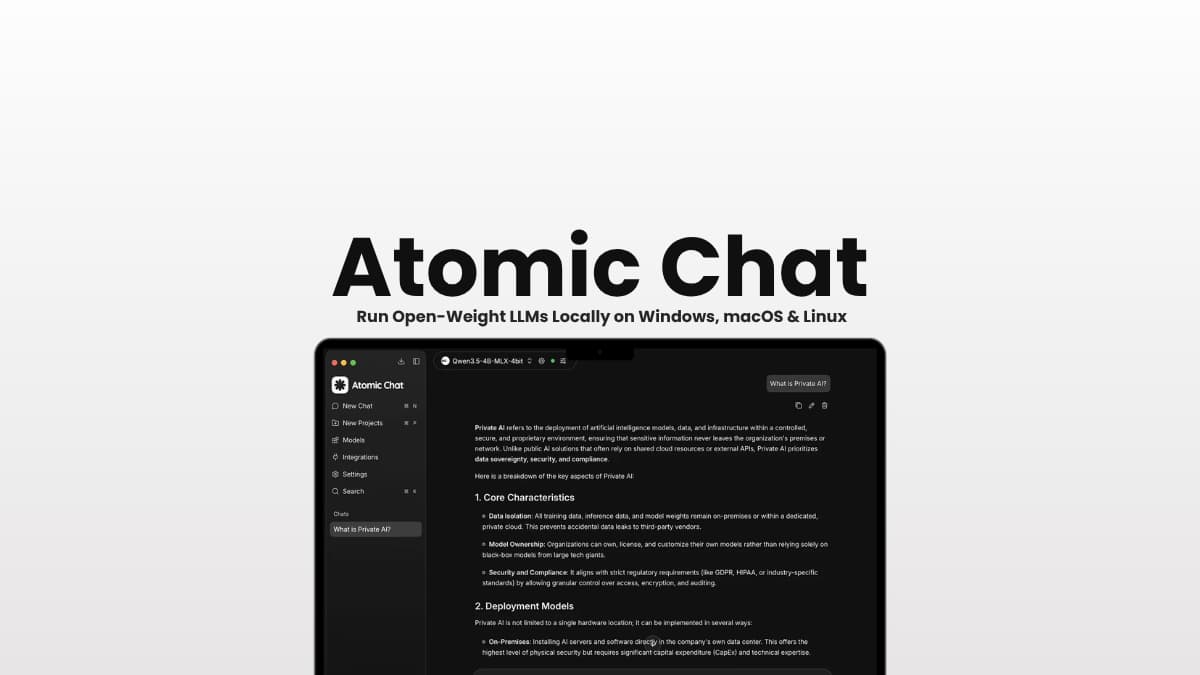
| Name | Atomic Chat |
| Version | v2.0.0 |
| Type | Local AI Chat App & Inference Engine |
| Developer | Atomic Chat / Menlo Research |
| License | Apache License 2.0 |
| Platforms | Windows • macOS • Linux |
| Desktop Formats | .exe • .dmg • .AppImage |
| GitHub Repository | GitHub/AtomicBot-ai/Atomic-Chat |
Table of Contents
Description
Want to run an AI model locally, but still use it with the tools you already have?
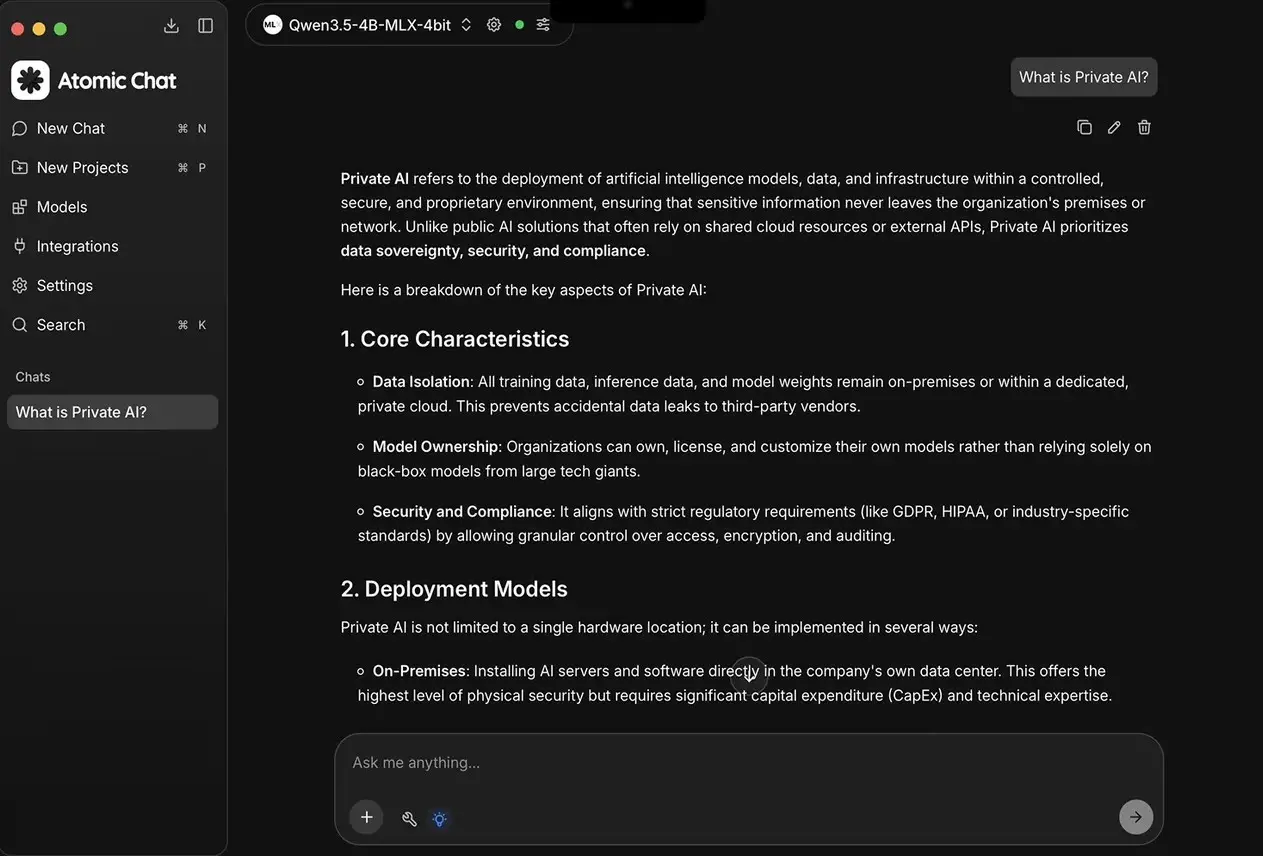
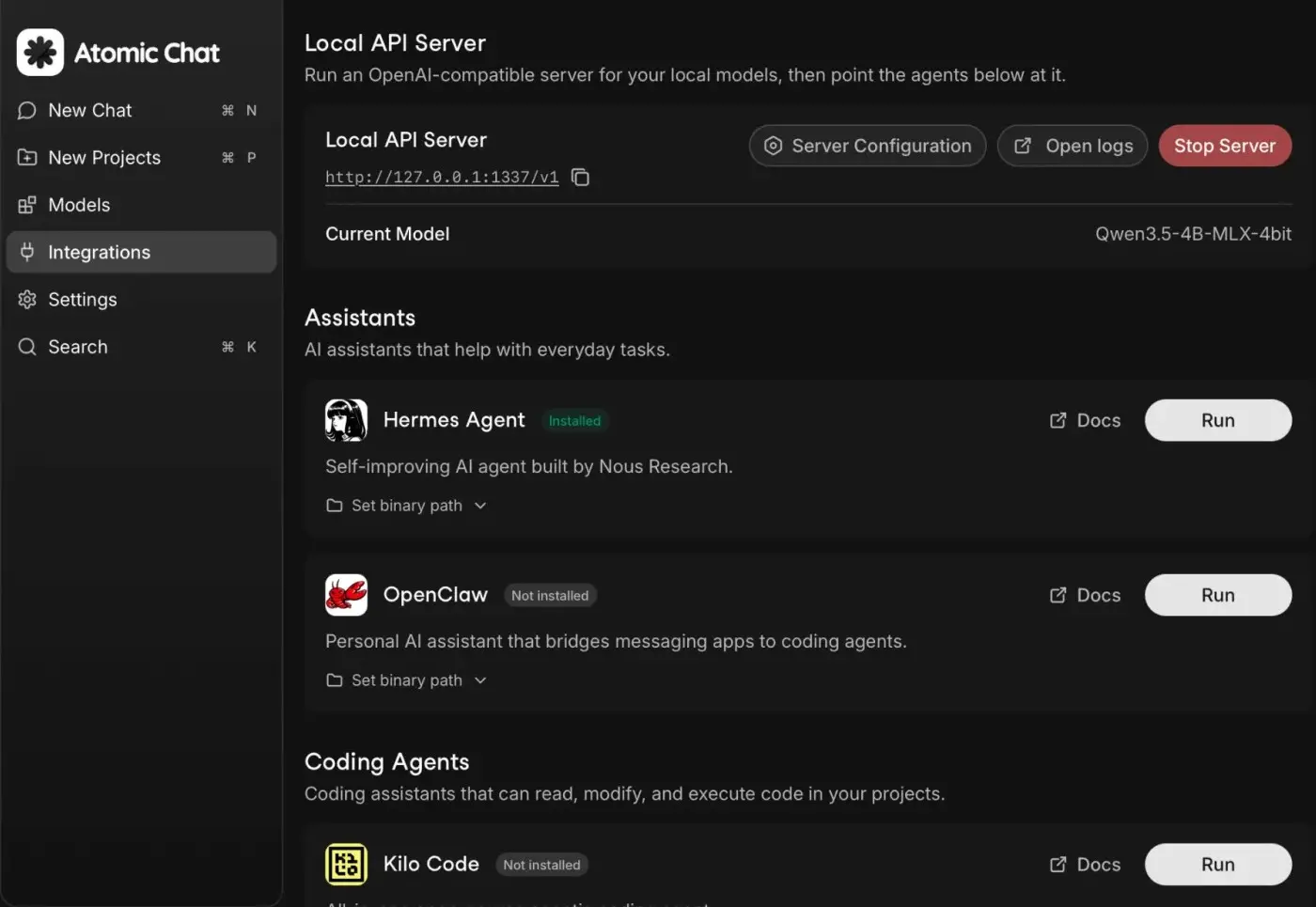
Atomic Chat makes that possible. It lets you run open-weight LLMs from Hugging Face on your own computer, then exposes them through an OpenAI-compatible API so coding agents, CLIs, IDE plugins and other apps can use your local models too.
You can run models such as Llama, Gemma, Qwen, Mistral and Phi, use Atomic Chat as a regular AI chat app, or connect it to tools such as OpenCode, Goose and Kilo Code. Your local conversations and API keys can stay on your machine, while cloud providers such as OpenAI, Anthropic, Mistral and Groq are available when you need them.
Under the hood, it also supports multiple inference engines and performance features such as speculative decoding, Flash Attention and TurboQuant on supported models and hardware.
So you’re getting more than a local chatbot. Atomic Chat can act as the local AI layer behind the rest of your setup.
Use Cases
- Run open-weight LLMs locally without sending your conversations to the cloud.
- Connect local models to coding agents like OpenCode, Goose and Kilo Code.
- Use Atomic Chat as a local OpenAI-compatible API for your own apps and tools.
- Experiment with Llama, Gemma, Qwen, Mistral, Phi and other Hugging Face models.
- Switch between local models and cloud AI providers from the same app.
Screenshots
Features of Atomic Chat
| Feature | Description |
| Local LLMs | Run open-weight models from Hugging Face directly on your computer |
| Multiple model families | Supports models such as Llama, Gemma, Qwen, Mistral and Phi |
| Local inference | Run supported models without sending conversations to a remote AI service |
| OpenAI-compatible API | Exposes local models through http://localhost:1337/v1 |
| Cloud providers | Connect OpenAI, Anthropic, Mistral, Groq, MiniMax, Qwen and Moonshot |
| Coding agents | Launch tools such as Claude Code, Codex CLI, Cline, OpenCode, Goose and others from the integrations tab |
| MCP support | Connect MCP servers for tools, file access and web search |
| Artifacts | Preview HTML, CSS and JavaScript output inside the app |
| Custom assistants | Create assistants with their own system prompts |
| Projects | Organize conversations and view conversation trees |
| Speculative decoding | Supports MTP, DFlash and EAGLE-3 on supported models and hardware |
| Flash Attention | Toggle Flash Attention between on, off and auto |
| Context tracking | Tracks reasoning context and can expand the context window when needed |
| TurboQuant | Reduces KV cache memory usage on supported llama.cpp configurations |
| Local privacy | Local conversations and API keys can stay on your machine |
System requirements
| Platform | Requirement |
| macOS | macOS 13.6 or newer |
| Windows | Windows 10/11 x64 |
| Linux | x86_64 with glibc 2.35 or newer |
| Linux distributions | Ubuntu 22.04+, Debian 12+, Fedora 40+, Arch, Mint and Pop!_OS |
| RAM | 8 GB for 3B models • 16 GB for 7B • 32 GB for 13B models |
| Linux GPU | Optional Vulkan support for GPU acceleration |
The RAM figures are the project’s recommendations for running models of different sizes. Larger models can require considerably more memory depending on their quantization and configuration.
Installation Process For Atomic Chat
Windows
- Download the Windows
.exeinstaller. - Run the installer.
- Follow the setup instructions.
- Open Atomic Chat and download a model from Hugging Face.
macOS
- Download the universal
.dmg. - Open the downloaded disk image.
- Move Atomic Chat to your Applications folder.
- Launch the app and load a local model.
Linux
Atomic Chat is distributed as a self-contained .AppImage.
- Download the Linux
.AppImage. - Make the file executable.
- Launch it.
You May Like: Open Source AI Coding Agents That Don’t Need a Subscription
Download Atomic Chat
Find More Latest Releases on their official Github
Run AI models locally without sending your conversations to a cloud server
If you’ve only used AI through ChatGPT or another cloud service, local inference can feel a little strange at first.
You download the model, load it into an app, and suddenly the chatbot is running on your own hardware.
Atomic Chat takes that idea and connects it to the rest of your AI setup. You can use a local model directly in its chat interface, or let another application access that model through the OpenAI-compatible API.
That makes it useful beyond casual chatting. Developers can connect local models to coding agents. People experimenting with MCP can give those models access to tools. And if you have hardware capable of running larger models, you can keep the whole workflow on your own machine.
There are tradeoffs, of course. Local AI depends heavily on your hardware, and running a 13B model is a very different experience on a machine with 16 GB of RAM than it is on a workstation with a large GPU. Some of Atomic Chat’s faster inference features also work only with particular models or hardware.
But if you want to see what open-weight AI can do without making every request a trip to a cloud API, Atomic Chat is an interesting one to try.




