


File Info
| Software | Information |
| Name | OpenNOW |
| Version | v0.5.4 |
| Category | Gaming / Cloud Gaming |
| Developer | OpenCloudGaming |
| License | MIT License (Open Source) |
| Platforms | Windows, macOS, Linux |
| Native Streaming | Experimental |
| Github Repo | OpenCloudGaming / OpenNOW |
Table of Contents
Description
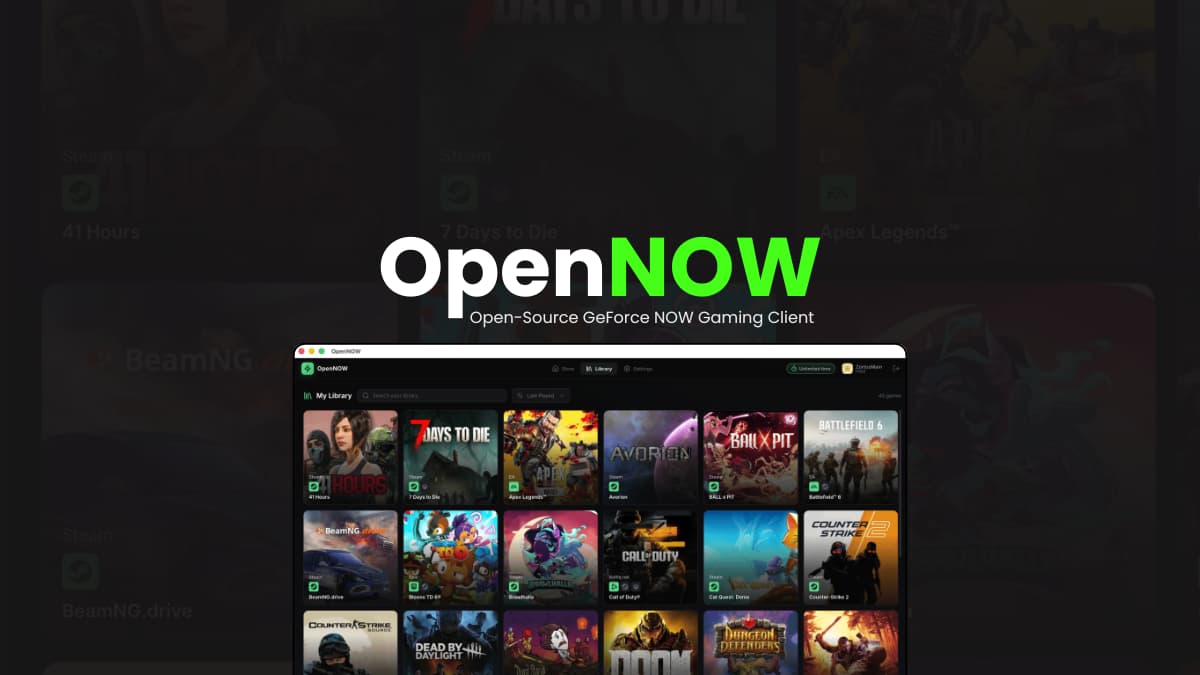
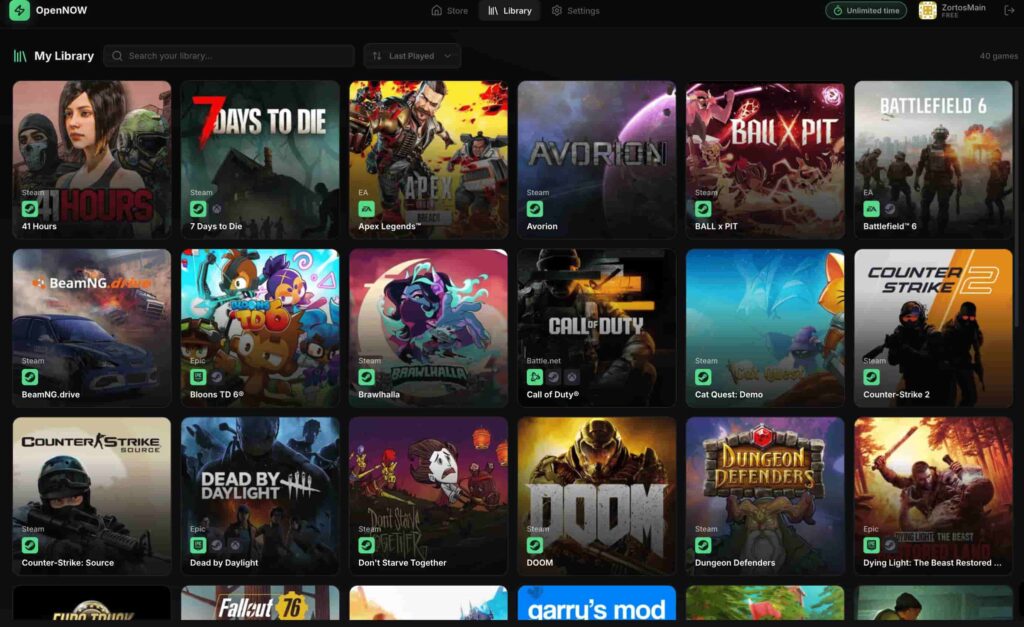
OpenNOW is an open-source desktop client for GeForce NOW that gives cloud gaming users a community-built alternative to accessing NVIDIA’s game-streaming service. It provides a dedicated interface for browsing the GeForce NOW catalog, configuring streaming options, and launching gaming sessions from one place.
Built as an Electron application, OpenNOW is actively developed with support extending beyond desktop platforms, including Android, iOS beta, and Nintendo Switch. It also includes experimental native streaming infrastructure for users who want to go beyond the standard web-streaming path.
OpenNOW is an independent community project and is not affiliated with or endorsed by NVIDIA. You still need your own GeForce NOW account to use the service.
Use Cases
- Access GeForce NOW through a dedicated open-source desktop client.
- Browse and launch cloud games without relying exclusively on a browser.
- Experiment with native WebRTC-based game streaming.
- Configure and test different streaming options.
- Run separate OpenNOW profiles on Windows when multiple independent sessions are required.
- Use GeForce NOW on supported platforms such as Android or Nintendo Switch.
- Explore an actively developed community alternative to the standard GeForce NOW client experience.
Screenshots
Features of OpenNOW
| Feature | Description |
|---|---|
| Open-Source Client | Community-built desktop client for accessing GeForce NOW. |
| GeForce NOW Integration | Browse the GeForce NOW catalog and launch available games through your own account. |
| Desktop Experience | Provides a dedicated application instead of relying solely on a browser window. |
| Stream Configuration | Tune your cloud-streaming experience through the client’s available configuration options. |
| Native Streaming | Experimental native streamer infrastructure with WebRTC support for lower-level streaming control. |
| Web Streaming Fallback | Uses the web-streaming path by default, with Chromium/WebRTC available as a fallback when native streaming is unavailable. |
| Cross-Platform | Desktop client with additional Android, iOS beta, and Nintendo Switch projects. |
| Nintendo Switch Support | Native Horizon OS homebrew build with controller-first catalog browsing and WebRTC streaming. |
| Multiple Windows | Windows users can launch a secondary independent OpenNOW instance with its own profile and settings. |
| Separate Profiles | Secondary instances maintain separate sign-ins, cookies, cache, device IDs, and native-streamer state. |
| Screenshots & Recordings | Captures are stored locally under the OpenNOW Pictures directory with collision-resistant filenames. |
| Community Development | Open development with GitHub issues, Discord discussions, and community contributions. |
| Localization | Includes community-managed localization files through Crowdin. |
System Requirements
| Component | Requirement |
| Operating System | Windows, macOS, Linux, with additional Android, iOS beta, and Nintendo Switch builds |
| Account | A personal GeForce NOW account is required |
| Internet | Required for GeForce NOW cloud gaming |
| Native Streaming | Experimental and may have platform-specific requirements or limitations |
| Windows Secondary Instance | Windows executable with the --secondary launch option |
| Nintendo Switch | Modded Nintendo Switch capable of running Horizon OS homebrew |
OpenNOW is still under active development, so platform-specific bugs, rough edges, and differences between native and web streaming should be expected.
You May Like: The Best Open-Source Alternatives to Adobe Products for Creators
Installation
Windows, macOS & Linux
- Download the OpenNOW desktop app
- Install or extract the application for your operating system.
- Launch OpenNOW.
- Sign in using your own GeForce NOW account.
- Browse the available game catalog.
- Configure your preferred streaming settings.
- Launch a game and begin streaming.
The standard desktop client uses the web-streaming path by default. Native streaming can be enabled separately, but it remains experimental and may fall back to Chromium/WebRTC when necessary.
Download OpenNOW
An Open Source GeForce NOW Alternative
GeForce NOW already makes cloud gaming accessible from a browser, so why would anyone need another client?
That’s where OpenNOW becomes meaningful. Rather than trying to replace the GeForce NOW service itself, OpenNOW focuses on the client experience around it. It gives users a dedicated open-source interface for browsing games, managing streaming preferences, and launching sessions while experimenting with functionality that goes deeper into the streaming stack.
The project is also broader than a simple desktop wrapper. Its native streamer is being developed around WebRTC, while separate projects extend OpenNOW toward Android, iOS, and even the Nintendo Switch.
It is still a work in progress, and the experimental native-streaming path means users shouldn’t expect everything to be as polished as a mature commercial client. But for people who want more control over how they access GeForce NOW or simply prefer open-source software, OpenNOW is an interesting project to keep an eye on.
If you’re already using GeForce NOW, OpenNOW is worth trying for the desktop experience. If you’re interested in open-source cloud-gaming clients, it’s an even more interesting project to watch as native streaming and platform support continue to evolve.




