
File Info
| File | Details |
|---|---|
| Name | Sefirah for Android |
| Version | v2.4.0 |
| License | GPL 3.0 License (Open Source) |
| Platform | Android |
| Format | APK |
| Size | 16.7MB |
| Companion App | Sefirah Desktop for Windows |
| Github Repository | shrimqy/Sefirah-Android |
Description
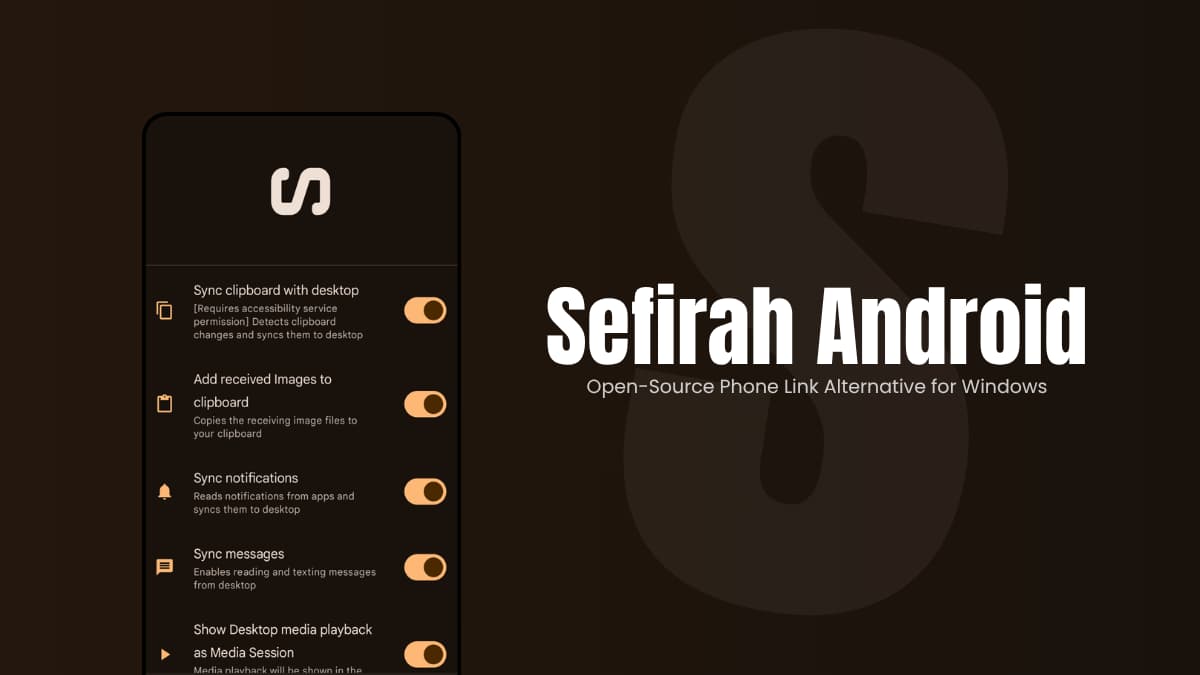
Sefirah is an open-source Android companion app designed to keep your phone and Windows PC connected over your local network. Once paired, you can share clipboard content, transfer files, mirror your phone screen, view notifications on your desktop, control media playback, and even access Android storage directly from Windows Explorer.
The experience feels closer to having both devices working as one system.
Because communication happens directly between your devices, most features continue working without internet access as long as both devices remain connected to the same local network.
Use Cases
- Copy text on your phone and instantly paste it on your PC
- Transfer files without using cloud storage services
- Mirror and control your Android device from your desktop
- Manage phone notifications while working on your computer
- Access Android storage directly from Windows Explorer
Screenshots
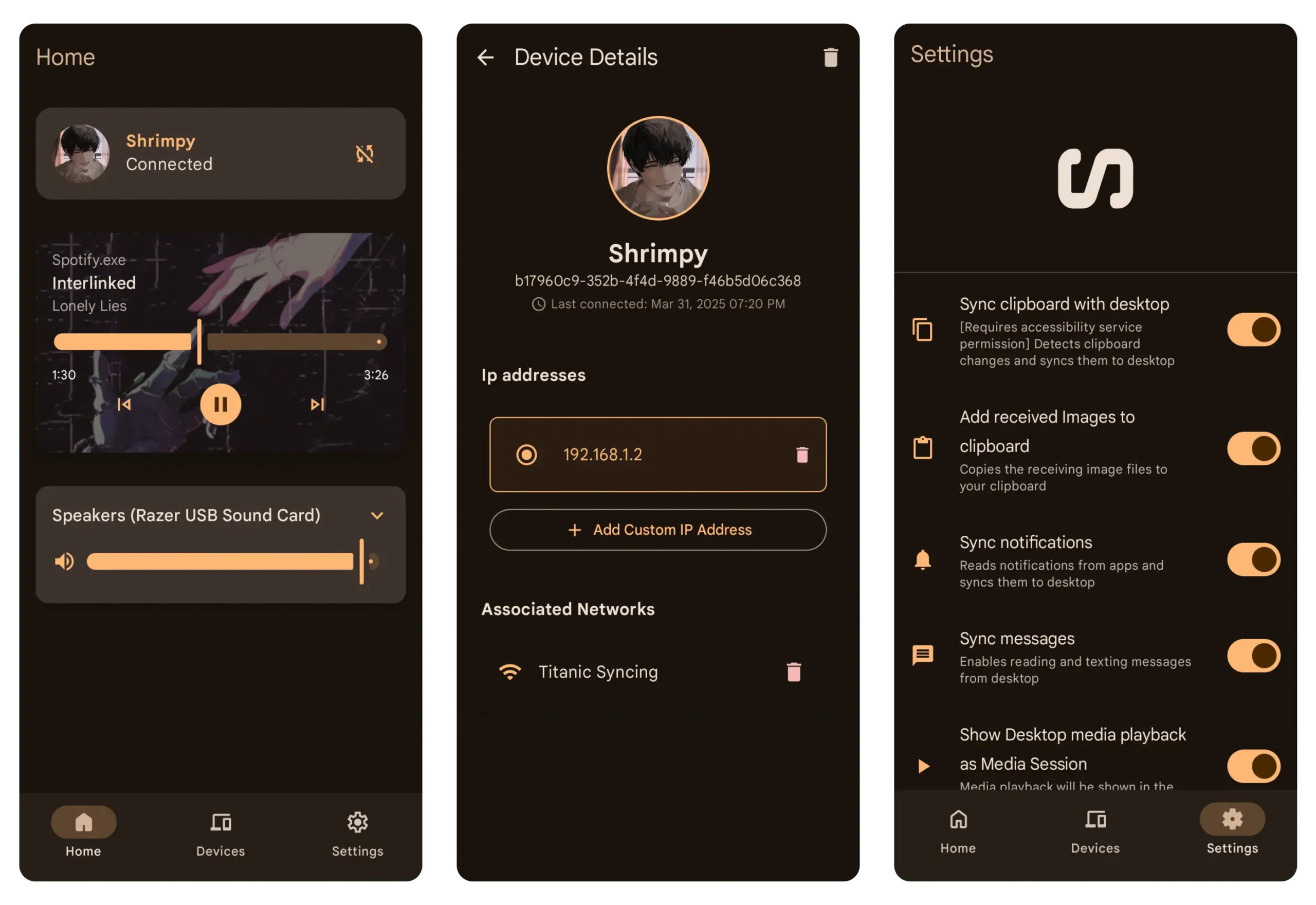
Features of Sefirah Android
| Feature | Description |
|---|---|
| Clipboard Sharing | Sync text and images between Android and Windows |
| File Transfer | Send files between devices without cables |
| Notification Sync | View Android notifications on your PC |
| Media Controls | Control PC playback and volume from Android |
| Android Storage Access | Browse phone storage directly from Windows Explorer |
| Screen Mirroring | Mirror and control Android using Scrcpy |
| SMS Management | View and send SMS messages from desktop |
| Local Network Connection | Direct device-to-device communication |
You May Like: SuperImage – AI Image Upscaling App for Android
System Requirements
| Component | Requirement |
|---|---|
| Operating System | Android 8.0 or later |
| Network | Same local network as Windows PC |
| Companion App | Sefirah Desktop installed on Windows |
| Storage Access Feature | Android 11 or newer recommended |
| Screen Mirroring | Scrcpy required on desktop |
How to Install Sefirah Android App
- Download the Sefirah Android APK.
- Enable installation from unknown sources if required.
- Install and launch the app.
- Grant the requested permissions during onboarding.
- Install the Sefirah desktop application on Windows.
- Connect both devices to the same network and complete pairing.
Download Sefirah Android App
Lightweight alternative to KDE Connect
Most device-sync solutions focus on cloud services and account ecosystems. Sefirah focuses on direct communication between your phone and PC.
If you’re looking for a lightweight open-source alternative to Phone Link, KDE Connect, or other device-sync tools, Sefirah offers a practical way to keep your Android phone and Windows PC connected without relying on cloud services. It covers the essentials while staying simple, local-first, and completely free to use.