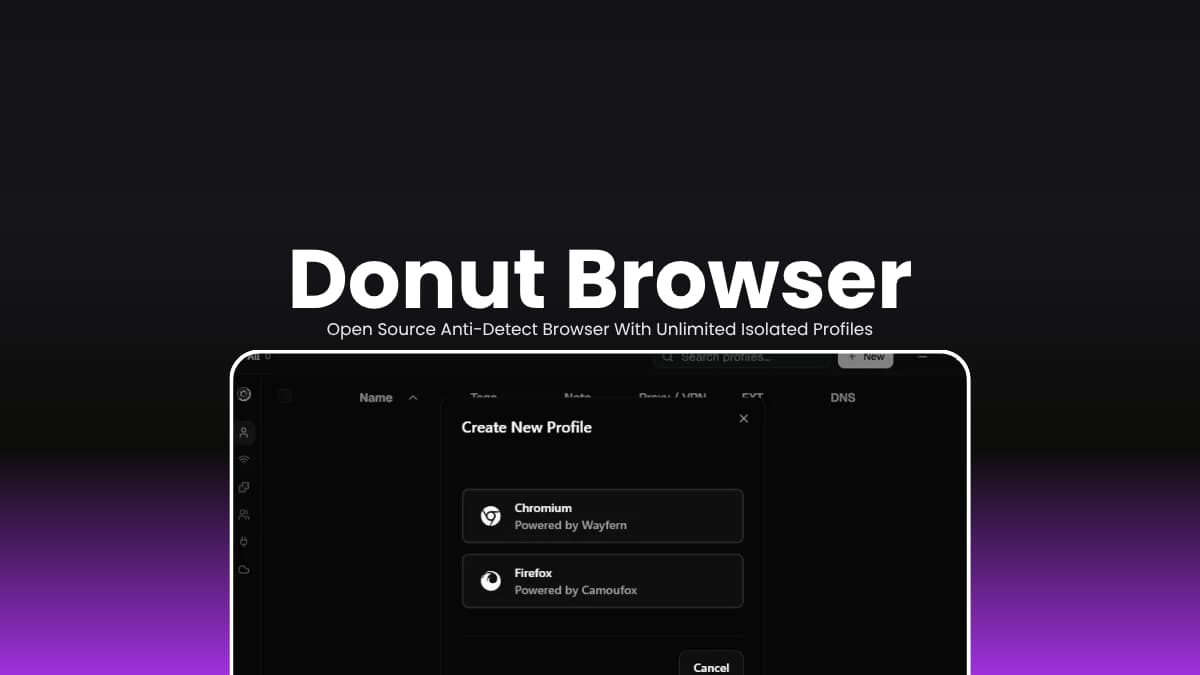

File Info
| File | Details |
|---|---|
| Name | Donut Browser |
| Version | v0.25.2 |
| Type | Anti-Detect Browser |
| Developer | Donut Browser Contributors |
| License | AGPL-3.0 |
| Platform | Windows, macOS, Linux |
| Primary Use | Multi-account management, browser isolation, privacy workflows |
| GitHub Repository | zhom/donutbrowser |
Table of Contents
Description
If you’ve ever managed multiple accounts in the same browser, you’ve probably run into the usual mess. Wrong account logged in. Cookies bleeding between sessions and more.
Donut solves that by treating every profile as its own browser.
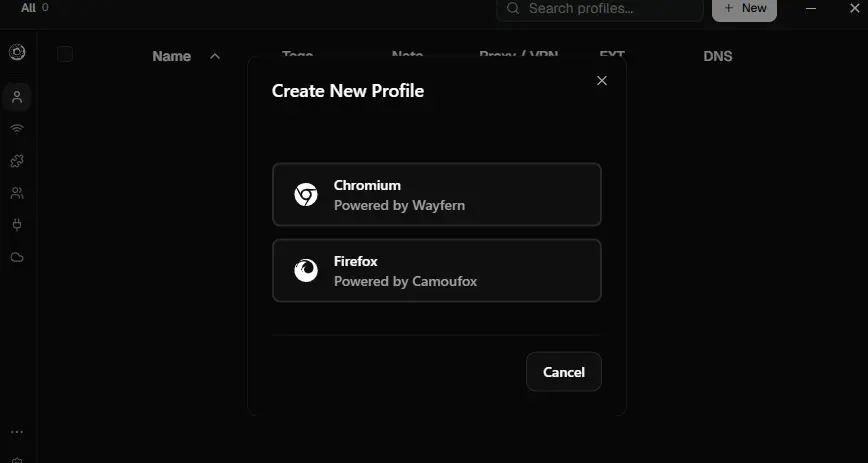
Create a profile, attach a proxy if you want, and it gets its own cookies, storage, extensions, fingerprint, and network settings. Open five profiles and it feels like you’re using five separate browsers.
Everything stays local. There’s no account to create. You download the app, create profiles, and get on with your work.
If you’re managing client accounts, testing websites, keeping work and personal browsing apart, or building automation workflows through the local API, Donut gives you a clean way to keep identities separated without turning your browser into a headache.
Use Cases
- Keep work, personal, and client accounts completely separated.
- Manage multiple social media or advertising accounts from one machine.
- Test websites across isolated browser environments.
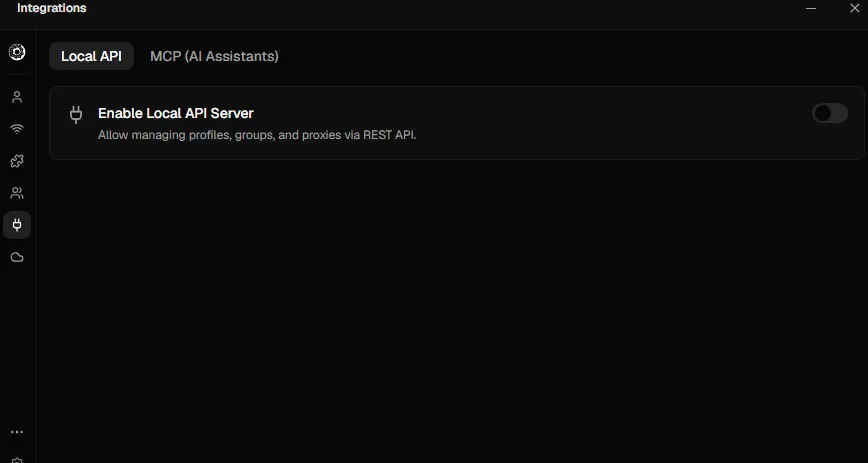
- Build automation workflows using the REST API or MCP server.
- Route different profiles through different proxies or VPN connections.
Screenshots
Features of Donut Browser
| Feature | Description |
| Unlimited Profiles | Create as many isolated browser profiles as needed |
| Fingerprint Isolation | Separate canvas, WebGL, fonts, timezone, audio, and browser fingerprints per profile |
| Chromium & Firefox Engines | Choose between Wayfern Chromium and Camoufox Firefox |
| Proxy Support | HTTP, HTTPS, SOCKS4, and SOCKS5 proxies per profile |
| WireGuard VPN Support | Route individual profiles through WireGuard configurations |
| Profile Groups | Organize and manage large collections of profiles |
| Browser Import | Import cookies, extensions, and data from Chrome, Firefox, Edge, and Brave |
| Cookie Management | Import and export cookies between profiles |
| DNS Ad Blocking | Block ads and trackers on a per-profile basis |
| Local REST API | Automate profile management and browser actions |
| MCP Server | Connect with Claude, Cursor, and AI agent workflows |
| Self-Hosted Sync | Synchronize profiles across devices using Docker |
| End-to-End Encryption | Encrypt synced data with your own password |
| Zero Telemetry | No analytics, tracking, or usage collection |
You May Like: Zen Browser Desktop: Privacy-Focused Firefox Based Browser
System Requirements
| Component | Requirement |
|---|---|
| Operating System | Windows 10/11, macOS, or Linux |
| Processor | 64-bit (x64) CPU |
| RAM | 4 GB minimum (8 GB recommended for many profiles) |
| Storage | 500 MB+ available space, additional space for browser profiles |
| Network Support | HTTP, HTTPS, SOCKS4, SOCKS5 proxies, WireGuard VPN |
How to Install Donut Browser?
Windows
- Download the .exe installer.
- Run the installer and complete setup.
- Launch Donut and create your first profile.
macOS
- Download the .dmg file.
- Open the installer and drag Donut into Applications.
- Launch the app and start creating profiles.
Linux
- Download the .AppImage.
- Install using your preferred package manager.
- Launch Donut and configure profiles as needed.
Download Donut Browser
Anti-Detect Browsing
Donut is one of those tools that sounds niche until you start using it.
At first it looks like another browser. Then you realize every profile has its own identity, network settings, cookies, extensions, and storage. Suddenly managing multiple accounts becomes efficient.
For marketers, developers, testers, researchers, and privacy-conscious users, Donut offers a genuinely capable anti-detect browser that remains open source, local-first, and free to use.