


File Information
| File | Details |
|---|---|
| Name | oMLX |
| Version | v0.3.8 |
| Type | Local LLM Server / AI Utility |
| Developer | jundot |
| Size | 616MB |
| License | Apache 2.0 License (Open Source) |
| Platforms | macOS |
| Architecture | Apple Silicon (M1/M2/M3/M4) |
| Primary Use | Run and manage local AI models on Mac |
| Interface | Menu Bar App + Web Dashboard + CLI |
| GitHub Repository | jundot/omlx |
Table of Contents
Description
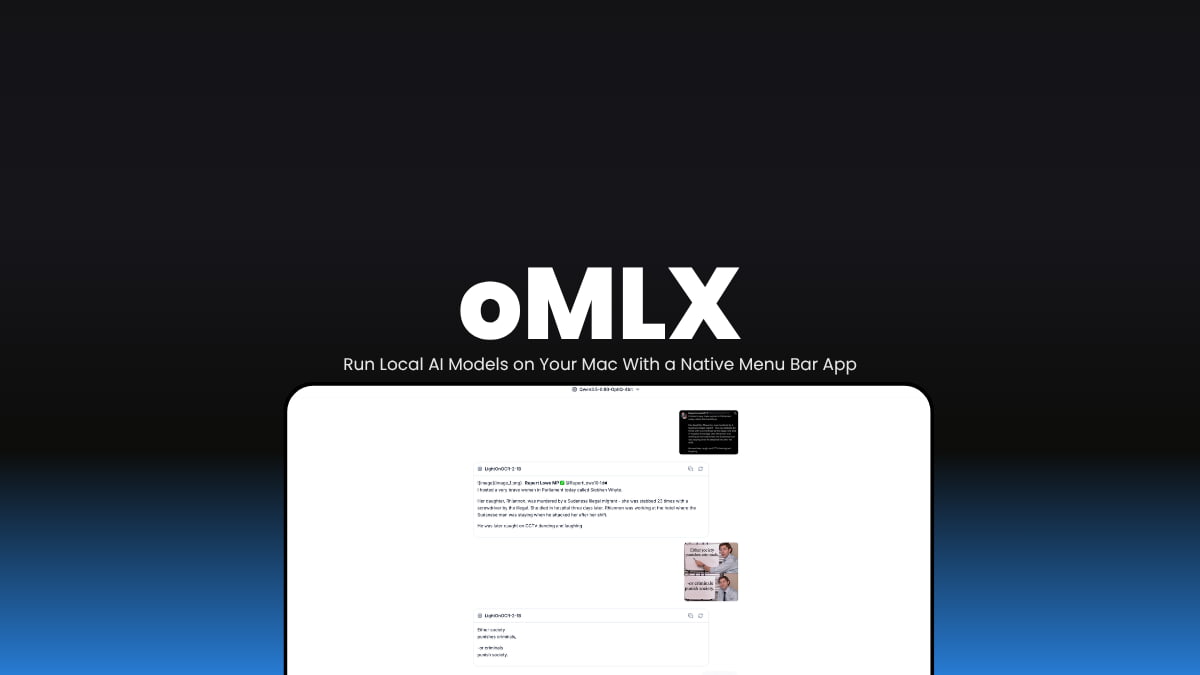
oMLX is one of the cleanest ways to run local AI models on a Mac. You install the app, download models, and manage everything from a native macOS menu bar app and web dashboard.
It can keep frequently used context in memory, move older cache data to SSD automatically, run multiple models together, and work with tools like Claude Code, OpenCode, Codex, and OpenClaw. The admin dashboard is surprisingly useful too. You can download models, benchmark them, manage memory usage, and even run vision or OCR models from the same interface.
If you already own an Apple Silicon Mac, this feels much closer to a proper local AI workspace than most open source inference tools right now.
oMLX keeps model context cached across RAM and SSD storage, so repeated prompts and long coding sessions feel faster over time.
Use Cases
- Run local LLMs directly on Apple Silicon Macs
- Connect Claude Code, Codex, OpenCode, or OpenClaw to local models
- Serve multiple AI models from one local server
- Run vision models, OCR models, embeddings, and rerankers
- Manage models from a macOS menu bar app
- Download MLX models directly from Hugging Face
- Build a private local AI setup without cloud APIs
- Benchmark local models on your Mac
Features of oMLX
| Feature | Description |
|---|---|
| Native macOS App | Lightweight PyObjC menu bar app |
| Multi-Model Serving | Run LLMs, VLMs, OCR, embeddings, and rerankers together |
| Tiered KV Cache | Stores active cache in RAM and older cache on SSD |
| Continuous Batching | Handles multiple requests efficiently |
| Admin Dashboard | Web UI for models, chat, downloads, monitoring, and settings |
| Claude Code Optimization | Better local model handling for coding workflows |
| Built-in Chat UI | Chat with models directly in browser |
| OpenAI Compatible API | Works with OpenAI-compatible clients and tools |
| Integrations | One-click setup for Codex, OpenCode, OpenClaw, and more |
| Model Downloader | Download MLX models from Hugging Face inside the dashboard |
System Requirements
| Component | Requirement |
|---|---|
| Operating System | macOS 15+ |
| Processor | Apple Silicon (M1/M2/M3/M4) |
| Python | Python 3.10+ |
| RAM | 16 GB recommended |
| Internet | Required for downloading models |
Related: PureMac: A Simple macOS Cleaner for Removing Apps, Junk Files, and Leftovers
How to Install oMLX?
macOS App
- Download the .dmg file from Releases
- Open it and Drag oMLX into the Applications folder
- Launch the app
- Follow the welcome setup screen
- Choose a model directory and download your first model
Download oMLX Run Local AI Models on Your Mac
Why use oMLX
A lot of local AI tools still feel built mainly for terminal power users.
oMLX feels more practical.
You get proper model management, caching, monitoring, downloads, integrations, and a native Mac experience without spending hours configuring everything manually. If you use Apple Silicon and care about local AI workflows, this is easily one of the more polished open source options available right now.




