
Paid developer tools have gotten expensive. Postman wants a subscription. DataGrip wants a subscription. Design tools, API clients, database managers, recording tools. Everything is moving to SaaS and the bills add up fast.
The open source alternatives have quietly gotten good enough that the switch actually makes sense now. Not as a compromise. As a genuine upgrade in some cases.
These six tools have earned a place in a real development workflow. Some replace paid tools directly. Others fill gaps that paid tools never bothered addressing. All of them are free, actively maintained and worth your time.
Table of contents
1. Hoppscotch
If you have been using Postman and quietly watching the free tier shrink with every update, Hoppscotch is worth your attention. It covers everything a developer needs for API testing. REST, GraphQL, WebSocket, MQTT, Server-Sent Events. All in one place, all free, all open source.
What I like about it is how lightweight it feels. No bloat, no aggressive upsell prompts, no features hidden behind a paywall wall that used to be free. You open it, you test your API, you move on. The UI is clean enough that you are not spending time figuring out where things are.
It works as a web app, a desktop app and a PWA you can install on any device. Self hosting is fully supported if you want your API requests to never leave your own infrastructure. For teams that handle sensitive endpoints that matters more than most tools acknowledge.
Platforms: Web, Windows, macOS, Linux, PWA
Limitations
- Team collaboration features require a cloud account or self hosted setup
- Some advanced features like SSO are enterprise tier
- Self hosting requires Docker knowledge for full setup
2. Dbeaver
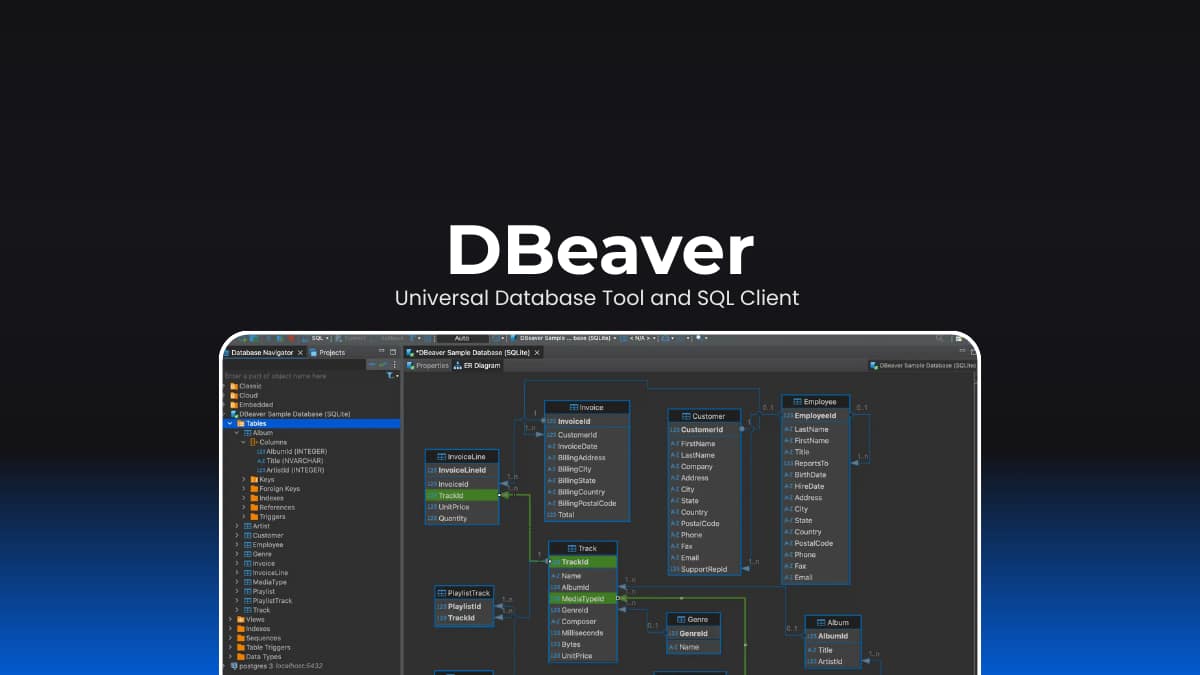
If you are looking for an open source database management tool that works across virtually every database you will encounter, DBeaver Community Edition is worth knowing about.
It connects to PostgreSQL, MySQL, SQLite, MongoDB, Redis, Cassandra, Oracle, SQL Server and dozens more. You get a full SQL editor with autocomplete, an entity relationship diagram viewer, data export and import, query execution plans and a built in data editor that lets you edit rows directly without writing UPDATE statements manually every time.
For developers jumping between different databases across projects it is one of the most practical free tools available. The interface is not the most minimal but it is functional and after a short learning curve everything makes sense.
Platforms: Windows, macOS, Linux
Limitations
- Some advanced features like data modelling are in the paid Pro version
- Interface can feel heavy on older or lower spec machines
- Some database drivers require manual installation
3. OpenPencil
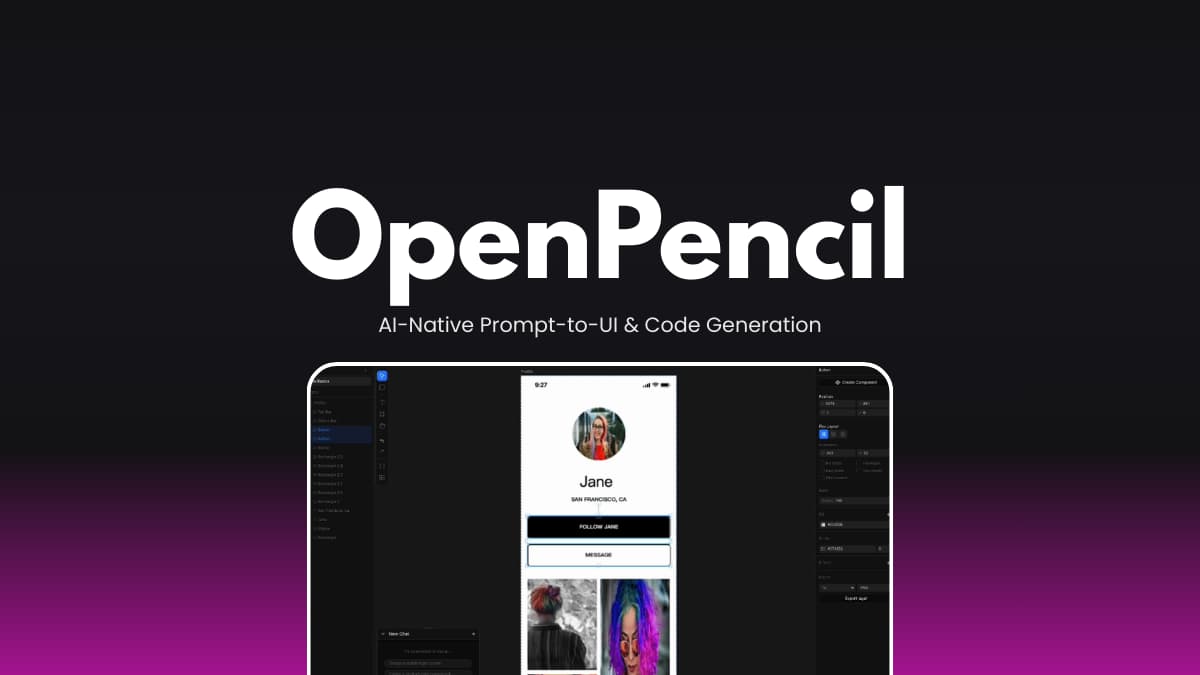
Most design tools make you draw first and code later. OpenPencil flips that entirely. You describe what you want in plain language, it generates the UI on an infinite canvas in real time, and then exports directly to React, Vue, Svelte, Flutter, SwiftUI or whatever framework you are working with.
The AI orchestration is what makes it genuinely interesting. For complex pages it does not just generate everything in one shot. It breaks the layout into sections, runs multiple agents on different parts simultaneously and streams everything to the canvas as it builds. Hero section, features block, footer, all happening in parallel.
It also connects directly to Claude Code, OpenCode, Codex, Gemini CLI and GitHub Copilot via MCP. So if you are already running an AI coding agent in your terminal you can design from there too without opening a separate tool. The CLI is surprisingly capable for batch operations and exports.
The file format is plain JSON. Human readable, Git friendly and diffable. That alone makes it more developer friendly than most design tools which lock everything in proprietary binary formats. Worth noting there is another project called OpenPencil focused on Figma compatible visual design. This is the AI native design to code one.
Platforms: Web, Windows, macOS, Linux, Docker
Limitations
- Still early, collaborative editing is not yet released
- Plugin system is on the roadmap but not available yet
- Requires Bun and Node.js 18 for local development setup
Related: Developers Are Quietly Switching to These Open-Source Tools
4. Emdash
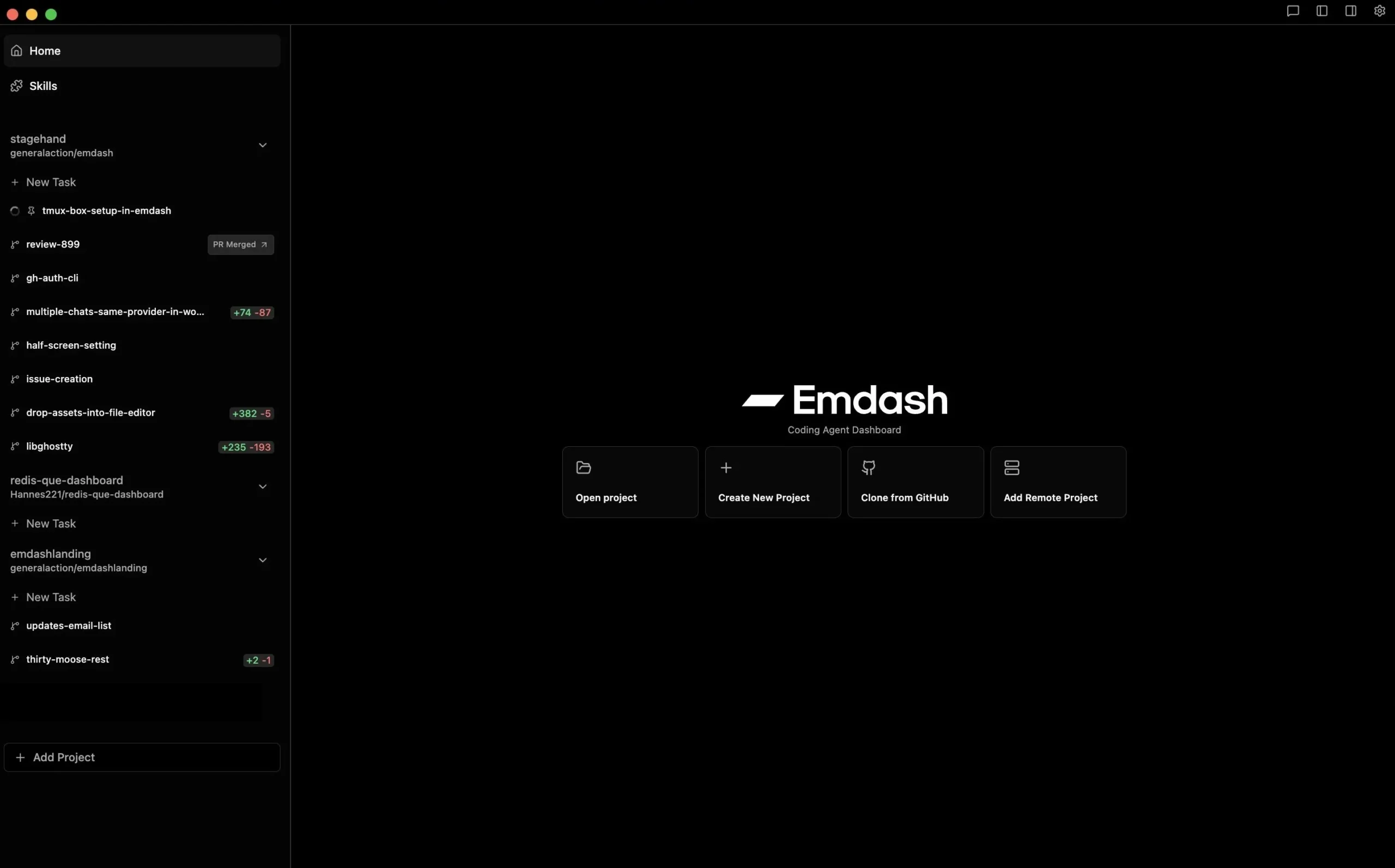
Running one AI coding agent at a time feels increasingly slow when you have multiple features, bug fixes or experiments happening across the same codebase. Emdash solves that by letting you run multiple agents in parallel, each isolated in its own git worktree so they never interfere with each other.
The provider support is what makes it genuinely useful. It works with 23 CLI agents including Claude Code, Qwen Code, Codex, Gemini, GitHub Copilot, Cursor and more. You are not locked into one provider. If you want Claude handling one feature branch while Codex works on another, that is exactly what it is built for.
The project management integration is a nice touch. You can pass Linear, GitHub or Jira tickets directly to an agent without copying and pasting context manually. The agent gets the ticket, works on it, and you review the diff, run CI checks and merge without leaving Emdash.
Remote development over SSH is also supported. If you run your development environment on a remote server you can connect via SSH and run agents there using the same parallel workflow as local development. It is a YC W26 company, MIT licensed, actively maintained with 88 contributors and shipping updates regularly.
Platforms: Windows, macOS, Linux
Worth knowing
- Agents still send your code to their respective cloud APIs, Emdash itself is local first but the underlying providers are not
- Requires each CLI agent to be installed separately before use
- GitHub features require GitHub CLI installed and authenticated
5. OpenCode
OpenCode connects to over 75 model providers including Claude, GPT, Gemini, local models and anything available through Models.dev. If you want to switch from one provider to another mid project or run different models for different tasks, that flexibility is built in.
The privacy angle is genuine and worth calling out. OpenCode does not store your code or session data anywhere. For developers working on sensitive codebases or in regulated environments that is not a minor detail. It is often the deciding factor between being allowed to use an AI tool at work or not.
It runs as a terminal interface, a desktop app and an IDE extension. The desktop version feels like a proper code editor with AI built in rather than a chatbot bolted onto an existing tool. Multi session support means you can run parallel agents on the same project without context bleeding between them.
400,000 developers use it monthly. 400 contributors. That is a healthy signal for an open source project that it is not going anywhere soon.
Platforms: Windows, macOS, Linux, IDE extension
Limitations
- Free models are included but more capable providers require your own API keys
- Terminal interface has a learning curve if you are used to GUI only tools
- Plugin ecosystem is still growing compared to more established editors
6. Recordly
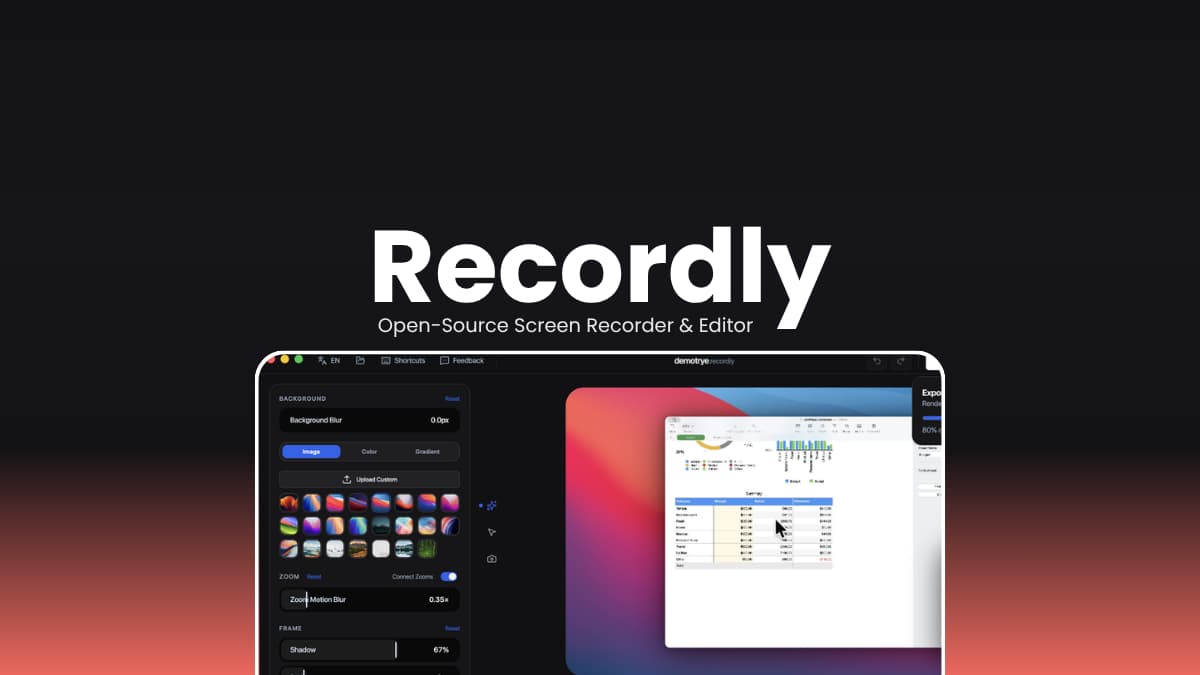
Recording a screen demo and then opening a separate editor to add zooms, clean up the cursor and add a styled background is a two step workflow most developers tolerate rather than enjoy. Recordly puts both steps in one place.
You record, it opens directly in the editor. From there you get automatic zoom suggestions based on cursor activity, cursor smoothing and motion effects, webcam overlay bubbles, styled backgrounds with gradients and shadows, timeline trimming and speed regions. The kind of polish that usually requires a dedicated video editor.
For developers making product demos, tutorial videos or walkthrough recordings for pull requests, it removes a lot of friction. The output looks professional without a complicated workflow to get there.
It saves work as .recordly project files so you can come back and re-edit without starting from scratch. Export options cover MP4 for standard video and GIF for lightweight sharing and loops.
Platforms: macOS 12.3+, Windows 10 Build 19041+, Linux
Worth knowing
- Licensed under AGPL 3.0, not MIT, worth reading if you plan to build on top of it
- Linux cursor hiding is not currently supported, exports may show both real and styled cursor
- System audio on Linux requires PipeWire
You May Like: Open source AI agentic models built for real autonomous work
Bonus: Stability Matrix

Setting up ComfyUI or Automatic1111 from scratch involves cloning repositories, installing Python, configuring virtual environments and managing dependencies manually. It works but it takes time and breaks unexpectedly when something updates.
Stability Matrix removes that entire setup process. You open the app, pick the package you want to install, and it handles everything. ComfyUI, Automatic1111, InvokeAI, Fooocus, SD.Next, and more all managed from one dashboard. Updates work the same way. One click and it is done.
The model browser is genuinely useful. Instead of hunting for model files, downloading them manually and figuring out which folder they belong in, you browse CivitAI and HuggingFace directly inside the app. Models download into the right place automatically with metadata and preview thumbnails attached.
What makes it practical for developers specifically is that Git and Python are bundled. Nothing gets installed globally on your system. The entire setup lives in one portable directory you can move to another drive or machine without rebuilding anything.
If you are running local AI generation workflows for image, video, music or TTS this is the cleanest way to manage all of it without living in the terminal.
Platforms: Windows, macOS, Linux
Worth knowing
- Licensed under AGPL 3.0, not MIT or Apache 2.0
- Some advanced features require accepting a separate EULA on first launch
- Linux cursor and audio support varies depending on your setup
Open source never sleeps
Paid tools are not going anywhere. Figma, Postman, DataGrip, they all have legitimate reasons to exist and teams with budgets will keep using them.
But if you are a developer who wants capable tools without monthly invoices, the open source options have genuinely caught up. These six are not compromises. They are real tools used by real developers in real workflows.
All of them are free, actively maintained & none of them are going to change their pricing model on you next quarter.