


File Information
| File | Details |
|---|---|
| Name | Recordly |
| Version | v1.1.4 |
| Type | Screen Recorder & Editor |
| Developer | webadderall |
| License | MIT (Open Source) |
| Platforms | Windows, macOS, Linux |
| Size | 214MB (.exe) • 239MB (.dmg) • 255MB (.AppImage) |
| Github Repository | Github/Recordly |
| Official Site | Recordly |
Table of contents
Description
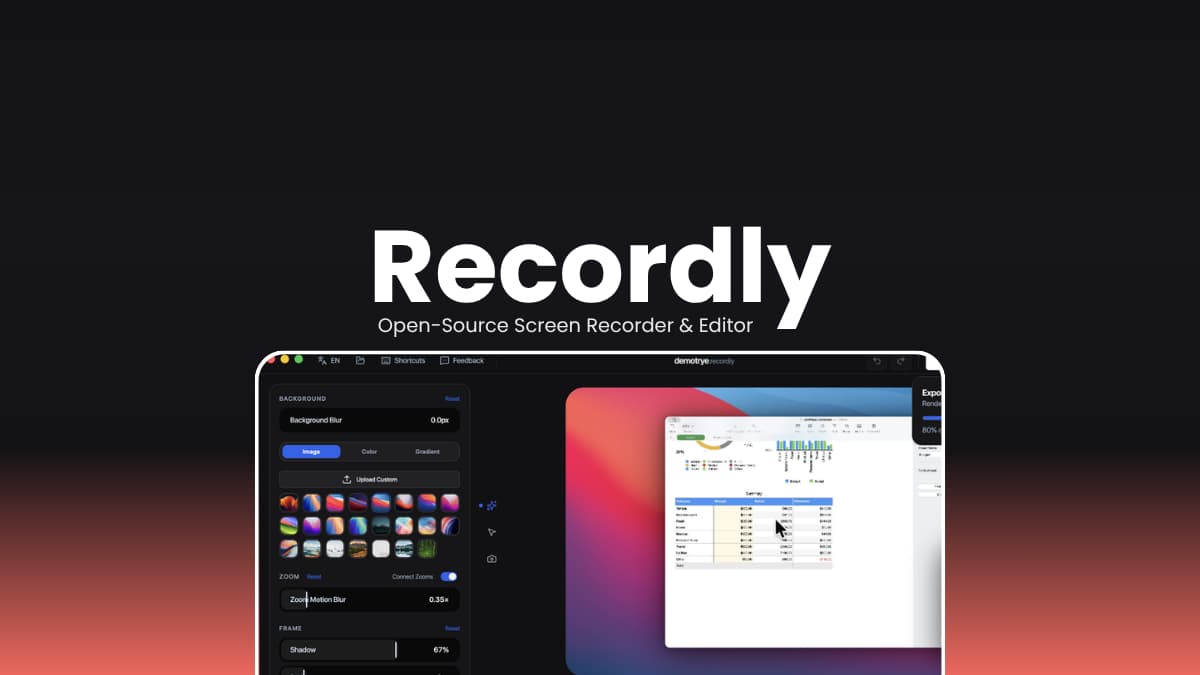
Recordly is an open source screen recorder and editor built for creating polished, professional-grade screen recordings without juggling multiple tools. Designed for developers, educators, and content creators, it lets you record your screen or a specific window and jump straight into a built-in editor to refine the result before export.
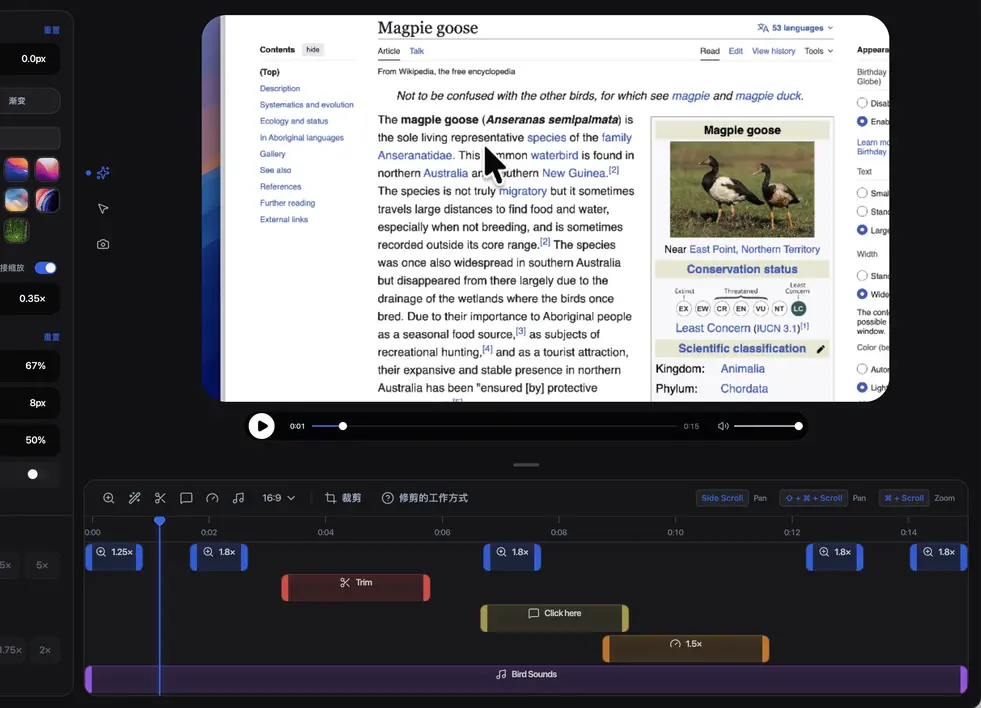
What sets Recordly apart is its presentation-first approach. Instead of delivering raw footage, it gives you cursor effects, auto-zooms, webcam overlays, styled backgrounds, and timeline editing all in one place. Whether you’re making a product demo, a tutorial, or a social clip, Recordly handles the full workflow from capture to export.
The app is fully offline and stores all recordings and project files locally on your device. AI features are not required, and your content never leaves your machine unless you choose to share it.
Use Cases
- Record software walkthroughs and product demos
- Create tutorials and educational screen content
- Produce social media clips and short-form video content
- Make polished developer documentation with annotated recordings
- Export lightweight GIFs for issue reports or quick previews
- Save and resume editing sessions as
.recordlyproject files
Screenshots
Features of Recordly
| Feature | Description |
|---|---|
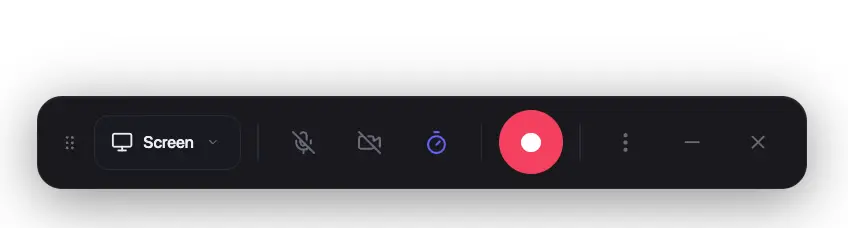
| Screen & Window Recording | Record an entire display or a single app window with audio |
| Built-in Timeline Editor | Drag-and-drop tools for trims, zooms, speed regions, and annotations |
| Auto-Zoom Suggestions | Automatically emphasizes activity based on cursor movement |
| Cursor Effects | Smoothing, motion blur, click bounce, sway, and size controls |
| Webcam Bubble Overlay | Add, position, mirror, and style webcam footage as an overlay |
| Frame Styling & Backgrounds | Wallpapers, gradients, solid colors, blur, padding, shadows, and rounded corners |
| MP4 & GIF Export | Export with quality controls, frame rate selection, and size presets |
| Project Files | Save and reopen work as .recordly files with full editor state preserved |
| Keyboard Shortcuts | Fully customizable shortcuts with an in-app reference |
| Native Capture Backends | Uses ScreenCaptureKit on macOS and WGC on Windows for best quality |
Related: Open Screen: Free & Open-Source Screen Recording Software for Clean, Modern Videos
System Requirements
| Component | Requirement |
|---|---|
| Operating System | Windows 10 Build 19041+, macOS 12.3+, Linux (modern distros) |
| Processor | 64-bit CPU |
| RAM | 4 GB minimum, 8 GB recommended |
| Storage | Varies by project size |
| Internet | Not required (fully offline capable) |
| System Audio on Linux | PipeWire recommended |
How to Install Recordly
Windows (.exe)
- Download the Recordly
.exeinstaller. - Double-click the installer file.
- Follow the on-screen setup instructions.
- Launch Recordly from the Start Menu or Desktop shortcut.
macOS (.dmg)
- Download the Recordly
.dmgfile. - Open the file to mount it.
- Drag the Recordly app into your Applications folder.
- Launch it from Applications.
Note: If macOS says the app cannot be opened, run the following command in Terminal to remove the quarantine flag: xattr -rd com.apple.quarantine /Applications/Recordly.app
Linux (.AppImage)
- Download the Recordly
.AppImagefile. - Right-click the file and make it executable
- Double-click the file to launch the app.
Download Recordly Screen Recorder & Editor
A Cleaner Way to Record and Share Your Screen
Recordly brings screen recording and post-production into a single streamlined desktop app. From cursor polish and auto-zooms to webcam overlays and timeline editing, everything you need to turn a raw capture into a shareable, professional result is built right in. For developers, educators, and creators who want quality output without the overhead of a separate editing suite, Recordly is a practical, open-source solution that works entirely on your own machine.




