
File Information
| File | Details |
|---|---|
| Name | Emdash |
| Version | v0.4.27 |
| License | MIT License (Open source) |
| Platform | Windows • macOS • Linux |
| Category | AI Coding Tools |
| Size | 165MB (exe) • 208MB (dmg) • 213MB (AppImage) • 160MB (deb) |
| Github Repository | github/emdash |
| Official Site | emdash |
Table of contents
Description
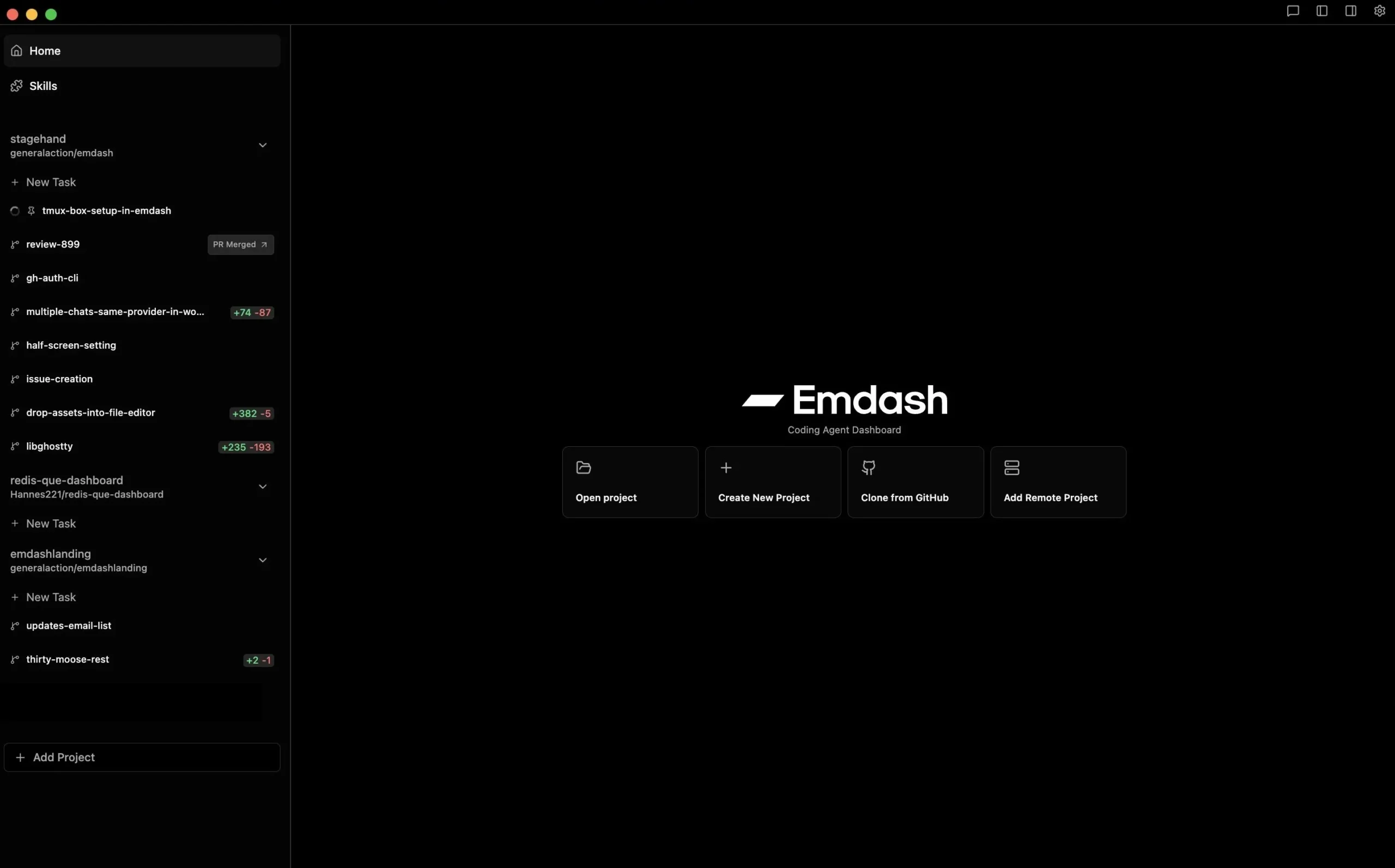
Emdash is an open-source agentic development environment (ADE) designed for developers who want to orchestrate multiple coding agents from a single dashboard.
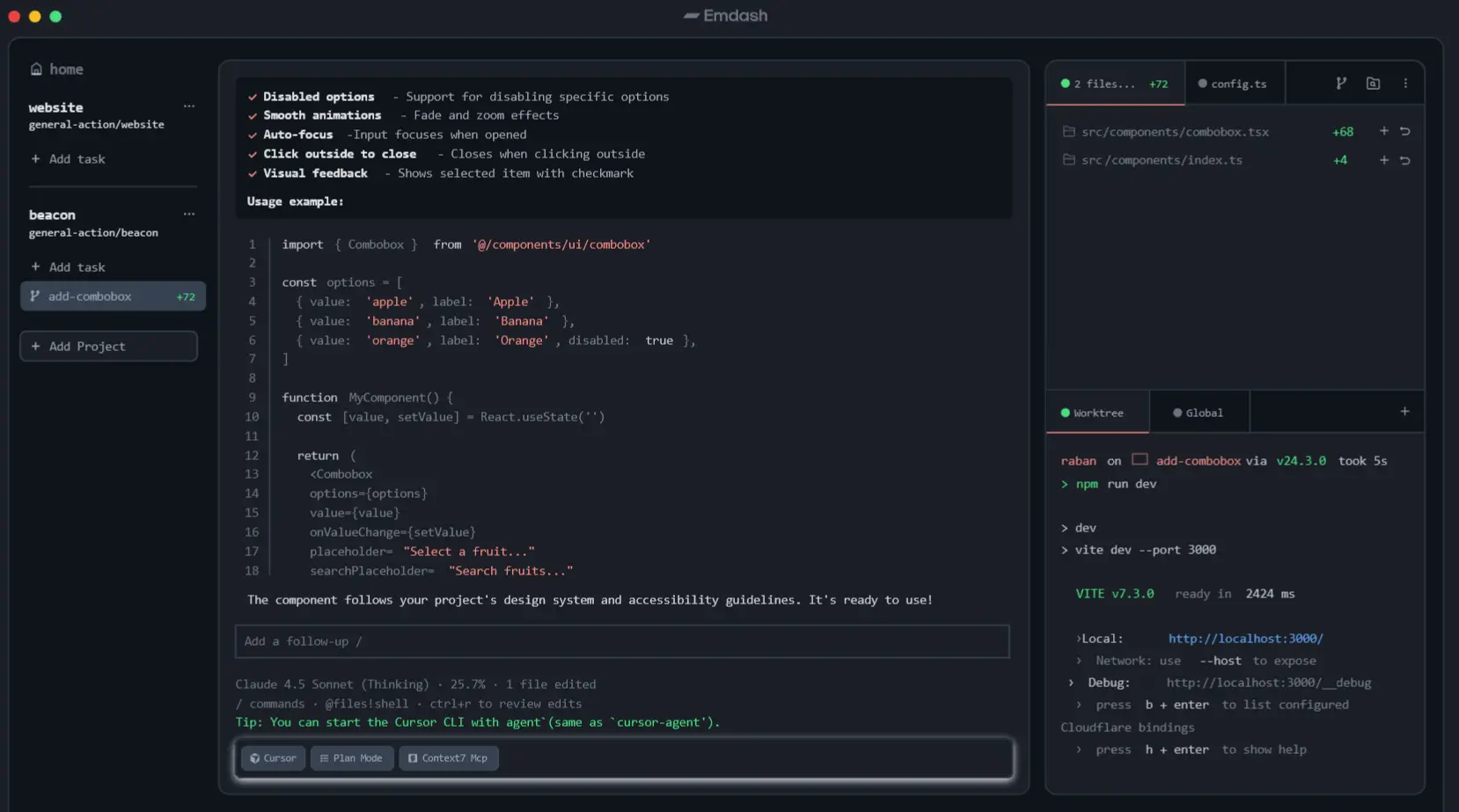
It lets you run several agents in parallel. Each agent operates inside its own Git worktree, meaning every task stays isolated and easy to review.
Think of it as a control center for AI coding agents. You can assign tasks, monitor progress, compare outputs, review diffs, and ship changes without constantly switching tools.
Backed by Y Combinator, the project has already crossed 60K+ downloads, and its goal is simple, to give developers an environment where multiple AI coding agents can work together.
Use Cases
- Run multiple coding agents on different tasks simultaneously
- Compare results from different models or providers
- Assign GitHub, Jira, or Linear issues directly to an agent
- Review diffs and changes before committing
- Work on remote repositories via SSH
- Manage complex development workflows with parallel AI agents
Screenshots
Features of Emdash
| Feature | Description |
|---|---|
| Parallel AI Agents | Run multiple coding agents at the same time for different tasks |
| Git Worktree Isolation | Each agent works in its own isolated Git worktree |
| Multi-Provider Support | Works with 20+ coding agents like Codex, Claude Code, Copilot, Cursor, and more |
| Issue Integration | Pass tasks directly from GitHub, Jira, or Linear to agents |
| Kanban Agent View | Track active agents and task progress visually |
| Built-in Diff Viewer | Review code changes before committing |
| Remote Development | Connect to remote machines via SSH and run agents there |
| MCP Support | Integrate tools through the Model Context Protocol |
| CLI Auto Detection | Automatically finds installed agent CLIs on your system |
System Requirements
| Component | Requirement |
|---|---|
| Operating System | Windows 10/11, macOS 12+, Linux (Ubuntu/Debian based or compatible) |
| Processor | Intel or AMD 64-bit CPU |
| RAM | Minimum 8 GB (16 GB recommended for multiple agents) |
| Storage | At least 1 GB free disk space |
| Internet | Required for connecting AI model providers and repositories |
| Git | Required for worktree management |
| SSH | Needed for remote development connections |
| Agent CLIs | Compatible coding agent CLI tools installed (Codex, Claude Code, Copilot, etc.) |
How to Install Emdash Agentic development environment?
Windows (.exe)
- Download the Emdash
.exeinstaller. - Double-click the file to start installation.
- Follow the setup instructions.
- Launch Emdash from the Start Menu.
macOS (.dmg)
- Download the Emdash
.dmgfile. - Open the file to mount the installer.
- Drag Emdash into the Applications folder.
- Launch it from Applications.
Linux (.AppImage)
- Download the AppImage file.
- Make it executable if needed.
- Double-click the file to launch Emdash.
Linux (.deb)
- Download the
.debpackage. - Open it with your system’s package installer.
- Click Install.
- Launch Emdash from your applications menu.
Download Emdash: Agentic Development Environment
A Smarter Way to Work With AI Coding Agents
AI coding assistants are becoming a regular part of modern development, but managing several of them at once can quickly become messy. Emdash brings structure to that workflow by giving developers a single place to run, monitor, and review multiple AI coding agents.
With isolated Git worktrees, integrations with tools like GitHub, and support for numerous agent CLIs, it turns what would normally be scattered tasks into a coordinated system.
For developers experimenting with agent-based development, Emdash offers a simple idea with powerful potential, instead of working with one assistant at a time, you can orchestrate an entire team of AI agents from one dashboard.