
File Information
| File | Details |
|---|---|
| Name | Toolkit Tiles |
| Version | v2.0 |
| Platform | Android |
| Format | .apk |
| Size | 2.15MB |
| Category | System Tools • Utilities |
| License | Open Source (Apache-2.0 License) |
| Github Repository | Github/Toolkit-Tiles |
Table of contents
Description
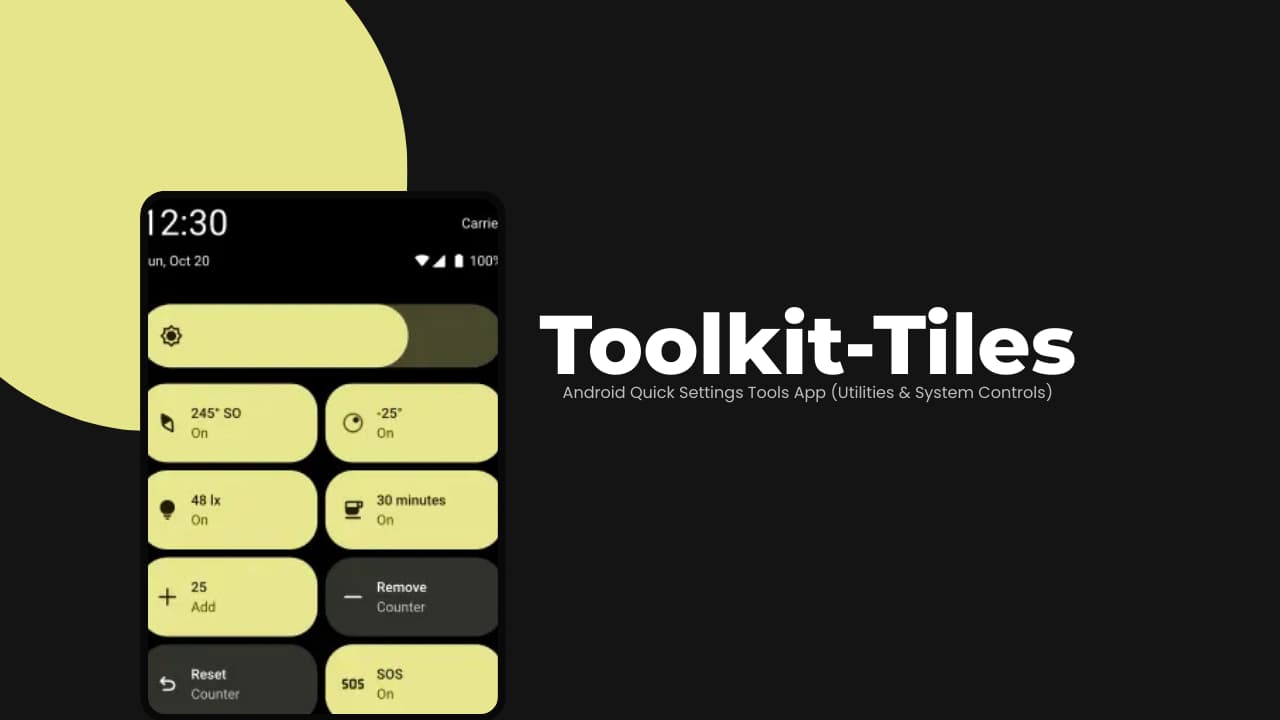
Most utility apps usually sit in your app drawer like a normal app. Toolkit Tiles takes a different approach.
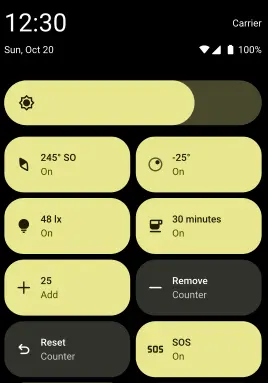
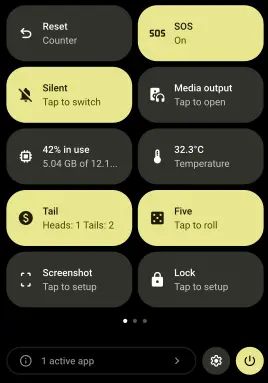
It adds practical tools directly to Android’s Quick Settings panel, the same place where you toggle Wi-Fi, Bluetooth, and Flashlight. That means no extra apps to open.
It provides with a quick measurement, A coin flip, A system toggle & more. The app is designed to be lightweight and focused.
Screenshots
Features of Toolkit-Tiles
| Feature | What It Does |
|---|---|
| Quick Settings Integration | Adds tools directly into Android’s Quick Settings panel. |
| Lightweight Design | No heavy background processes or unnecessary features. |
| Instant Access | One swipe access without opening full apps. |
| Practical Tools | Combines measurement, system controls, and utilities. |
| Modular Tiles | Add only the tiles you actually need. |
System Requirements
| Component | Requirement |
|---|---|
| OS | Android (modern versions recommended) |
| Permissions | Some tiles require system permissions |
Recommended For You: SuperImage – AI Image Upscaling App for Android
How to Install Toolkit-Tiles??
- Install the APK.
- Swipe down twice to fully open Quick Settings.
- Tap the edit (pencil) icon.
- Drag Toolkit Tiles into your active panel.
- Tap any tile to use it instantly.
Download Toolkit-Tiles App For Android
Important Notes
- If a required permission or hardware feature is missing, the tile may not function.
- Some tiles require specific hardware (e.g., compass sensor, flash, light sensor).
- Certain features may request permissions before working.
- Behavior can vary slightly depending on Android version and manufacturer customization.
Recommended For You: 8 Free Android Apps That Feel Too Good to Be Free
Conclusion
Instead of installing five separate utility apps you can install Toolkit Tiles to get practical tools integrated directly into Quick Settings. Measurement tools. System toggles. Quick utilities. Even an SOS signal.
It’s simple. It’s lightweight. And it keeps useful features exactly where they should be.