

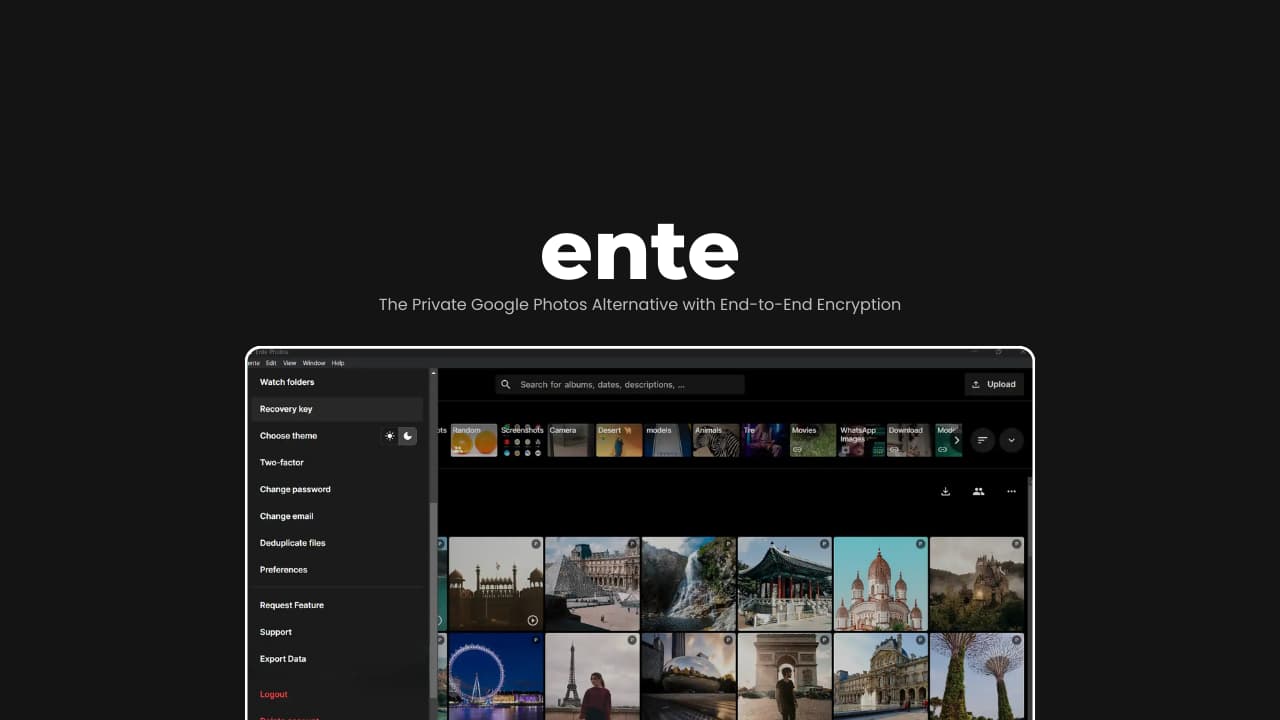

File Information
| Item | Details |
|---|---|
| Name | Ente Photos |
| Version | v1.7.18 |
| Desktop Formats | .exe, .dmg, .AppImage, .deb |
| Self-Hosting | Supported |
| Size | 185MB (exe), 283MB (dmg), 406MB (AppImage), 257MB (deb) |
| License | Open Source (AGPL-3.0 License) |
| Github Repository | Github/Ente |
| Website | ente |
Table of contents
Description
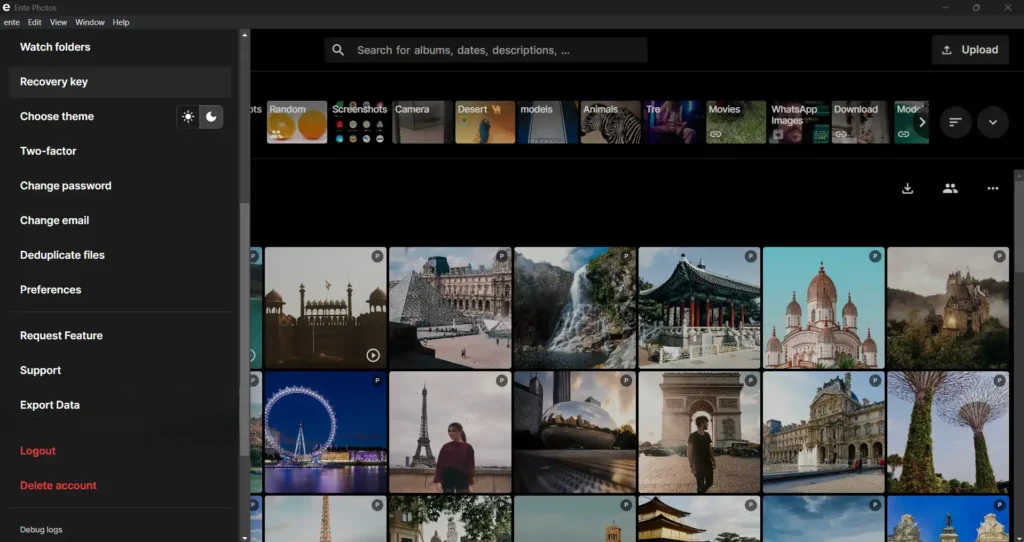
Ente Photos is an end-to-end encrypted, cloud-based photo backup and gallery app that doesn’t require you to trust the provider with your data. Your photos are encrypted on your device before they leave it, and only you hold the keys.
You can use Ente’s hosted cloud service, or clone the repository and self-host it if you prefer running your own server. A free plan includes 10GB of storage to get started. For more information on their tiers, you can visit ente official site
It is one of the closest Open Source alternative to Google photos.
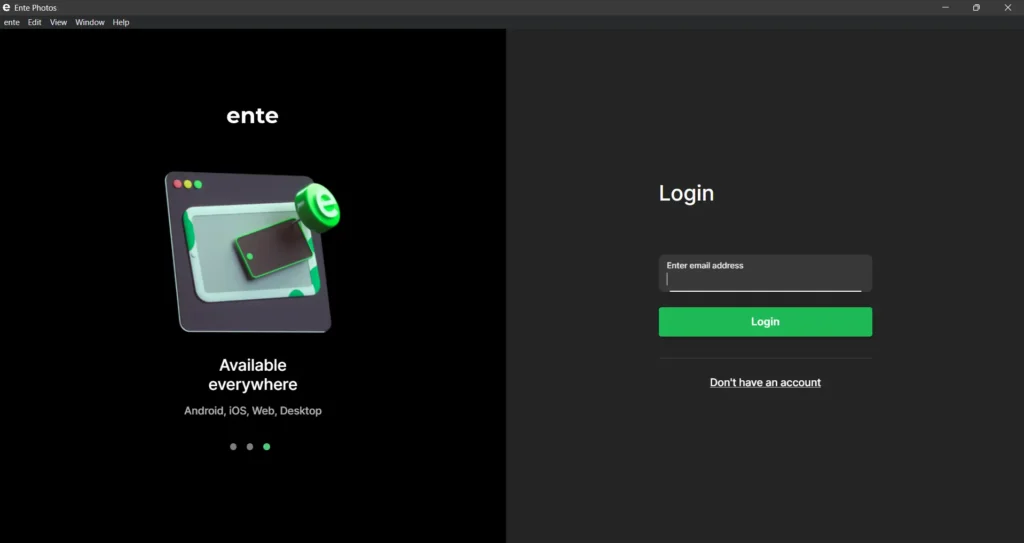
Screenshots
Features of Ente Photos
| Feature | What it does |
|---|---|
| End-to-end encryption | Photos are encrypted on your device before upload. The server stores encrypted data, not readable images. Only you control the keys. |
| Automatic backups | Detects new photos and uploads them in the background. No manual exports or folder management needed. |
| On-device AI | Face detection and semantic search run locally on your device, so photo analysis doesn’t require sending image data to a central AI service. |
| Album sharing | Create shared albums with family or teammates. Access is managed through encrypted keys. |
| Public links | Generate shareable links for specific photos or albums when you want to share externally. |
| Curated memories | Surfaces highlights and past moments from your archive, similar to modern smart galleries. |
| Community support | Fully open source, with public code, community reviews, and external security audits. |
| 1 replica | Hosted cloud setup stores data with a single replica. Self-hosted deployments can be configured differently. |
System Requirements
| OS | Minimum Requirements |
|---|---|
| Windows | Windows 10 or later (64-bit) |
| macOS | macOS 11+ |
| Linux | Modern 64-bit distro |
| RAM | 4GB (Recommended) |
How to Install Ente Photos??
Windows
- Download the
.exeinstaller - Double-click the file
- Follow setup instructions
- Launch Ente from Start Menu
macOS
- Download the
.dmgfile - Open the downloaded file
- Drag Ente into Applications folder
- Open from Applications
Linux
Option 1: AppImage (Recommended for most Distros)
- Download the
.AppImagefile - Right-click the file
- Open Properties
- Go to Permissions
- Enable “Allow executing file as program”
- Double-click to launch
Option 2: Debian / Ubuntu (.deb)
- Download the
.debfile - Double-click it
- Open with Software Installer
- Click Install
How Ente Works??
- Your data is encrypted on your device
- Encrypted data is uploaded
- Servers store encrypted blobs
- Only your keys can decrypt it
Even if servers were compromised, your data remains unreadable.
Download Ente Photos For Windows, macOS & Linux
Conclusion
Most private cloud services still require trust.
Ente removes that requirement.
It gives you:
- Real end-to-end encryption
- Open source transparency
- External audits
- Cross-platform apps
- Optional self-hosting
If privacy matters to you but convenience also matters, Ente is one of the strongest options available right now.




