


File Information
| File | Details |
|---|---|
| Name | VideoSOS |
| Version | v1.0.3 (Portable Release) |
| Format | Portable ZIP (Windows) |
| Size | 238MB |
| Platforms | Windows (Browser-based UI) |
| License | MIT License (Open Source) |
| Github Repository | Github/VideoSOS |
| Official Site | VideoSOS |
| Category | AI Video Editor • Creative Tool |
Table of contents
Description
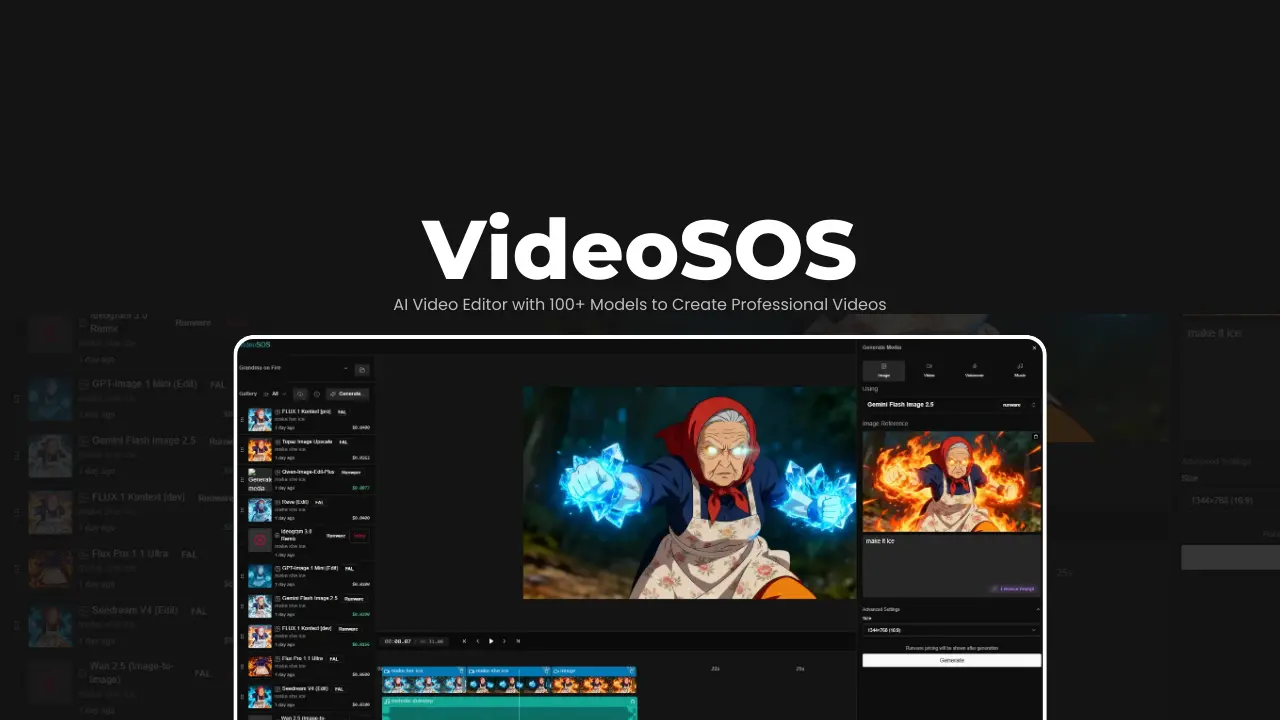
VideoSOS is a local-first, open-source AI video editor that runs entirely in your browser, using your own API keys. No uploads & No background processing.
You generate videos, images, music, and voiceovers using 100+ state-of-the-art AI models, then assemble everything inside a full timeline editor while your data stays on your machine.
It feels less like “using an AI website” and more like running a serious creative tool in your own machine.
Use Cases
- Create AI videos without uploading private media
- Generate short-form content (Reels, Shorts, TikToks)
- Build full video projects from text, images, and audio
- Compare outputs from multiple AI video models
- Track AI generation costs per project
- Prototype cinematic ideas quickly with AI
- Edit and export videos entirely client-side
Screenshots
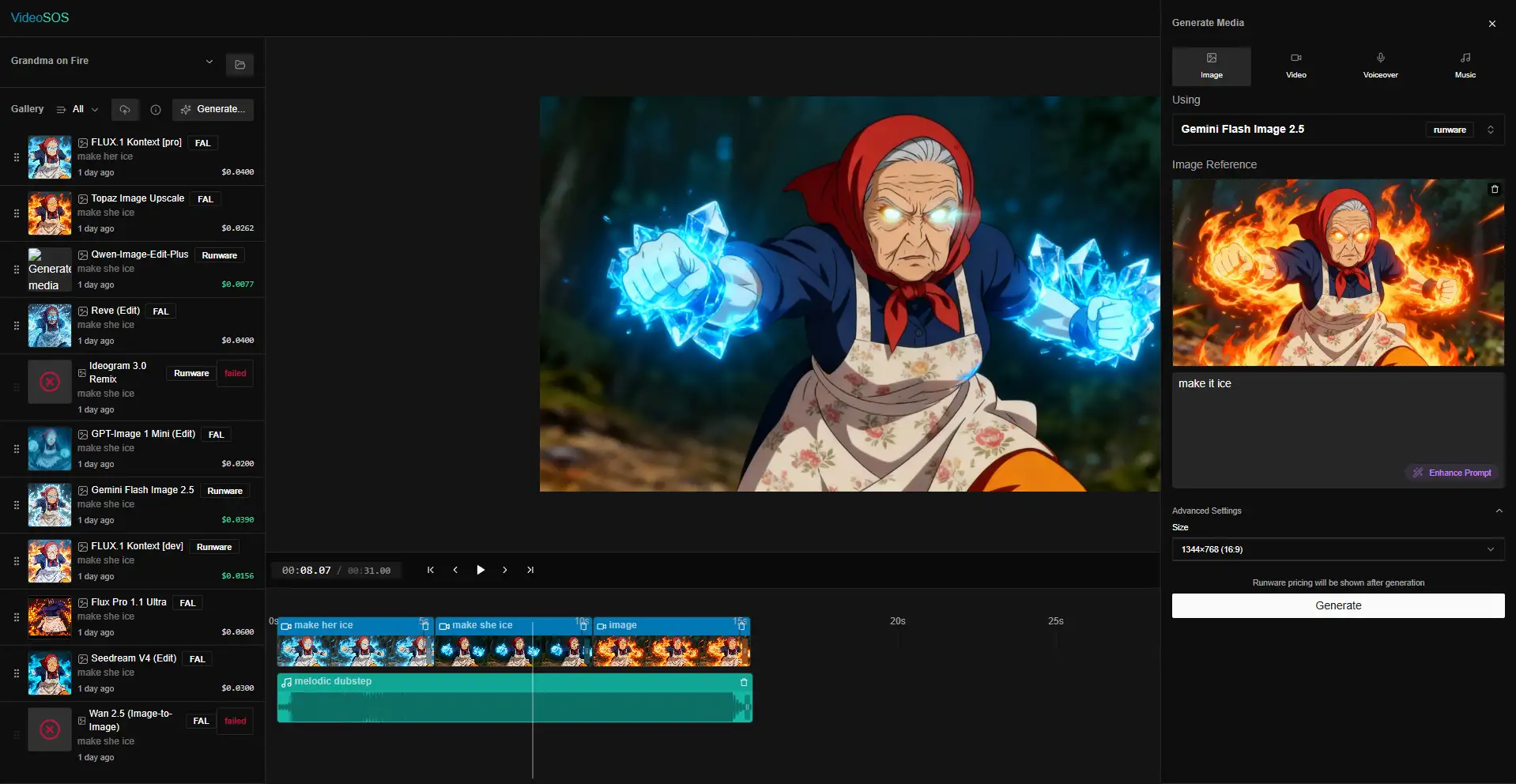
Features of VideoSOS
| Feature | Description |
|---|---|
| 100+ AI Models | Text-to-video, image-to-video, image generation, editing, audio |
| Privacy-First | No uploads, local IndexedDB storage |
| Timeline Editor | Multi-track editing with real-time preview |
| Multi-Provider Support | fal.ai + Runware.ai simultaneously |
| Cost Tracking | Per-asset and per-project AI cost analytics |
| Model Search & Filters | Filter by provider, type, and pricing |
| Client-Side Rendering | Powered by FFmpeg.wasm & Remotion |
| Multi-Aspect Export | 16:9, 9:16, 1:1 formats |
| Internationalization | English & Russian support |
System Requirements
| Requirement | Details |
|---|---|
| Operating System | Windows 7 / 8 / 10 / 11 (64-bit) |
| Browser | Chrome, Edge, or Firefox |
| Disk Space | 2 GB free |
| Internet | Required for AI API calls |
| Node.js | Not required (included in portable build) |
Recommended For You: Voicebox – Offline AI Voice Cloning & TTS Studio (Qwen3-TTS, Open Source)
How to Install VideoSOS AI Video Editor??
VideoSOS is available as a portable Windows release. Follow the below steps to install VideSOS AI Video Editor.
- Download videosos .zip file
- Extract it to any folder
- Double-click
start.bat - Wait for first-time setup (5–10 minutes)
- Browser opens automatically at
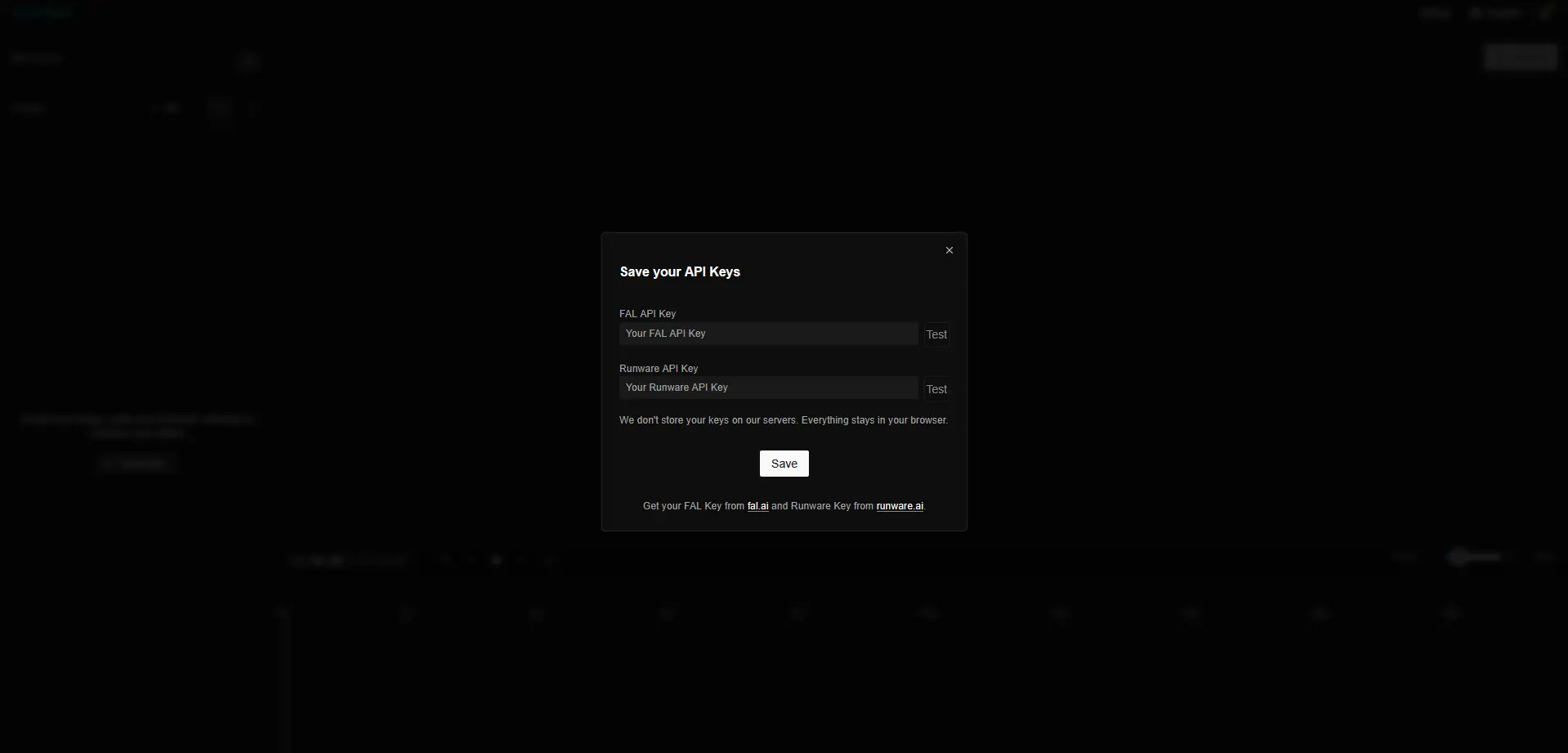
http://127.0.0.1:3000 - Add your API keys in Settings
That’s it.
Download VideoSOS AI Video Editor
Supported AI Providers
VideoSOS currently supports:
- fal.ai
- Runware.ai
You can:
- Use either provider independently
- Or both at the same time
- Switch models instantly per generation
API keys are never sent anywhere except directly to the provider.
Supported AI Models (Highlights)
| Category | Models / Capabilities |
|---|---|
| Text-to-Video | Google Veo 3.1, Google Veo 3, Kling 2.5, Hailuo-02 |
| Image-to-Video | Veo Image-to-Video variants, Fast modes, Cinematic modes |
| Text-to-Image | Gemini 2.5 Flash, Imagen 4, FLUX.1 Pro, Ideogram V3, GPT Image 1 |
| Image Editing | FLUX Kontext, Gemini Flash Edit, Qwen Image Edit |
| Audio | AI music generation, AI voiceovers (multiple voices), Lip-sync support |
Conclusion
VideoSOS doesn’t try to replace professional editors, It removes the most painful part of AI video creation: giving up control.
By keeping everything local, transparent, and open-source, it feels less like a SaaS tool & more like a creative workstation powered by AI.
If you care about privacy, flexibility, and real ownership of your work, VideoSOS is absolutely worth exploring.




