
My journey with on-device AI started with small moments like upscaling a blurry photo while waiting for my coffee, converting speech to text with no signal, or chatting with an AI assistant without going online. That’s when it clicked, this is what it feels like when technology works for you, not the other way around.
These 5 apps won’t eliminate all your AI needs, but they can help with many of them. What they offer is something genuinely valuable: instant, reliable tools that live right on your phone. No waiting on servers, no constant internet dependency.
If you care about privacy, wants instant access to AI tools, or simply enjoy seeing your phone do something unexpectedly impressive, you’ll probably find at least one of these apps worth keeping.
1.SuperImage
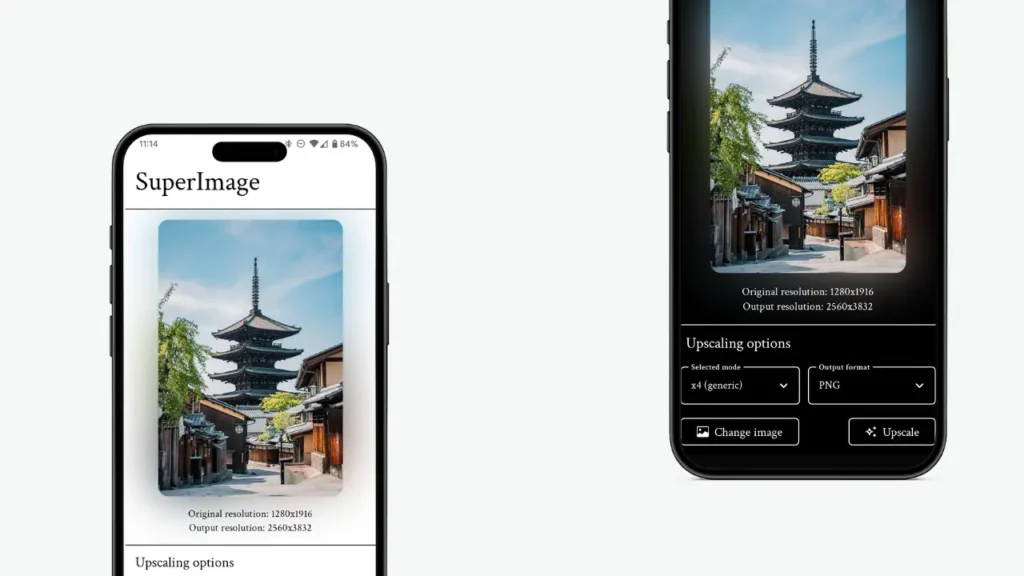
Ever found an old photo or low-quality image and wished you could enhance it without uploading it to any server? SuperImage does exactly that right on your phone.
It uses AI (Real-ESRGAN) to upscale images locally on your Android device. It does not require cloud processing & there are no privacy concerns. Your images stay with you.
What’s Special About SuperImage??
- Upscales low-resolution images using AI
- Runs completely offline after install
- Processes images on your phone’s GPU for better quality
- Works especially well for photos, screenshots, and digital art
Best for: Anyone who wants high-quality image enhancement without relying on online tools.
Platform: Android
2. PocketPal
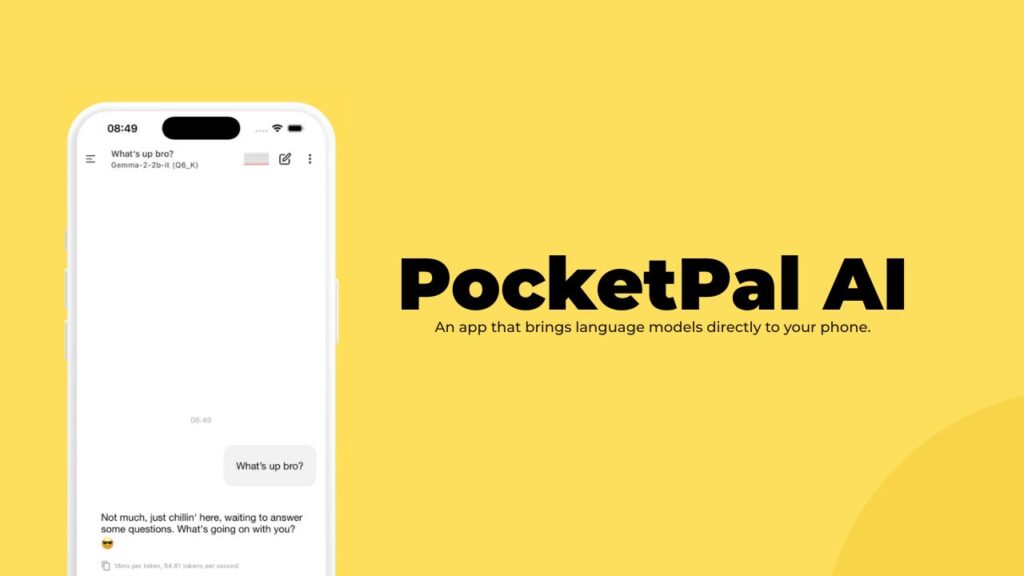
Most AI chat apps stop working the moment your internet drops. PocketPal doesn’t.
PocketPal lets you run AI chat models directly on your phone, meaning you can talk to an AI assistant even when you’re completely offline. No accounts, no cloud calls, no data leaving your device.
It gives you a private, always-available AI buddy for thinking, learning, or just experimenting on the go.
You may still require other AI chat apps for your tasks but consider PocketPal as your backup AI Buddy when you wanna access AI without going online.
Why it’s special??
- Works fully offline after setup
- Runs open-source language models locally
- No sign-ups or data collection
- Useful for quick ideas, notes, explanations, or coding help
Best for: People who want AI assistance without compromising privacy or relying on internet access.
Platform: Android & iOS
Also Read: 8 Free Android Apps That Feel Too Good to Be Free
3. SayBoard
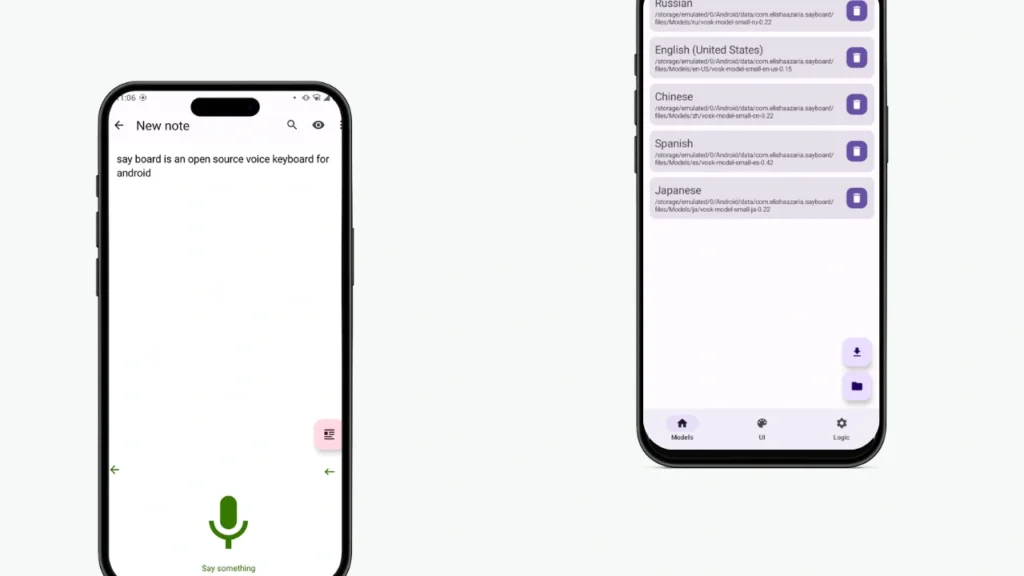
If you want to use voice typing but don’t want your voice to be processed by any online server, Sayboard is a solid choice.
It’s a keyboard that works offline. You download the required Vosk language model once, and after that, you can just speak and it converts your voice into text directly on your device.
It’s especially useful for people who care about privacy, work without reliable internet, or simply prefer tools that don’t depend on the cloud. If you love offline and open-source tools, Sayboard fits perfectly
Why SayBoard stands out??
- Works completely offline after model download
- Uses Vosk for on-device speech recognition
- Integrates directly as a system keyboard
- Open-source and transparent about permissions
SayBoard Requires the following:
- Requires downloading a Vosk language model (in-app or manual)
- Needs microphone access (obviously) and background services for recognition
- Internet permission is optional and only used for model downloads
Best for: Fast note-taking, private voice input, and anyone who wants speech-to-text without cloud dependency.
Platform: Android
4. Dicio
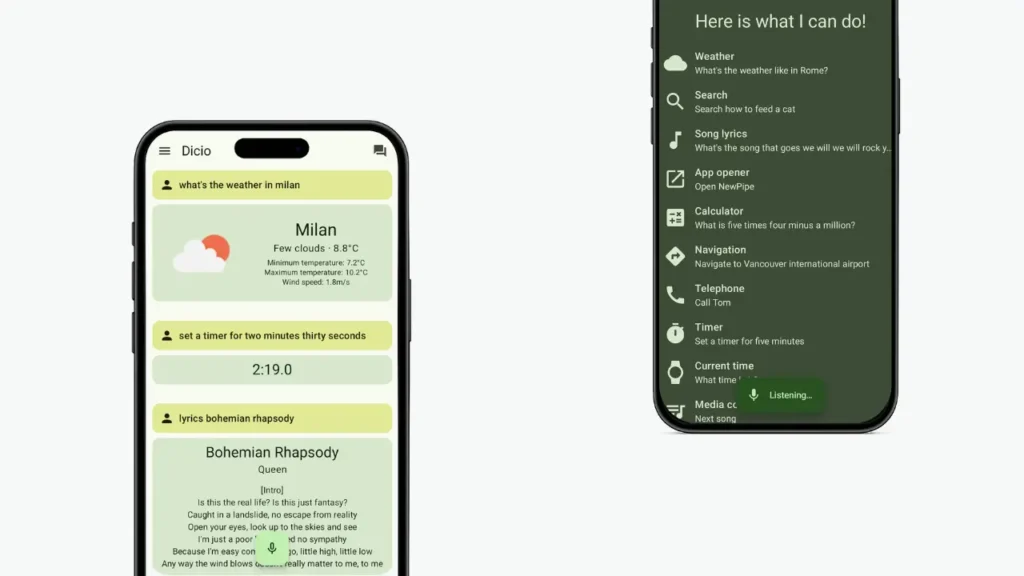
Dicio is an open-source, on-device speech-to-text app that lets you dictate notes, ideas, or messages completely offline. Once it’s set up, your voice never leaves your phone.
Its perfect for quick thoughts, journaling, or work notes when you care about privacy or simply wanna work offline
What’s Special About Dicio??
- Fully offline speech recognition
- Open-source and privacy-first
- No accounts, no cloud processing
- Great accuracy for everyday dictation
Best for: Notes, journaling, quick drafts, and anyone who prefers speaking over typing.
Platform: Android
5. ToolNeuron
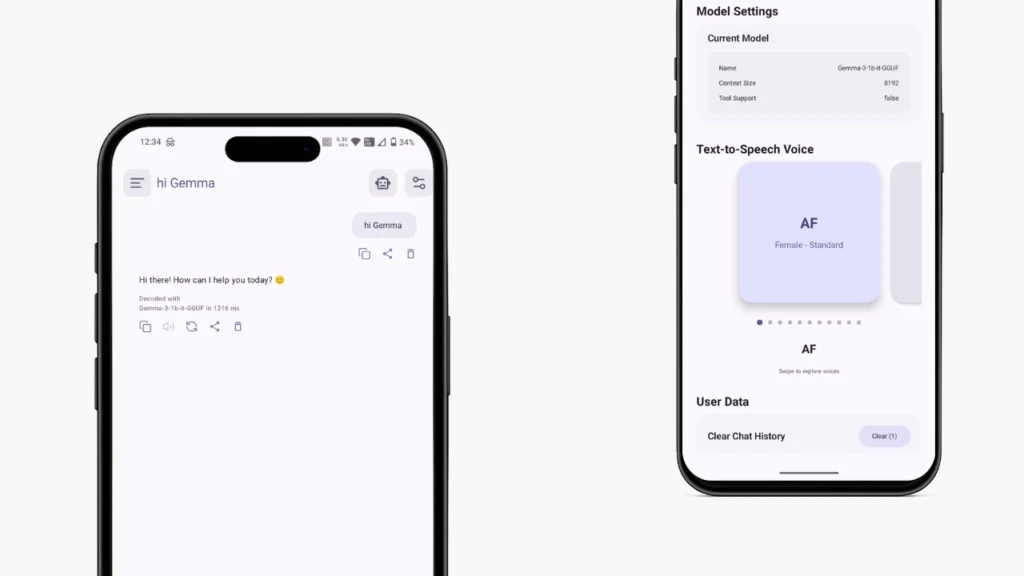
ToolNeuron gives you offline speech-to-text & text-to-speech. You can dictate notes, commands, or ideas without your voice ever leaving your device, and switch between high-quality voices once they’re downloaded. Each voice model lives entirely on your phone, so there’s no internet dependency once setup is done.
It can also run many local AI models (GGUF) like Gemma and others offline in your phone. Its a free & open source app.
What’s Special About ToolNeuron??
- Works offline once Models downloaded
- Manage datasets, knowledge packs, and metadata efficiently.
- Provides with multiple Plugins Support
- Free & Open Source
Best for: Offline AI chat, speech-to-text & text-to-speech
Platform: Android
Bonus: ImageToolBox
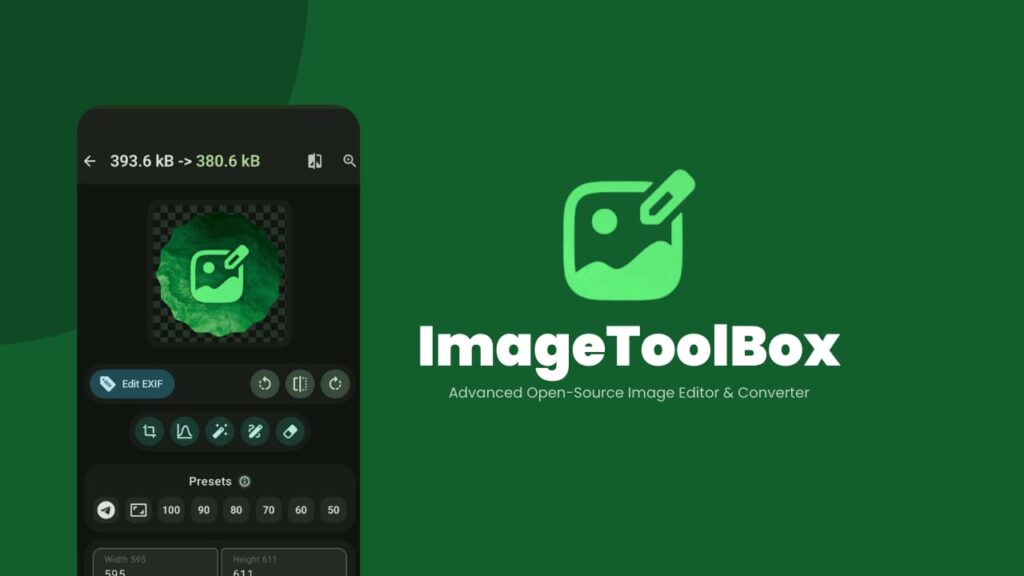
If you often edit images on your phone but don’t like the idea of your photos being uploaded to random servers, ImageToolbox is one of those apps that quietly becomes indispensable.
I use ImageToolbox whenever I need to crop, resize, compress, remove metadata, or even enhance images completely offline. Once it’s installed, most everyday image tasks don’t require any internet connection at all.
Even features like background removal, OCR, watermarking, and AI-based image enhancement can run locally using open-source models. Your images stay on your device, exactly where they should.
It’s one of those rare Android apps that respects both your privacy and your time.
Why ImageToolbox stands out??
- Works fully offline for most features
- Open-source and transparent about permissions
- No analytics, trackers, or forced cloud usage
- Powerful batch processing and advanced editing tools
- Optional local AI features for enhancement and background removal
ImageToolbox requires the following:
- Storage access (to edit and save images)
- Optional internet access only for downloading updates or models
Best for: Privacy-conscious users, photographers, creators, and anyone who wants serious image editing on Android without cloud dependency.
Platform: Android
Wrapping Up
What makes these apps special isn’t just that they use AI, it’s where that AI runs. Instead of sending your data to distant servers, these tools put real intelligence directly on your phone. That means faster responses, better privacy, and tools that work even when your internet doesn’t.
Open source on-device AI is still early, but these apps already prove how powerful it can be. If it’s enhancing photos, typing with your voice, chatting offline, or running smart utilities without cloud dependency, they show that your smartphone is far more capable than most people realize.