


File Information
| File | Details |
|---|---|
| Name | Glaxnimate |
| Version | 0.5.4 |
| File Format Provided | .zip (Windows installer) • .dmg (macOS) • .AppImage (Linux) |
| Platforms | Windows • macOS • Linux |
| License | Open Source (GPL v3.0 License) |
| Size | 170MB (Windows) , 18.5MB (macOS) , 174MB (Linux) |
| Official Repository | GitHub glaxnimate |
| Official Site | glaxnimate |
| Category | Vector Animation • Motion Design |
Table of contents
Description
Glaxnimate is a fast, simple, and open-source vector animation & motion design desktop application built for designers, developers, and creators who want full control over their animations.
It allows you to create smooth vector animations, export them for the web, and work across platforms using a clean and customizable interface. If you’re designing Lottie animations, animated SVGs, or lightweight motion graphics, Glaxnimate offers a powerful yet beginner-friendly workflow.
Use Cases
- Creating Lottie animations for websites and mobile apps
- Designing animated SVGs for UI and web graphics
- Making lightweight motion graphics without heavy tools
- Exporting animated GIFs or WebP files
- Learning vector animation with open-source tools
Screenshots
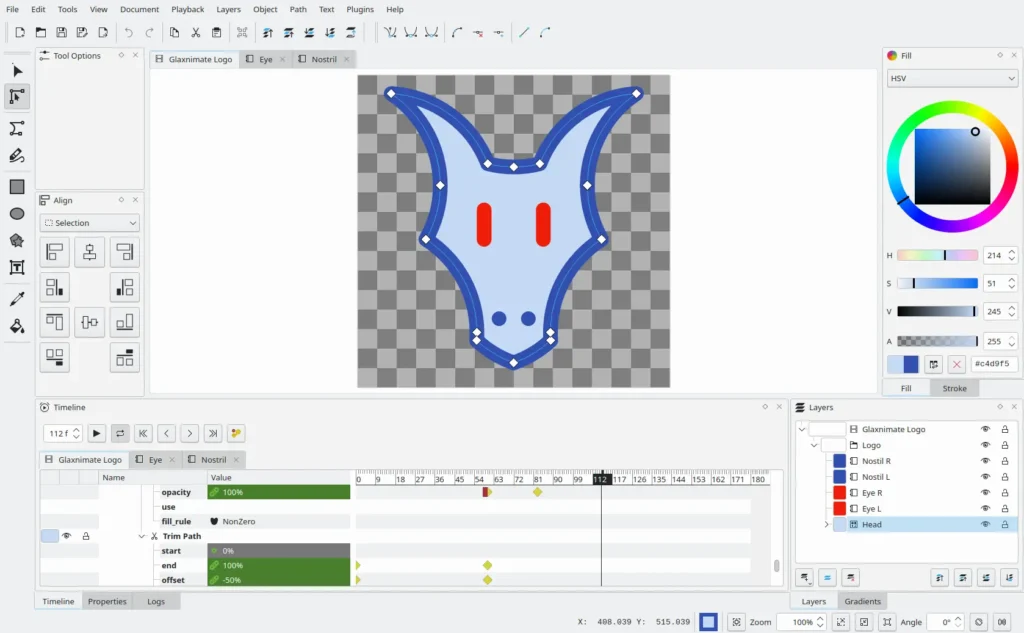
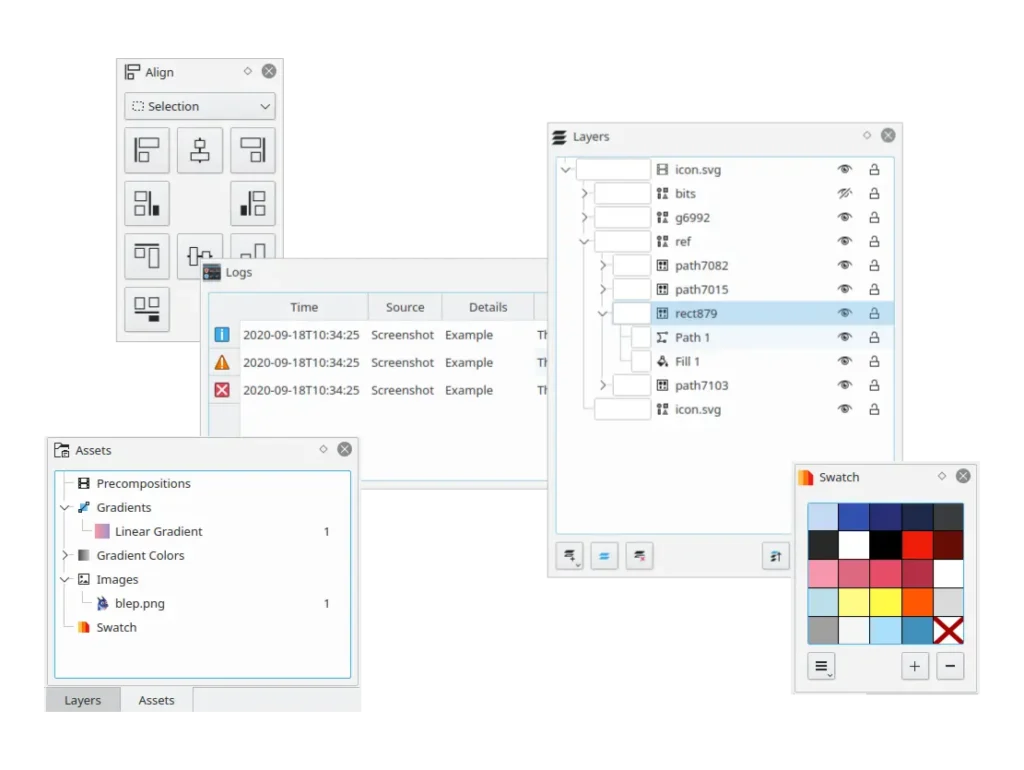
Features of Glaxnimate
| Feature | Description |
|---|---|
| Customizable Interface | Dark & light themes, icon themes, and dockable panels |
| Smooth Vector Animations | Tweening-based animations with definite control |
| Cross-Platform Support | Works on Windows, macOS, & Linux |
| Web-Friendly Exports | Lottie, Animated SVG, GIF, and WebP support |
| Extensible with Python | Create scripts, automate tasks, or build plugins |
System Requirements
| Platform | Minimum Requirements |
|---|---|
| Windows | Windows 10 or newer • 64-bit • 4 GB RAM |
| macOS | macOS 10.15 or newer • Intel / Apple Silicon • 4 GB RAM |
| Linux | Any modern Linux distro • 64-bit • 4 GB RAM |
How to Install Glaxnimate??
Before jumping on the installation part, download Glaxnimate from the download section and make sure to choose the file as per your system OS.
Windows (.zip)
- Download the .zip file
- Extract the archive
- Run the included Windows installer
- Launch Glaxnimate from the Start Menu
macOS (.dmg)
- Download the .dmg file
- Open the file
- Drag Glaxnimate into the Applications folder
- Launch it from Applications
- If blocked, right-click -> Open
Linux (.AppImage)
- Download the .AppImage file
- Right-click -> Properties -> enable Allow executing file as program
- Double-click to run
No installation required.
Recommended For You: OpenToonz: The Best Free Open Source Animation Production Software & Adobe Animate Alternative
Download Glaxnimate Vector Animation & Motion Design Tool
Conclusion
Glaxnimate proves that professional-quality vector animation doesn’t require heavyweight tools. With its clean UI, smooth animation system, and strong export options, it’s an excellent open-source alternative for motion designers, UI designers, and web creators.
If you’re looking for a cross-platform, privacy-friendly, and flexible vector animation tool, Glaxnimate is absolutely worth trying.




